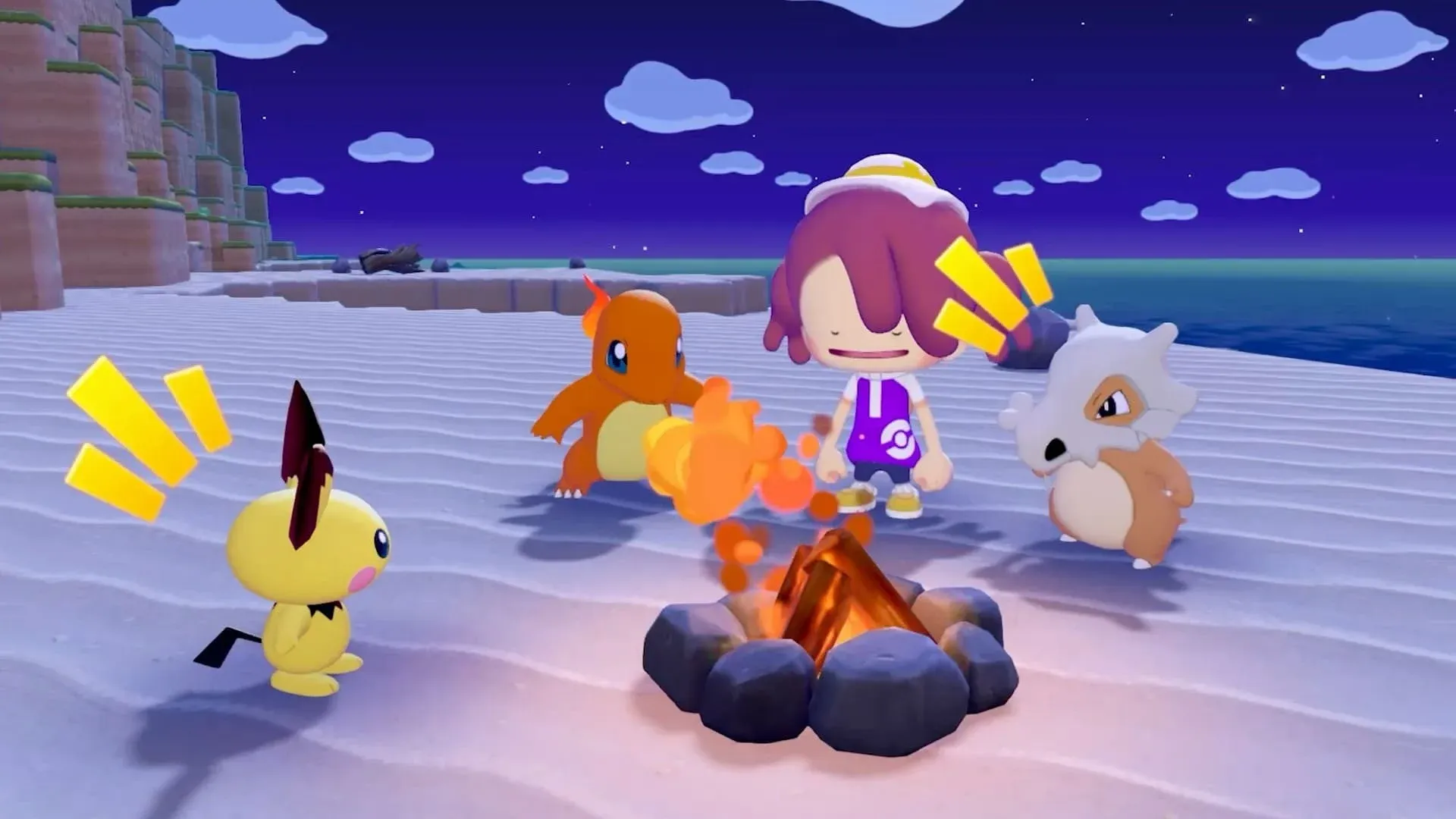


Pokémon Pokopia ties its entire world to the real-world clock on your Nintendo Switch 2, meaning the sun rises and sets in your game exactly when it does in your home. That design creates some genuinely exciting moments, but it also means rare Pokémon and major construction timers can feel out of reach if your schedule doesn't line up. The good news is that adjusting the system clock gives you full control over the time of day, and there are zero in-game penalties for doing it.
How Does Time Work in Pokémon Pokopia?
Pokémon Pokopia operates on a real-time clock system, similar to Animal Crossing: New Horizons. The game reads the internal clock of your Nintendo Switch 2 and reflects that time directly in the world. The sky changes color, weather shifts, and Pokémon availability rotates based on four distinct time periods.
What Are the Time Periods in Pokémon Pokopia?
Each period brings a different atmosphere to the world, and certain Pokémon will only appear during specific windows. If you always play during the day, you could miss night-exclusive encounters entirely without ever realizing it.
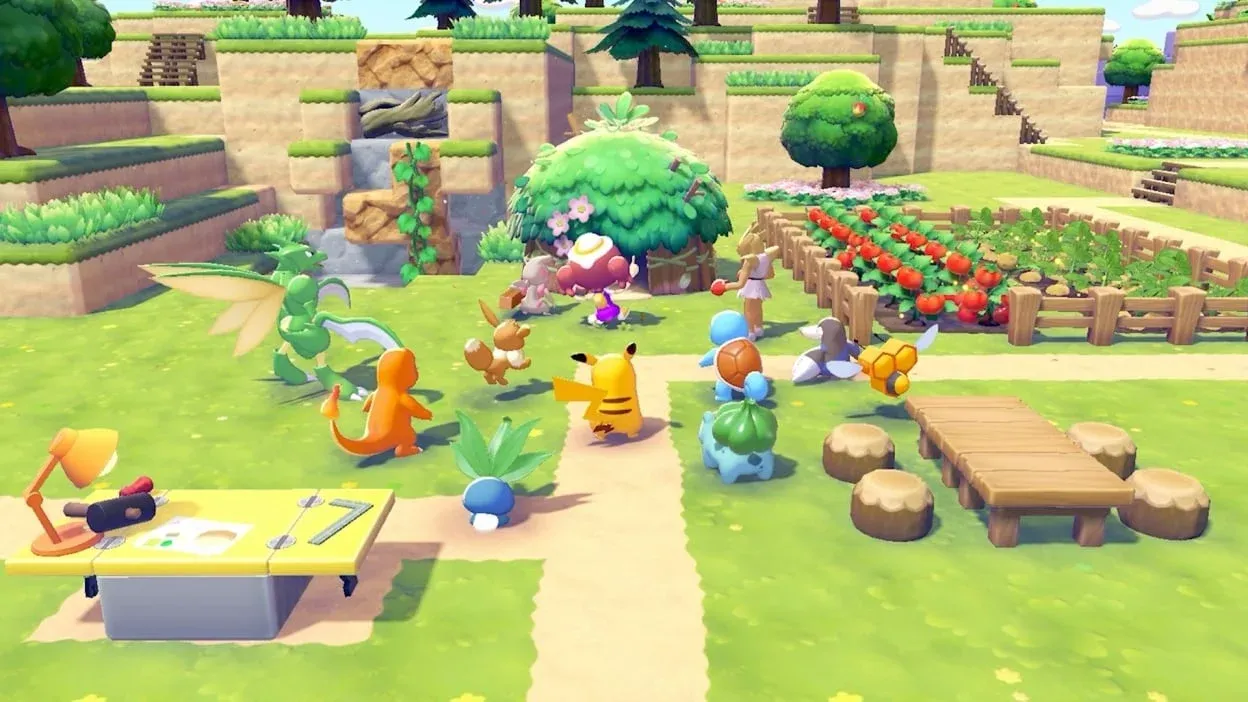
Day and night cycle in Pokopia
Can You Skip Time in Pokémon Pokopia?
Yes, absolutely. Skipping time in Pokémon Pokopia is done entirely through the Nintendo Switch 2 system settings, not through any in-game menu. You adjust the console's internal clock, reload the game, and the world updates to match. There are no penalties, no locked features, and no negative consequences for using this method.
Step-by-Step: How to Change the Time of Day
Follow these steps carefully to time travel in Pokémon Pokopia:
- Save your game before making any changes. This protects your progress in case anything goes wrong during the process.
- From the Nintendo Switch 2 HOME screen, open System Settings. You do not need to close Pokopia first.
- Navigate to System, then select Date and Time.
- Switch Synchronize Clock Using the Internet to OFF. This step is essential, otherwise the console will revert to the real-world time automatically.
- Manually set the date and time to your desired target. Keep in mind that a new in-game day begins at 5 AM, so traveling to 5 AM or later will trigger the start of a fresh day.
- Return to Pokémon Pokopia and resume your session. The game will reflect the updated time immediately.

Adjust clock in System Settings
What Should You Use Time Travel For?
Once you understand the mechanic, there are two primary reasons to adjust the clock in Pokopia.
Encounter Time-Exclusive Pokémon
Some Pokémon in Pokémon Pokopia only appear during specific time windows. If you want to befriend a Pokémon that spawns exclusively at night but you typically play in the afternoon, simply shifting the clock to the Night period (7 PM to 6 AM) lets you encounter them without waiting hours in real life.
This is particularly useful for players with limited play sessions who want to fill out their Pokédex without being locked out by their own schedule.
Speed Up Building Construction
Large construction projects in Pokopia, such as rebuilding Pokémon Centers scattered across the map, require Building Kits and can take up to a full real-world day to complete. Jumping the clock forward lets you finish these projects instantly, which also means unlocking story progression tied to those buildings without the wait.
Unlock Special Event Content Early
By setting your date and time to match the start window of an upcoming in-game event, you can access that content before it would naturally appear in your playthrough. This is handy for time-sensitive rewards or event-specific Pokémon encounters.

Construction timer for Pokémon Center
Are There Any Penalties for Time Traveling?
No. Pokémon Pokopia does not punish players for adjusting the system clock. Unlike some games that lock features or reset progress when they detect time manipulation, Pokopia treats the adjusted clock as the new real time and simply continues from there. You can time travel as frequently as you want without any in-game consequences.