Search games, articles, guides...CtrlK
Sign InGet Started
Discover how to play Pokémon Pokopia on Nintendo Switch 1 using the GameShare feature and what players can access through Palette Town multiplayer.

Written by Larc
Content Writer
See more GAMES.GG guides on Google
Add us as a preferred source and our guides show up first in your results.
Pokémon Pokopia Guide: How to Build the Exciting Beach Habitat for Feebas
Build Feebas's Exciting Beach Habitat in Pokémon Pokopia with just two items and complete the Fetching Scales event.
Pokémon Pokopia Guide: How to Build the Marine Leisure Activities Habitat
Build the Marine Leisure Activities Habitat in Pokémon Pokopia with 3 event items and attract Milotic to your island.
Pokémon Pokopia Fetching Scales for Feebas Event Guide
Collect Prism Scales, unlock swimming-themed furniture, and build habitats for Feebas and Milotic before August 28.
Pokémon Pokopia is a Nintendo Switch 2 exclusive developed by Koei Tecmo, but that doesn't mean Switch 1 owners are completely left out. Thanks to the GameShare feature, you can still jump into Pokopia on your original Switch console, as long as someone nearby has the game running on a Switch 2. There are some important restrictions to know before you get started, so here's exactly what to expect and how to make it work.
No.Pokémon Pokopia is not available for purchase on Nintendo Switch 1. The game is a Switch 2 exclusive, meaning you cannot download or buy it independently on the older hardware. The only way to access Pokopia on a Switch 1 is through the GameShare multiplayer feature, which requires a nearby Switch 2 player who already owns the game.
GameShare is a local wireless feature built into the Nintendo Switch system that allows a Switch 2 owner to invite nearby players, including those on Switch 1 consoles, into a shared multiplayer session. In Pokopia, this access is restricted to Palette Town, a specific multiplayer mode within the game. The host must own Pokopia on Switch 2 and have Palette Town unlocked before sending any invites.
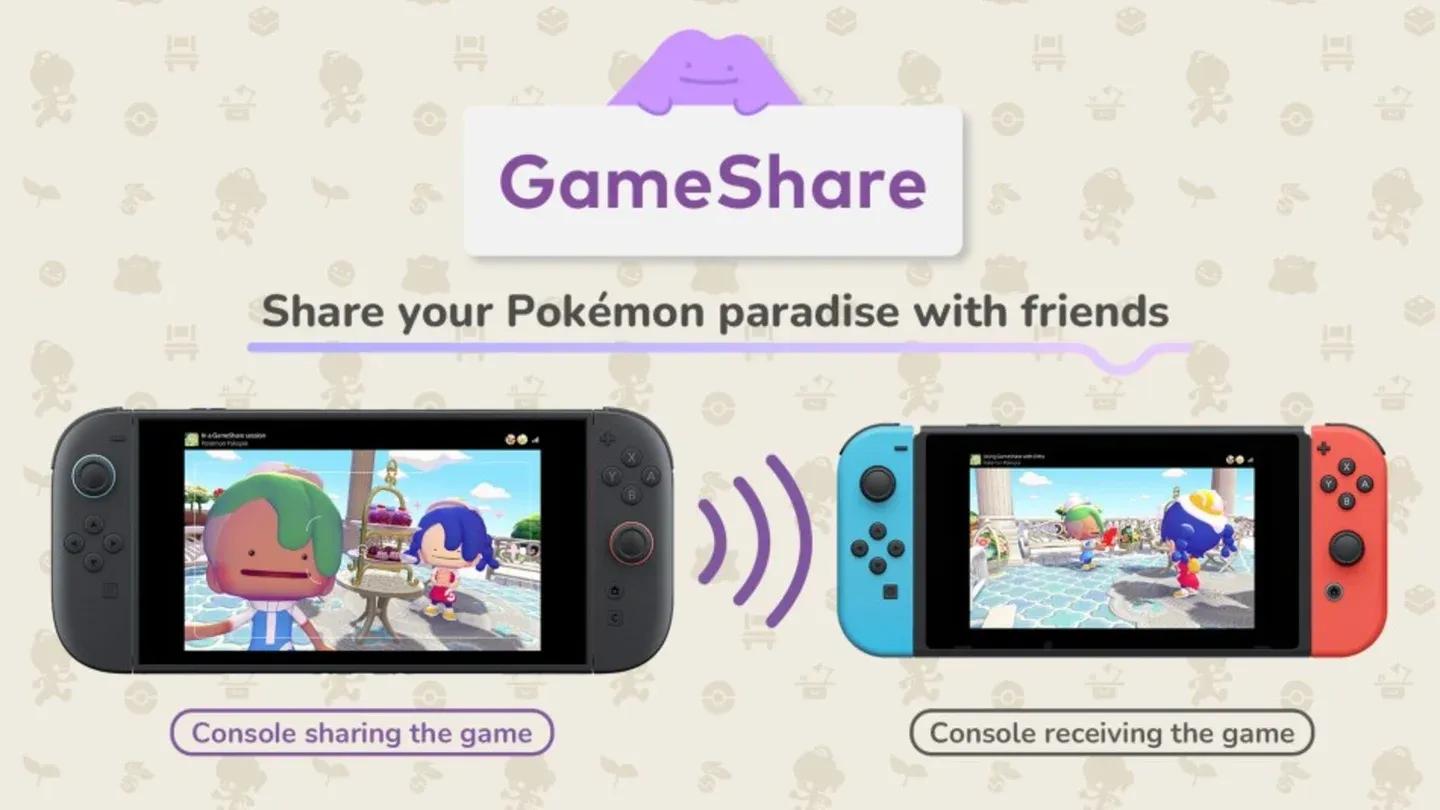
GameShare on Switch Home Menu
Before GameShare can be used, the Switch 2 player hosting the session must unlock Palette Town by completing the introductory section of Pokopia. This progression requirement isn't particularly long, but it does mean brand-new players cannot immediately invite Switch 1 friends into a session.
Once Palette Town is unlocked on the host's Switch 2, follow these steps to get a Switch 1 player into the game.
That's the full process for Switch 1 players. No additional steps are required once you select 'Join GameShare' on the Home Menu.
It's worth being clear about what Switch 1 players can and cannot do through GameShare in Pokopia.
| Feature | Switch 2 Owner | Switch 1 via GameShare |
|---|---|---|
| Main Story | Yes | No |
| Personal Island Progression | Yes | No |
| Palette Town Multiplayer | Yes | Yes |
| Standard Co-op Modes | Yes | No |
| Game Purchase | Yes | No |
The Switch 1 experience through GameShare is genuinely limited. You're joining as a guest in Palette Town only, with no ability to carry over progress or access the broader Pokopia world. If you want the full experience, including building your own island and exploring all habitats, a Nintendo Switch 2 is required.
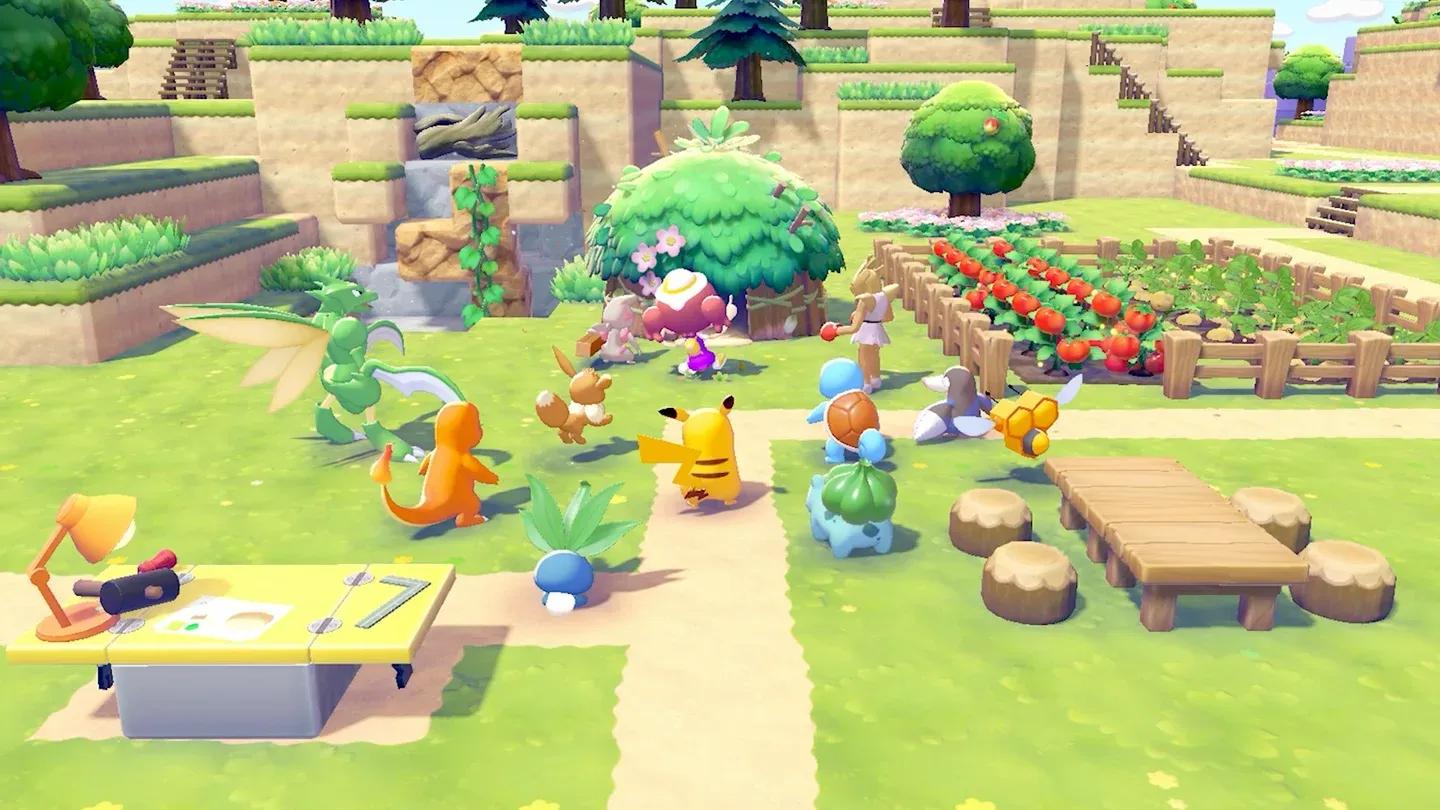
Full island mode on Switch 2 only
Pokémon Pokopia represents Nintendo's push into its next hardware generation. As a Switch 2 exclusive, it's designed to take full advantage of the newer console's capabilities. This exclusive approach is expected to become more common as Nintendo transitions its major releases to Switch 2, making GameShare a useful bridge feature for households with mixed hardware.
The game itself puts players in control of a Ditto with the ability to transform into a human, tasked with rebuilding the world in a life simulation format. It's a notable departure from traditional Pokémon gameplay, and early reception has been strong, with Pokopia earning recognition as the highest-rated Pokémon game in franchise history based on critic scores at launch.