Search games, articles, guides...CtrlK
Sign InGet Started
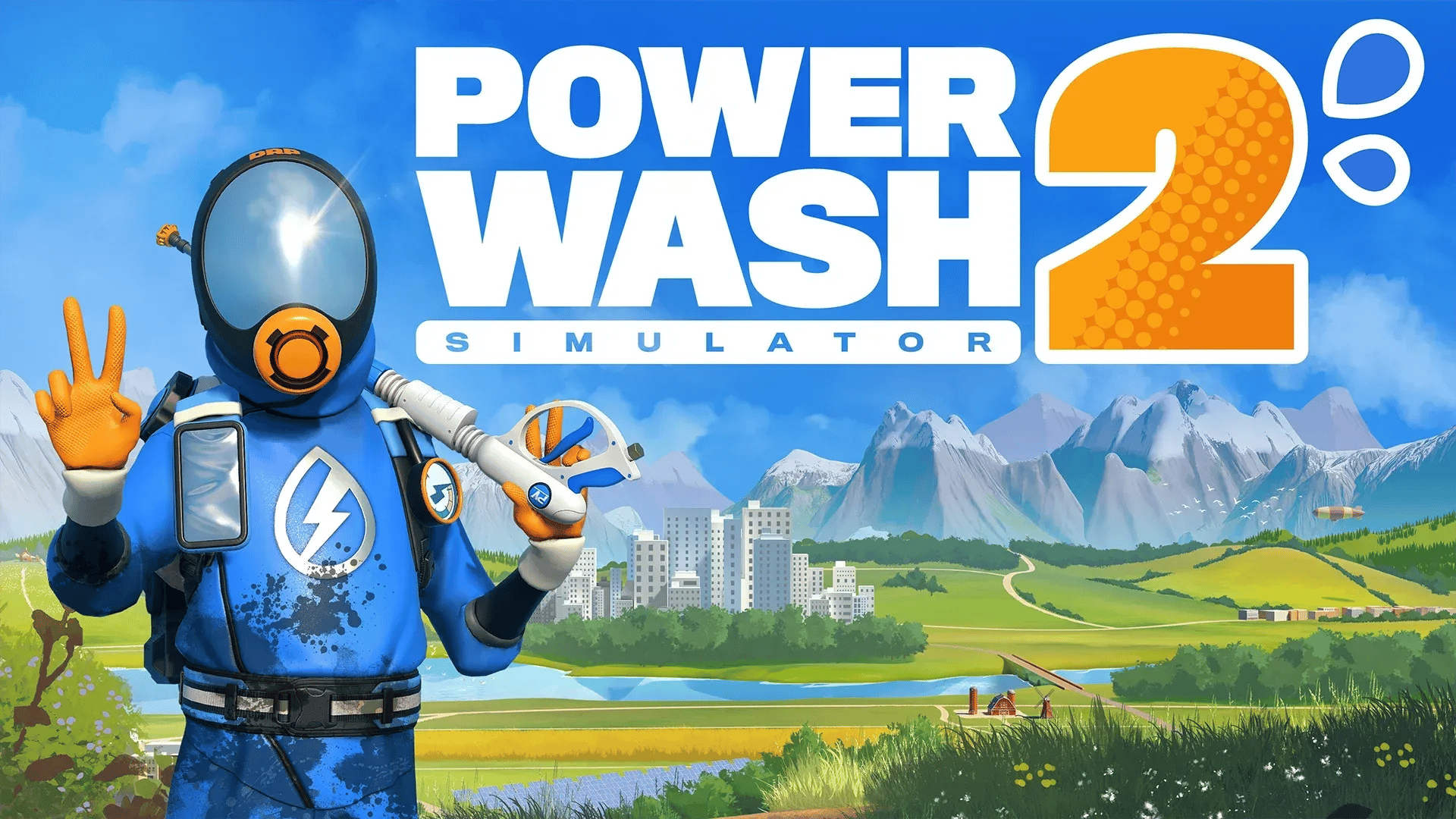
Update 1.2 brings key rebinding, controller deadzone sliders, a free Miniature Village level, and dozens of bug fixes to PowerWash Simulator 2.

Written by Nuwel
Content Writer
See more GAMES.GG guides on Google
Add us as a preferred source and our guides show up first in your results.
PowerWash Simulator 2: Complete Achievement and Trophy Guide
All 40 PowerWash Simulator 2 achievements explained, from petting cats to riding roller coasters. Get every trophy with this complete guide.
PowerWash Simulator 2 Career Mode: Cash Tracking Guide
Master Career Mode in PowerWash Simulator 2 with the latest patch fixes, cash tracking tips, and job progression strategies.
PowerWash Simulator Graphics Settings Guide for Best Performance
Get the best visuals and frame rates in PowerWash Simulator with these optimized graphics settings for every PC setup.
PowerWash Simulator 2 finally delivered the feature players have been asking for since launch: full key rebinding. Update 1.2, released on March 10-11, 2026 by developer FuturLab, also ships a free new level called the Miniature Village, controller deadzone sliders, stackable home base furniture, and a long list of bug fixes across every platform. Here's everything you need to know about what changed and how to make the most of it.
The headliner is key rebinding. Before this patch, both keyboard and controller layouts were locked to the default Modern and Classic presets, which frustrated players who wanted custom setups. Steam community discussions on control remapping made it clear that this was the number one request, and FuturLab confirmed it was their top priority. That promise is now delivered.
Beyond remapping, the update adds Controller Deadzone Sliders, which let you fine-tune how much stick movement registers before the game reacts. If your controller has any drift or you just prefer a tighter or looser feel, this setting is worth adjusting immediately.
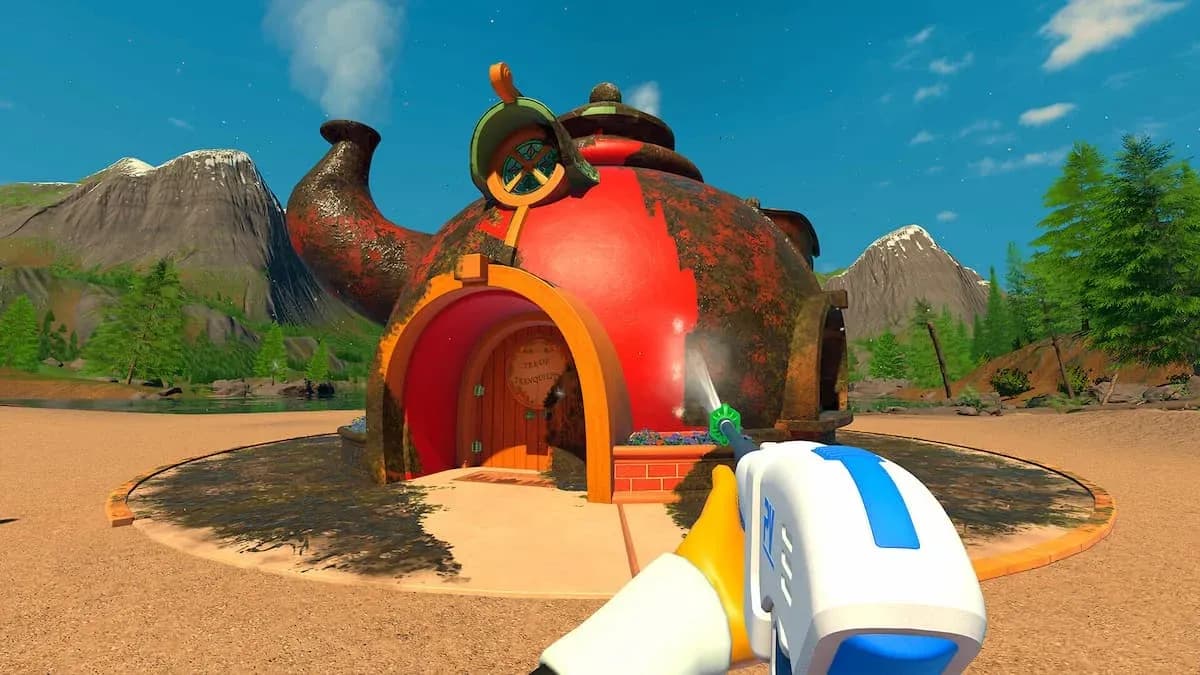
The Miniature Village is the first free level from the Caldera Chronicles expansion track. Set inside Three Rivers National Park, the tiny Nutsville village spans a harbour, a viaduct, and an observatory. It's a full-sized job despite the miniature theme, and it's available to all players at no extra cost.
Remap keys in settings
The game previously had no keybinding support at all. Update 1.2 changes that. To access the new system:
Controller players also benefit from the new deadzone sliders. These appear in the same Controls section and let you set a minimum threshold for stick input. A value of 0 means any stick movement registers; higher values require more deliberate input before the game responds.
More details are available in the PowerWash Simulator 2 keybind guide.
The 1.2 update covers five distinct areas. Here's a structured summary:
| Category | Key Changes |
|---|---|
| Key Features | Key rebinding, controller deadzone sliders, stackable furniture, Miniature Village level |
| Achievements & Jobs | Purr Bonding fix (Home Base only), gnome placement in Tea Time, Rise and Shine adjustments, Fun House invisible wall removed |
| Gameplay & QoL | Lock Mouse to Screen fixed, crosshair swap bug fixed, shop/customisation language bug fixed, frame rate updates |
| Multiplayer | Freeplay vs Multiplayer save fix, soap recall fixed, Washer Beam VFX re-aligned, timelapse consistency fixed |
| Platform-Specific | Switch 2: more frequent autosaves, Mount Rushless performance fix; Xbox Series X/S: Solar System Exhibit crash fixed |
Several achievement bugs got cleaned up. Purr Bonding was triggering in unintended locations and now only unlocks in the Home Base. Gnome placement in the Tea Time job was off, and Rise and Shine received timing adjustments. The Fun House job lost its invisible wall in the Sound Hallway, which was blocking movement without any visual indication.
On the items side, navigation equipment no longer sticks to your hands after use. Ladder placement had a persistent bug that's now resolved, and dirty furniture can be recalled in the Home Base again.
The Lock Mouse to Screen toggle was broken for some setups and is now functioning correctly. Switching from soap to the base nozzle was causing crosshair display issues, which is fixed. The shop and customisation windows were loading blank when the game launched in certain non-English languages, a bug that affected a notable portion of the player base.
Endgame music no longer cuts out when you reconnect a controller mid-celebration, which was a surprisingly annoying edge case. Frame rate received general improvements across the board.
Multiplayer had a save tracking problem where Freeplay progress was bleeding into Multiplayer session records. That's corrected. Soap recall in co-op sessions was also broken, which could leave players without their preferred soap type mid-job.
Washer Beam VFX were slightly misaligned visually, and the timelapse feature now plays consistently whether you're in solo or co-op. Players leaving a session now trigger the correct client notification.
Nintendo Switch 2 players get more frequent autosaves, which reduces the risk of losing progress on longer jobs. Performance in the Mount Rushless job was degraded on Switch 2 and has been improved. On Xbox Series X/S, the Solar System Exhibit map was crashing outright and is now stable.
The default layouts work fine for most players, but if you have any accessibility needs, prefer WASD alternatives, or just want spray controls on a more comfortable key, the new system gives you that flexibility. A few practical suggestions based on testing the controls:
If you're on controller, start with the deadzone slider at its default, then adjust down if you find the aim feeling sluggish, or up if your stick has any drift.
Nozzle key assignment screen
The Miniature Village in Three Rivers National Park is the first level from the Caldera Chronicles content track and it's free for all players. The job covers the Nutsville harbour, a viaduct, an observatory, and surrounding structures. Despite the miniature scale of the in-game objects, FuturLab describes it as "no small job," suggesting the surface area and detail level are on par with standard career levels.
This is a good entry point for players returning after a break, since it's fresh content that doesn't require any story progression to access.
For more gaming guides and updates, browse the latest guides on GAMES.GG.