
The Cosmetics Update brought a lot to R.E.P.O., but Tax Tokens are the piece most players are still wrapping their heads around. They are not dropped by enemies, not purchased with in-game cash, and they do not spawn as physical pickups on the floor. The whole system runs through colored boxes hidden in levels, and if you do not know how it works, you will walk right past free cosmetics every run.
How do Tax Tokens work in R.E.P.O.?
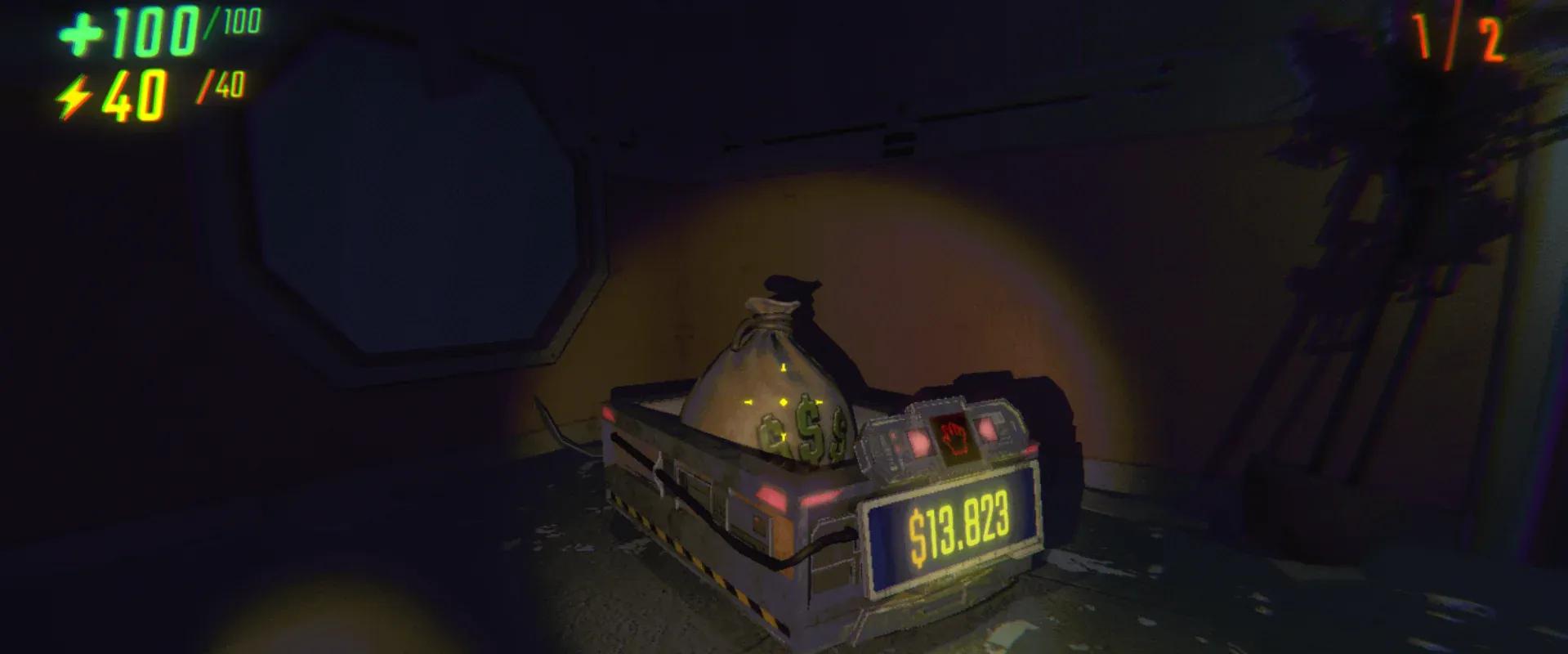
Tax Tokens are a secondary currency introduced in the Cosmetics Update, separate from the main money used to hit your quota. They appear as icons in the bottom-right corner of your screen after you extract cosmetic boxes found inside levels. One box placed on an Extraction Point equals one Tax Token. The tokens carry across save files, so nothing is lost between sessions.
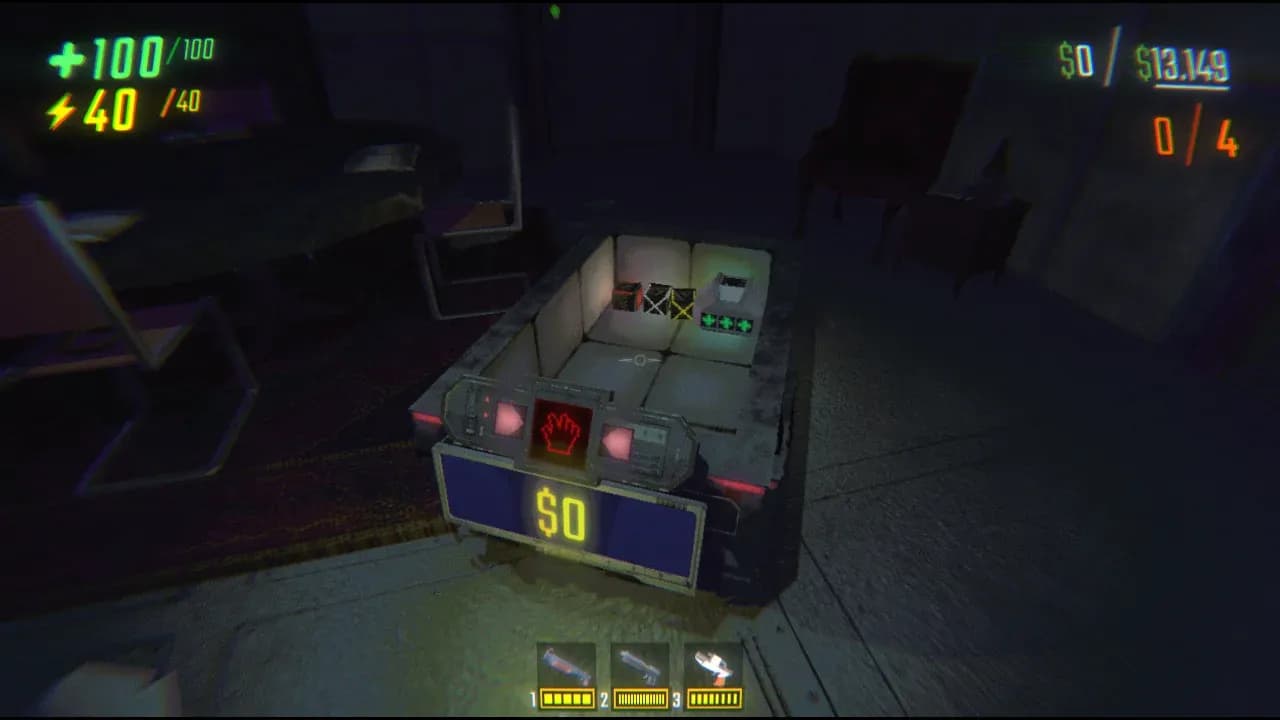
Cosmetic box on extraction point
What are the cosmetic box rarities?
Every level can contain up to four box types, each tied to a different rarity tier. The color of the box determines the rarity of the cosmetic token you receive:
| Box Color | Rarity |
|---|---|
| Green | Common |
| Blue | Uncommon |
| Purple | Rare |
| Yellow | Legendary |
The chances of finding higher-rarity boxes increase the further you progress in a run, similar to how monster spawn rates scale over time. Early levels will mostly yield green boxes, so do not expect legendaries right away.
How to find cosmetic boxes in levels
Boxes do not glow or announce themselves, so treat them the same way you treat any Valuable: scan rooms carefully and check corners. Each box has a health bar, just like a semibot. This matters more than it sounds.
- Boxes take fall damage and knockback damage.
- If a box's HP hits zero, the cosmetic tied to it is permanently destroyed.
- You can transfer your own health to a box the same way you would heal a teammate.
Handle boxes carefully. Tossing one down a staircase to save time is how you turn a Legendary into nothing.
Where do you spend Tax Tokens?
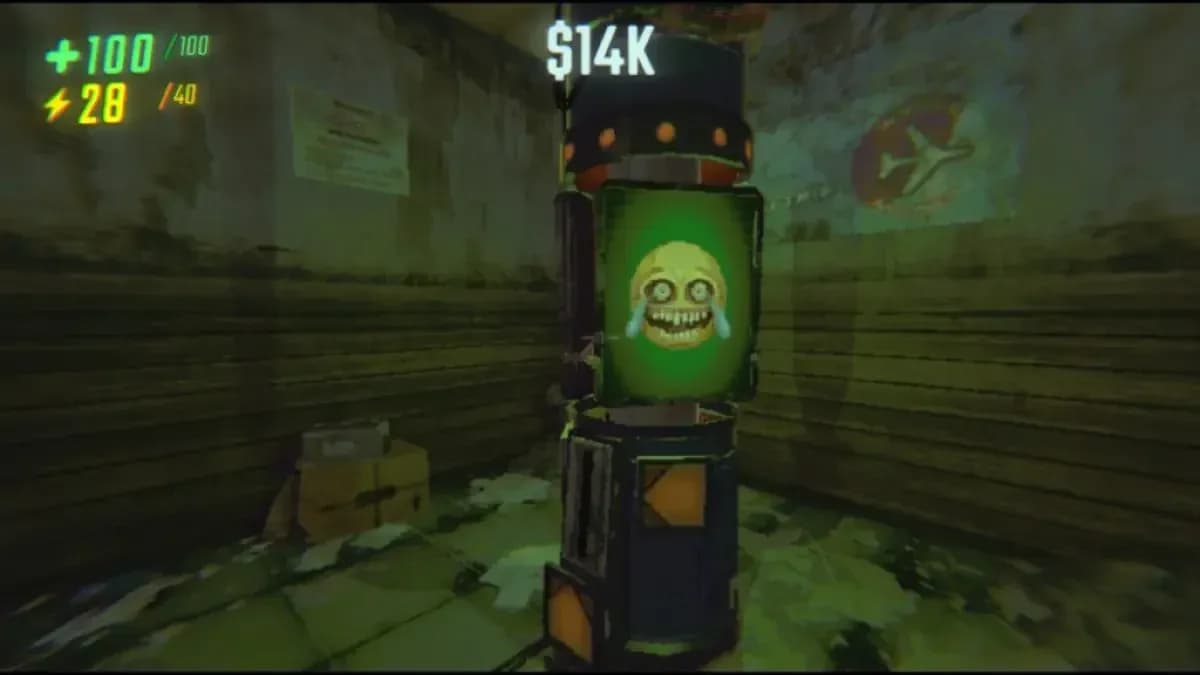
Back at the Service Station, look for a pillar emitting a green light with a spinning cry-laugh emoji displayed at the top. That is the Tax Token dispenser. Walk up to it and press E to insert one token. Each use awards one random cosmetic from the pool matching that token's rarity. Tokens are single-use and disappear after redemption.
After spending, open the Customize option in the menu to see what you unlocked and equip it to your semibot.
Tax Token HUD icons by rarity
Should you spend tokens immediately or save them?
The honest answer depends on your situation. Tokens accumulate across sessions, so there is no urgency to spend them the moment you return to the truck. If you are running low on cash and have Uncommon or better tokens sitting unused, spending them at the dispenser gives you both a cosmetic and a small cash injection. If cosmetics are your priority, save tokens until you have a stack and spend them in bulk for a satisfying haul.
The one thing to avoid is forgetting about them entirely. Unused tokens stay on your screen as persistent icons, which is a constant reminder, but it is easy to tune out UI clutter after a few hours in co-op games like this one.
For more strategies and system breakdowns, the R.E.P.O. strategy guides collection has you covered across every mechanic the Cosmetics Update introduced.