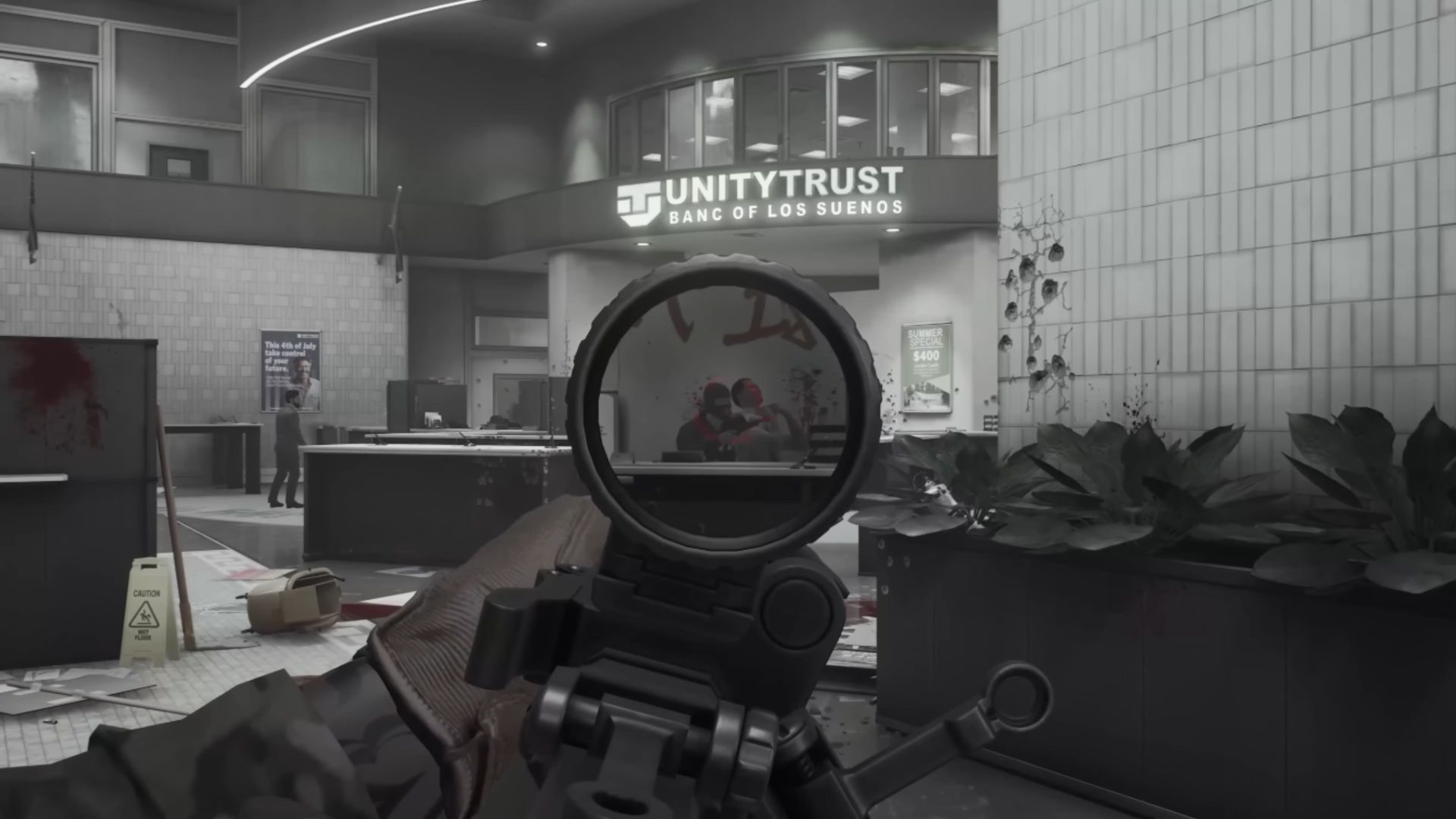

What Is CS Gas in Ready or Not?
CS Gas stands out among Ready or Not's less-lethal toolkit because it works differently than instant-effect tools like Flashbangs or Stinger Grenades. Where those deliver a quick burst and fade, CS Gas creates a persistent area-denial cloud that gradually forces suspects and civilians into compliance. Understanding when to deploy it — and when to skip it — is what separates methodical operators from reactive ones. The recent Boiling Point update (v1.4.1) changed how this grenade performs in several important ways, so you need to understand the current mechanics before bringing it into a mission.
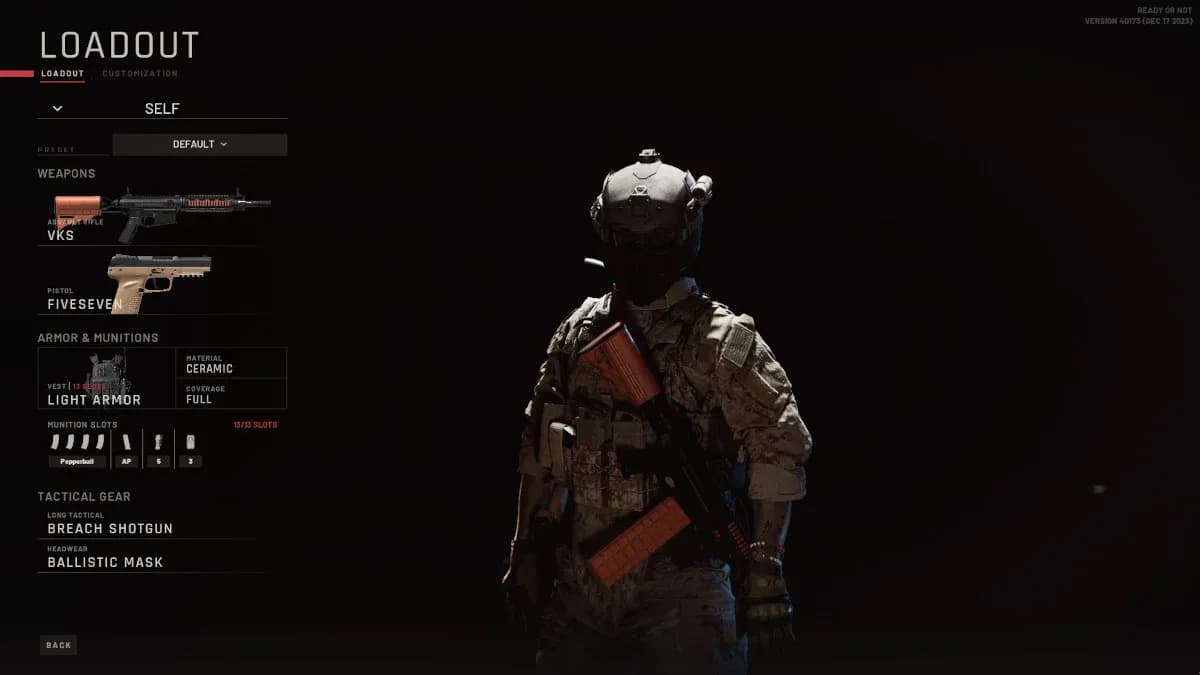
CS Gas in loadout selection

How Does CS Gas Work?
CS Gas is a less-lethal grenade built for room clearing in tight spaces. When it detonates, it releases a tear gas cloud that affects any suspect or civilian standing in its area of effect (AoE).
Targets caught in the cloud experience these effects:
- They start coughing, which is your audio confirmation that the gas is working
- Movement speed drops by roughly 10-20% (community testing is still refining exact values)
- The screen effect for affected players shows severe reddening, making navigation difficult
- Suspects and civilians are pushed toward surrender, guaranteeing compliance if they stay in the cloud
The most important mechanical detail is the duration: CS Gas lingers in the air for 22 seconds before fully dissipating. That is significantly longer than any flashbang effect, which means a single grenade can hold a room or hallway in a suppressed state while your team stacks up and moves in.
What Changed in the Boiling Point v1.4.1 Update?
The Boiling Point update delivered a significant buff to CS Gas effectiveness. The grenade's ability to suppress suspects was enhanced, with the most noticeable improvement occurring on Hard difficulty.
Before this patch, there was a documented bug where suspects could physically step out of a CS Gas cloud before the gas had time to affect them. This was fixed in v1.4.1, which means suspects can no longer escape the AoE without being suppressed first.
A separate bug was also corrected where CS Gas grenades fired from launchers had an incorrectly small radius, particularly on Hard difficulty. The launcher-deployed CS Gas now functions with the proper AoE size, making it a viable delivery method again.
| Issue | Pre-Patch Behavior | Post-Patch (v1.4.1) |
|---|---|---|
| Suspect stepping out of cloud | Could escape before being affected | Fixed, suspects are suppressed before escaping |
| Launcher-fired CS Gas radius | Too small, especially on Hard | Corrected to proper AoE size |
| Hard difficulty effectiveness | Noticeably weaker | Significantly improved |
| Launcher gas affecting player | Did not affect the player | Now correctly affects the player too |
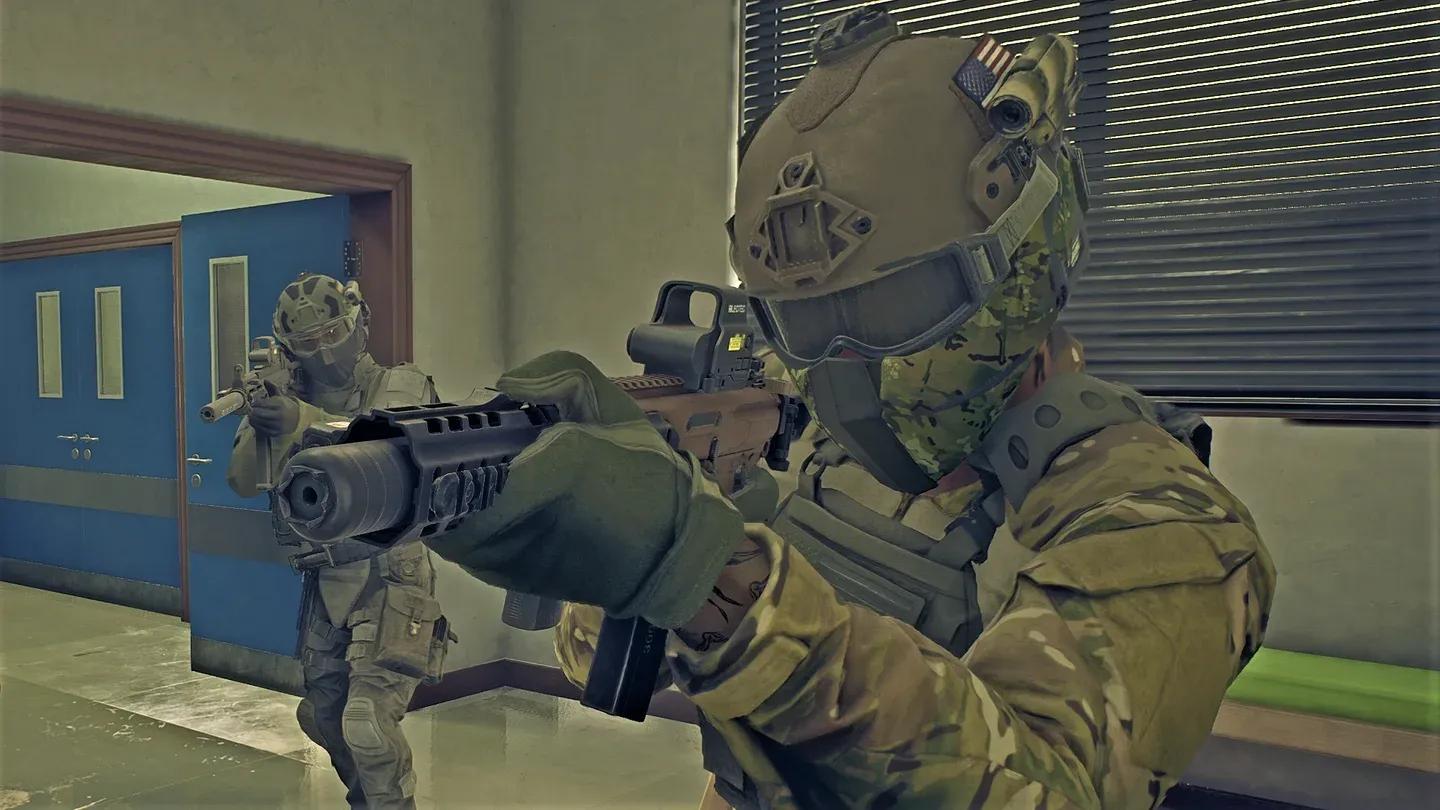
Suspect caught in CS Gas cloud
How Do You Counter CS Gas as a Player?
The only way to protect your SWAT officers (both player-controlled and AI teammates) from CS Gas effects is to equip the Gas Mask headgear. Without it, any officer caught in the cloud suffers the same screen reddening and movement penalty as suspects.
This creates a real tactical decision in your loadout:
- Bringing a Gas Mask protects your team from friendly CS Gas deployment
- Leaving the Gas Mask out frees up your headgear slot for Night Vision Goggles or a Ballistic Face Mask
- On missions where you plan heavy CS Gas use, the Gas Mask is essentially mandatory for the deploying officer
Which Suspects Are Immune to CS Gas?
Not every suspect in Ready or Not can be suppressed with CS Gas. Suspects who are already equipped with a Gas Mask will be completely unaffected by the grenade.
The most notable example from the base game is found in A Lethal Obsession (Sullivan's Slope), where certain suspects spawn with gas masks as part of their character setup. Bringing CS Gas into that mission without scouting suspect loadouts first is a wasted equipment slot.
With the Boiling Point DLC, new CQB-focused suspect types were introduced for the expansion's missions. Always use the Optical Wand to scout rooms before deploying gas so you can confirm whether targets are masked or unmasked.
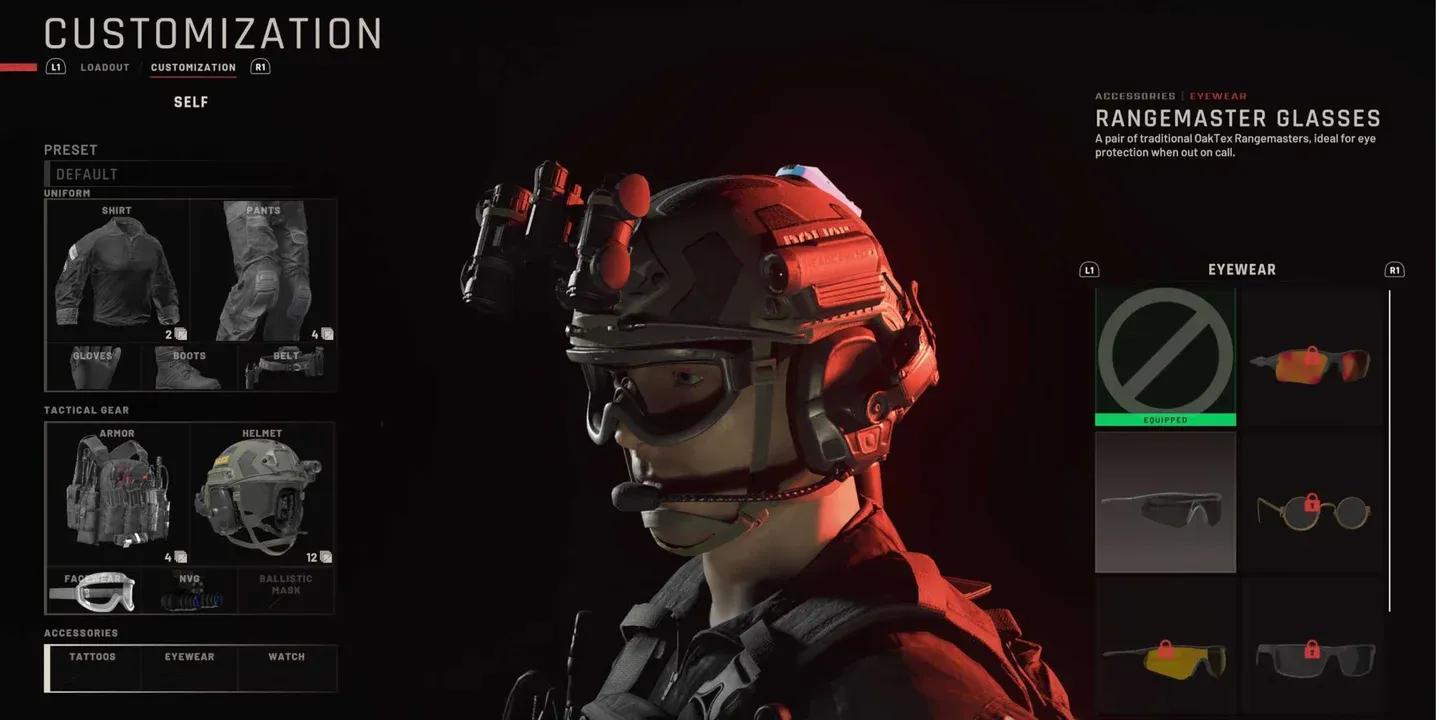
Gas Mask protects from CS effects
How to Use CS Gas Grenades Effectively for Suspect Compliance
Deploying CS Gas well requires more than just throwing it into a room. Here is a practical breakdown of how to get the most out of it:
Deployment Methods
- Hand throw: The standard approach. Cook the grenade slightly before throwing to prevent suspects from kicking it back or fleeing the room before it detonates.
- Launcher-fired: Now fully functional after the v1.4.1 fix. Useful for delivering gas into rooms from a safer distance, particularly through windows or partially open doors.
- Underbarrel launcher: Allows you to keep a primary weapon in hand while still deploying gas, which is valuable in dynamic entry situations.
Tactical Positioning Tips
- Deploy CS Gas before breaching, not after. Throw it through a cracked door or window, wait for the coughing audio cue, then send in your team.
- Use CS Gas to hold stairwells and hallways while your team clears adjacent rooms. The 22-second duration is long enough to prevent suspects from repositioning.
- On Hard difficulty, the improved effectiveness means suspects are more reliably driven to surrender, making CS Gas a higher-value pick than it was before the patch.
- Coordinate with your AI team: order them to stack up on a door while you deploy the gas, then issue the breach command once suspects start coughing.
What CS Gas Cannot Do
- It will not suppress suspects wearing Gas Masks
- It will not instantly drop suspects; it drives them toward surrender over the duration of the cloud
- It is not a substitute for a Flashbang in fast-entry scenarios where you need immediate disorientation rather than sustained suppression
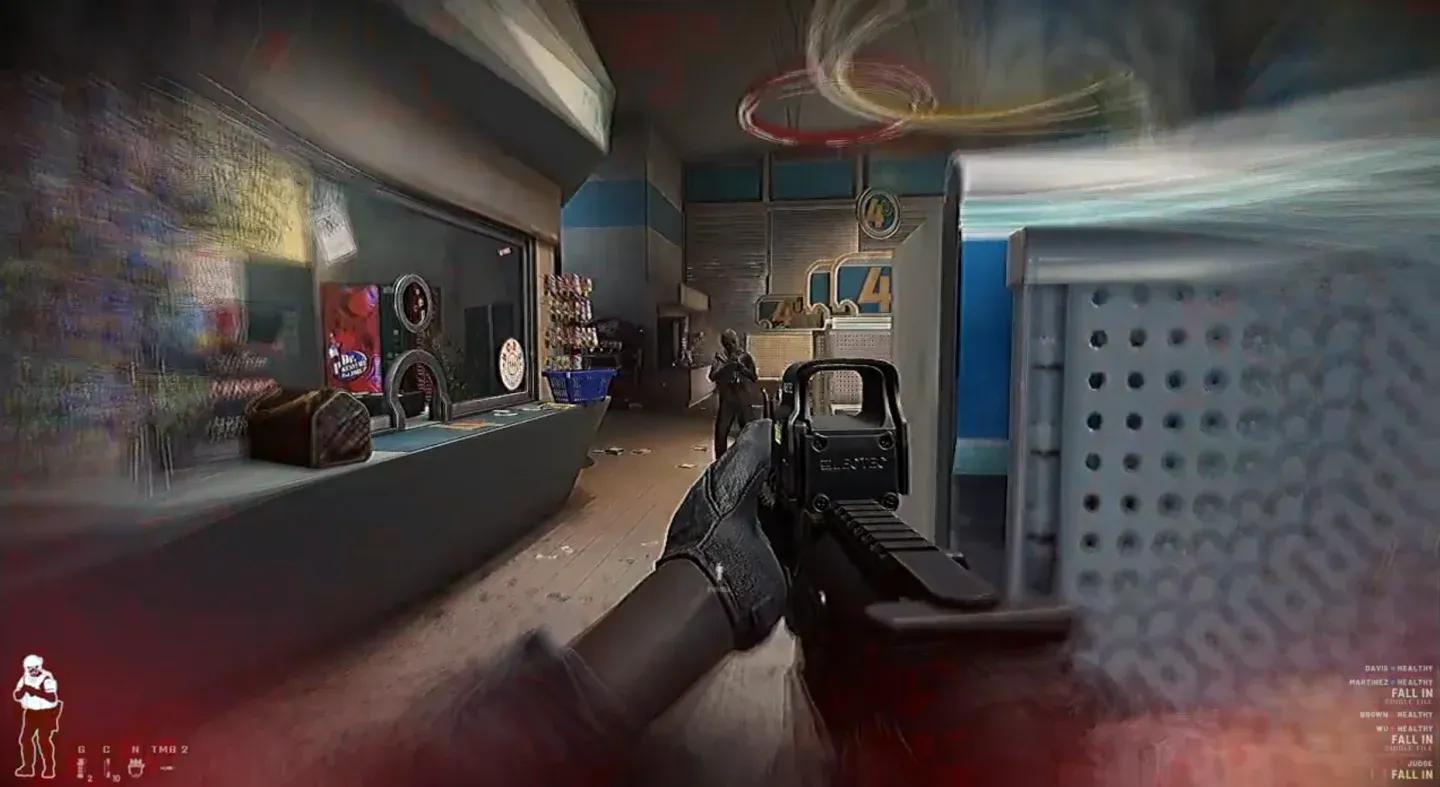
Less-lethal grenade options compared
How Does CS Gas Compare to Other Less-Lethal Grenades?
| Grenade | Effect Type | Duration | Instant Compliance | Gas Mask Counter |
|---|---|---|---|---|
| CS Gas | Lingering AoE cloud | 22 seconds | No (gradual) | Yes |
| Flashbang | Instant flash/bang | Brief stun | Yes (immediate) | Anti-Flash Goggles |
| Stinger Grenade | Kinetic burst | Instant | Yes (immediate) | None |
| 9-Bang (new in v1.4.1) | Multi-burst flash | Repeated stun | Yes (repeated) | Anti-Flash Goggles |
The 9-Bang Less-Lethal Grenade, added in the Boiling Point update, is worth comparing directly to CS Gas. The 9-Bang delivers repeated flash-bang bursts, which is better for fast dynamic entries. CS Gas is the stronger choice when you need to hold an area, deny movement through a space, or force compliance in a room your team cannot immediately enter.
Quickplay and Multiplayer Considerations
The Boiling Point update also improved the multiplayer experience in ways that affect how you coordinate CS Gas use with teammates. You can now modify your equipment loadout directly from the Quickplay loading screen, which means adjusting whether you bring CS Gas or a Gas Mask no longer requires backing out to the main menu.
When playing with a full team, communicate Gas Mask status before deploying CS Gas. Teammates without Gas Masks caught in your cloud will suffer the same penalties as suspects, which can disrupt a coordinated breach. The improved VOIP reliability in v1.4.1 makes this communication more dependable than in previous versions.
Key Takeaways for CS Gas Mastery
CS Gas rewards patience and preparation. The 22-second cloud duration, the post-patch fix ensuring suspects cannot simply walk out of the AoE, and the corrected launcher radius all make it a more reliable tool than it was before Boiling Point. Pair it with a Gas Mask for your deploying officer, scout for masked suspects with the Optical Wand, and use it to control space rather than as a substitute for direct action grenades.
The buff on Hard difficulty is particularly significant. If you have been avoiding CS Gas on higher difficulty runs because it felt inconsistent, the v1.4.1 changes make it worth revisiting in your loadout rotation.