

How to use SKU codes and the Black Market in Retro Rewind
The Black Market in Retro Rewind - Video Store Simulator is one of those systems that looks simple on the surface but quietly becomes one of the most useful tools in your store once you understand what it actually does. Every VHS tape carries a unique SKU code, a fixed integer tied to that exact movie title. Feed that code into the Black Market tab on your store computer and you can order that specific tape again, no waiting for it to randomly cycle through the regular market. That kind of precision matters when you have a horror title flying off the shelf every single day.
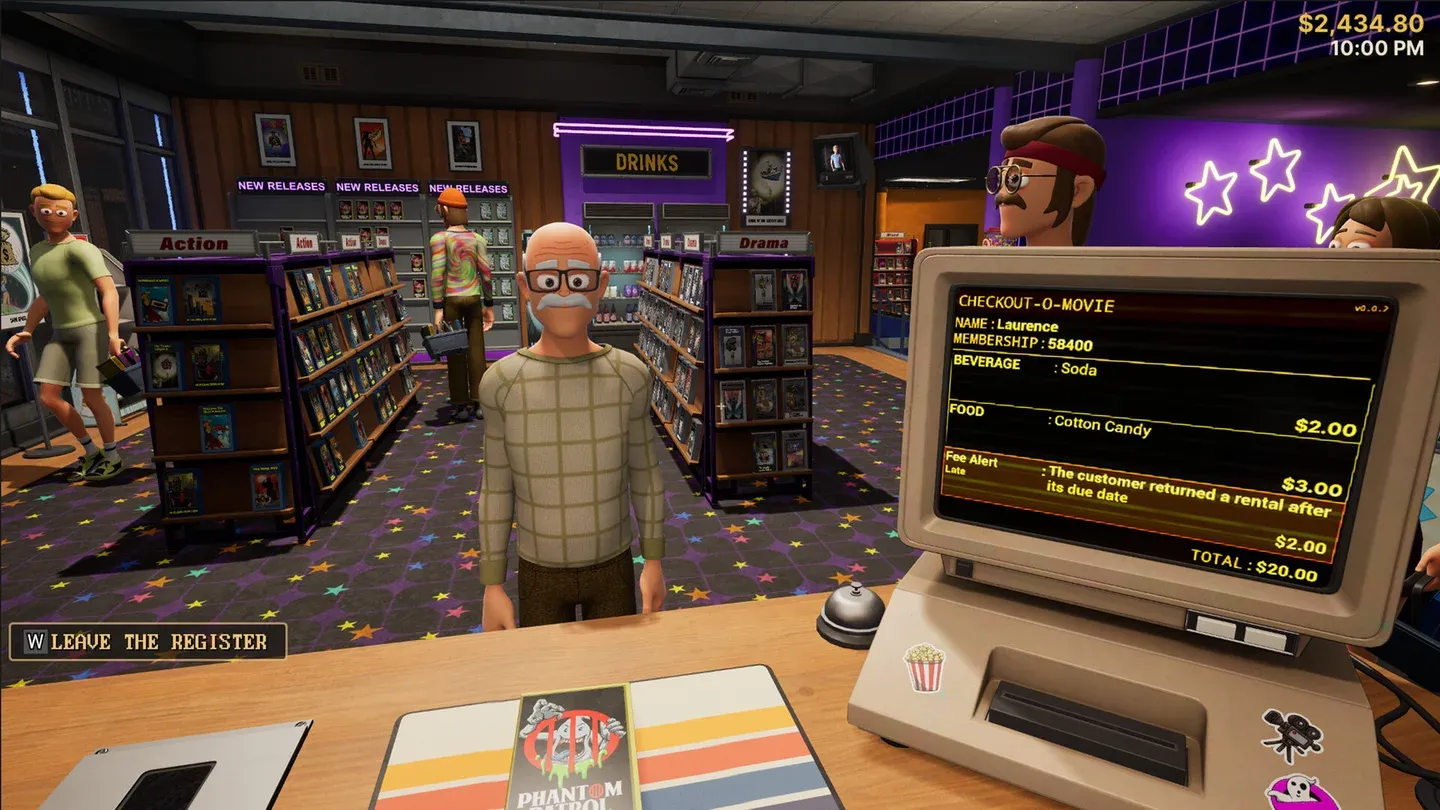
Black Market ordering tab
How does the SKU system work in Retro Rewind?
Every movie in your store has its own unique identifier stored as an integer SKU code. This code is not random and does not change between sessions. It is permanently tied to that movie title, so the same code will always pull the same film.
The system works in two steps:
- Pick up the VHS tape you want to reorder.
- Inspect it and read the SKU number from the info panel.
Once you have that number, head to the computer, open the Black Market tab, type in the code, and buy. The tape you ordered shows up as an exact copy of the one you inspected, not a random selection from the same genre.
What the system cannot do is equally worth knowing. You cannot enter random numbers and hope for surprises. You cannot use it to unlock movies you have never encountered. Every purchase is anchored to a real code from a real tape already in your catalog.
How to find SKU codes on your VHS tapes
Finding a SKU takes about five seconds once you know where to look:
- Pick up the VHS tape
- Inspect the tape
- Check the info panel that appears
- Note the SKU number shown
You need the code before you can place a Black Market order. There is no shortcut to generate one without physically handling the tape first.
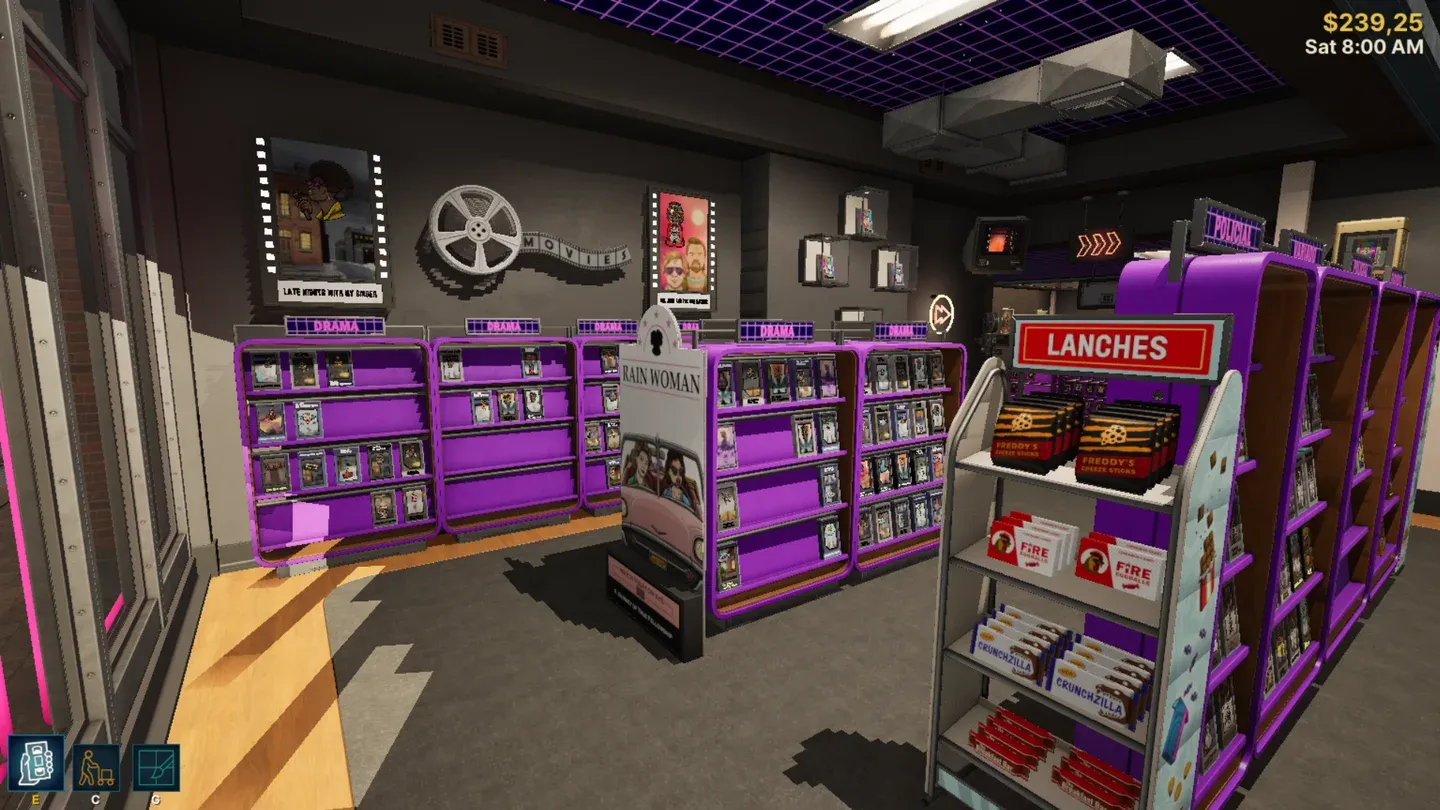
SKU number in tape info panel
Verified SKU examples from live save data
The table below shows confirmed code-to-title pairings pulled from actual save data. These are real examples of how the system maps specific integers to specific movies.
What should you actually use the Black Market for?
The Black Market earns its value in three specific situations:
Restocking proven rentals. If a tape is renting every day, ordering another copy of the same title is almost always safer than buying something untested. You already know it moves.
Replacing broken tapes. Tapes can break. When one does, the Black Market lets you replace that exact title immediately rather than waiting for it to reappear through normal market rotation.
Filling a genre gap before demand spikes. Seasonal demand is real in Retro Rewind. Horror surges before spooky periods, and sci-fi can drain fast when variety runs thin. If you know a specific title fills a lane you are short on, an exact SKU order solves that problem directly.
When should you start using SKU codes regularly?
Early game, the Black Market is a backup tool. Your store is still figuring out what actually rents, and spending time on exact ordering before you have clear data is putting the cart before the horse. Get the store organized, run a few days of normal operations, and let your shelf performance tell you which titles matter.
Once your store is stable and you can name the tapes that consistently earn their space, that is when SKU ordering shifts from occasional fix to genuine strategy. At that point you are shopping with intent instead of guessing.
For players who find the manual lookup process tedious, there is a SKU QoL mod (version 1.1, built on UE4SS v3.0.1) that automates the entry step. Pick up a cassette, sit at the computer, and the Black Market search fires automatically. The same stored SKU also applies instantly when you open a poster's SKU editor. The mod does not modify save data and resets the stored SKU on game restart, so the workflow is always pick up the tape and use it immediately rather than relying on anything persisted between sessions.
How to place a Black Market order step by step
- Inspect the tape you want to reorder and write down its SKU
- Walk to the computer in your store
- Open the Black Market tab
- Enter the SKU code in the input field
- Confirm the purchase
The tape arrives as an exact copy. No guesswork, no genre lottery.
Tips for managing Black Market orders without hurting cashflow
- Order movies that solve a real problem in your current store, not titles that just sound appealing
- Restock frequent renters before chasing collection goals
- Patch genre gaps before known demand windows, not during them
- Keep a short list of high-performing titles so you are never guessing when you sit down at the computer
The SKU system rewards players who pay attention to their actual shelf data. The store tells you what it needs. The Black Market just gives you a direct line to get it.
For more strategies covering store layout, staff management, cashflow, and expansion timing, the full Retro Rewind - Video Store Simulator guides collection covers every major system in depth. Retro Rewind sits comfortably in the casual games space but has enough management depth to reward players who engage with its systems seriously.