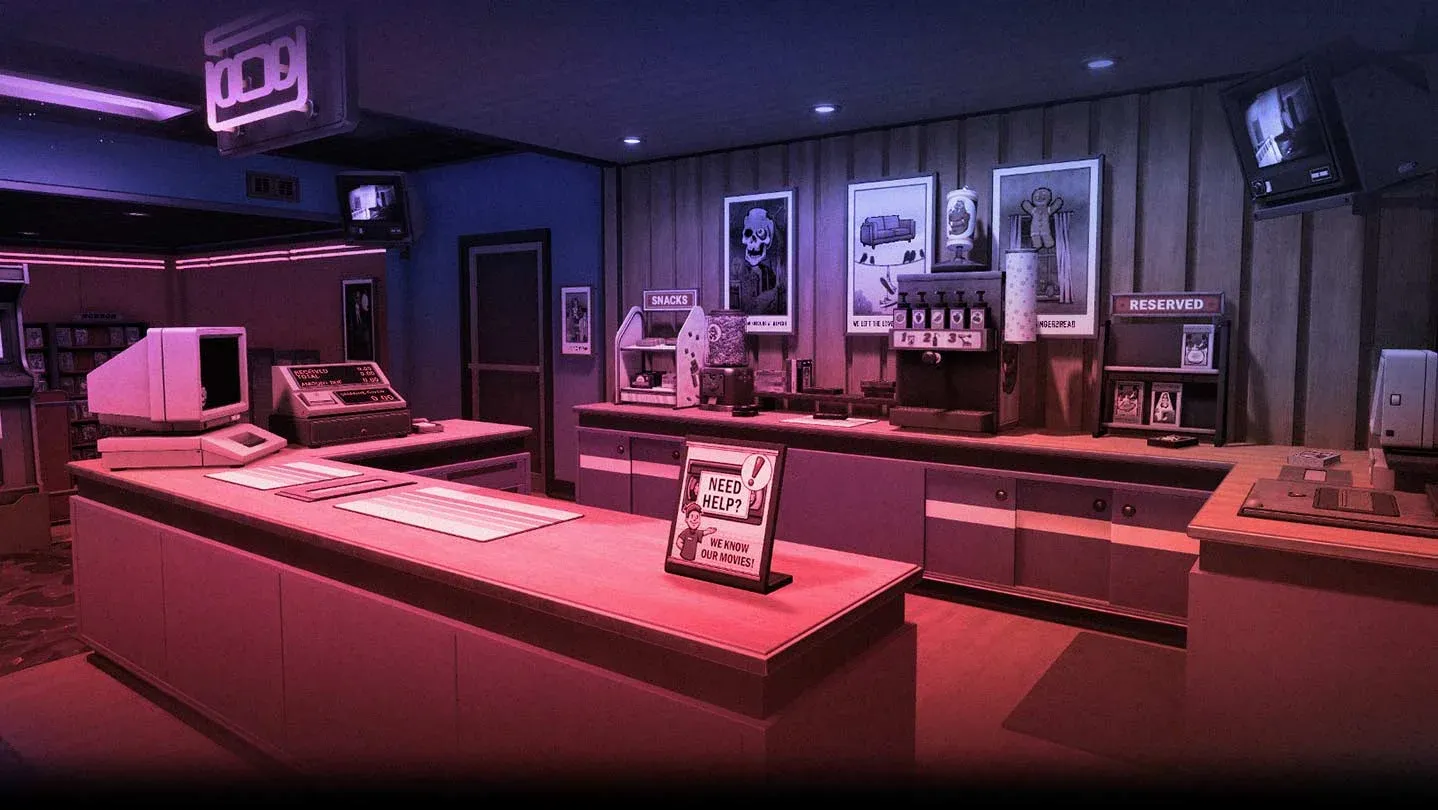


Running a video store in Retro Rewind - Video Store Simulator sounds cozy until you hit day four and realize the VHS tapes barely cover what you spent stocking them. The real money is sitting in your snack shelf, your arcade corner, and a clearance bin you might not have unlocked yet. This guide breaks down every income stream in the game, explains the profit math behind each one, and gives you a concrete formula to consistently clear $500 a day.
Why VHS rentals alone will never make you rich
Here's the thing about tapes: the loop is slow. You buy a copy, shelve it, wait for a rental, wait for the return, check for damage, then shelve it again. Days can pass before you see a net positive on a single title. That does not mean tapes are useless. Maintaining 60 to 80 VHS in active rotation generates roughly $300 to $350 per day in rental fees, which is your revenue floor. But it is a floor, not a ceiling.
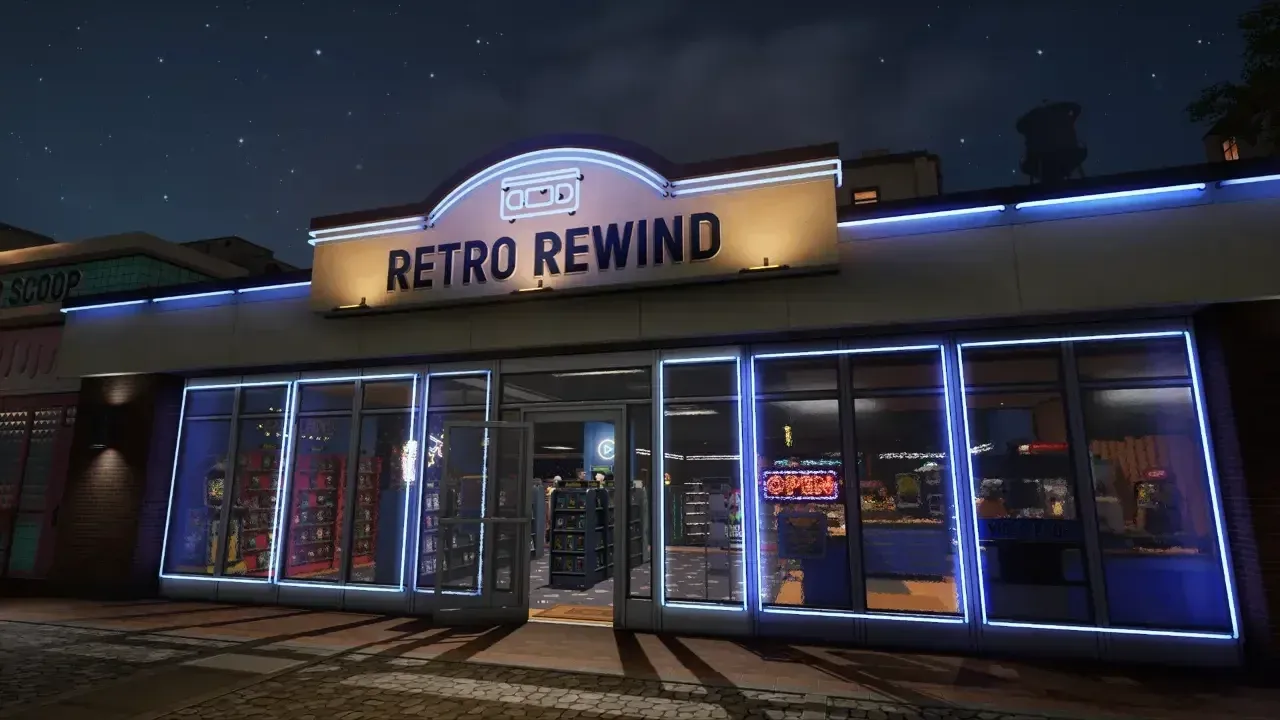
The game also has a hard cap on daily customers. With a maximum of around 25 people in the store at any time and a single checkout, experienced players report average daily income between $300 and $400 even with a fully stocked store, two employees, and constant flyering. On a rainy weekend that lines up with a calendar event, that number can climb into the high $600s. The absolute ceiling most players hit is $800 to $900, and that requires running every income stream simultaneously.
Daily earnings breakdown
What is the fastest way to boost daily profits?
Flyers. They are tedious, but nothing else generates immediate foot traffic as reliably. You can hold 5 flyers at a time. The people most likely to accept one are those standing outside your store looking in, or the crowd near the movie theater across the street. Foot traffic outside is heaviest around 8am, so get out there early before the rush starts.
You cannot send staff out to flyer yet, so this is a manual task. Put an employee on the cash register and spend quiet periods working the street. On a good day, consistent flyering can push your earnings from $200 to $500.
The snack economy: where the real margins live
Snacks carry 70 to 80 percent profit margins and, unlike tapes, they are never returned damaged. The math is straightforward.
Snack shelf placement matters
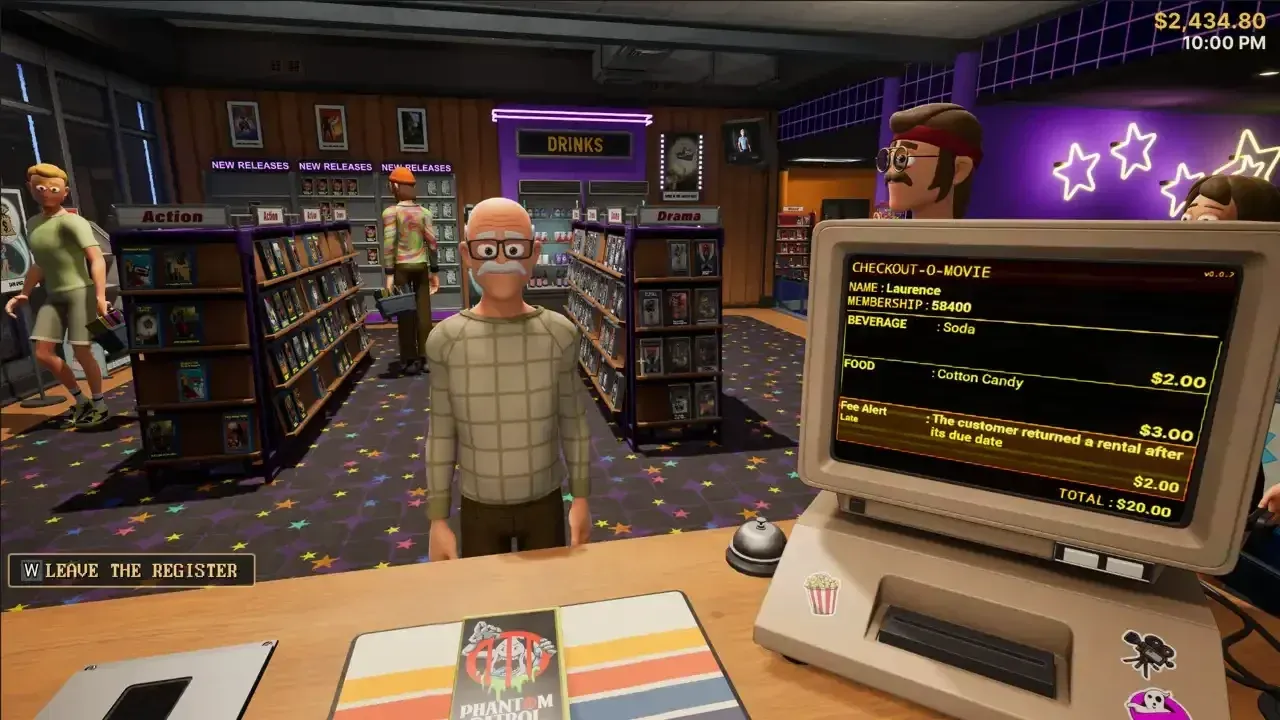
Cotton Candy is your best performer at $3.00 profit per unit. Slushies spike during summer months. Candy Bars see a bump around Valentine's Day. Check the in-game calendar for events and make sure you are stocked on the relevant items before those days hit.
Shelf count also matters mechanically. One snack shelf means roughly 20 percent of customers make an impulse purchase. Two shelves pushes that to around 35 percent. Three or more shelves gets you to about 50 percent of all customers buying something. Snacks unlock at level 4, so set up multiple shelves as soon as you hit that milestone. Place them near the checkout or in the center of the store so customers walk past them on every visit.
Passive income: arcade machines and candy dispensers
Arcade machines are the closest thing Retro Rewind has to a money printer. A single machine generates $40 to $60 per day with zero ongoing effort. Two machines running simultaneously pull in a reliable $100 daily. They pay for themselves in roughly two weeks and require no restocking or maintenance.
Place machines near the entrance or in a visible waiting area, not hidden at the back. Customers need to see them while browsing. Once you have all your store expansions, dedicating a back section entirely to arcade cabinets is worth the floor space.
Candy dispensers work the same way. Customers drop coins, and the machines collect passively. At the end of every day, empty the machines. Depending on how many you have running, this can add around $100 on top of your rental and snack earnings.
How does the clearance bin change your economy?
The Clearance Bin unlocks at level 10 and opens up a completely different income stream: selling tapes outright instead of renting them. Items sell at 50 percent of their current market value.
The best use of the bin is clearing dead stock. When a New Release ages out and moves to regular shelves, you often have too many copies taking up space. Dump the duplicates in the clearance bin to recover your initial investment. For new releases specifically, ordering 10 copies at a time gets you the maximum bulk discount plus 3 free standees. Some players order 30 copies total across three orders to fill an entire new release unit, rent most of them daily, then move the excess to clearance once the title stops being new.
Holographic tapes are a special case. If you get one, do not rent it out. The premium value takes far too long to recover through individual rentals. Sell it through the clearance bin for double the normal clearance price, or hold it as a display piece.
Should you always charge the damage fee?
Yes, charge the $20 damage fee every time the computer flags it at checkout. Some customers will complain loudly, and a few will threaten to never return. Charge them anyway. That $20 covers the cost of replacing the damaged tape, and waiving it just means you absorb the loss. Late fees are a different calculation: the $2 late fee is optional, and some players waive it for customers who seem likely to churn. The damage fee is not optional if you want to stay solvent.
Also answer the phone every time it rings, especially before you open. Calls can be a customer reserving a tape, someone offering cheap inventory, or a random cash bonus. Missing those calls is free money left on the floor.
Store layout and the hidden appeal stat
Decorations are not just cosmetic. They affect a hidden Store Appeal rating that directly influences how many customers the game generates each day. Early on, posters at $50 give a +2 appeal boost, while plants at $75 give +3. The appeal-per-dollar ratio on expensive furniture is poor early game, so stick to cheaper decor until you have expansions funded.
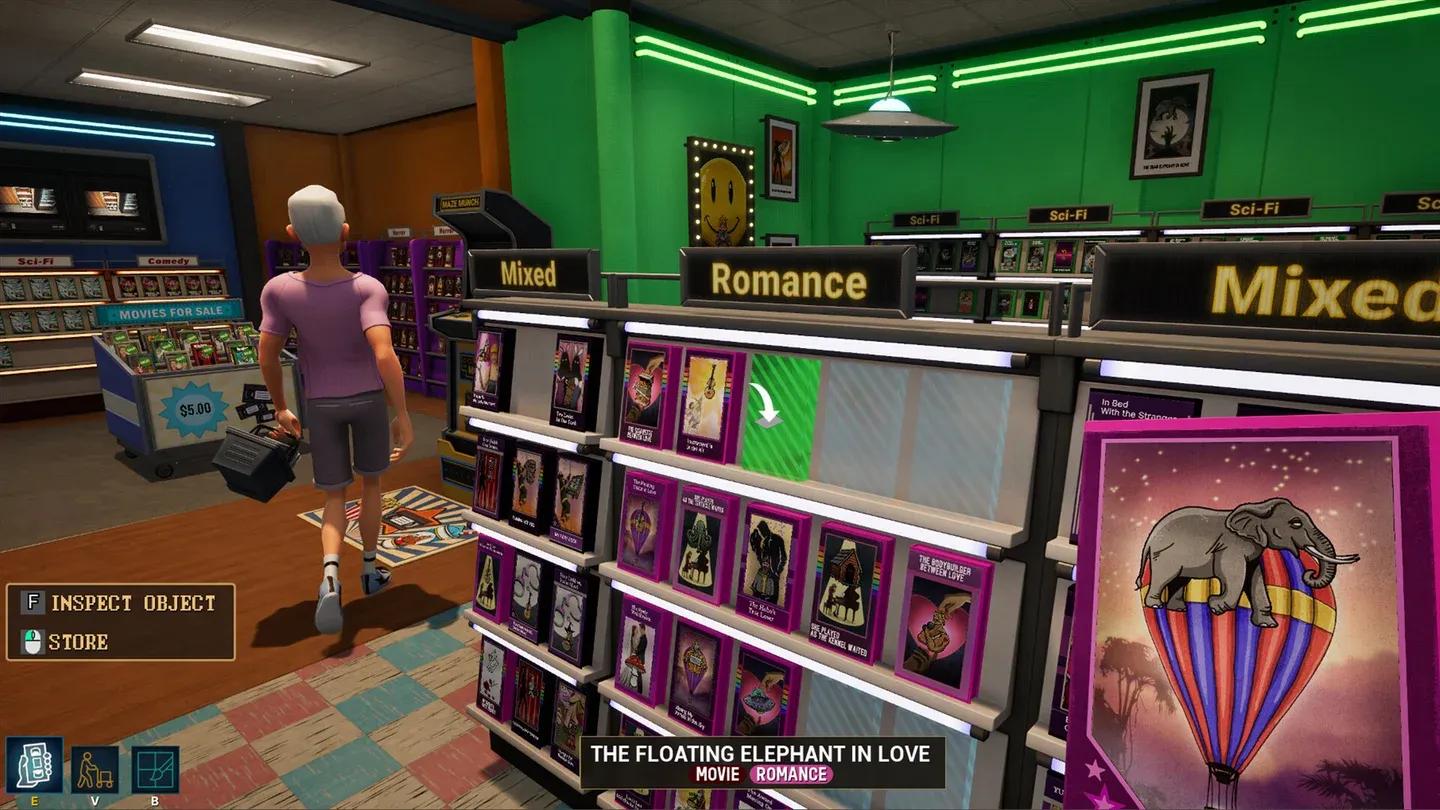
Layout affects flow. Customers who get stuck or cramped are less likely to rent anything. Arrange shelves back to back to create clear aisles, and keep the area around the cash register completely clear for queue formation. Organizing shelves by genre also helps: when a customer asks for a specific type of film, you know exactly where to send them. Use the B button to change wall, floor, ceiling, and shelf colors for free.
Do not overlook low-rated movies when stocking shelves. Some customers specifically want a one-star disaster for a bad movie night. Trashy titles are cheap to buy from the Video Guy (available every Tuesday and Thursday), rent out quickly, and turn a profit faster than you'd expect.
Genre shelves improve flow
The $500 daily formula
Hitting $500 consistently requires all three income streams running at once:
- VHS rentals: 60 to 80 tapes in active rotation generates $300 to $350 per day
- Snacks: 3 fully stocked snack shelves near the checkout pulls in $80 to $120 per day
- Arcade: 2 active arcade machines adds $80 to $100 per day passively
That combination lands you between $460 and $570 before staff costs. On top of that baseline, clearance bin sales and daily arcade/dispenser collections can push you higher on busy days.
For staffing, the first hire unlocks at level 6 and the second at level 20. Each costs a flat daily fee, so only hire when you can sustain the wage. Before opening each day, assign your employee to sort Returns so you are free to handle purchases and decor before customers arrive. Hire staff rated Average, Good, or Fast at the register and returns tasks. If you are saving hard for a store expansion, firing staff for a few days to bank their wages is a legitimate short-term strategy.
For more tactics across the full game, check out the Retro Rewind - Video Store Simulator strategy guides on GAMES.GG. If you enjoy this kind of low-pressure management loop, there are plenty of other casual games worth your time too.