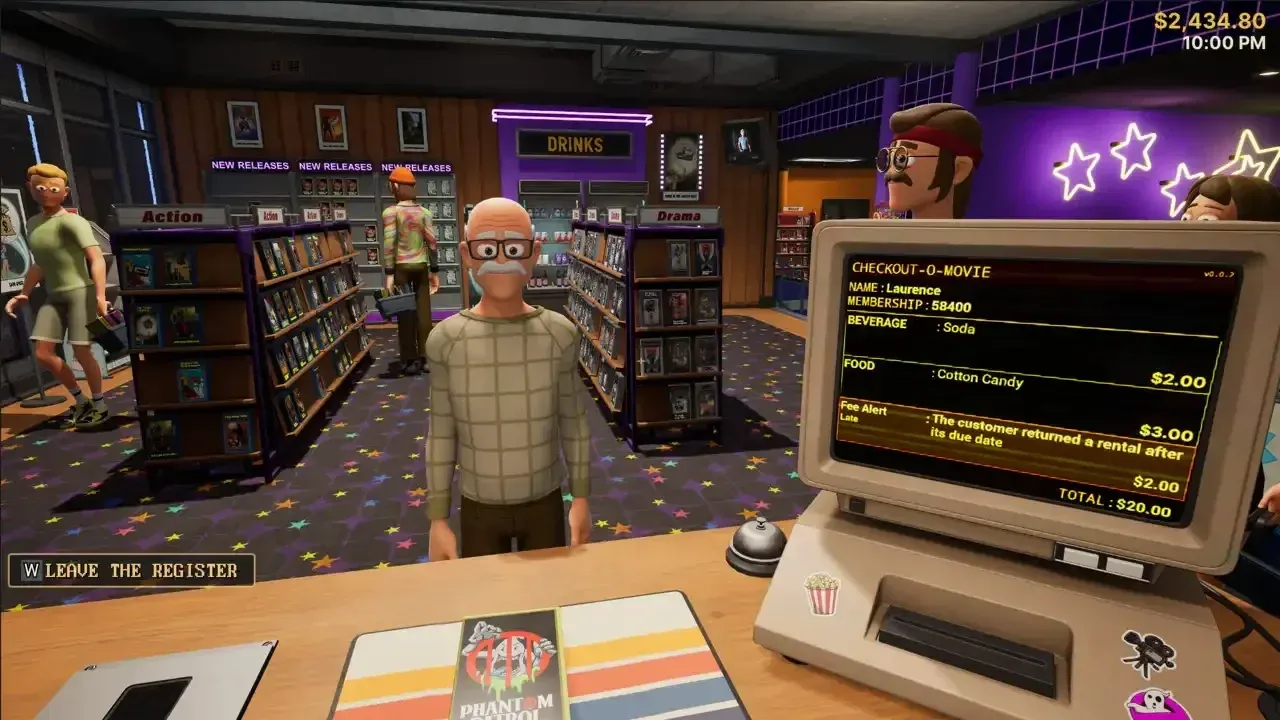


Running a 90s video store sounds like a dream until three customers want different tapes, the returns pile is growing, and your shelves already look like someone sneezed on them. Retro Rewind - Video Store Simulator drops you into exactly that chaos, and the early game can spiral fast if you go in without a plan. The good news: the systems are learnable, the loop is satisfying, and a few smart habits in your first few shifts will carry you much further than any amount of cash-splashing on decor.
What should you do first in Retro Rewind?
The tutorial is not filler. Treat it as your actual build order for the first few days. It walks you through the office computer (where all your Market orders and New Release purchases happen), the return station workflow, the calendar, and the office phone for reservations. Each of those tools keeps mattering every single day you run the store, so learning them early saves real time later.
The daily loop that works best looks like this: clear overnight returns, check the calendar, restock the floor, serve the queue, then review what actually sold. Repeat that cycle and you will learn more about your store's demand patterns than any single big spending spree would teach you.
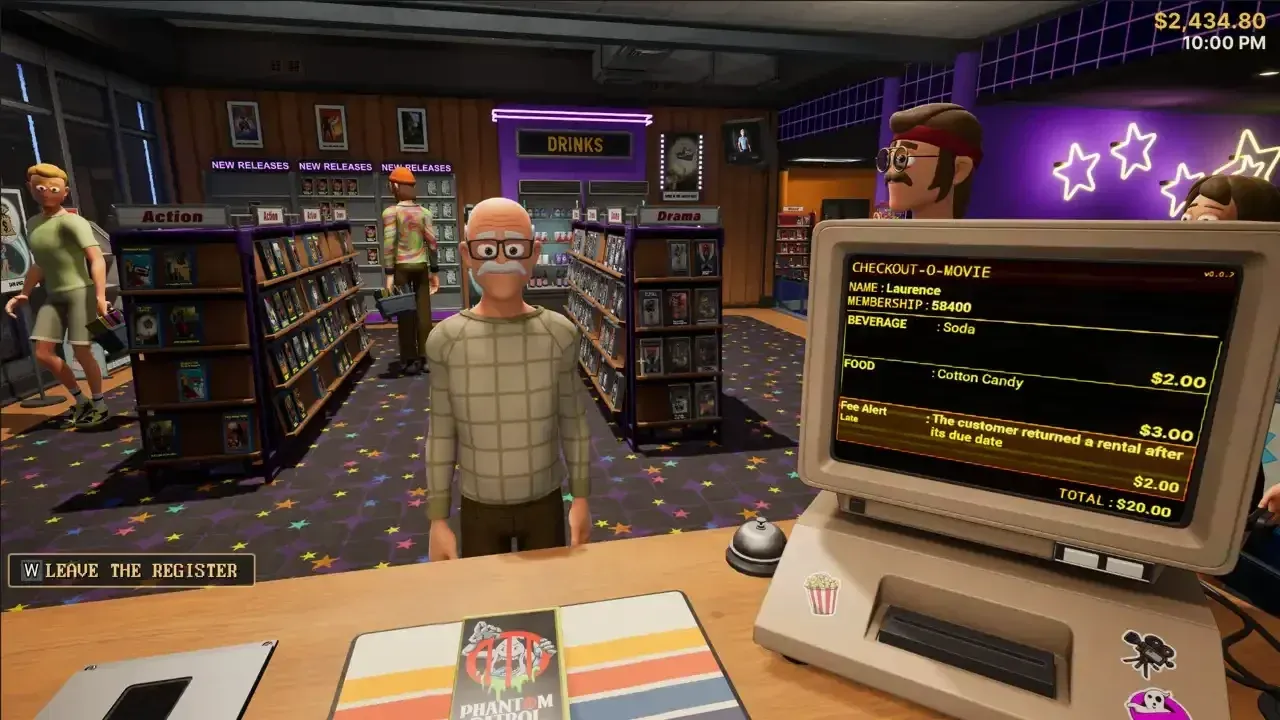
Order new stock each morning
The calendar is a planning tool, not decoration
Every morning before opening, pull up the calendar. It updates daily with new releases, weather forecasts, special events, and extra task rewards. Rain drives customers indoors and spikes rental demand. Fridays and weekends are consistently your busiest periods, sometimes clearing $500 or more in a single day. Weekdays tend to plateau around $250 to $300, and that is normal for a local physical storefront in 1990, not a sign something is broken.
When a rainy Friday lines up with a genre-themed event, stock up the night before. Have your shelves full, snacks topped off, and your fastest staff member scheduled. Going into that shift underprepared is the single most common way new players lose money they cannot afford to lose.
How should you organize your store layout?
Organize by genre from the start and do not change systems halfway through. When a customer walks in asking for an "Old Action Movie," you need to point to one shelf without thinking. Mixed shelves waste your time and theirs. Genre sections also let you add themed decorations like lights, balloons, and props that nudge customers toward renting from those sections.
Keep the path between checkout, the return station, and your most-requested shelves as short as possible. Every unnecessary step you take during a rush is time you are not serving customers. Layout problems look like personal inefficiency but they are actually design problems you can fix.
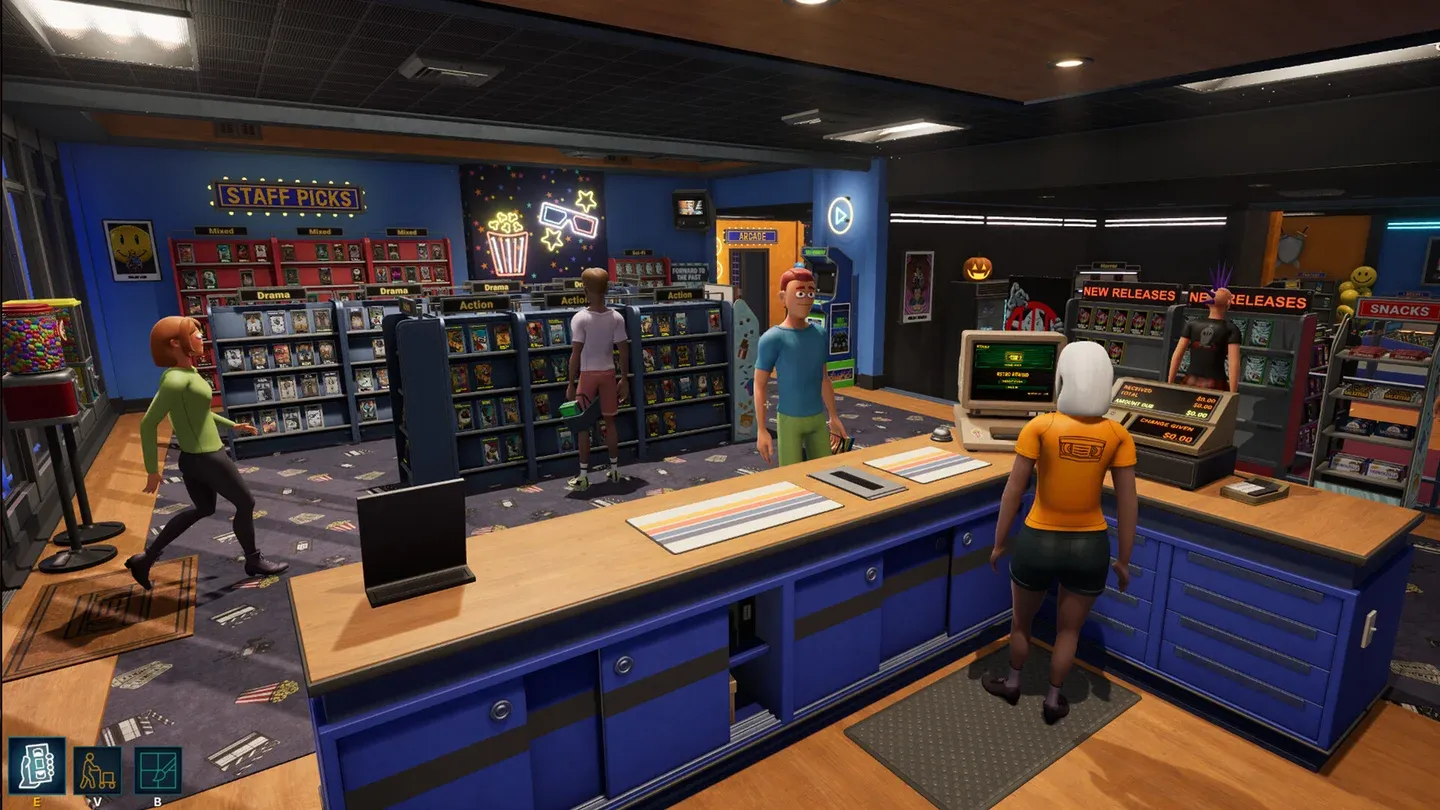
Genre sorting saves time in rushes
The Decor button (B) lets you change wall, floor, ceiling, and shelf colors for free, so there is no reason to leave the store looking bare once your layout is locked in. A fully decorated store does perform better than a bare one for foot traffic, but the gains are passive. Prioritize function first.
What happens when staff ruin your shelves?
This is one of the nastiest surprises in the game. When a genre shelf fills up completely, an employee returning tapes will not hold the extra copy or find a box for it. They will shove it onto the nearest available shelf, and the moment that happens, the game relabels that unit as a "Mixed" shelf, breaking your sorting system.
The fix is aggressive inventory management. If a genre is close to overflowing, sell off older duplicate copies before the returns come in. If an employee does contaminate a shelf, remove the offending tape manually and reset the shelf label. It is annoying, but catching it fast stops the chaos from spreading.
How do you make more money in Retro Rewind?
Several income streams open up as you progress, and knowing when to prioritize each one matters.
Flyers cost nothing but your time. On a slow Monday with no events and mild weather, put a staff member on the register and go hand them out yourself. The people standing outside the store or near the movie theater across the street respond best. It is tedious, but it is the most direct way to force foot traffic on a dead day.
Snacks unlock at level 4 and have some of the best margins in the game. A few cents per item, sold for over a dollar. Place the shelves near the till or in the center of the store so customers walk past them on every visit.
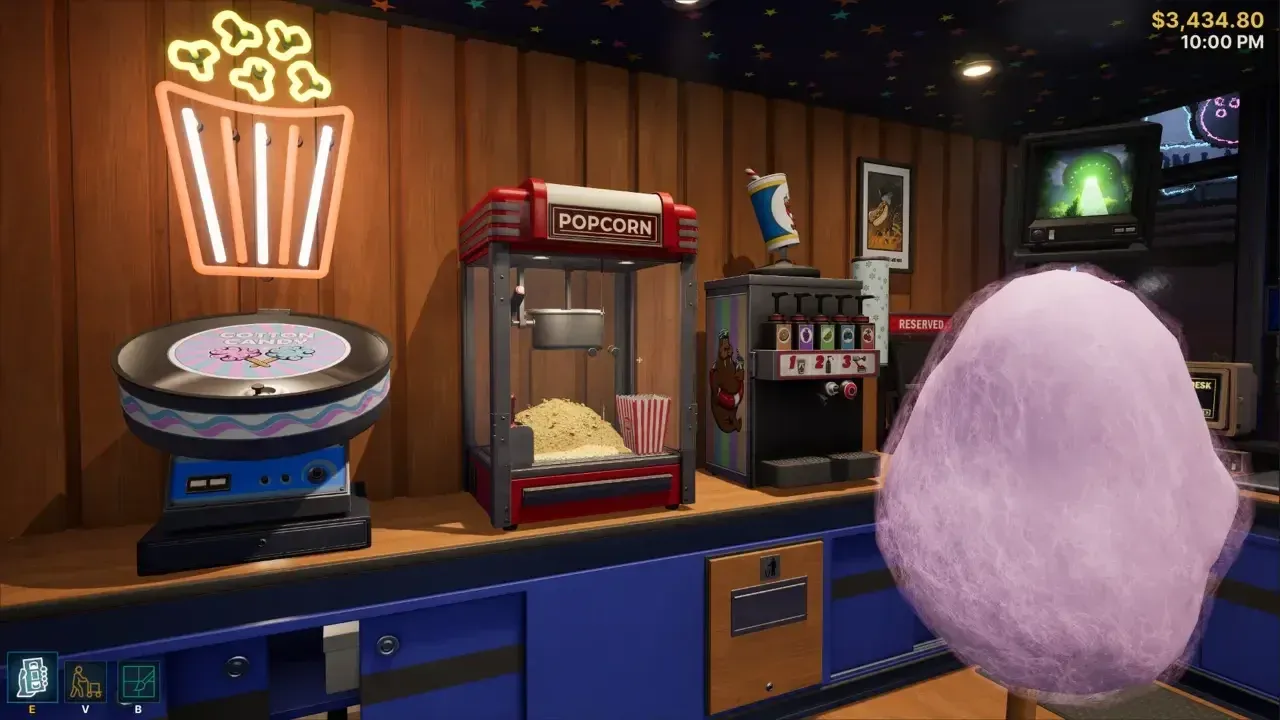
Snacks near the till boost sales
Should you buy bad movies?
Yes. Customers in Retro Rewind actively ask for trashy, so-bad-they-are-good films, and critically panned movies are cheap to buy. Even a 2-star title turns a profit quickly because your upfront cost is minimal. Do not let the market rating talk you out of stocking a few low-rated copies.
Also check the back alley behind your store every Tuesday and Thursday. There is a tape dealer out there selling unique inventory that is not available through the standard computer ordering system. These titles can fill gaps in your stock that the regular catalog does not cover.
How does hiring staff work?
You unlock your first staff hire at level 6, with a second slot opening at level 20. Each employee costs a flat daily fee, so confirm you can afford it before hiring. The staff hire sheet is in the stockroom and lists each applicant's traits.
Prioritize Average, Good, or Fast ratings for both returns handling and cash register speed. Do not hire someone slow at either task just to save a few dollars on their daily rate. That cost shows up later in longer queues and slower shifts.
Other traits worth checking include customer service skill (saves you time handling complaints yourself) and general reliability. If an employee calls in sick repeatedly, fire them. If you hire a replacement the same day, you pay both staff members' daily fees, so time your hiring decisions carefully.
Before opening each day, ask your employee to sort the returns first. That frees you up to handle upgrades, ordering, and decor before customers arrive.
Common mistakes that cost you money early
- Over-ordering stock. More tapes feel safe but messy stock is slow stock. If you cannot file it fast, it becomes expensive clutter taking up shelf space you need.
- Ignoring office tools. The phone, calendar, and Staff Book surface reservations, event pressure, and future demand. Skipping them means you are always reacting instead of preparing.
- Treating reserved movies like regular stock. When a customer calls to reserve a title, pull it from the shelf immediately and place it in the reserved area. A reserved tape that gets rented to someone else before pickup is a customer service failure.
- Changing your organization system mid-game. Pick a sorting method and stick with it. Switching systems halfway through creates confusion that compounds every day after.
- Trying to perfect shelves during a rush. Speed beats perfection when the queue is long. Get people through, then tidy up once the store quiets down.
For deeper coverage of specific systems like cash flow management, SKU codes, Black Market orders, and store expansion timing, the full Retro Rewind - Video Store Simulator guides collection has dedicated walkthroughs for each topic. If you enjoy this kind of management sim, it sits comfortably alongside other casual games that reward patience and systems thinking over reflexes.