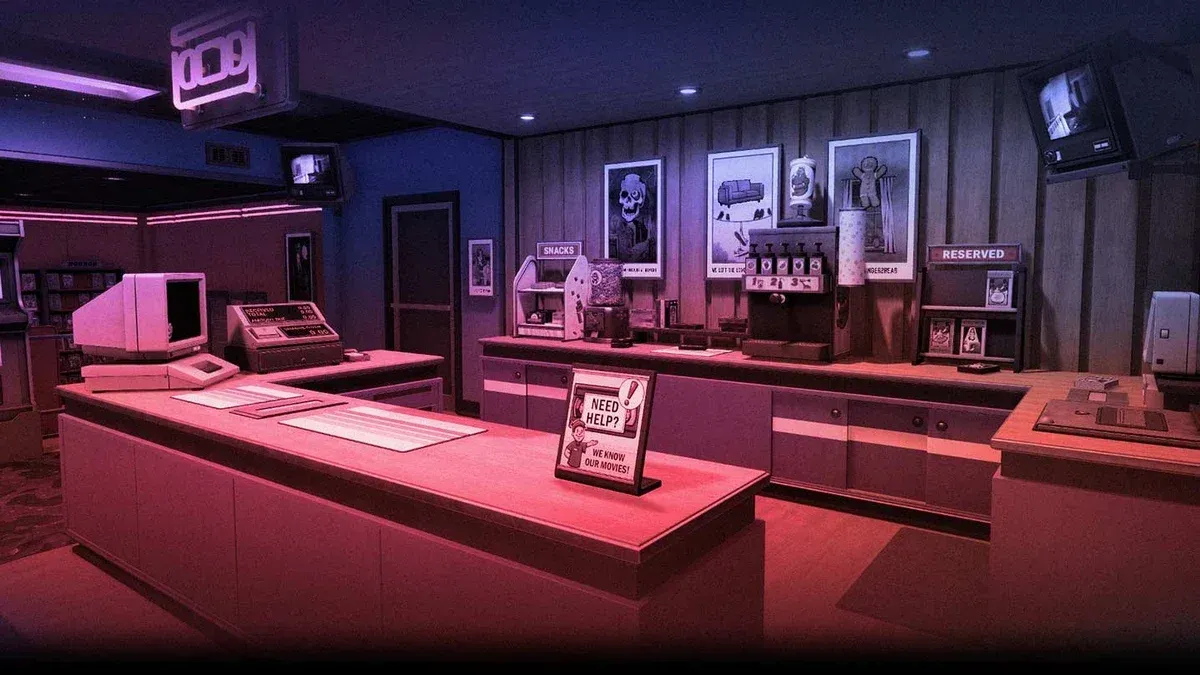


Running a video store sounds simple until a rainy Friday night hits and every customer in town shows up at once. Retro Rewind - Video Store Simulator drops you into the early 90s as the owner of your own rental shop, and there's a lot more going on beneath the surface than just handing out VHS tapes. From managing late fees to ordering bootleg films from a shady dealer, the game rewards players who stay organized and plan ahead. This guide covers everything you need to know to get your store off the ground and keep it running smoothly.
What exactly is Retro Rewind - Video Store Simulator?
Retro Rewind - Video Store Simulator is a first-person, 3D shop management game developed and published by Blood Pact Studios. Set in the early 1990s, you build a video rental business from scratch, stocking shelves with thousands of unique VHS tapes, each carrying its own title, genre, and hand-drawn cover art. The game sits comfortably in the casual games and simulation space, meaning the pace is relaxed but the depth is real.
A free demo launched on October 31, 2025, and it earned a Very Positive rating from 93% of 548 reviews, with recent reviews sitting at 86% positive across 22 reviews. That kind of reception for a demo alone says something about how well the core loop holds up.
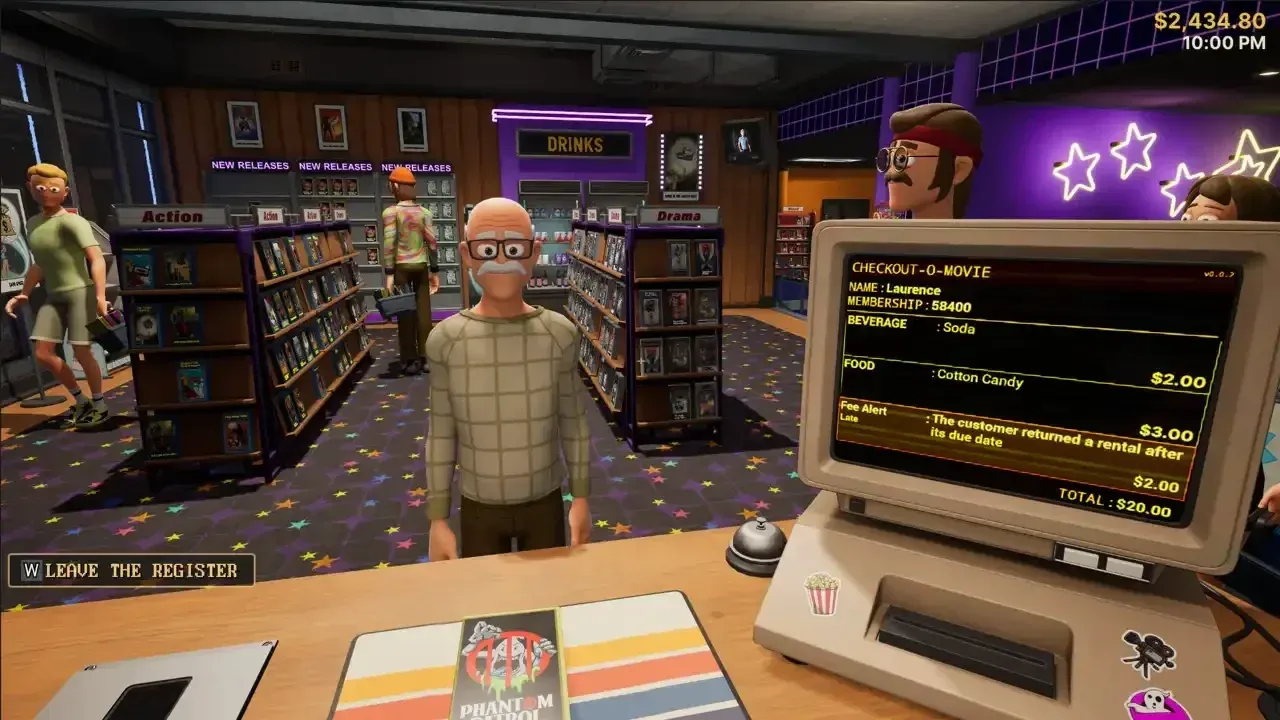
Stock your shelves with VHS tapes
How do you stock your store with movies?
Inventory is the backbone of everything. You order new movies directly from your in-game PC, and each week brings fresh releases inspired by real iconic films from the 80s and early 90s. Every title has a unique code you can share with friends, which adds a fun social layer to browsing your catalog.
Beyond the standard ordering system, there's a second source worth knowing about: the Tape Dealer. This shady contact sells exclusive bootleg films you won't find through normal channels. Stock from the Tape Dealer fills gaps in your catalog and can attract customers looking for harder-to-find titles. Balancing legitimate stock with bootleg inventory is one of the more interesting decisions the game puts in front of you.
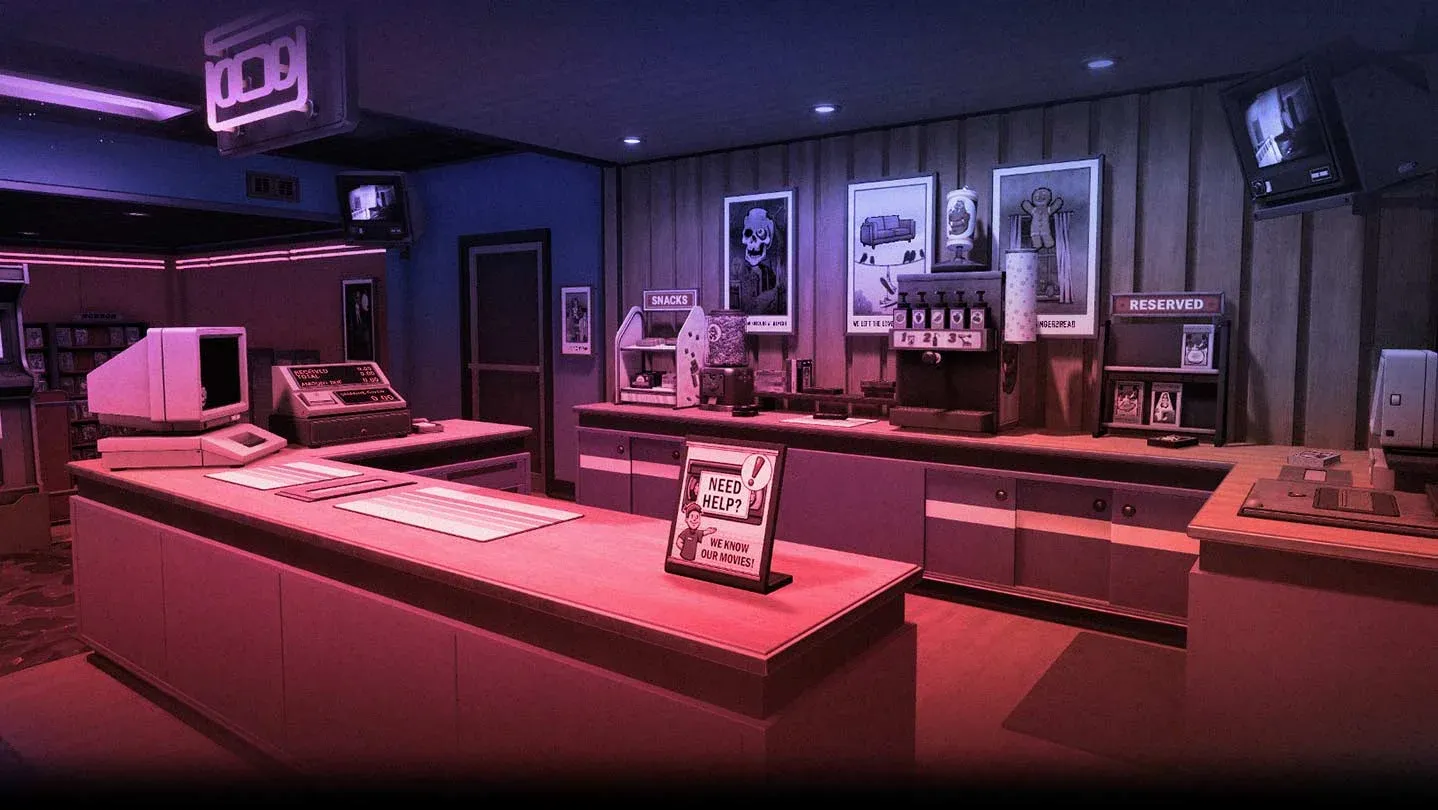
Order new titles from your store PC
How do you handle rentals, returns, and late fees?
The rental loop has more steps than it first appears. When a customer returns a tape, you need to add it back into the system, physically rewind it, and check whether it came back damaged. Broken or late returns trigger fee charges, and customers react differently to being charged. Some accept it without complaint. Others push back.
Reservations add another layer. When a customer reserves a title, you need to set it aside before someone else rents it out. Losing track of reservations is one of the most common early mistakes, so build the habit of checking your reservations list every time a return comes in.
Should you hire staff early or manage everything yourself?
The game lets you hire staff to help with daily tasks, and the answer to whether you should is almost always yes, once you can afford it. Solo management works fine in the early game when customer volume is low, but as your store grows and foot traffic picks up, the workload scales up fast.
Staff handle tasks that would otherwise pull your attention away from customer interactions and inventory decisions. Getting help on the floor means you can focus on the higher-level management calls, like what to order, how to price rentals, and how to prepare for busy periods.
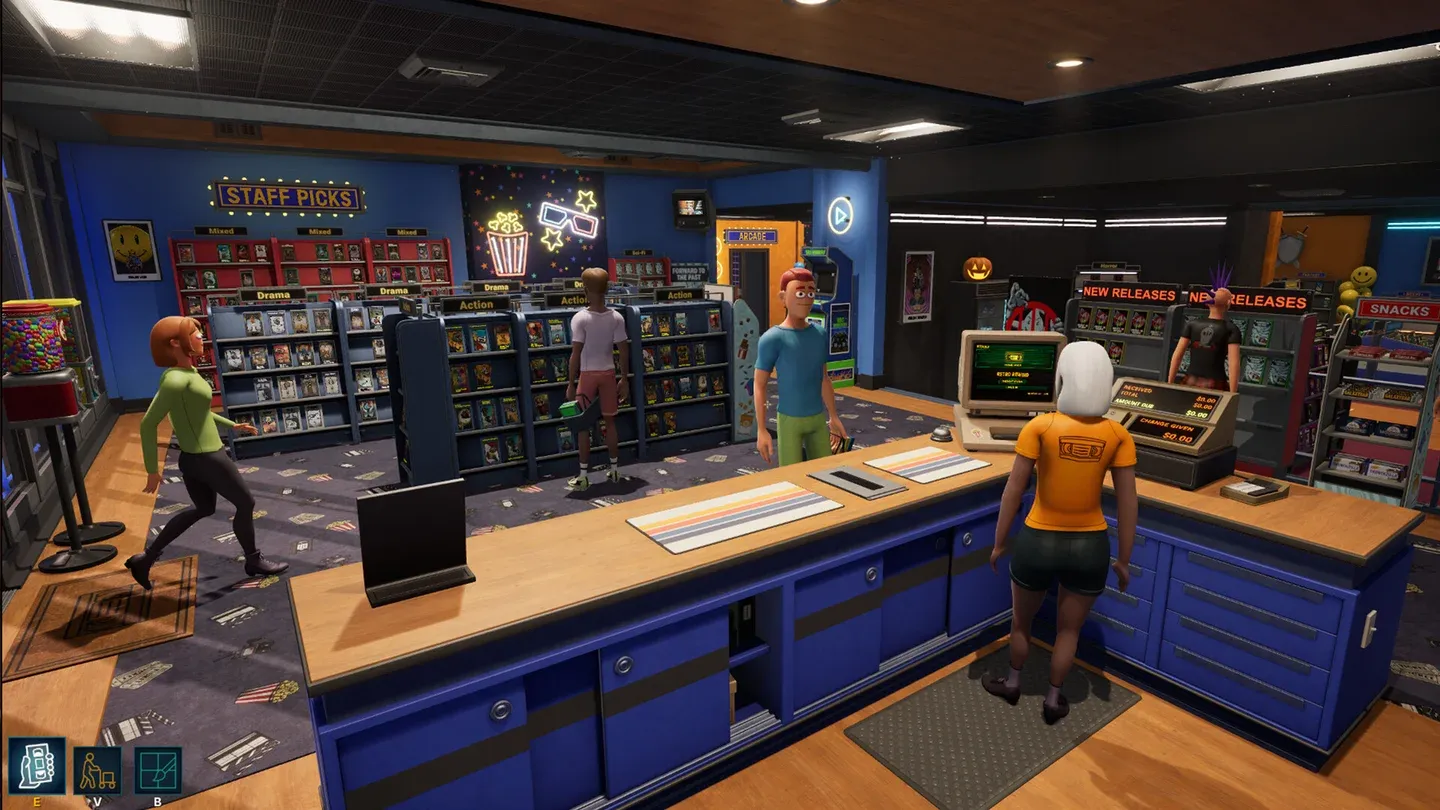
Hire staff to handle daily tasks
How does store customization work?
Decoration in Retro Rewind isn't just cosmetic. You can customize walls and floors, hang posters and memorabilia, and expand your store's physical layout as your business grows. The store you end up with can look completely different from where you started, and the expansion system means there's always a next goal to work toward.
Thinking about layout early pays off. Where you place shelves affects how customers move through the store, and a well-organized floor plan makes it easier to manage returns, reservations, and restocking without constantly crossing the room.
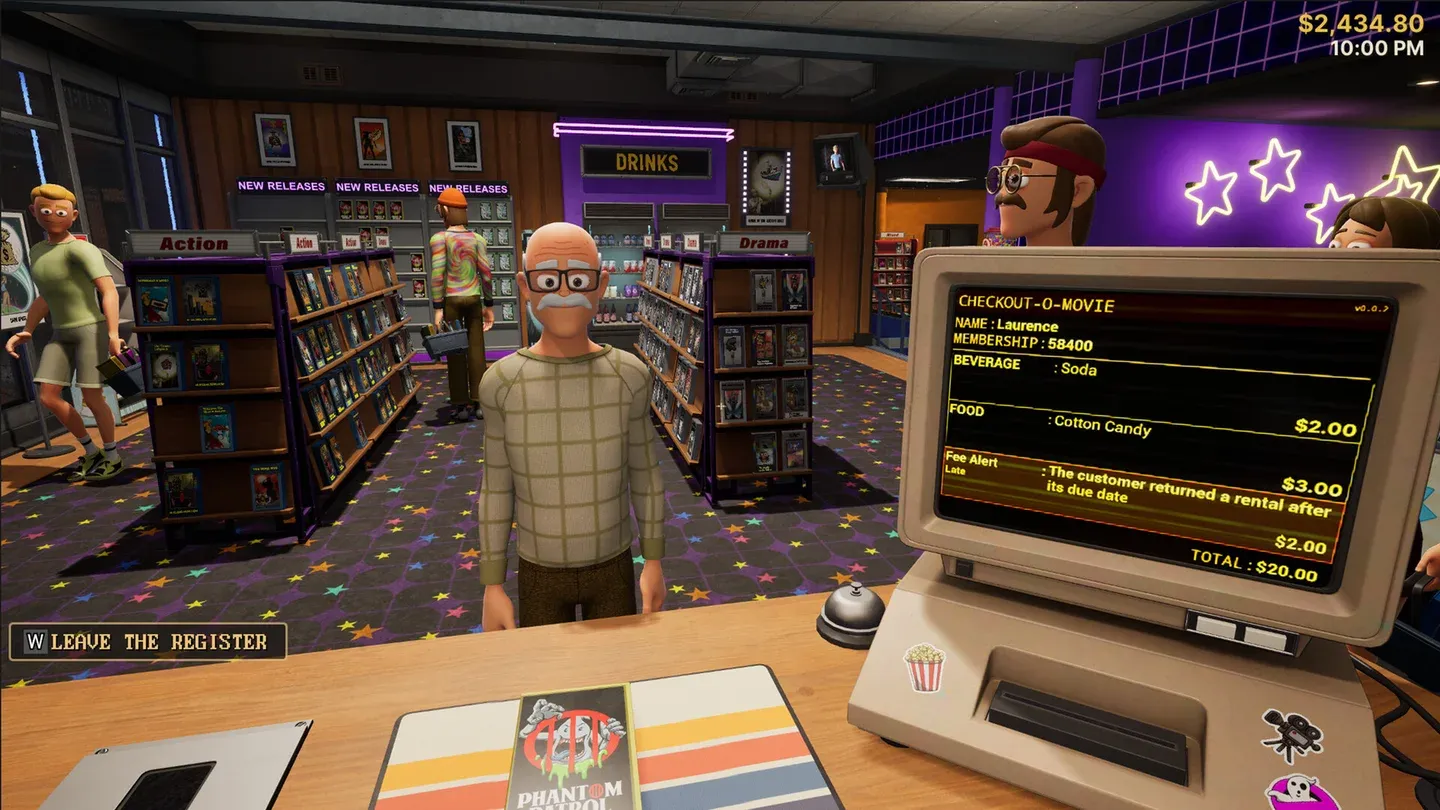
Customize your store layout freely
What seasonal events should you prepare for?
The game runs through all four seasons, and each one changes the environment and customer behavior. Holidays and festivals within each season come with unique artwork and affect what customers want to rent. A horror movie rush around Halloween plays very differently from the family film demand you might see around the winter holidays.
Preparing for these shifts means having the right genres stocked before the season hits, not scrambling to order during the rush. Check what's coming up on the calendar and adjust your inventory orders a week ahead.
System requirements: can your PC run it?
The game runs on Unreal Engine but skips heavy features like Nanite, Lumen, and Deferred Rendering. That means the minimum specs are genuinely achievable on older hardware, and the game includes extensive graphics options to dial things in further.
The demo is currently available in English only. The full game will support additional languages.
For more tips on managing your store across every season and getting the most out of the rental system, the Retro Rewind - Video Store Simulator strategy guides cover deeper mechanics as you progress.