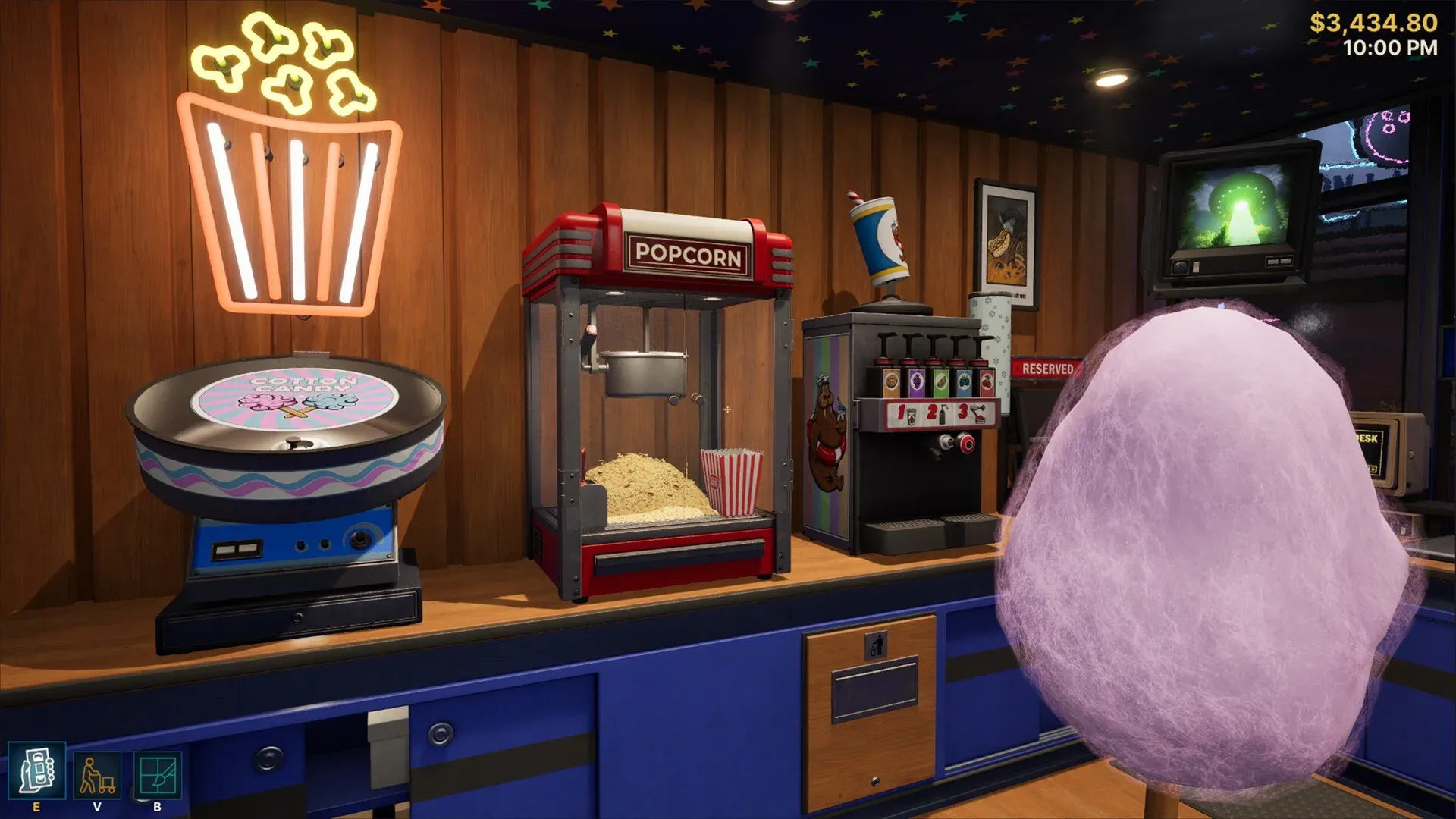


Running a video store in Retro Rewind - Video Store Simulator sounds simple until you realize your shelves are a mess, customers are throwing late fees at your head, and the bootlegger in the alley is undercutting your new releases. This guide breaks down exactly how to organize your store, manage daily operations, and build a layout that keeps customers happy and your revenue growing from day one.
Why does store layout matter so much?
The layout of your store directly affects how fast customers find what they want and how smoothly you can restock shelves during busy hours. A disorganized store means longer customer wait times, a longer checkout line you cannot clear, and more stress when you are also handling slushy orders and late fee disputes at the same time. Players with 40-plus hours in the game consistently point to genre-based organization as the single biggest quality-of-life improvement you can make early on.
The core principle is simple: group films by genre into dedicated sections, then use themed shelving and decorations to reinforce each zone visually. Customers browsing a clearly labeled Horror section will find their rental faster, spend less time wandering, and free up floor space for the next wave.
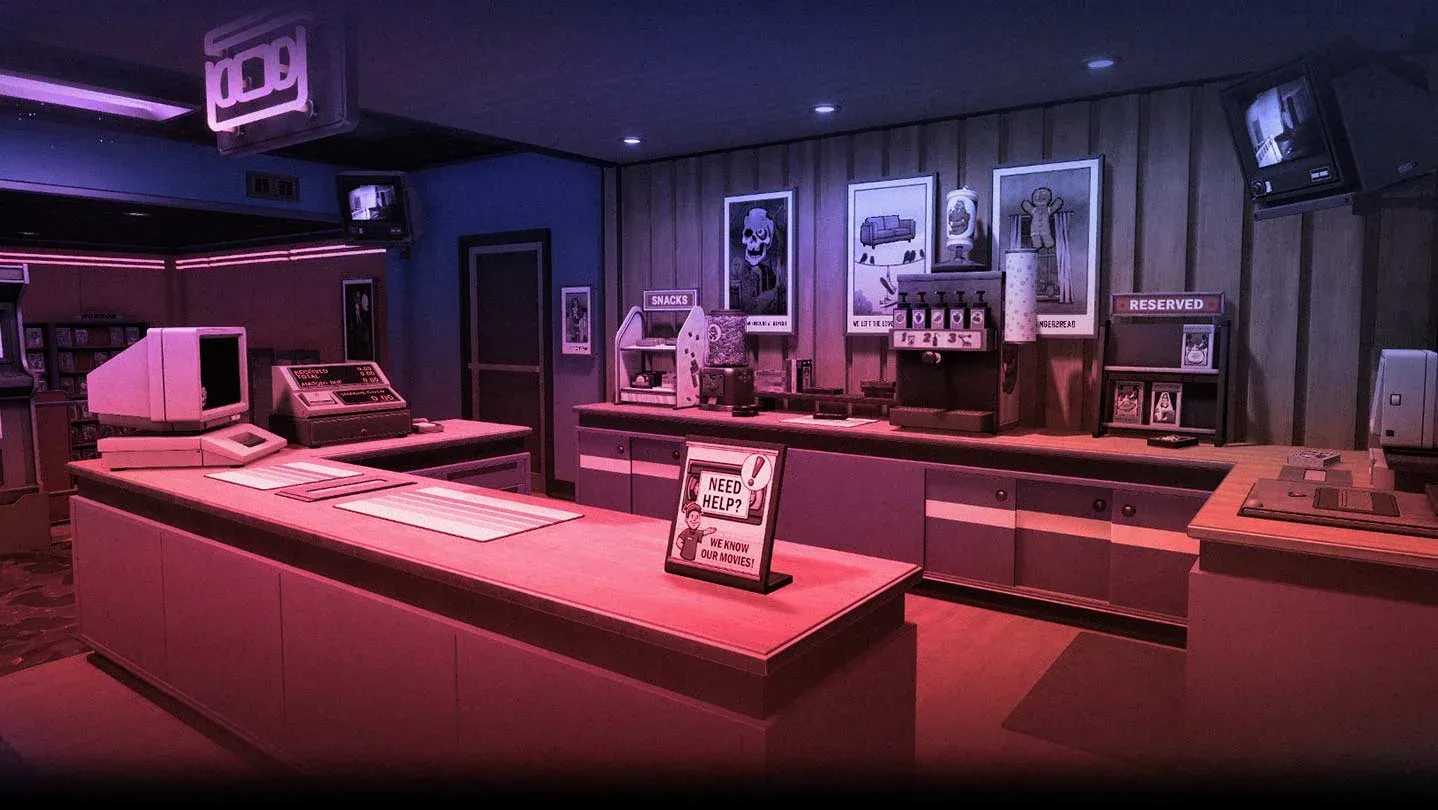
Genre sections keep customers moving
How should you organize your store by genre?
Separating your inventory into genre zones is the foundation of any efficient layout. Rather than mixing everything together on long rows of shelves, dedicate specific areas of your floor plan to individual categories. Here is a practical starting framework based on what works at different store sizes:
New releases deserve prime real estate right at the entrance. Players who have put serious hours into the game note that clearing out the bootlegger in the alley becomes much easier when your legitimate new releases are prominently displayed and priced competitively. Customers who can see new titles immediately are less likely to wander toward cheaper alternatives.
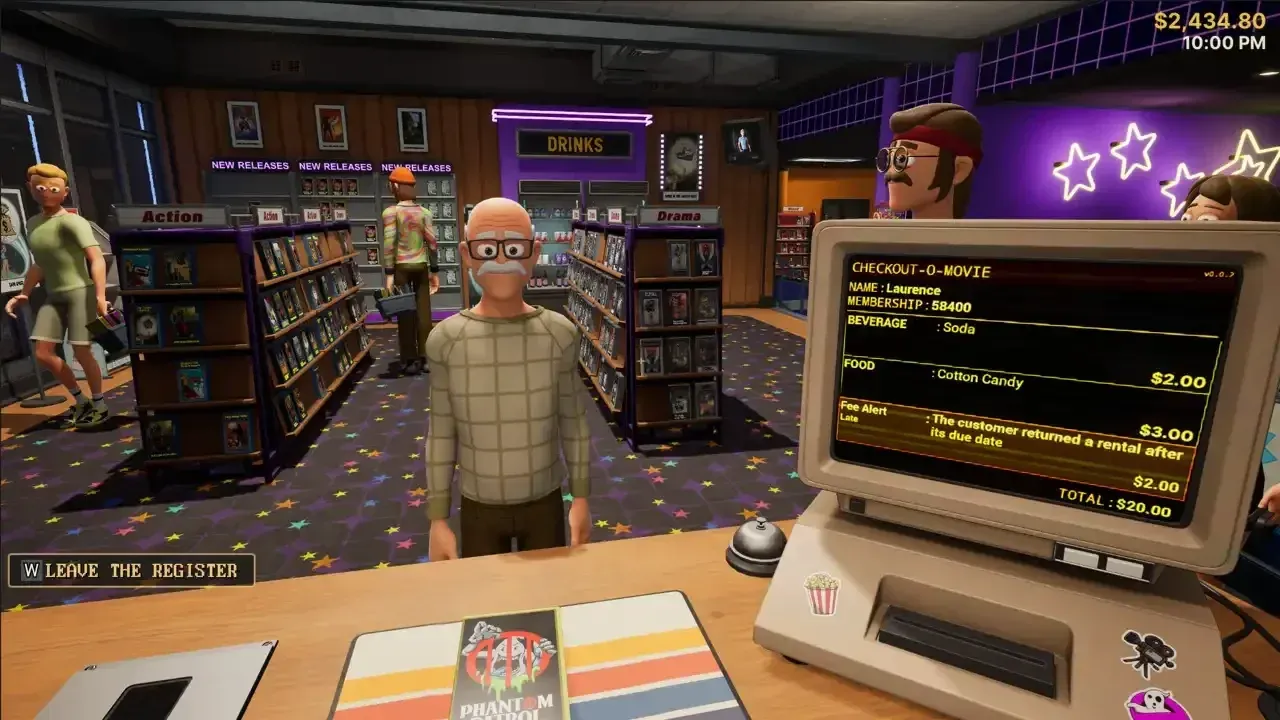
Standees boost new release visibility
What decorations actually improve your store?
Decoration in Retro Rewind is not purely cosmetic. Posters, themed items, and wall customization all contribute to the atmosphere that keeps customers coming back. The game lets you change walls, ceilings, and floor elements, so matching your decor to your genre zones creates a cohesive experience.
For a Horror section, dark wall panels and horror-themed posters signal the zone clearly without needing signage. Comedy and family sections benefit from brighter, warmer color schemes. The candy and snack displays near the checkout counter serve double duty: they generate small additional revenue and give waiting customers something to look at while the line moves.
The snack and beverage machines are worth setting up early. Players who have expanded to larger store sizes report that these machines become a meaningful secondary income stream, and they also reduce how impatient customers get while waiting in line.
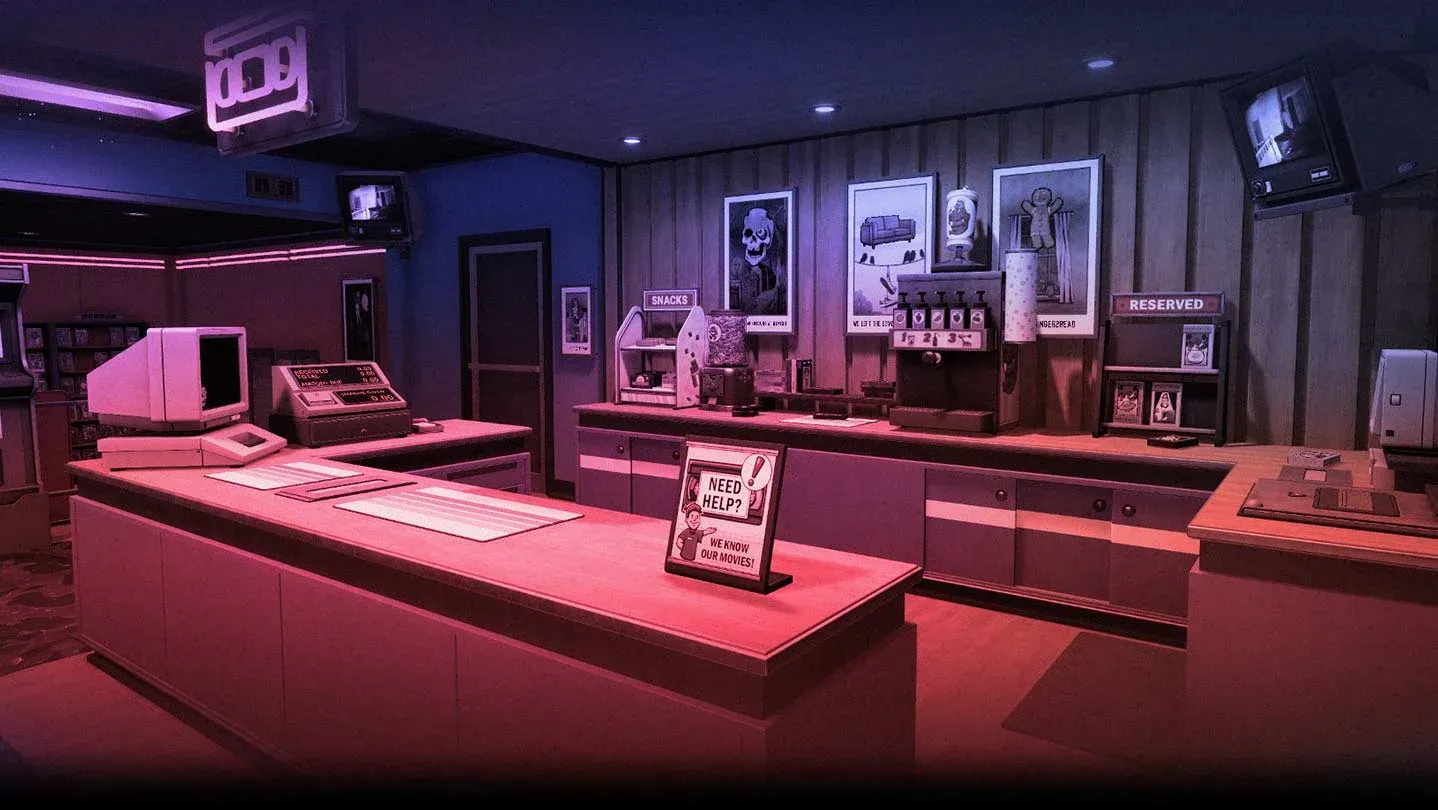
Snack machines add steady income
How do you handle the checkout line efficiently?
This is where most players struggle once their store starts getting busy. The checkout line builds faster than you can clear it, especially when a slushy order drops in the middle of a rush. A few operational habits make a significant difference.
First, position your help desk so you have a clear sightline to the shelves. Customers who ask for recommendations when the answer is literally on a shelf 2 feet away are less frustrating when you can point them in the right direction immediately rather than running across the store.
Second, deal with late fees proactively. Customers with outstanding fees will sometimes throw returned tapes rather than pay up. Keeping your late fee enforcement consistent from the start discourages this behavior over time. The tape repair mechanic exists for a reason: broken tapes are recoverable, and fixing them rather than writing them off protects your inventory.
Third, hire workers once you can afford them, but understand their limitations. Workers have their own schedules and will request days off. Forcing them to work repeatedly leads to resignations. Build enough staff coverage that a single worker calling in does not collapse your operation.
What are the best early expansion priorities?
When you first start, every dollar matters. Here is a priority order that holds up across multiple playthroughs:
- Restock new releases first. They rent at the highest rate and depreciate in demand quickly.
- Add snack and beverage machines before expanding your floor space. The passive income helps fund bigger renovations.
- Expand storage before you hit the wall on inventory. Running out of back-room space is one of the most common early roadblocks.
- Hire your first worker once checkout lines regularly hit 4 or more customers. Solo management beyond that point costs you more in lost rentals than the worker's wages.
- Add themed decor after your genre sections are established. Decoration before organization is putting the cart before the horse.
The game is currently in Early Access, so some systems are still being refined. The tape repair update was a well-received addition that players with significant hours called a genuine quality-of-life improvement. Expect further changes to storage, worker AI, and store expansion options as development continues.
Is Retro Rewind worth playing right now?
For fans of casual games with a strong nostalgia hook, yes. The 80s and 90s atmosphere is executed with genuine attention to detail, from the punny movie titles on the shelves to the VHS tape repair mechanic. Players regularly clock 20 to 40-plus hours before hitting the current content ceiling, which is a solid return for the price.
The main friction points are real: the worker AI needs work, a movie teleportation bug has frustrated players who lose inventory unexpectedly, and the lack of gameplay sliders means you are playing by the developer's rules rather than your own. These are known issues in an Early Access context, and the developer has been active with updates.
For the full picture on what to do next once your store is running smoothly, the Retro Rewind - Video Store Simulator strategy guides cover everything from advanced expansion tactics to dealing with specific customer types. If you are just getting started, the layout principles in this guide will carry you through the first several hours without hitting the common early roadblocks.