Road to Vostok has one of the most punishing death systems in survival gaming right now. Lose a firefight in the early maps and you respawn at your shelter, bruised but recoverable. Step across the border into Vostok and die, and the game deletes your entire save file. Every weapon, every medical supply, every hour of trader reputation, gone. Understanding exactly where that line sits and how to prepare for it is the difference between a 50-hour playthrough and starting over from the tutorial.
How does Road to Vostok permadeath actually work?
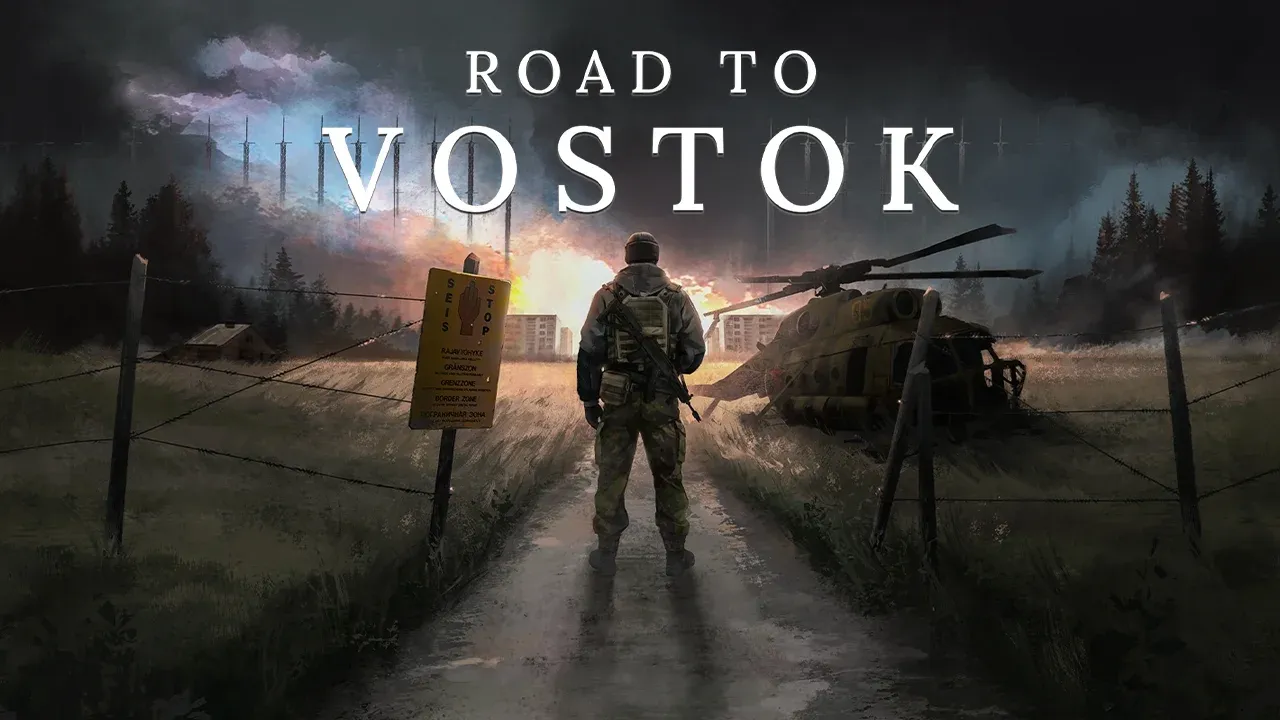
The game splits its world into three distinct zones: Area 05 (the western Finland hub where you start), the Border Zone (the crossing itself, guarded by mines, obstacles, and corrupt Guards with air support), and Vostok (the eastern endgame maps with Military faction enemies and the best loot in the game). Each zone carries a different death penalty, and most new players don't realize the distinction until it's too late.
Here's the full breakdown of what you lose depending on where you die:
| Death location | Gear on your character | Shelter stash | Save file |
|---|---|---|---|
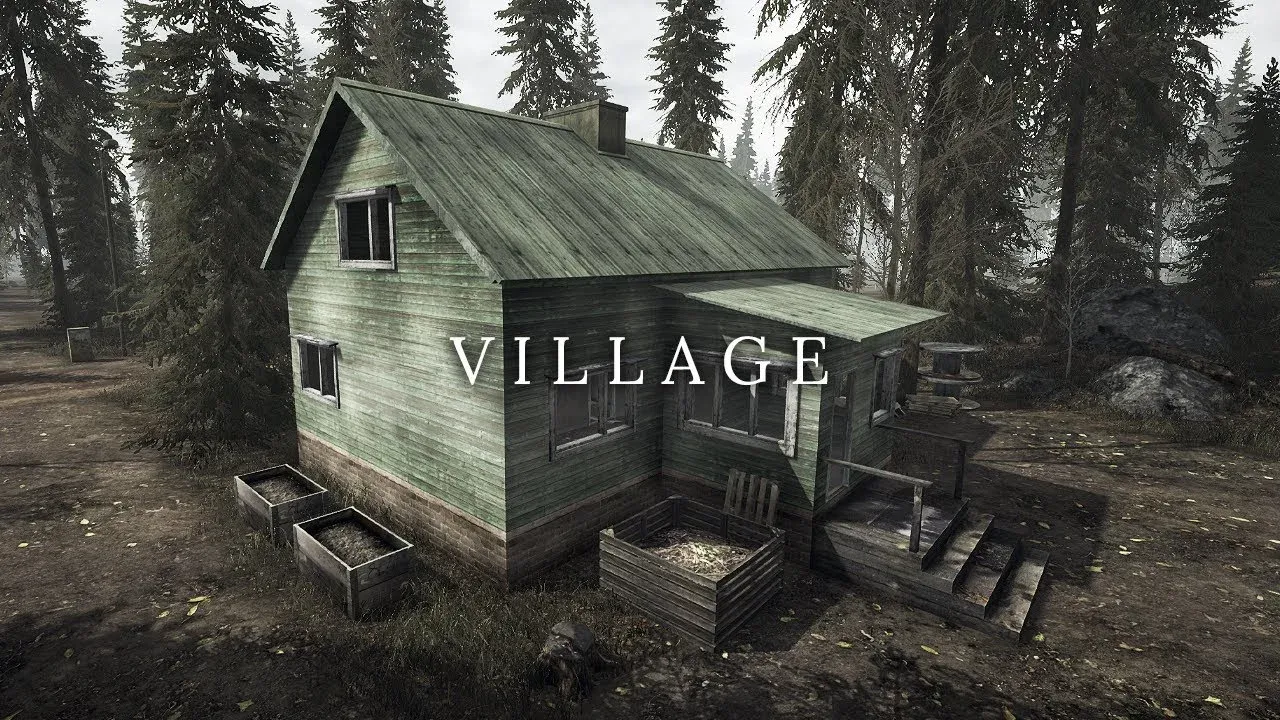
| Standard maps (Village, Radar, etc.) | Lost permanently | Safe, you respawn at shelter | Intact |
| Border crossing checkpoints | Lost permanently | Safe, you respawn at shelter | Intact |
| Inside the Vostok zone | Lost permanently | Wiped completely | Deleted |
Dying in Area 05 or at the border crossing hurts. You lose whatever you had equipped and in your backpack during that run. But your shelter stash survives, and you can kit up from your reserves and try again. Dying inside Vostok is a different category of consequence entirely. The game physically deletes your local save file and forces a fresh start.

What do you actually lose in a Vostok permadeath wipe?
The save deletion isn't just about the gear you brought on that specific run. A Vostok death wipes your character permanently, removes all equipped items and backpack loot from that raid, erases your entire shelter stash (medical crates, modified rifles, ammunition stockpiles), and resets your trader reputation to zero. You don't lose the game from Steam, but your progression is gone entirely.
That's why experienced players treat a Vostok run like a high-stakes wager. You're not risking one loadout. You're risking everything you've built.
Preparing for the border: what to bring
Because the stakes are this high, crossing the border unprepared is a fast way to lose dozens of hours. Here's the medical minimum you should carry before stepping into Vostok:
| Medical item | Minimum quantity | Purpose |
|---|---|---|
| CAT Tourniquet | 2 | Stops arterial bleeding from high-caliber hits |
| Sterile Bandages | 4 | Patches grazing shots and barbed wire wounds |
| IFAK or Salewa | 2 | Restores health after surviving a firefight |
| Morphine Auto-Injector | 1 | Lets you sprint on broken legs to reach extraction |
| Antibiotics | 1 pack | Treats sepsis from dirty wounds |
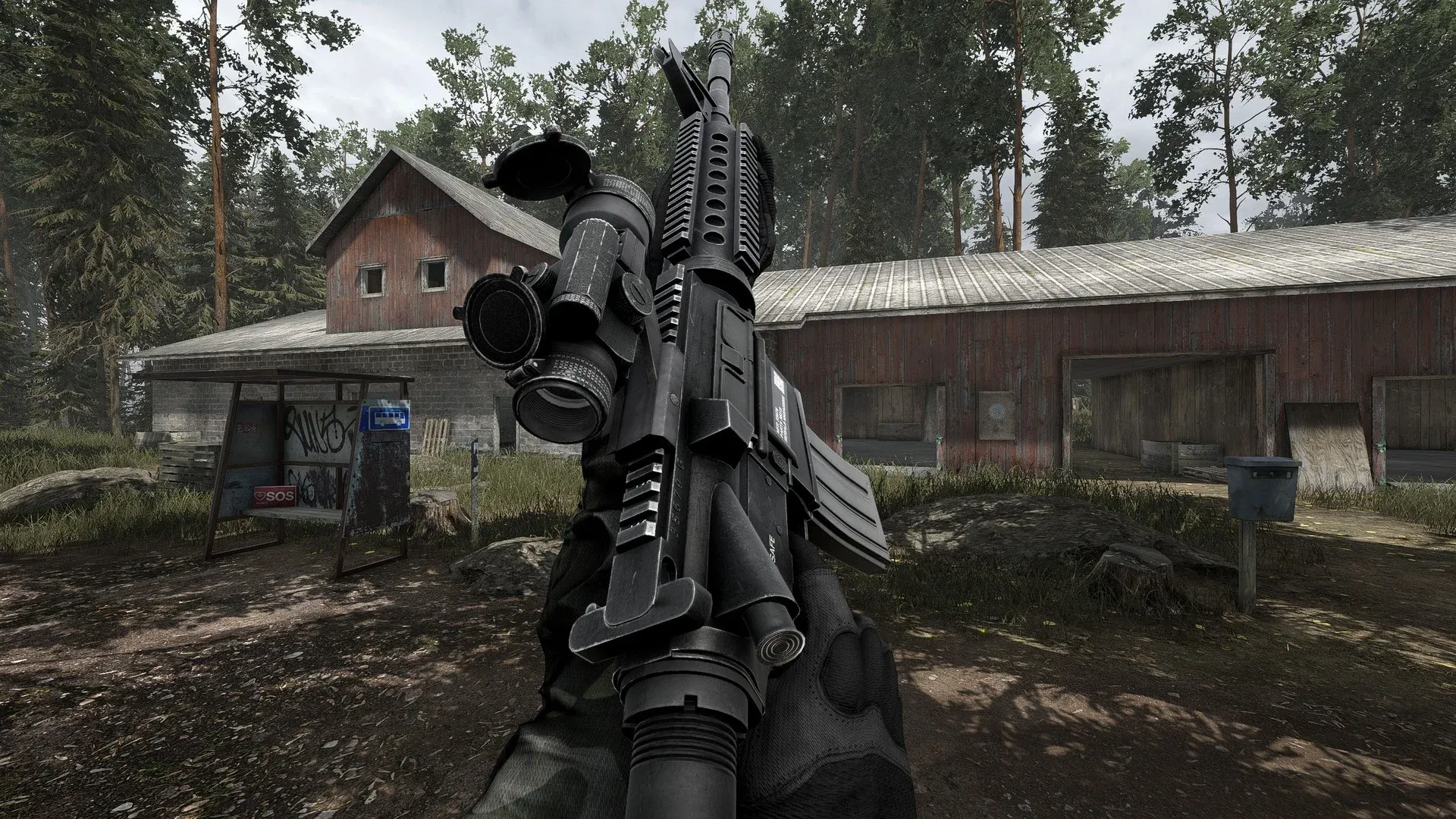
On the weapons side, don't cross with any primary weapon below 90% durability. The Godot 4 engine simulates real-time jamming and degradation, so a worn rifle can fail mid-firefight against a Vostok Military patrol. Bring a fully repaired high-tier primary (the M4A1 and SVD work well) and always carry a reliable sidearm as backup.
How to move inside the Vostok zone
Your early-game habits will get you killed in Vostok. Sprinting across open ground, looting immediately after a kill, and ignoring audio cues are all behaviors that work fine in Area 05 and will end your save file in the endgame zone.
The core adjustments are:
- Move between hard cover only. Trees stop visual detection but not bullets. High-caliber rounds penetrate foliage. Rocks, vehicles, and concrete walls are your actual cover.
- Wait after kills. Gunfire pulls other AI toward the location. After dropping an enemy, hold your position in cover for around 60 seconds before approaching the body. Looting locks you into the inventory screen and makes you a static target.
- Know your extraction before you fire. Plan your route to the extraction point before engaging anything. Greed kills more Vostok runs than bad aim.
The AI in Vostok is notably aggressive. Enemy NPCs can detect players through dense foliage at significant range and engage before the audio even registers on the client side. Treat every open sightline as a threat.
How to manually back up your save file
The game stores your save locally on your PC. Before any Vostok run, you can copy your save directory to a safe folder on your desktop. If you die in the permadeath zone, pasting the backup back restores your shelter and character progression. It's tedious but entirely functional, and since Road to Vostok is a single-player PvE game with no server-side anti-cheat checking local files, there's no ban risk involved.
The exact AppData path varies depending on your OS version and build, so verify the location on your specific machine before relying on this method. The roadtovostok.org community guide hub covers save file locations at a general level, though always cross-check against your installed build.
What's the fastest way to start if you do lose everything?
A full permadeath wipe sends you back to the tutorial phase with nothing. The core loop starts with unlocking your shelter as a save point, learning the looting routes in Area 05, building trader relationships through task completion, and gathering enough gear and maps to attempt the border again.
The task progression system ties directly into trader access and shelter upgrades, so following the quest chain from the start is the most efficient rebuild path. The Road to Vostok Wiki and guides database covers the full task chain and trader unlock sequence in detail.
Is the permadeath system worth engaging with?
Honestly, yes. The tension it creates in the Vostok zone is unlike anything a standard extraction shooter produces. Knowing that a single mistake ends 50 hours of progression makes every decision inside that zone feel genuinely consequential. The medical loadout planning, the cover selection, the decision to extract early rather than push one more building, all of it carries weight that disappears in games where death is just a respawn timer.
The frustration comes from factors outside player control. AI that tracks through solid geometry, frame drops during asset loading, physics bugs that deal lethal fall damage from minor collisions. These are documented issues with the current Godot 4 build, and they're a legitimate complaint against a system this punishing. Manual save backups before border runs are a reasonable response to that reality.
For everything from weapon stats to NPC trader locations, browse more guides and resources at GAMES.GG to build out your Road to Vostok knowledge before your next run. Preparation is the only thing standing between your shelter stash and a fresh start.