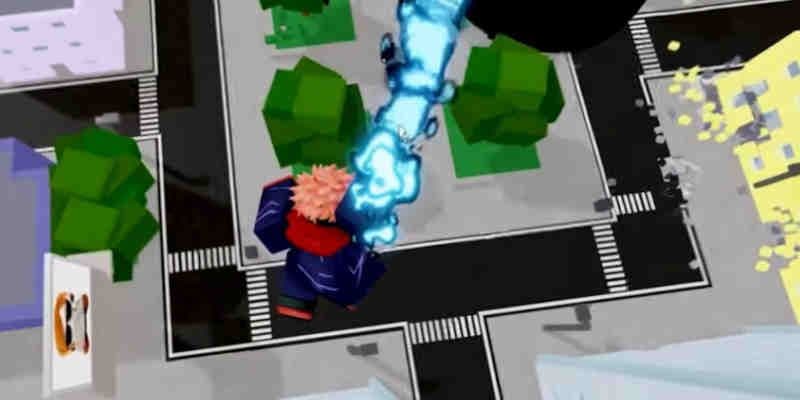

Custom movesets in Jujutsu Shenanigans turn a standard fighting session into something genuinely chaotic. You can pit Modulo Yuji against characters ripped straight from other franchises, all inside your own private server. The whole system runs through the in-game Workshop, and once you know where to find it, the setup takes under two minutes.
How do you set up a private server for custom movesets?
Everything starts with a private server. You cannot access the Workshop in public lobbies, so this step is not optional.
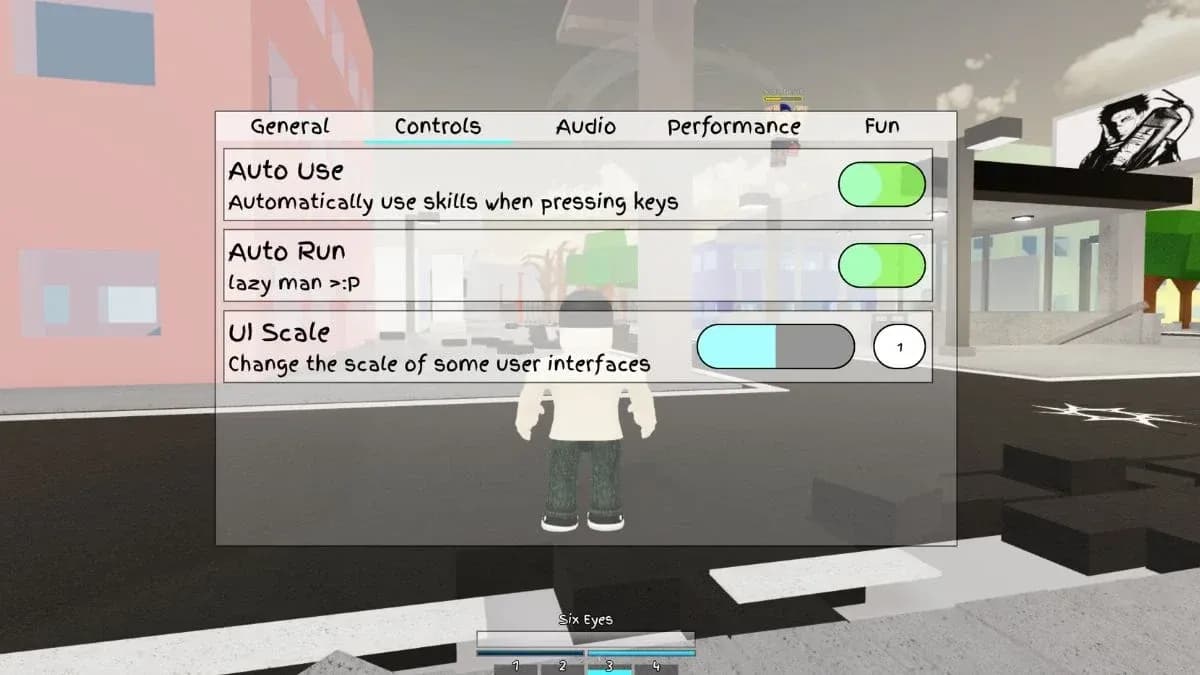
Private server creation screen
Here is how to get Workshop access enabled:
- Launch Jujutsu Shenanigans and click the magnifying glass icon on the main screen.
- Select Custom Servers, then click Create a Server.
- Name your server and hit Create. Note that the server will be visible to other players by default.
- Click the plus (+) icon in the top left corner to open Server settings.
- Scroll down and toggle on Workshop Access.
- Once Workshop Access is enabled, a new Workshop (WS) icon appears at the top of your screen.
With Workshop Access toggled on, click the WS icon, select Movesets, then hit the downwards arrow icon on the right side to load the full list of available custom movesets. From there, search by name, click the import icon next to the one you want, and confirm with Yes.
To keep your favorites organized, use the Star icon in the top right of the Workshop. Starred movesets appear under the Favorites tab, saving you from hunting through the full list every session. You can also spawn in training dummies through the Server settings menu to test movesets before any real fights.

How to play custom movesets with friends in Jujutsu Shenanigans
There are two ways to get friends into a custom moveset session, and they suit different situations.
Method 1: Host your own server
This is the best option when you want control over which movesets are available. Create your private server using the steps above, then walk your friend through the following:
- They open Jujutsu Shenanigans and click the magnifying glass icon.
- Select Custom Servers and click the downwards arrow to display all active servers.
- Search for your server name and join.
- Once inside, they open Server settings with the (+) icon and confirm Workshop Access is toggled on.
- They then open the Workshop, load the moveset list, and import whatever they want.
Both players import independently, so you can each run completely different custom movesets in the same match.
Method 2: Join a public custom moveset server
If you just want to jump into chaos without setting anything up yourself, open the server list and search for "custom". Servers labeled "X+ Custom Movesets" and similar names are common. These are community-hosted lobbies where players are already running custom moveset game modes.
This method works for solo play or with friends. You will find movesets like Modulo Yuji, Sonic, and even The Flash active in these servers. The experience is closer to the JJS Creator Clashes format, with a rotating mix of custom characters.
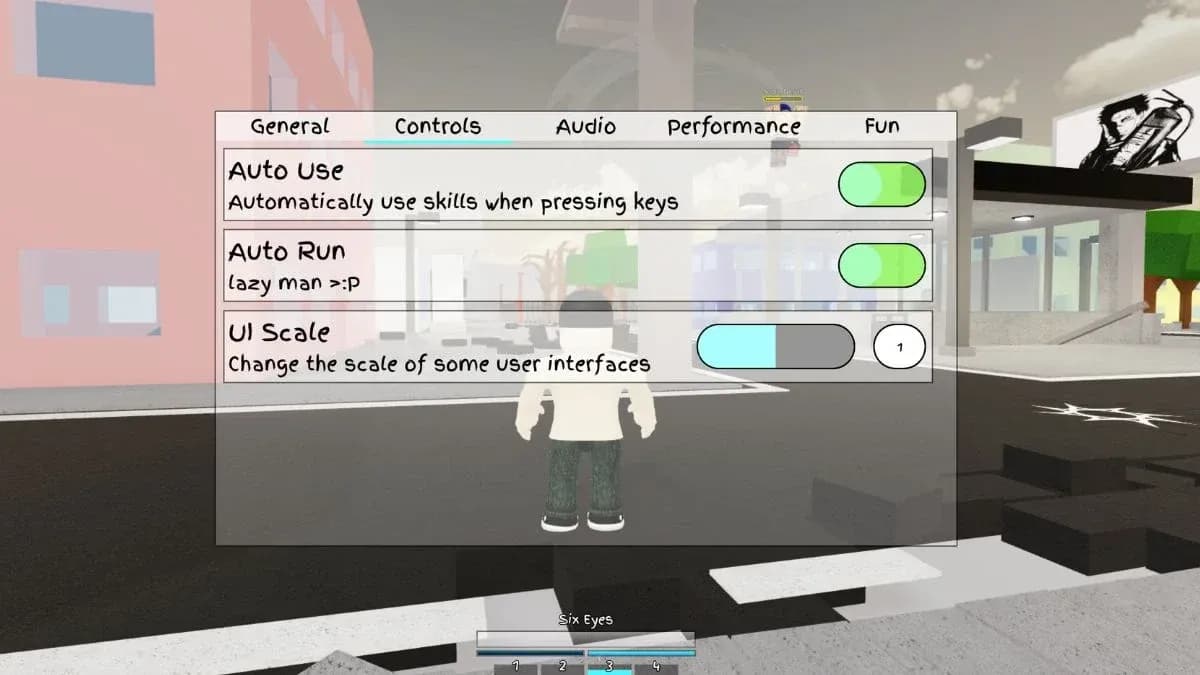
Searching custom moveset servers
Comparison: which method should you use?
| Method | Best for | Control level | Setup time |
|---|---|---|---|
| Host your own server | Friends-only sessions | Full | 2-3 minutes |
| Join public custom server | Quick casual play | None | Under 1 minute |
Tips for getting the most out of custom movesets
After running through the Workshop with several different movesets, a few things stand out as worth knowing before you start.
- Search by name rather than scrolling. The moveset library is large enough that browsing manually wastes time. If you know you want Modulo Yuji, just type it.
- Star your regulars immediately after importing. The Favorites tab is the fastest way back to movesets you actually use.
- Spawn dummies through the Server settings to practice a new moveset's timing and range before testing it against a real opponent.
- For movement fundamentals that apply across all movesets, the official Jujutsu Shenanigans controls wiki breaks down every platform's input layout, which matters when you are adapting to a moveset you have never used before.
For broader combat strategy that applies once you are actually in a fight, the Jujutsu Shenanigans tips wiki covers mechanics like dash cancels and unescapable attack strings that stay relevant no matter which custom moveset you are running.
Custom movesets are one of the more creative parts of Jujutsu Shenanigans, and the Workshop makes the whole thing accessible without any external tools or complicated workarounds. Set up your server, import what looks interesting, and find more guides like this one at the GAMES.GG guides hub.