

What is Survive Zombie Arena and how do you get started?
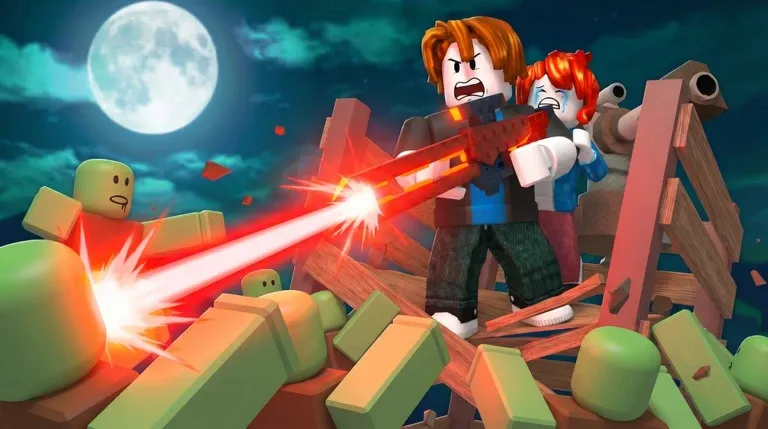
Survive Zombie Arena is a wave-based zombie shooter on Roblox that launched on December 13, 2025. You spawn in a hub, board a spaceship with your team, and get dropped into an arena where increasingly dense zombie waves try to end your run. The core loop is straightforward: kill zombies, earn credits, spend credits wisely, and invest in permanent hub upgrades between runs. That last part is where most beginners leave progress on the table. Every run should be funding the next one.
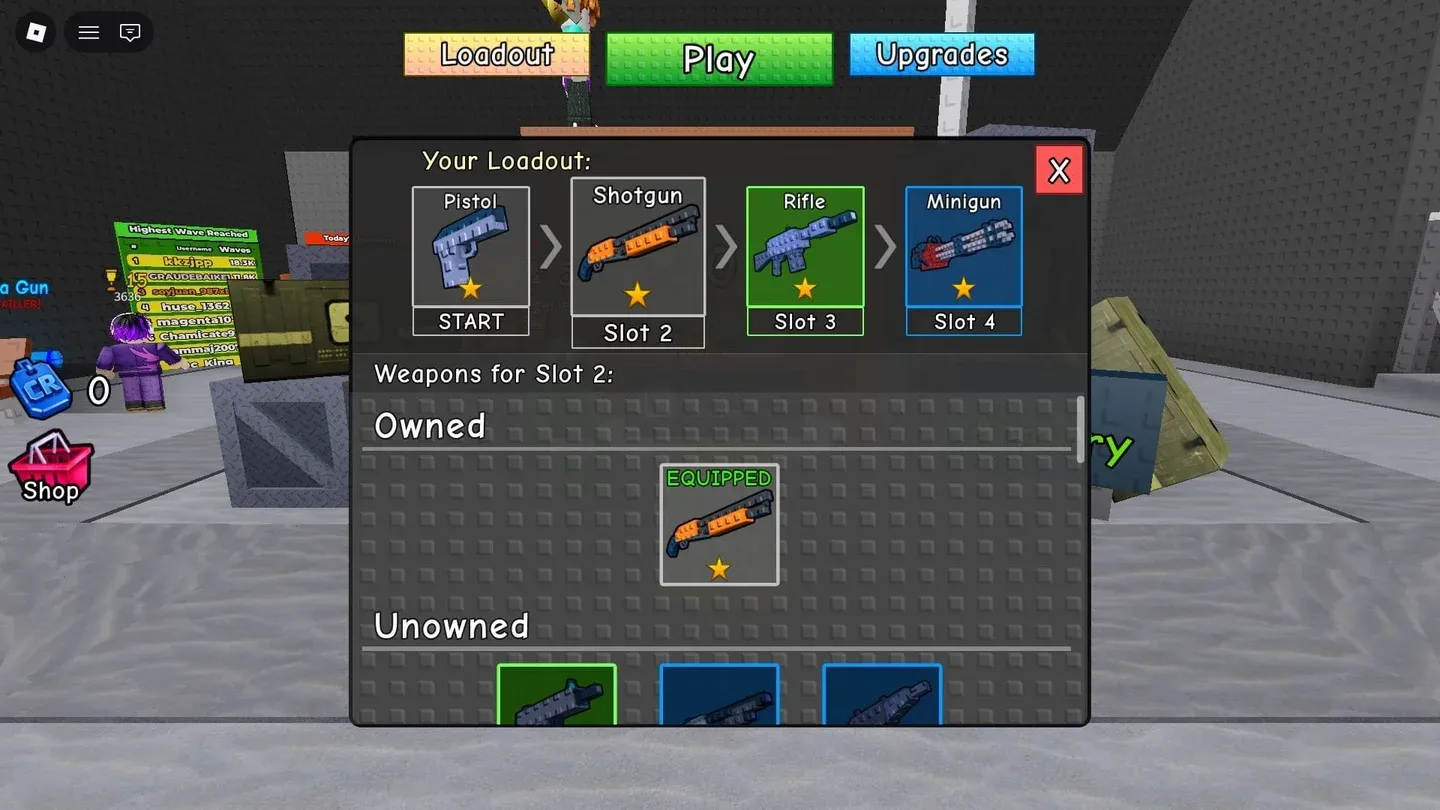
Hub loadout setup screen
How does the credit system work?
Credits are the engine of every run. You earn them by killing zombies and clearing waves, and you spend them both mid-run and back in the hub on permanent upgrades. The order you spend credits matters far more than how many you have.
Here is the priority breakdown that actually works:
The survivezombiearena.wiki guide is direct about this: if zombies are dying too slowly, put credits into weapon power. If you are getting surrounded despite solid damage output, then add utility support. That distinction fixes most failed runs.
What is the best loadout structure for beginners?
Forget chasing a single "best weapon." What actually keeps runs alive is role coverage. Your loadout needs one weapon for crowd control and one for tougher, higher-health targets. Running two guns with the same role leaves you exposed on one side or the other.
Weapon slot loadout menu
Role-based loadout pairing
Beginners should prioritize upgrading from a handgun to a shotgun and then a rifle as soon as possible. The survivezombiearena.wiki guide reinforces this with a specific rotation tip: use your fast weapon while kiting open lanes, swap to the heavier option when a tougher cluster pushes through, and reposition before reloading to avoid corner traps.
Three starter templates to try
How should you use support gear like turrets, barricades, and landmines?
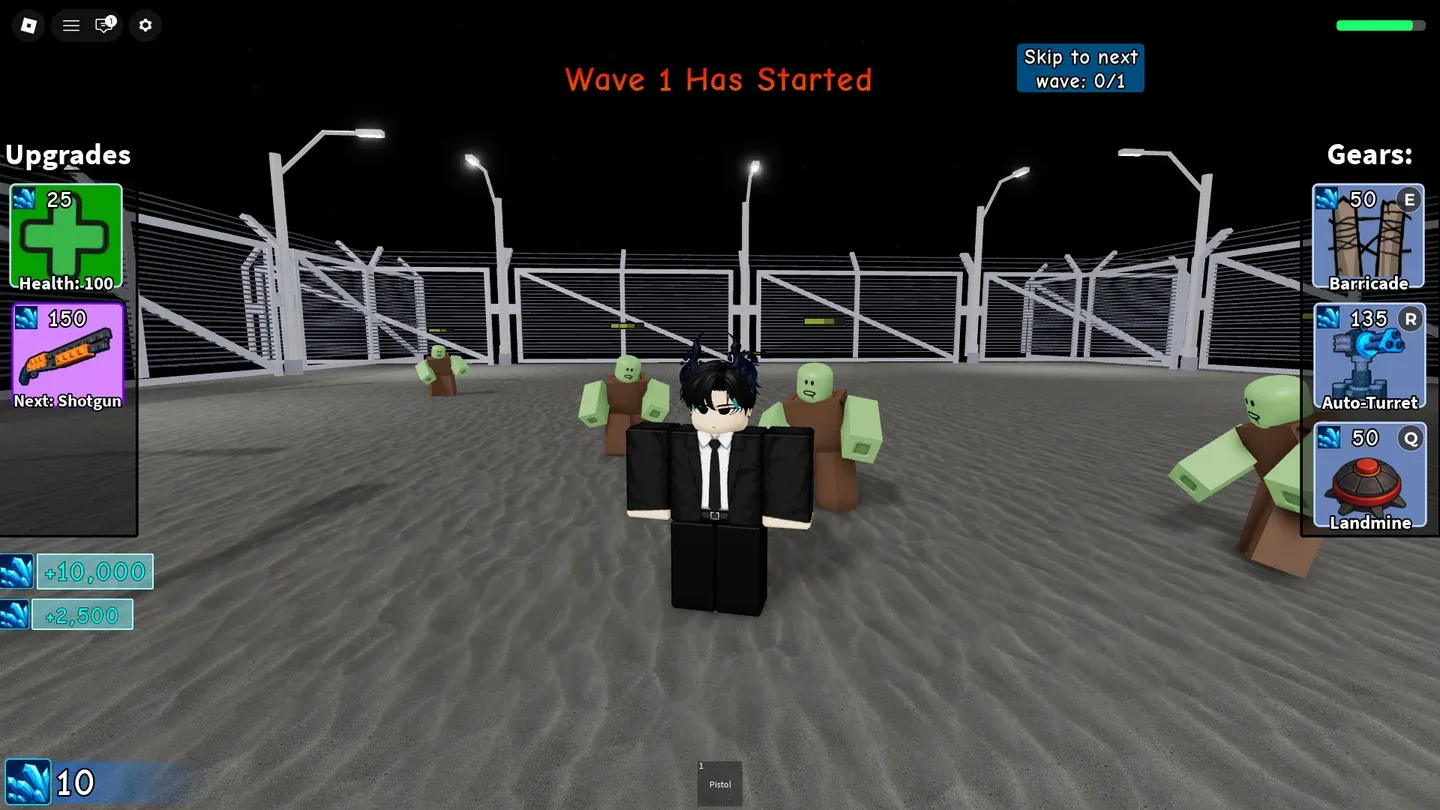
Classes went live in Survive Zombie Arena with the April 28, 2026 update g. All beginners start with the Survivor class, which comes with three gear options:
- Auto Turret: Automatically damages nearby zombies but has relatively low health.
- Barricade: Blocks chokepoints, forcing zombies to destroy them before reaching players.
- Landmine: Triggers on contact with zombies, dealing area-of-effect explosion damage.
The key insight from both source guides is that gear works as a force multiplier, not a damage substitute. Buying barricades and turrets before your weapons are upgraded makes your run gear-dependent and fragile.
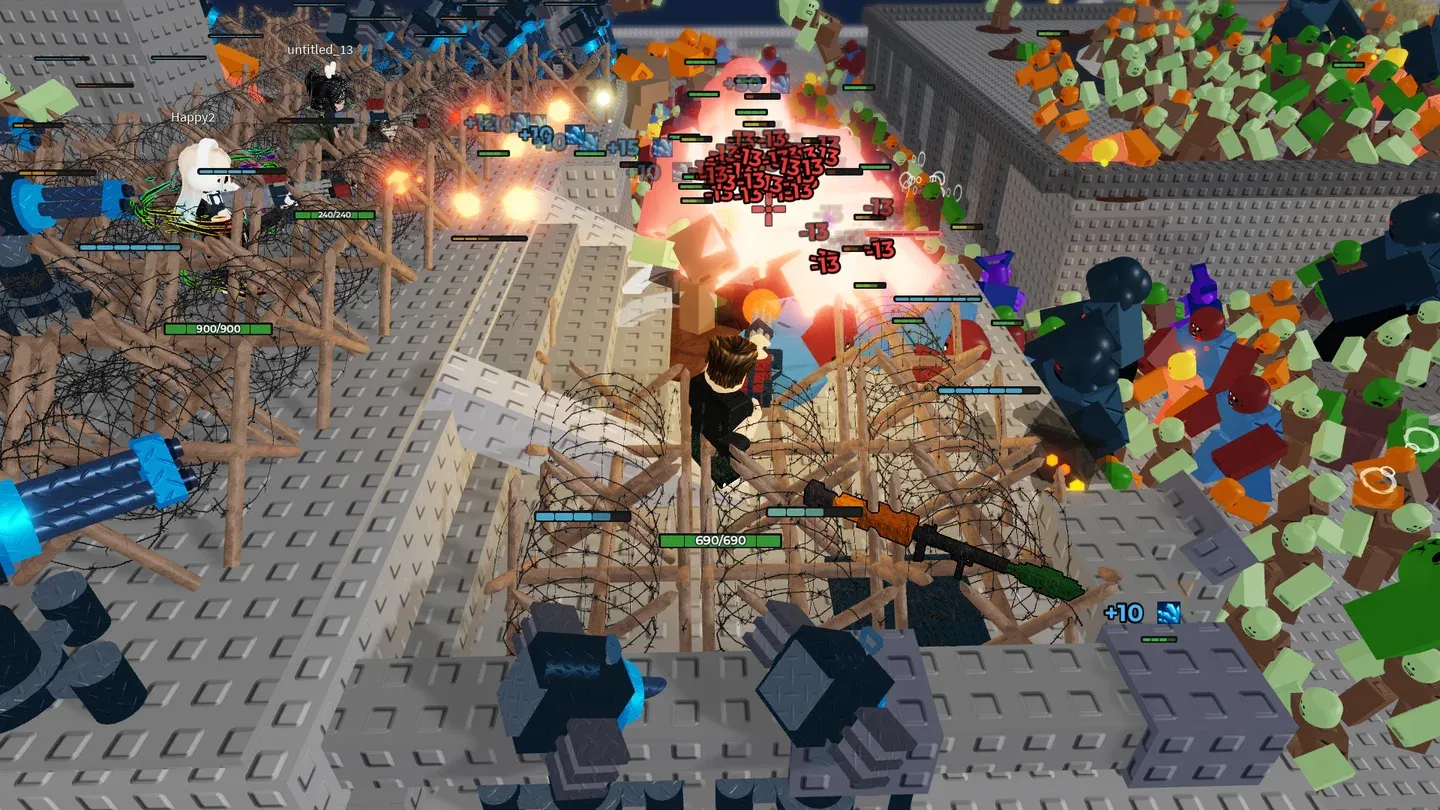
Barricade placed at chokepoint
The survivezombiearena.wiki guide offers a clean decision rule: buy a barricade when you need breathing room, a turret when your team needs persistent lane damage, and landmines when wave clumps become too dense to manually clear.
Solo vs team play: what changes?
The controls in Survive Zombie Arena are standard for Roblox shooters. You move with WASD, jump with Spacebar, switch weapons with number keys 1 through 4, fire with Left Mouse Button, and deploy gear with Q, R, and E.
Beyond controls, your positioning strategy should shift entirely based on whether you are playing solo or with a team.
Solo fundamentals:
- Keep moving in arcs, not straight backpedals.
- Avoid corners unless using them briefly for burst control.
- Clear nearest threats first to maintain escape lanes.
- Rotate before you are surrounded, not after.
Team fundamentals:
- Stay close enough to assist but far enough to avoid stacking damage.
- Assign lanes so everyone is not shooting the same door.
- Coordinate support gear placement before pressure spikes.
- Share pressure instead of chasing the same target.
Should you skip waves for faster progression?
Wave skipping can accelerate credit gains since later waves pay out more, but the survivezombiearena.wiki guide treats skip decisions as economy decisions. A failed skip attempt typically costs more progress than a slower, clean clear.
Only skip when all three of these conditions are true:
- Your current wave clear is already comfortable.
- Core weapons are upgraded and your loadout is balanced.
- Support gear is available for spike control.
If even one condition is shaky, the density increase from skipping can collapse a run that was otherwise going well.
Your first 30-minute session plan
Rather than going in blind, use this structured first session from the survivezombiearena.wiki progression guide:
Repeat that cycle instead of random spending and your progression curve tightens up fast.
Top mistakes to fix right now
- Spending early credits on utility before unlocking stronger weapon slots.
- Carrying two weapons with the same damage role.
- Standing still during reloads.
- Skipping waves before the team is ready.
- Ignoring post-run permanent hub upgrades entirely.
These are the exact errors that make players feel stuck after a few sessions. Fix them first, and the rest of the game opens up considerably.
For more Roblox survival and action guides, check out our Roblox guides collection covering everything from wave shooters to open-world adventures. If you enjoy the wave survival format, the Escape Tsunami For Brainrots beginner's guide covers another popular Roblox survival game with its own progression systems worth exploring. Fans of fast-paced Roblox action might also find the Blox Fruits beginner's guide useful for building strong combat habits that carry across multiple games.