Search games, articles, guides...CtrlK
Sign InGet Started
Stop making manual ore runs. Here's how to place, name, assign, and power Transport Drones in Solarpunk.

Written by Nuwel
Content Writer
See more GAMES.GG guides on Google
Add us as a preferred source and our guides show up first in your results.
Solarpunk Power Grid Guide
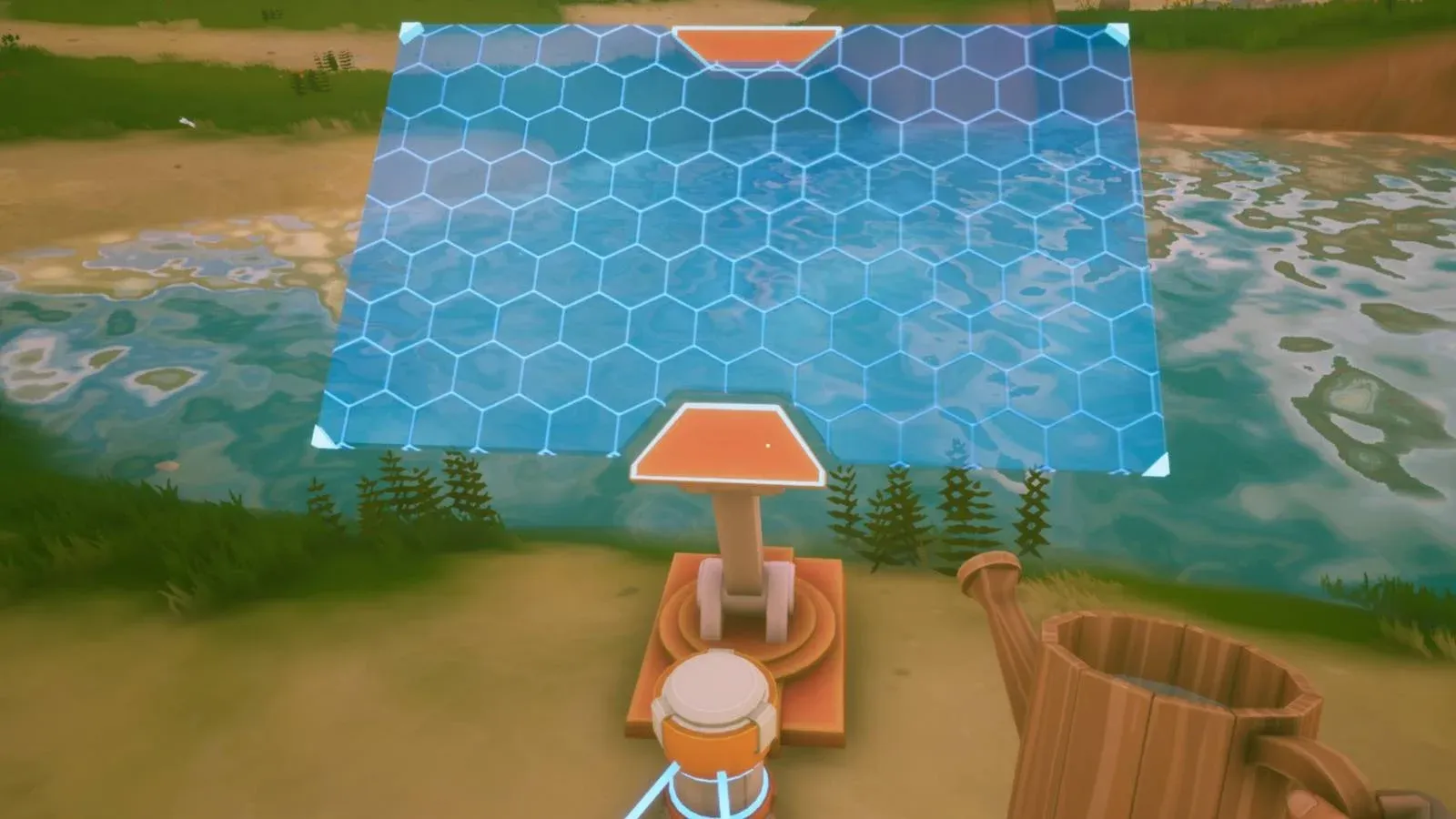
Master Solarpunk's energy system with solar panels, batteries, drills, and switches before your base starts shutting down.
How to Get Cobalt in Solarpunk: Ore Location and Smelting Guide
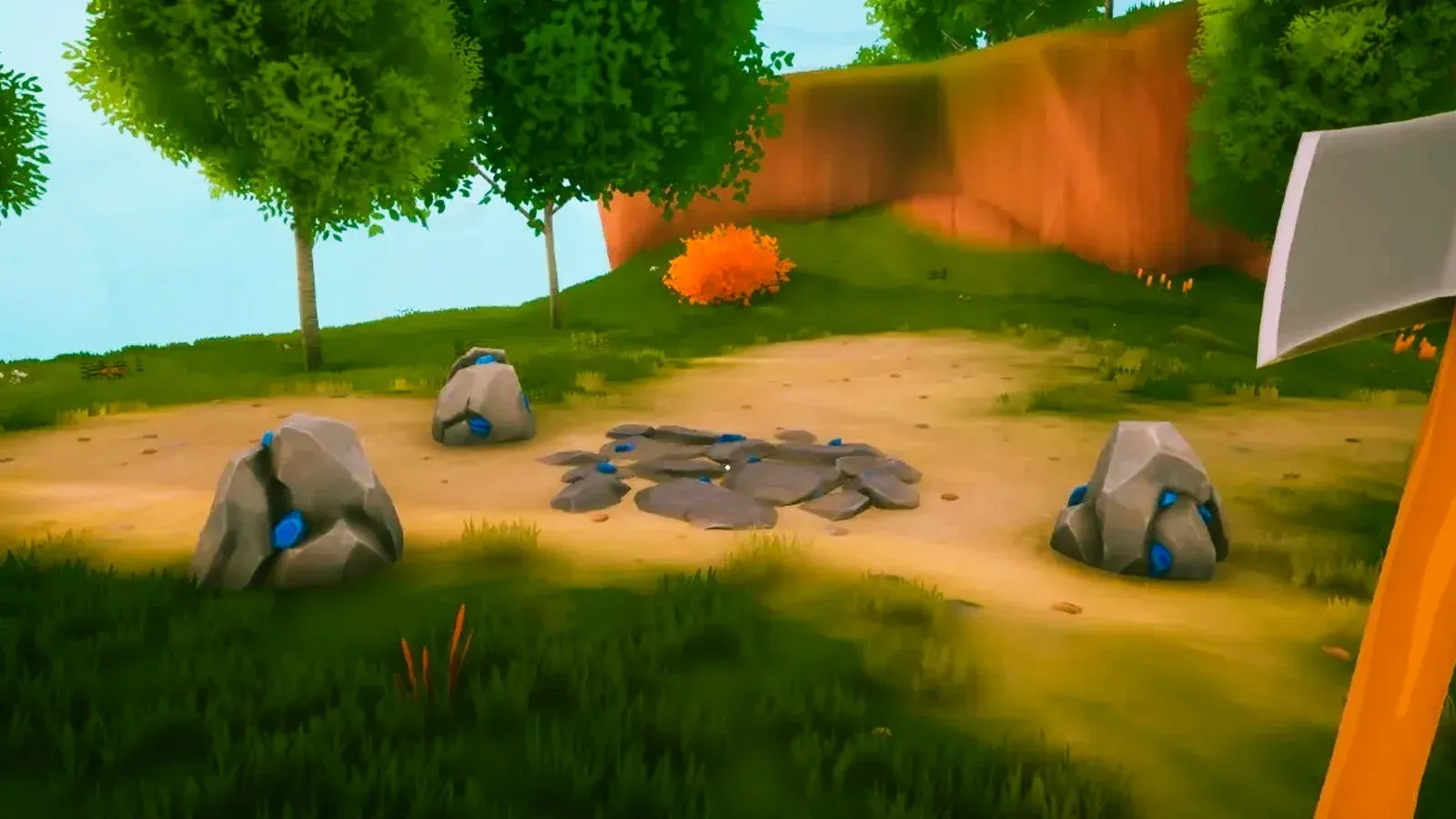
Find Cobalt Ore on the southern island, smelt it into bars, and fix the Traderbot vending machine with this step-by-step Solarpunk guide.
Solarpunk Automated Mining Guide
Set up Electric Drills, scale your power grid, and automate ore delivery with Transport Drones in Solarpunk.
Transport Drones are one of the best quality-of-life upgrades in Solarpunk, and they're also one of the most misunderstood systems in the game. Most players place the drone at the mine and wonder why nothing happens. The fix is simple once you know it: the drone goes at your delivery point, not at the Drill. Get that backwards and you'll spend an hour troubleshooting a perfectly working machine.
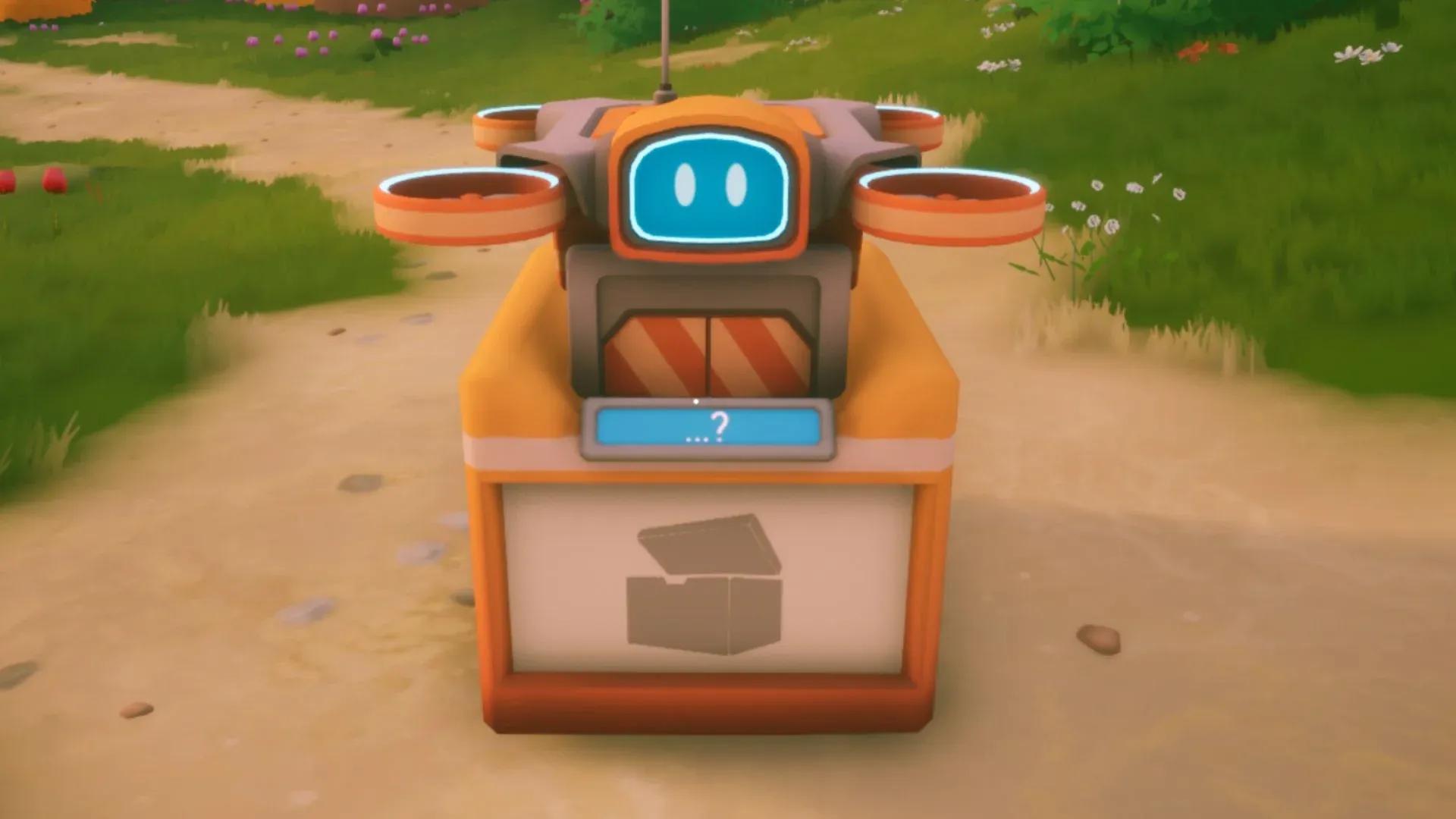
A Transport Drone automates the round trip between a remote resource station and your base. You place the drone platform where you want ore to arrive, assign it to a Drill (or an open-air chest) on a distant island, and it flies out, collects what it can carry, and returns to drop the haul at its platform. You then grab the loot manually from the drone's inventory and stash it.
One thing worth knowing upfront: loot does not fall automatically into a nearby chest when the drone returns. You still need to collect it yourself. That may change in a future update, but for now, plan your workflow accordingly.
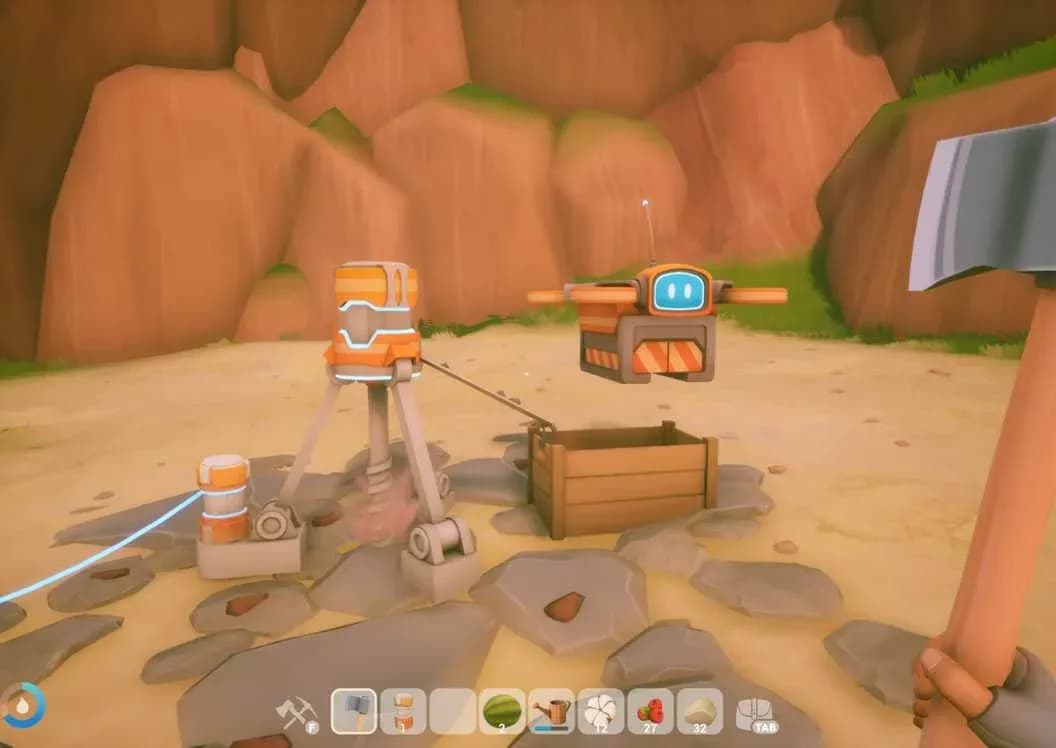
Drone placed at delivery point
The Transport Drone blueprint is unlocked at the Energy Workbench, the blue console in the TraderBot's shop on the island directly north of your starting island. You need a Tier 2 blueprint to unlock it there.
Once unlocked, you build the drone itself at an Energy Crafting Table back at your base. The recipe requires:
Stock all four materials before you start. Cobalt is the bottleneck for most players at this stage, so check out the iron and copper resource guide if you need to shore up your metal supply before committing to the craft.
The setup sequence matters here. Do it out of order and the drone will sit idle.
The drone will then fly out on its own, collect the load, and return to the platform. Repeat step 4 onward any time you want to redirect it to a different station.
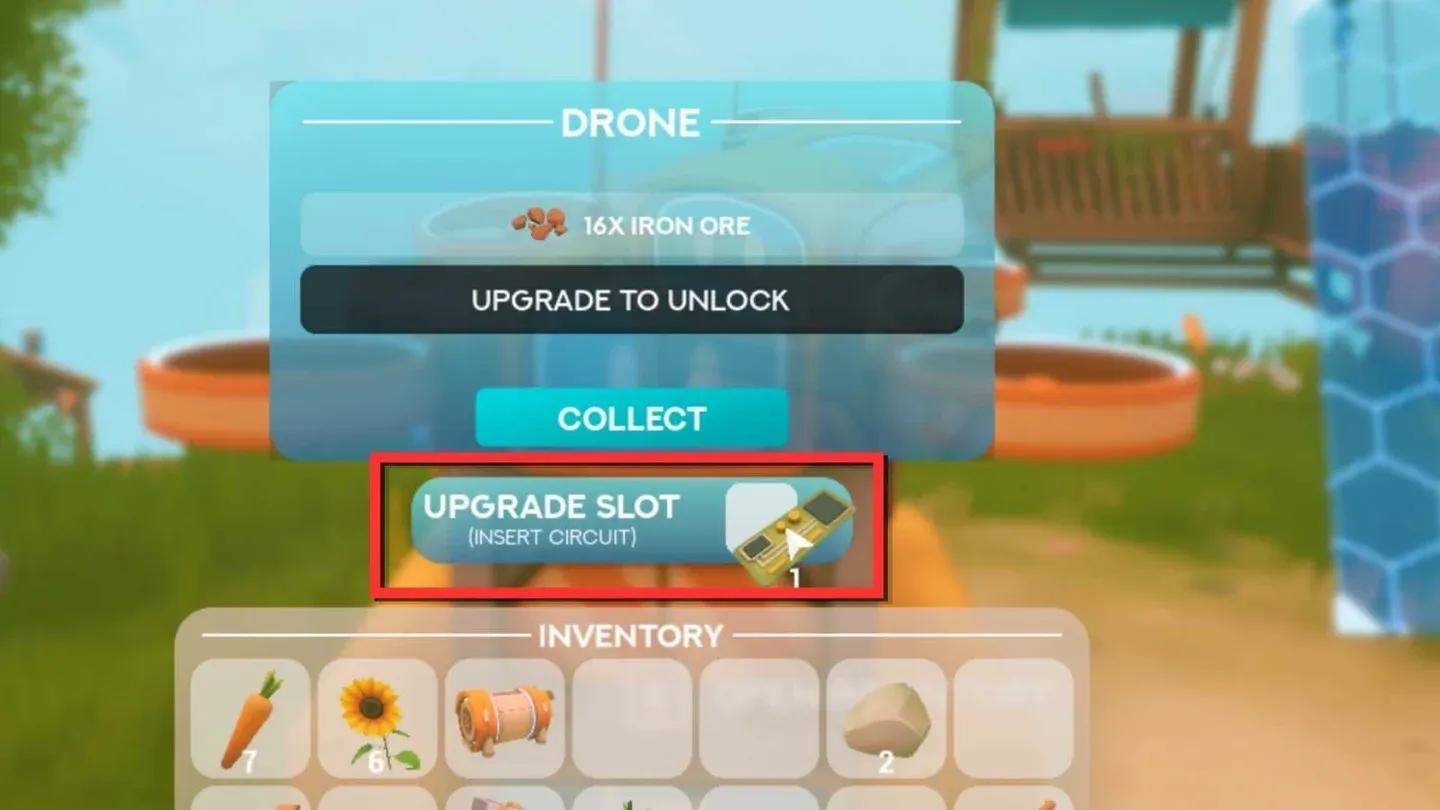
Assigning drone at the Drill
A stock Transport Drone carries 16 ores per trip, which is exactly half of a full Drill's 32-ore output. That means a single drone needs two trips to fully clear a busy Drill.
To fix that, slot a Circuitboard into the drone's upgrade slot. This doubles capacity to 32 ores per trip, enough to empty a full Drill in one run. The Circuitboard is removable, so you can pull it out and reuse it on another drone if needed.
The Circuitboard itself is a Tier 4 Energy Workbench blueprint. Its reported recipe is Algae x10, Copper x5, Cobalt x5, though verify this in-game before farming the parts since it comes from a single source.
| Upgrade | Carry Capacity | Trips to Clear Full Drill |
|---|---|---|
| No upgrade | 16 ores | 2 |
| Circuitboard | 32 ores | 1 |
A Transport Drone draws 300W, which is more than most early-game generators produce on their own. Plan your grid before placing one.
Here's how common power sources and consumers stack up for reference:
| Device | Power |
|---|---|
| Transport Drone | 300W draw |
| Windmill | 210W output |
| Drill | 120W draw |
| Basic Generator | 120W output |
| Solar Panel | 70W output |
| Sprinkler | 40W draw |
A single Windmill doesn't cover a drone plus its Drill. You'll need at least two Windmills, or a combination of sources, to run that pair without browning out the rest of your base.
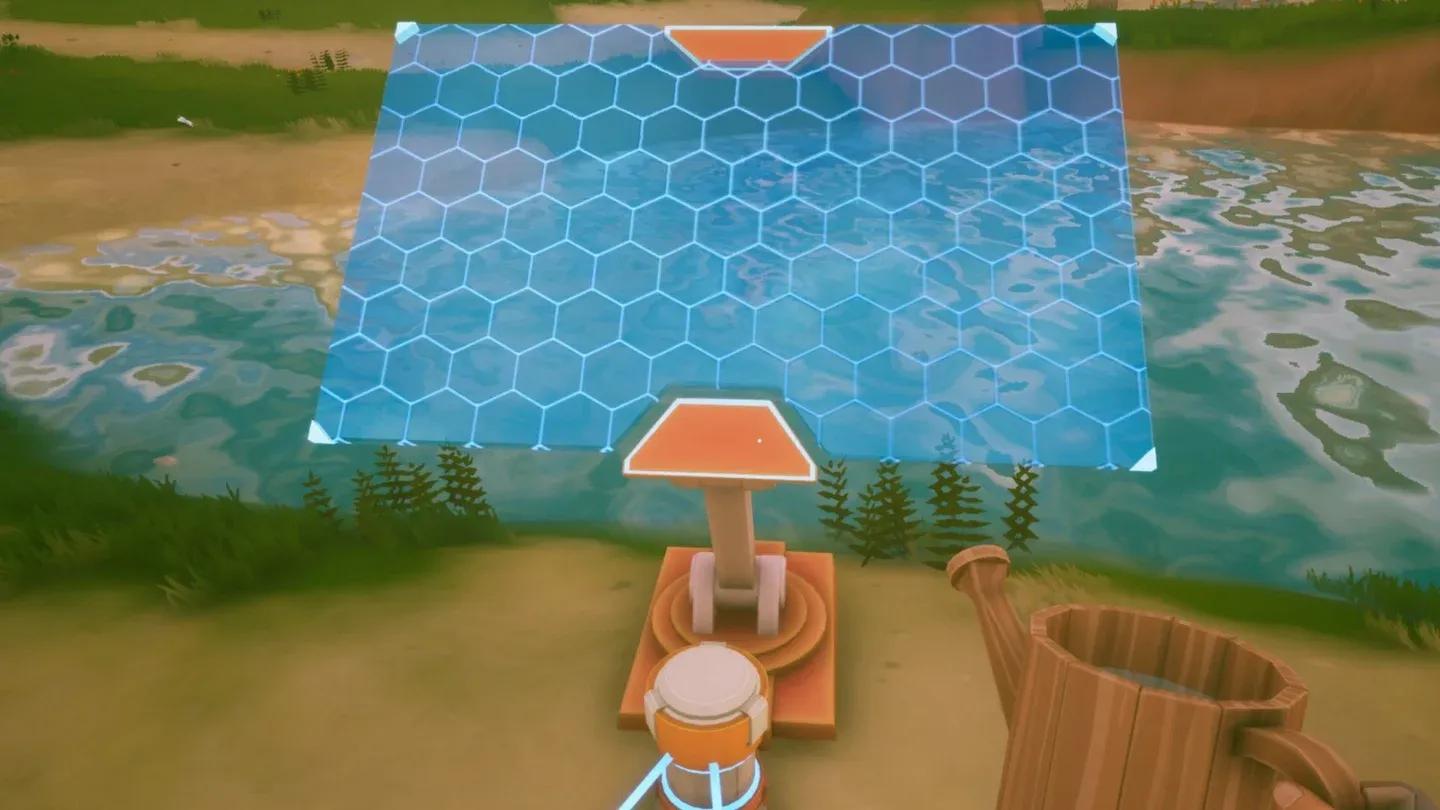
Power cable to drone platform
Most grounded drones come down to one of five problems:
Also keep in mind that each drone serves exactly one Drill. If you try assigning a second Drill to the same drone, the first assignment is lost. Set up a separate drone for each Drill you want automated.
Yes, but only from open-air chests. Interact with the chest the same way you would a Drill and select your named drone from the menu. Chests inside buildings or stored in a Storage Shelf can't be serviced by a drone.
Once one drone is operational, the next logical step is scaling up. You'll need a steady Cobalt supply to craft more drones and Circuitboards, so locking in a reliable Cobalt source should be the priority.
The real payoff is building a self-sufficient remote outpost: a Drill paired with its own Solar Panels and a Battery so the mine stays powered even when you're on another island. With that setup, a handful of drones can quietly stock your base while you focus on farming, building, or exploring.
For the broader progression picture, the Solarpunk beginner's guide covers how the research table, TraderBot, and airship all connect to your resource automation goals. And if you want to dig deeper into specific systems, the full Solarpunk guide collection has everything from crop farming to airship upgrades in one place.