Search games, articles, guides...CtrlK
Sign InGet Started
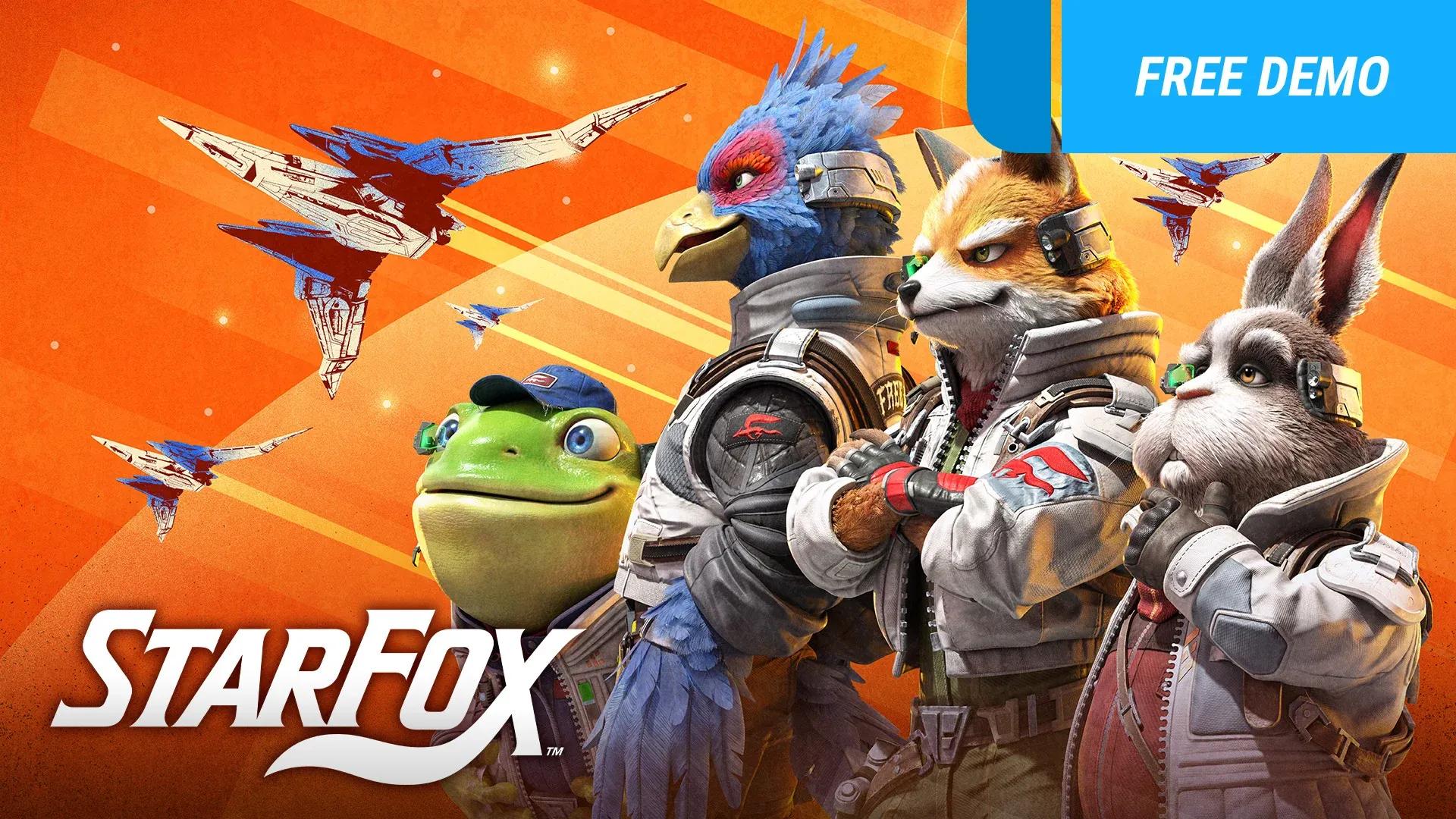
Master Star Fox Switch 2's Battle Mode with tips on settings, all 13 exclusive items, map objectives, and strategies to dominate every match.

Written by Nuwel
Content Writer
See more GAMES.GG guides on Google
Add us as a preferred source and our guides show up first in your results.
Star Fox Switch 2 Challenge Mode Guide
Master all 192 Challenge Mode missions in Star Fox on Switch 2 with tips, unlock requirements, and every objective listed.
Star Fox Switch 2: Corneria Challenge Mode Guide
Beat every Normal and Expert Corneria Challenge in Star Fox on Switch 2 with location tips, boss strategies, and unlock requirements.
Star Fox Switch 2: Guide to Planets, Routes, and Medals
Master every Star Fox planet, unlock alternate routes, earn medals, and dominate Battle Mode with this complete Switch 2 guide.
Battle Mode is a 4v4 multiplayer mode exclusive to the Star Fox Switch 2 remake, added via the day-one patch 1.1.0 that launched alongside the game on June 25, 2026. Two teams of four face off in All-Range Mode arenas, meaning you can fly freely in any direction rather than following a fixed rail path. The twist is that raw kill counts are only part of the scoring picture. Each map has its own objective events that hand out far more points than shooting down enemy pilots, so understanding those objectives is what separates winning teams from teams that just dogfight the whole match.
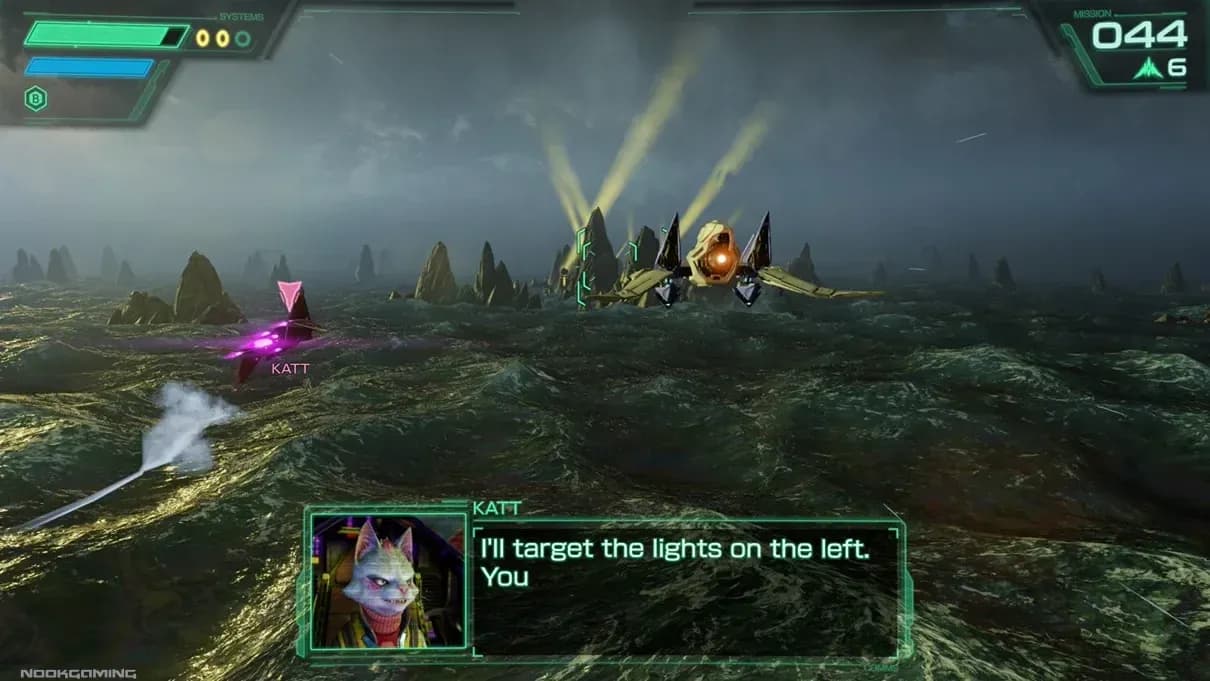
All-Range Mode arena layout
Before a match starts, the host controls a full suite of Battle Settings that dramatically change how the game plays. Getting these right before your group locks in a map is worth the 30 seconds it takes.
| Setting | Options | What it changes |
|---|---|---|
| Timer | 2 / 3 / 5 / 10 minutes | Match length |
| Events | Off / On / Rapid | Frequency of map objectives |
| Shields | Normal / Double / 1 Hit Point / Half | Ship durability |
| Speed | Normal / Fast / Slow | Ship movement speed |
| Play Balance | Off / On | Lets players adjust damage and defense up to 2 stages |
| Bots (Star Fox) | Easy / Normal / Hard / Expert / Unfair | Bot difficulty for Team Star Fox |
| Bots (Star Wolf) | Easy / Normal / Hard / Expert / Unfair | Bot difficulty for Team Star Wolf |
The 1 Hit Point shield setting turns every ship into a glass cannon where a single shot ends you. It sounds chaotic, but it actually rewards players who master evasion over those who rely on tanking shots. Rapid events compress the downtime between objectives, keeping matches frantic from start to finish. If your group wants a pure dogfight with no objectives at all, set Events to Off and the mode becomes a straight deathmatch.
Battle Mode adds 13 combat items that don't appear in the campaign. You pick them up in the arena and activate them with the Y button, the same input used for Smart Bombs in the single-player mode. Knowing what each item does before you grab it stops you from wasting something powerful at the wrong moment.
Battle Mode item pickup display
| Item | What it does |
|---|---|
| Force Field | Blocks all enemy projectiles for a set duration |
| Decoy | Creates a copy of your ship during a somersault; destroying the decoy yields no points |
| Teleport | Instantly moves you a short distance forward, breaking enemy lock-ons |
| Rockets | Fires up to 3 salvos of 5 missiles each |
| Max Rockets | Fires up to 9 salvos of 5 missiles each |
| EMP | Disables enemy maneuvers (barrel roll, somersault, U-turn) and weapons temporarily |
| Hyperboost | Grants unlimited G-Diffuser charge for a short time, massively increasing speed |
| Tactical Rally | Instantly revives all fallen teammates |
| Plasma Blast | Fires a continuous high-powered beam straight ahead |
| Smart Mines | Drops hovering mines that track nearby enemies |
| Laser Pods | Three pods fire alongside your lasers, multiplying damage per shot |
| Bombs | Adds three Smart Bombs to your reserves |
| Repair Orb | Restores a portion of your shield |
A few items deserve special attention. Tactical Rally is arguably the highest-value pick in close matches because reviving your whole team at once during an objective event can flip the score instantly. EMP is underrated: stripping opponents of their barrel roll and U-turn during a contested objective leaves them defenseless against charged shots. Decoy is primarily a defensive tool, giving you a somersault and a distraction simultaneously.
This is the most important thing to understand about Battle Mode. Securing an objective event pays out more points than chasing down enemy pilots. Teams that ignore the objective and just dogfight will almost always lose to a team that plays the map correctly, even if the dogfighting team has more individual takedowns.
Online matchmaking has no voice chat, so emotes are your only coordination tool. Press and hold the right analog stick, then tilt in one of four directions:
Using these consistently makes a noticeable difference. Calling for backup the moment a crosshair appears on your ship gives teammates time to intercept before you go down.
When an objective event ends, there's a window before the next one activates. That's your time to heal and restock. Small yellow dots on your radar mark item pickup locations. Your base always has a star ring that fully repairs your shield, plus defensive turrets that punish any enemy who follows you in. If you're being chased with low shields, luring the pursuer toward your base turrets is a legitimate and effective counter.
A targeting crosshair around your ship means an enemy has a bead on you. The cleanest escape combines somersaults, U-turns, and sharp turns while changing altitude to break their aim. Barrel rolls deflect rapid-fire lasers while you maneuver. Large environmental objects on the map can also break line of sight before you boost away. If you have a Force Field or Teleport item ready, those are the fastest solutions.
The small non-player ships flying in groups of three are worth 5 points each. They're easy targets for a charged shot, and they're a reliable point source when you're far from the objective or waiting for the next event to start.
Every time you respawn, an item appears directly ahead of your ship. It's either a laser upgrade or a random item pickup. Grab it before re-entering the fight. Skipping it is leaving free resources on the table.
Two satellite towers activate on opposite sides of the map. When a tower goes live, both teams race to control it by staying inside the tower's radius. You score points by holding the area and shooting down any enemy ships within the contested zone.
Key tactics:
Meteor showers drop onto specific areas of the map. Shoot the fallen meteorites, then fly through the energy they release to collect it and score bonus points. The catch is that falling meteorites deal significant damage if they hit your ship, so watch the sky while you're collecting.
Key tactics:
A group of pirates flies across the map carrying cargo. Intercept and destroy them, then pick up the cargo and bring it back to your team's base for a large point reward. The enemy team is trying to do the same thing, so expect heavy contact around the cargo.
Key tactics:
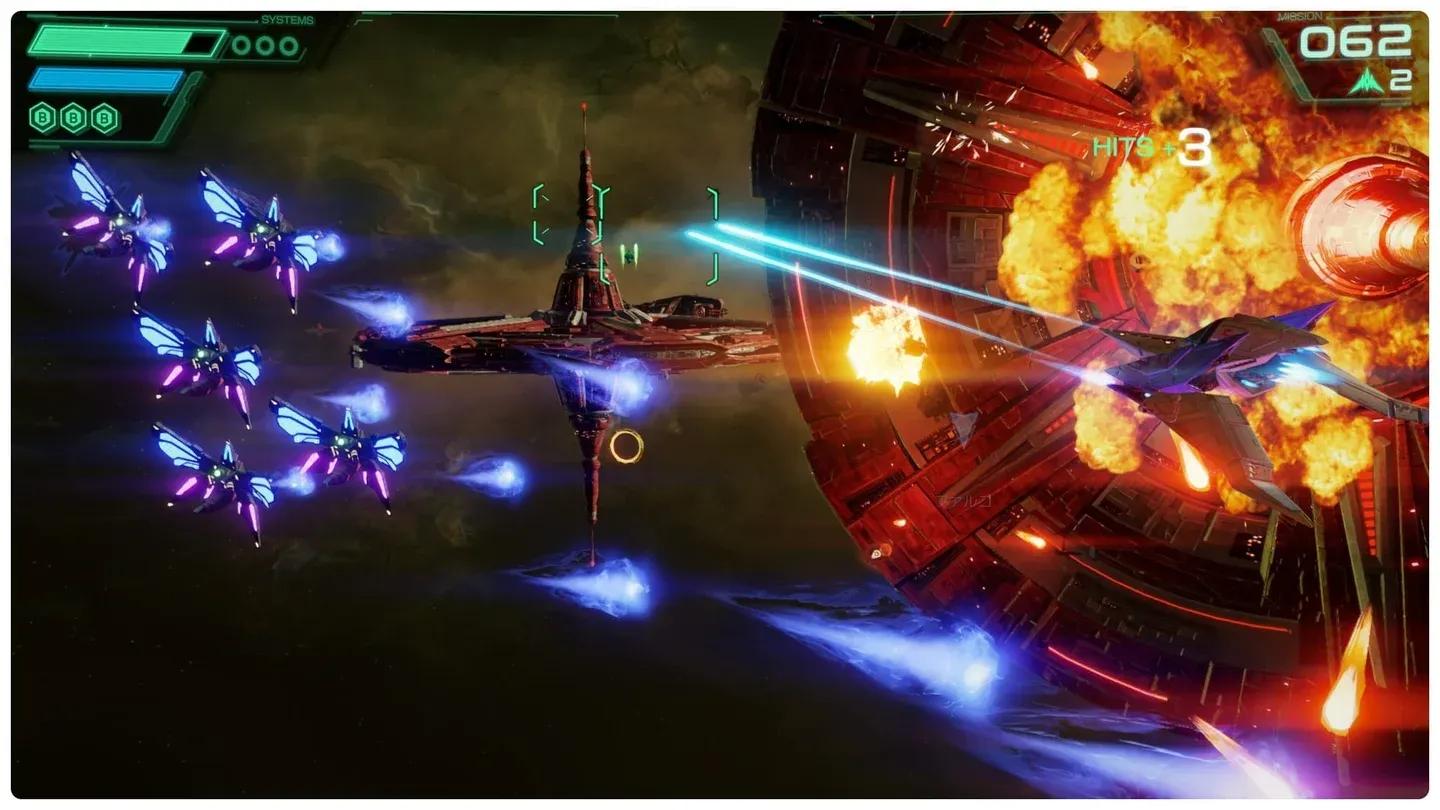
Sector Y cargo objective active
Battle Mode runs on the same All-Range Mode movement system used in certain campaign missions, so the maneuvers you practice there carry over directly. Somersaults, U-turns, and barrel rolls aren't just defensive tools in the campaign; they're your survival kit in multiplayer. If you're still getting comfortable with those mechanics, the beginner strategies and core mechanics guide is worth a read before jumping into competitive matches.
Battle Mode also supports GameShare, so you can bring in friends who don't own a copy of the game. Online play requires a Nintendo Switch Online subscription, but local and GameShare sessions don't carry that requirement.
For players who enjoy competitive and objective-based strategy games, Battle Mode offers a tighter, more structured experience than the campaign's freeform exploration. The objective events force both teams to make real decisions about when to fight, when to run, and when to sacrifice a kill for a point-scoring play.
For more on the Switch 2 remake and everything it contains, the full Star Fox: Holosim guide collection covers every mode and mechanic in detail. You can also browse the complete Star Fox: Holosim strategy guides for map-specific breakdowns and challenge mode walkthroughs.