Search games, articles, guides...CtrlK
Sign InGet Started
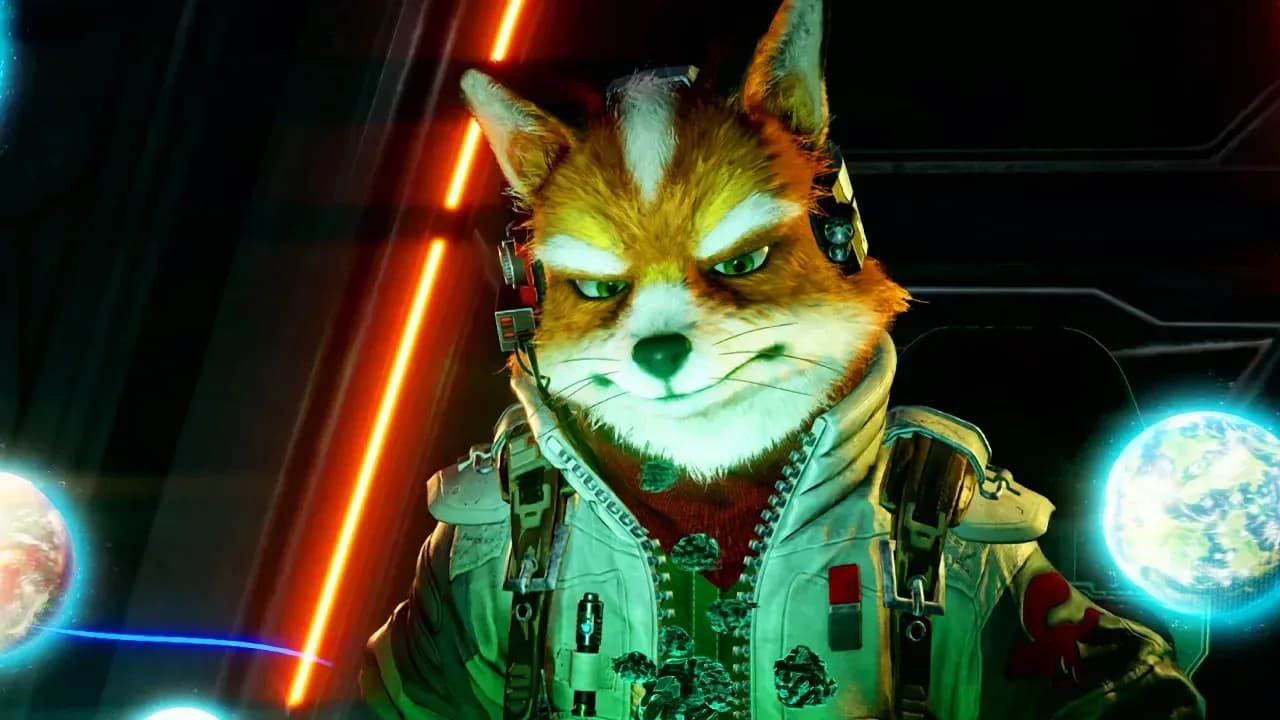
Master Co-Op and Battle Mode in Star Fox on Switch 2. Learn Pilot and Gunner roles, Mouse Mode, GameShare, and online play.

Written by Nuwel
Content Writer
See more GAMES.GG guides on Google
Add us as a preferred source and our guides show up first in your results.
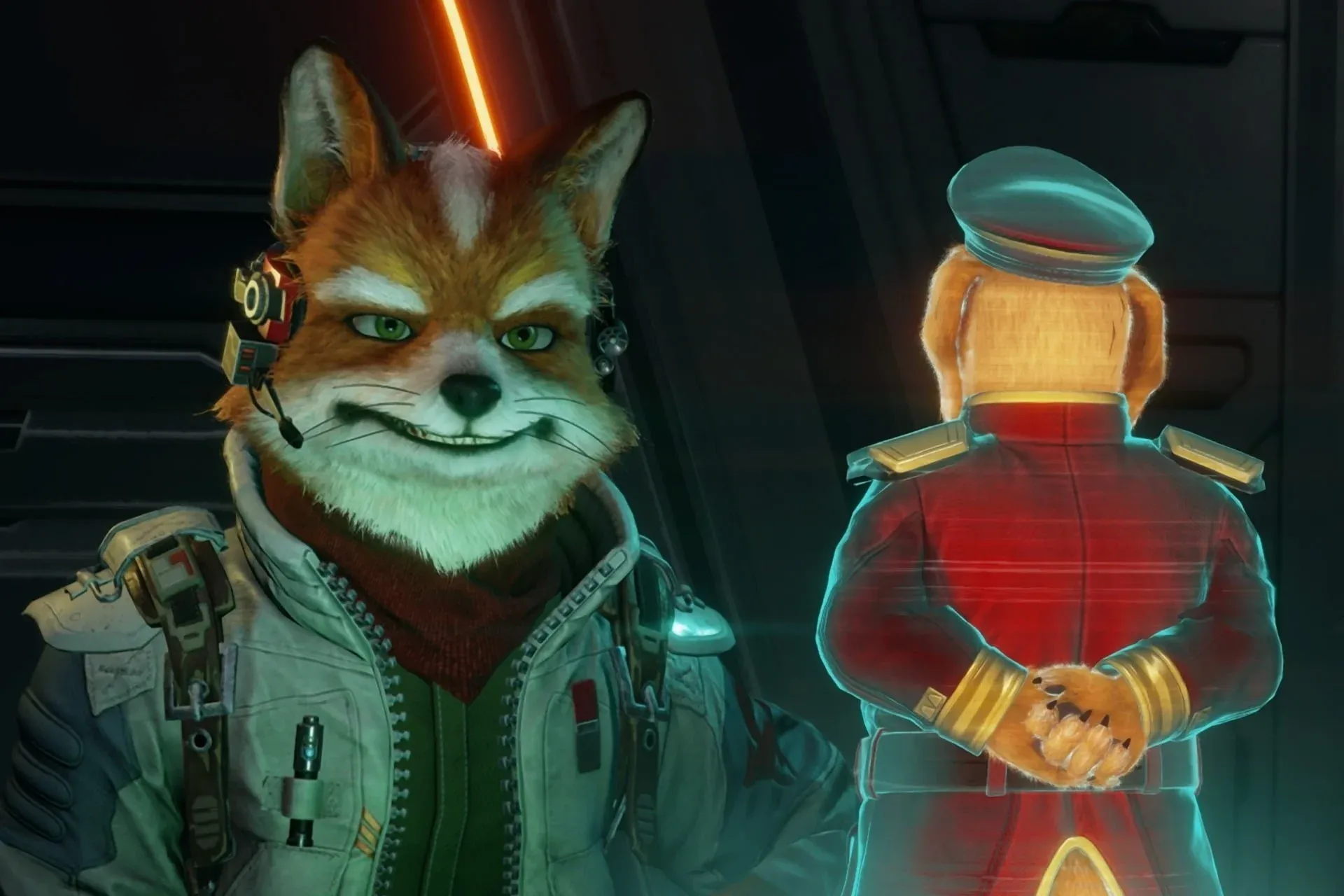
Star Fox Switch 2 Beginner's Guide: Tips to Fly Smarter
Master Star Fox on Switch 2 with essential tips on vehicles, items, routes, medals, and how to unlock Expert mode.
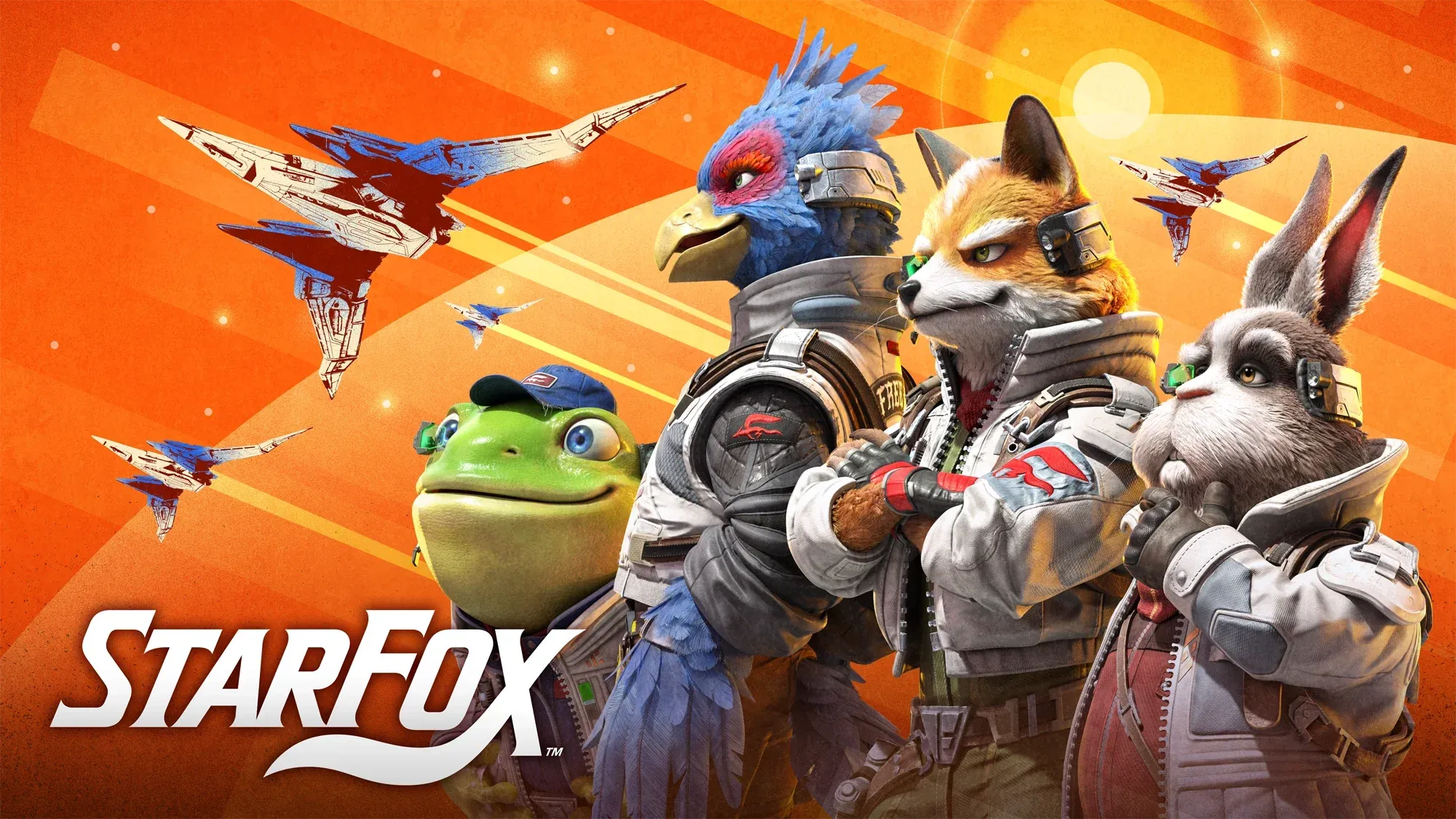
Star Fox Switch 2 Challenge Mode Guide
Master all 192 Challenge Mode missions in Star Fox on Switch 2 with tips, unlock requirements, and every objective listed.
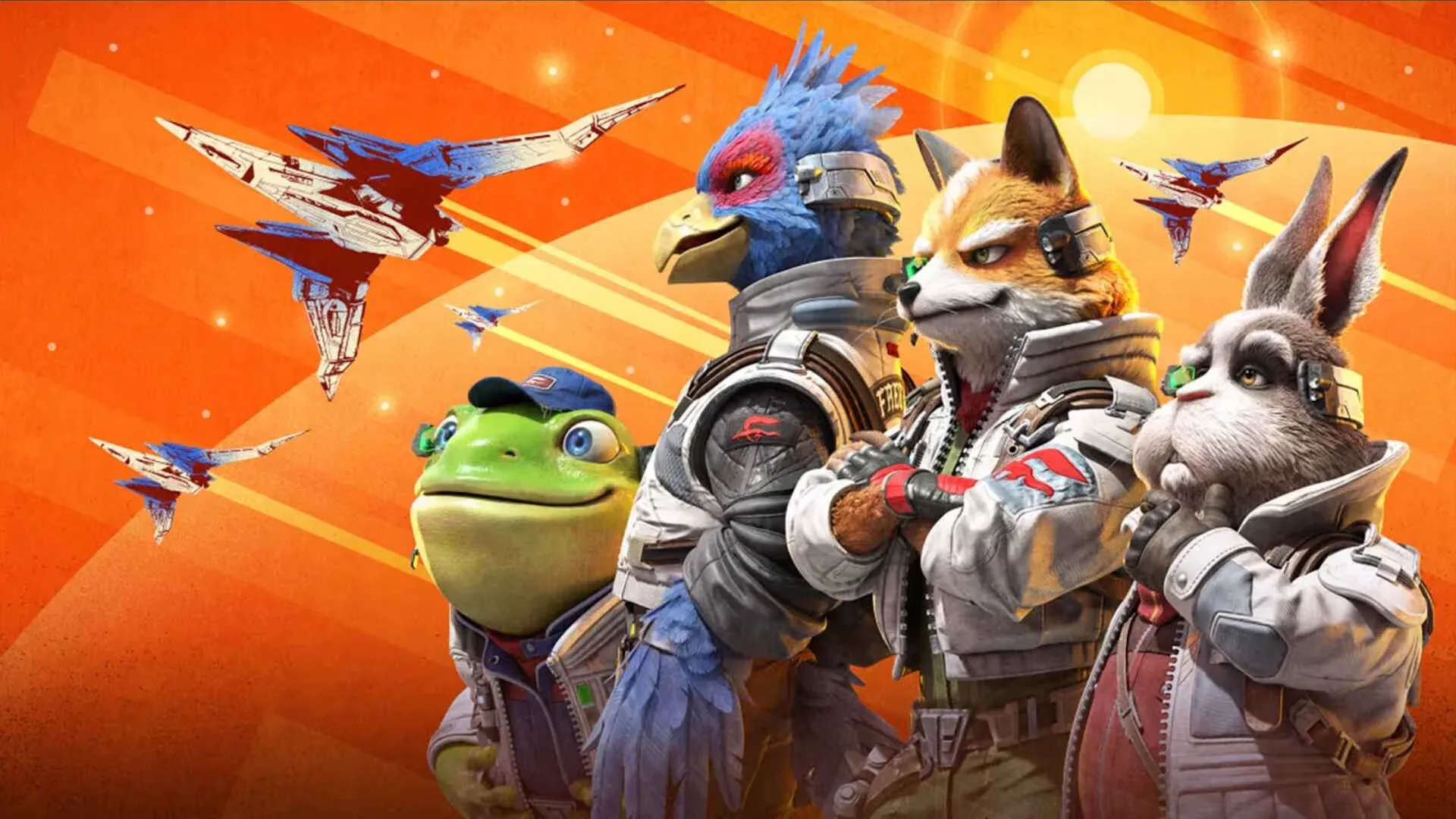
Star Fox Switch 2: Corneria Challenge Mode Guide
Beat every Normal and Expert Corneria Challenge in Star Fox on Switch 2 with location tips, boss strategies, and unlock requirements.
Star Fox on the Nintendo Switch 2 packs three distinct multiplayer modes into a game that many expected to be a straight solo experience. Whether you want to split an Arwing with a friend or go head-to-head in 4v4 dogfights, there is more going on here than the original 1997 release ever offered. Here is everything you need to know to get into matches fast and actually win them.
The game ships with three multiplayer options, each built around a different style of play.
| Mode | Players | How to Access |
|---|---|---|
| Co-Op (Local) | 2 | Campaign or Challenge Mode via main menu |
| Local Battle Mode | Up to 8 (4v4) | GameShare with nearby devices |
| Online Battle Mode | Up to 8 (4v4) | Online matchmaking or GameChat lobby |
Co-Op runs through the same campaign missions and Challenge Mode content as the solo game, just with two players sharing a single Arwing. Battle Mode is a completely separate competitive experience with its own maps and objectives.
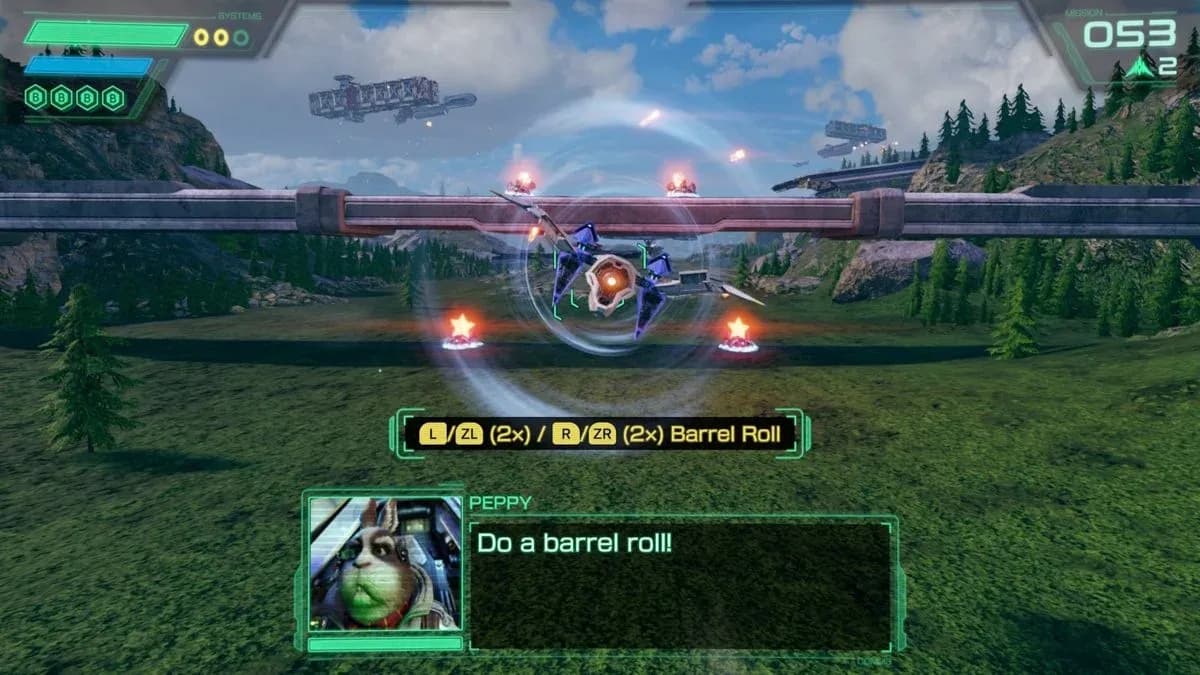
Assign Pilot and Gunner roles
From the main menu, select Campaign or Challenge Mode, then choose Co-Op: Local from the mode options. The game will prompt both players to split a single Joy-Con and assign roles before the mission starts.
The Pilot controls the Arwing's movement. Hold the Joy-Con horizontally and steer the ship through the mission as you normally would in solo play. Boosting, braking, barrel rolls, and somersaults all fall under the Pilot's responsibilities.
The Gunner handles targeting and shooting using Mouse Mode. Hold the Joy-Con with the sensor facing the ground, position your hand as if gripping a computer mouse, then drag and click to aim and fire at enemies.
The adjustment period for Mouse Mode is real. After testing the Gunner role, the instinct to physically dodge incoming fire by jerking the controller is strong, but that motion only moves the targeting reticle, not the ship. Once you mentally separate your job from the Pilot's, the split-control setup clicks into something genuinely fun.
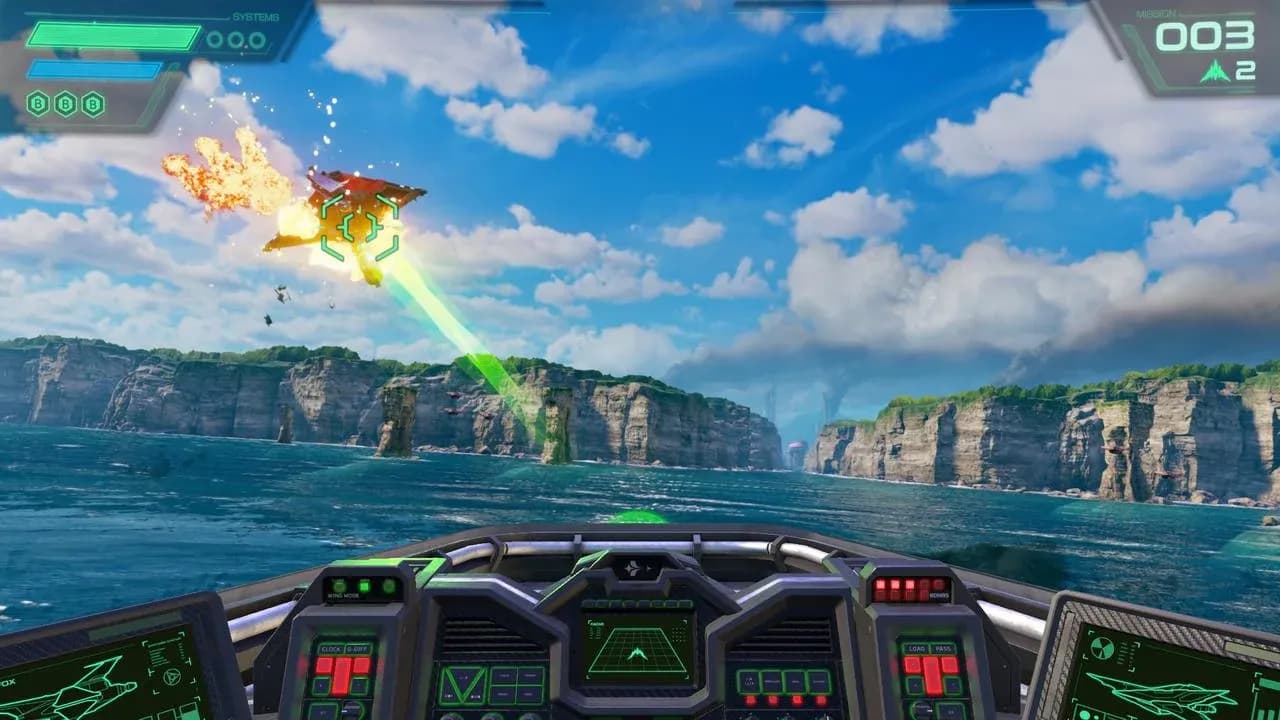
Mouse Mode targeting in Co-Op
GameShare lets you share Star Fox with up to three other players on nearby Nintendo Switch devices, and those players do not need their own copy of the game. Place the devices close together and the host's copy broadcasts the session.
One important detail: GameShare also works across hardware generations. You can share to a Nintendo Switch 1 device, though gameplay features are limited on the older hardware and the session ends when the host disconnects.
For online play, the host opens a lobby through either standard online matchmaking or a GameChat lobby. Both options support players who do not own a personal copy of Star Fox, provided someone in the session does.
All players, regardless of whether they own the game, need an active Nintendo Switch Online membership to participate in any online session.
Players in online Battle Mode take the role of pilots flying for either Team Star Fox or Team Star Wolf.
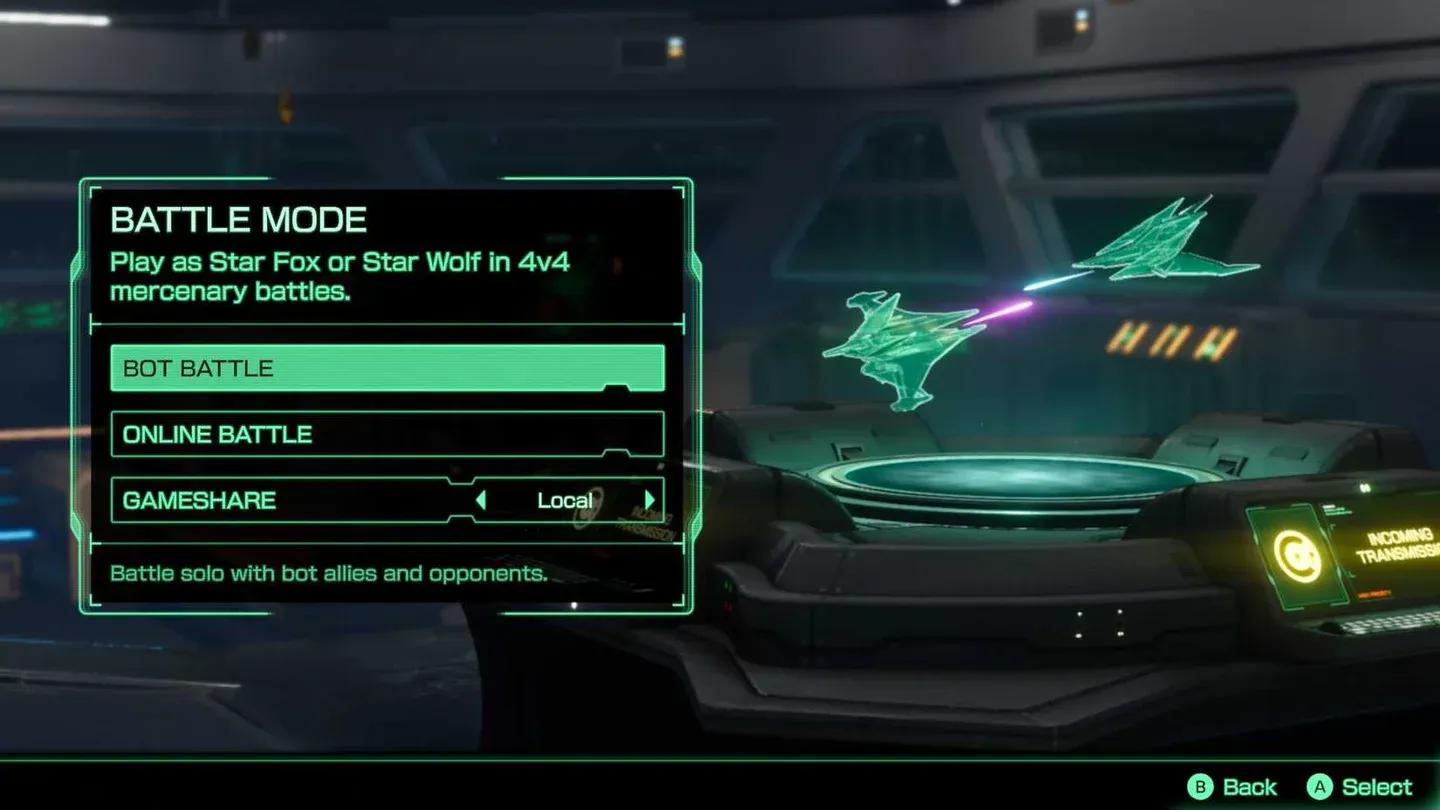
Sector Y cargo delivery objective
Battle Mode ships with three arenas: Corneria, Fichina, and Sector Y. Each map runs a different objective type, which is a significant improvement over the split-screen modes in Star Fox 64.
The Sector Y space map, for example, tasks teams with snatching cargo from space pirates and delivering it to their designated drop-off point. Large point payouts come from successful deliveries, but teams can also score by taking out pirate bots and eliminating opposing players. This creates a real strategic tension: a team that dominates bot kills can stay competitive even if they fall behind on cargo runs.
After spending time in Sector Y matches, the most effective approach is mixing both strategies rather than committing entirely to cargo or combat. A single last-second cargo delivery can flip a match that looked settled, and a team that ignores bot kills entirely hands the other side a steady point trickle.
Star Fox supports GameChat avatars that map 3D character models to players via camera feed in V-tuber style. Options include full character models for the Star Fox crew, scouter headpieces overlaid on the player's face, and individual animal features like Peppy's ears or Falco's beak.
Honestly, these are fun for the lobby and worthless during the match itself. The GameChat bar sits at the bottom of the screen and takes up meaningful screen space. Once the match starts, nobody is watching the avatar row. Turning GameChat off during active play is worth considering if you want the full screen back for the action.
GameChat avatar selection screen
The short answer is yes, by a wide margin. Star Fox 64's split-screen options were limited, and the Switch 2 version's Battle Mode offers larger arenas, distinct per-map objectives, and online play with GameShare support. The 4v4 format with mixed scoring systems gives matches a strategic layer that the original never had.
For fans of strategy games looking for something with more tactical depth than a standard rail shooter, Battle Mode is the mode to focus on.
If you are still getting your bearings with the game's core mechanics before jumping into competitive play, the beginner strategies and core mechanics guide covers the fundamentals in detail. For a broader look at everything available, the full Star Atlas: Holosim guide collection has you covered, and you can browse the complete Star Atlas: Holosim guides for more resources as you progress.