

Starfield throws you into a galaxy of over 1,000 planets with minimal hand-holding, and the gap between players who understand its systems and those who don't shows up fast. Whether you're picking it up fresh on PS5 or returning after time away, the mechanics around scanning, inventory, skill progression, and ship management are deep enough to trip up anyone. This guide breaks down everything you need to get moving in the right direction from the first hour onward.
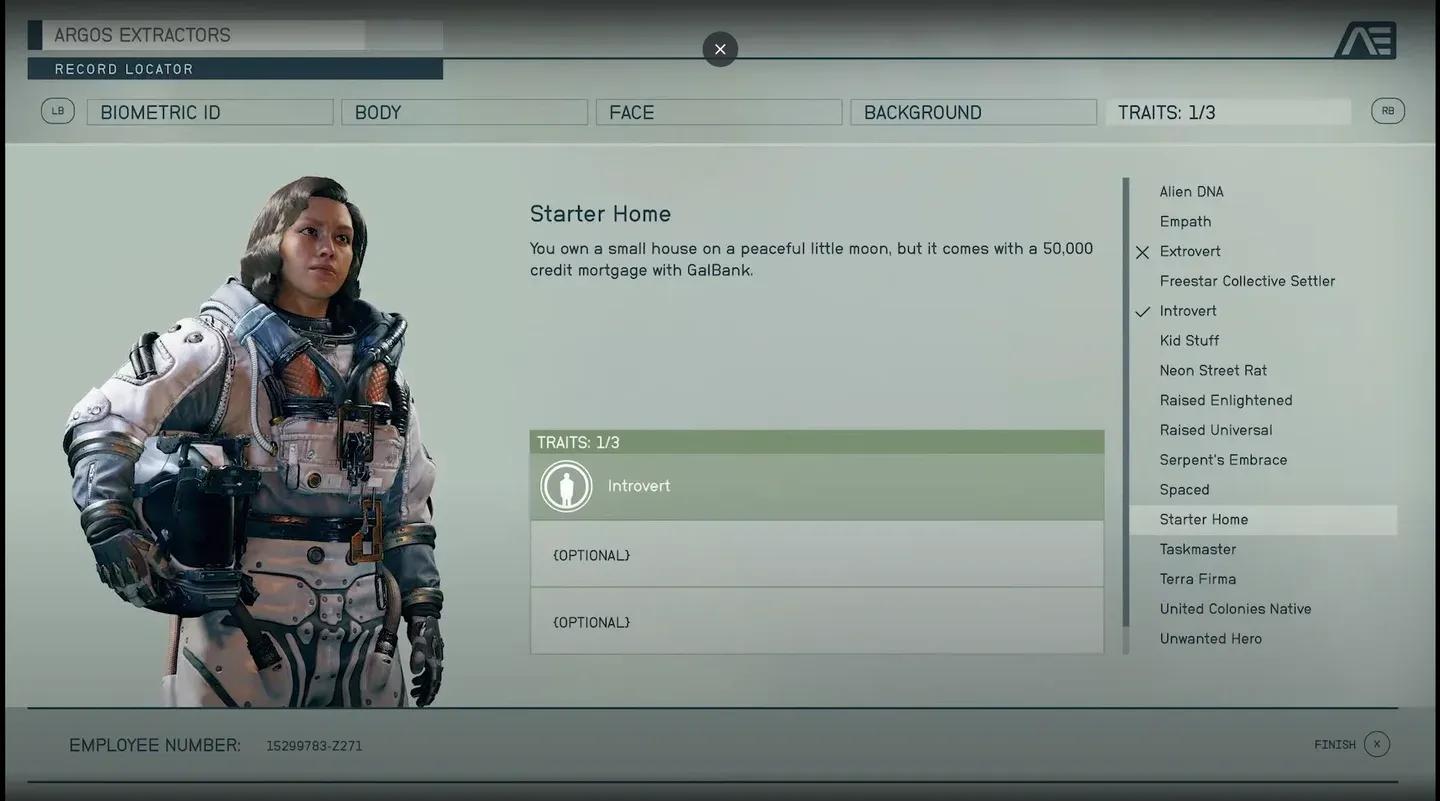
Choose your background carefully
How does character creation work in Starfield?
Your character's appearance can be changed later at any Enhance! cosmetic clinic found in major settlements for just 500 credits, so don't stress over looks. What actually matters is your Background, which grants 3 starting skill points spread across different trees. These aren't locked choices forever, but they do give you a meaningful head start in your preferred playstyle. A character built around stealth benefits enormously from starting with points in Stealth, Security, and Pickpocket rather than having to grind toward them from scratch.
Skill points cannot be refunded once spent, so think before you commit. Four skills in particular unlock entirely new actions rather than just improving existing ones:
- Pickpocket lets you loot NPCs while in stealth mode
- Boost Pack Training activates the jump-boost function on compatible Packs
- Piloting unlocks thruster maneuvers during ship combat
- Targeting lets you lock onto specific enemy ship systems to disable engines, weapons, or shields instead of destroying the vessel outright
You also get up to 3 Traits at character creation. These passive quirks come with both upsides and drawbacks. Traits can be removed later, but each has its own removal condition that takes some work.

What should you know about scanning and planet exploration?
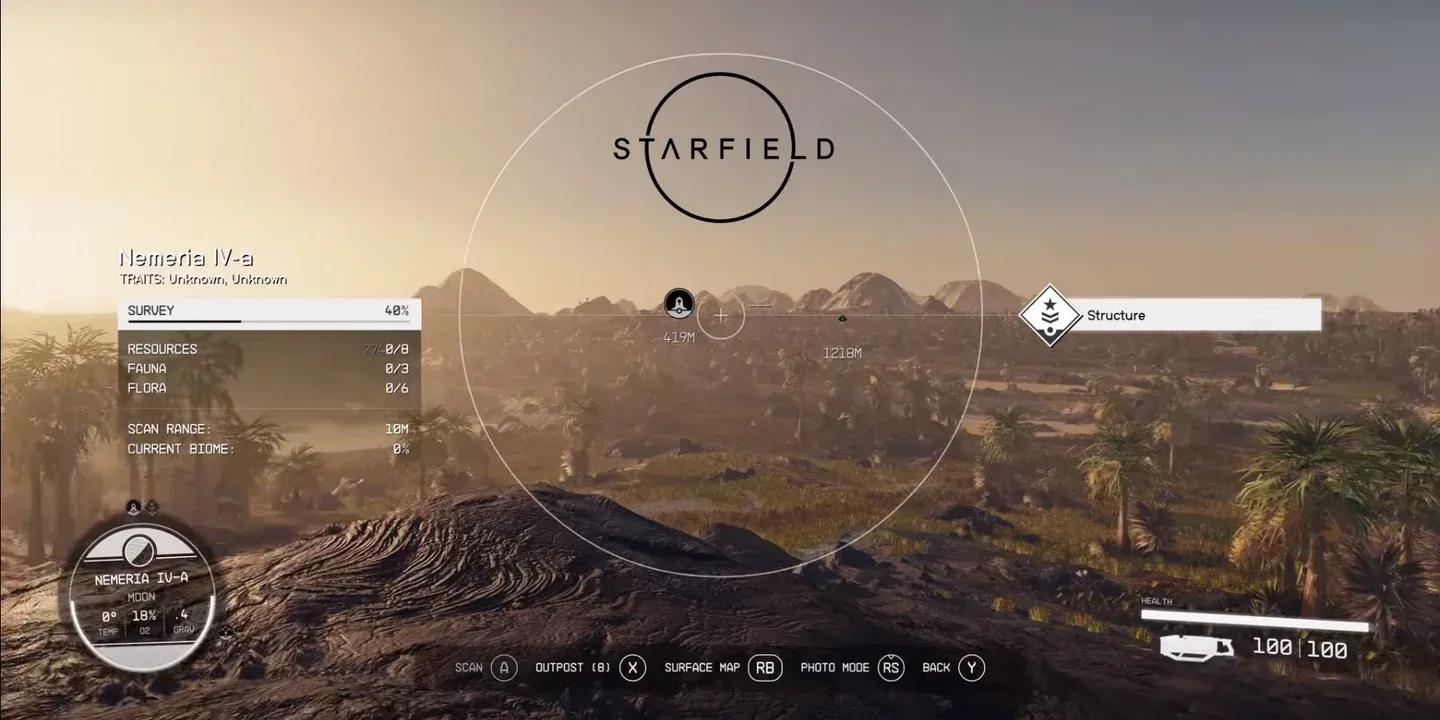
The scanner is more useful than most players realize at first. Press F on PC or LB on controller to activate it. In this mode, your HUD shifts to highlight nearby interactive objects and containers in blue, which makes looting cluttered rooms and finding partially hidden containers much faster. This blue-highlight feature alone saves significant time when searching any area.
Beyond looting, the scanner serves several other functions on planet surfaces:
- Scans flora, fauna, and inorganic resources to track completion toward a planet survey
- Shows nearby points of interest along the horizon with distance markers
- Pressing G opens a topographic surface map that marks discovered POIs
- Center the reticle on a previously visited landmark and press E (PC) or A (controller) to fast travel directly there, as long as you're not over-encumbered
Completing a full planet survey, which requires scanning all resource types, flora, fauna, and a certain number of anomaly traits, adds Survey Data to your Notes inventory. This data can be sold to traders, however, Vladimir on The Eye pays a significantly higher rate than any other vendor. Don't sell your Survey Data until you've met him.
Scanner highlights all nearby loot
How does the inventory system work?
Starfield's inventory is split into categories, and understanding each one saves a lot of frustration:
| Category | Key Notes |
|---|---|
| Weapons | Heavy items; stick to a few favorites and sell the rest |
| Spacesuits | Armor against ballistic, energy, EM, thermal, airborne, corrosive, and radiation damage |
| Packs | Boost Pack functionality requires at least 1 point in Boost Pack Training |
| Ammo | Zero weight; carry as much as you want |
| Resources | Store in ship cargo hold; crafting benches pull directly from there |
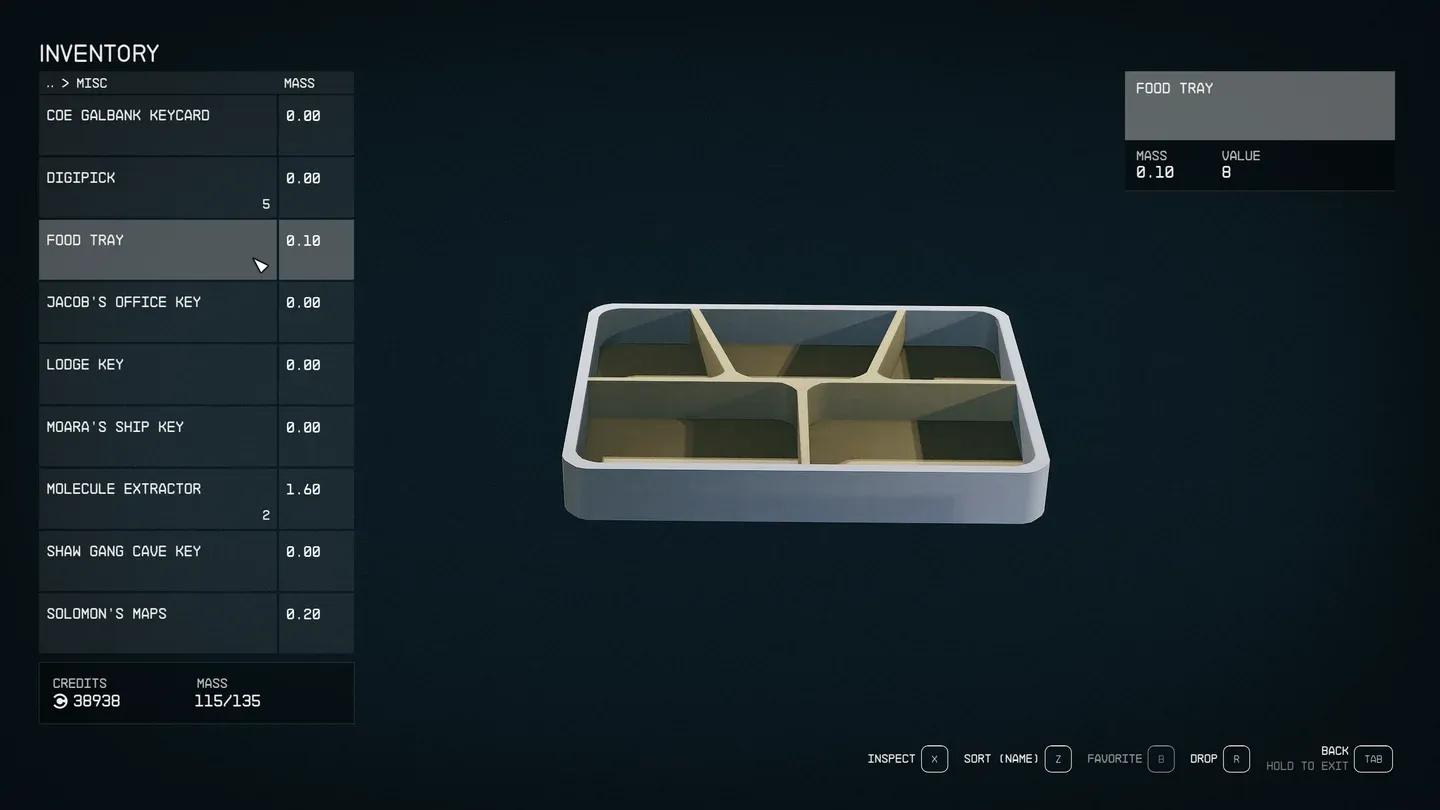
| Misc | Sell junk immediately; keep Digipicks and keys |
| Notes | Mostly weightless; contains Survey Data and Skill Books |
Ammo has no weight in Starfield, so there's no reason to leave any behind. Digipicks are common enough if you explore regularly, but running out mid-mission is annoying, so loot every container you find. Resources are the main culprit for encumbrance problems. Press T on PC or RB on controller when near your ship to batch-transfer all resources directly to the cargo hold.
When looting a container or body, use the Transfer prompt rather than just grabbing everything. This lets you preview item stats and use the Compare to Equipped option to check if anything is actually an upgrade before taking it.
Items with a red square are stolen goods. Items with a yellow square are contraband. Faction-controlled planets scan your ship for contraband before landing. Until you understand how to install shielded cargo and find the right buyers (Trade Authority shops in major cities accept stolen and contraband goods in person), leave contraband alone or stash it at an outpost.
Always compare before looting
How do you level up and spend skill points effectively?
Experience comes from nearly everything: killing enemies, discovering new planets and star systems, scanning flora and fauna, crafting, completing lockpicking and persuasion minigames, and finishing quests. You earn 1 skill point per level, which goes into one of five skill trees.
Each skill has 4 ranks, but advancing to the next rank requires completing a challenge tied to that skill. It is recommended to sometimes waiting to invest a point until you're ready to work on the challenge, so your progress counts toward the next tier rather than the current one.
One thing to note about the Well Rested status effect: sleeping in any bed grants a +10% XP bonus for 24 minutes. If you're in an active romance with a companion, that bonus increases to +15%. Make sleeping a habit at the start of every play session.
How do ships and space combat work?
Your ship's Reactor generates power distributed across all systems. On PC, hold Left Alt and use WASD to shift power between systems in real time, even during combat. Pulling power from your Grav Drive and redirecting it to weapons and shields mid-fight can flip a losing engagement.
The three weapon slots typically cover Lasers, Ballistics, and Missiles, though you can swap in Particle Weapons or EM Weapons. Only 3 weapon types can be active at once. Lasers strip shields efficiently; Ballistics deal better hull damage. Missiles hit hard but require target locks and run out fast.
Once you invest in the Targeting Systems Skill, you can fire on specific enemy ship systems rather than just blowing them up. Disabling an engine stops the ship cold, at which point you can close to boarding range and take the vessel intact.
Shield damage regenerates automatically over time. Hull damage does not. Use Ship Parts (press 0 in battle, or F in the Ship Menu) to repair hull damage before it becomes critical.
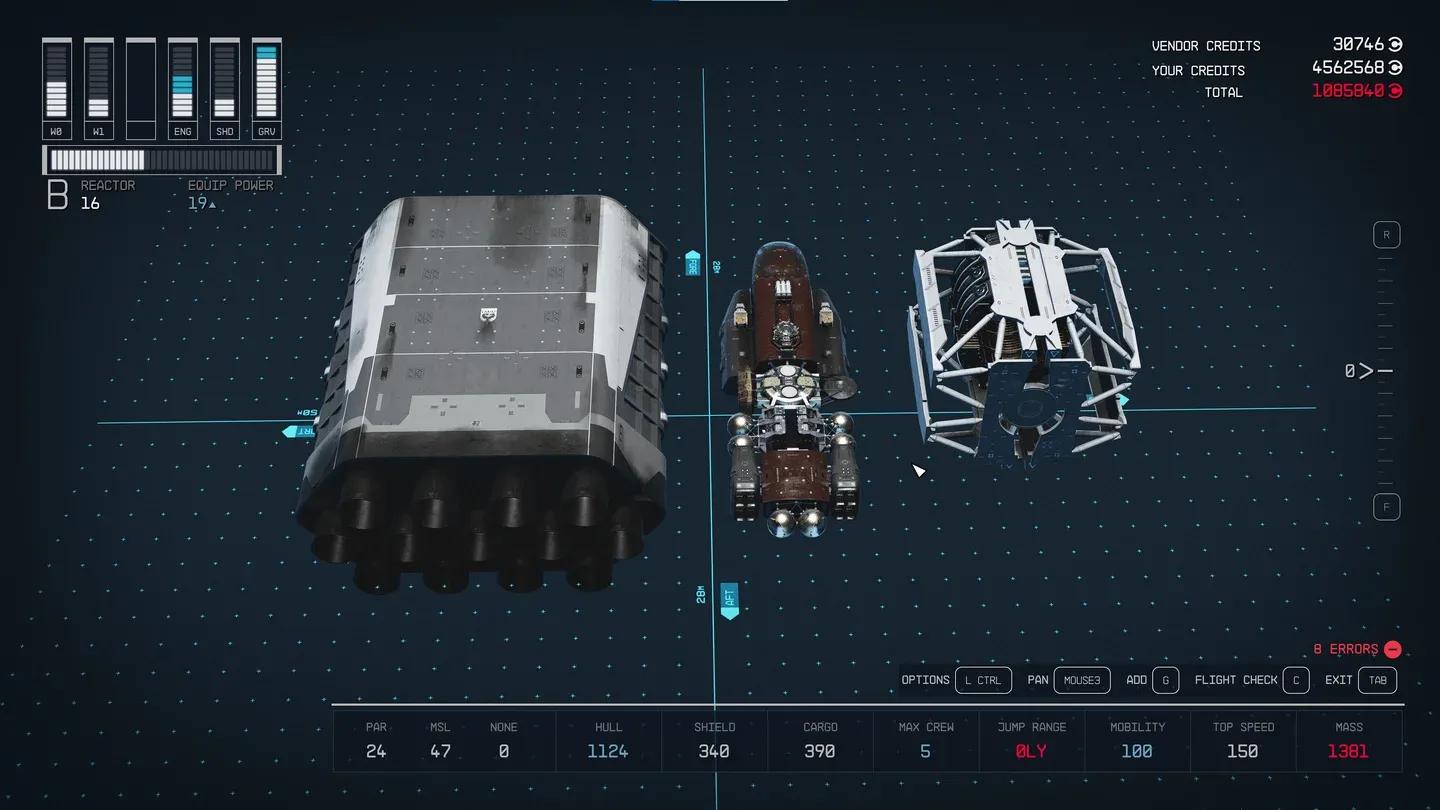
Reactor power management in combat
How do you make money fast in Starfield?
Several reliable credit-farming methods are available from early in the game:
- Loot everything in the tutorial areas before reaching New Atlantis, then sell it all at the Trade Authority Kiosk at the spaceport
- Focus on high value-to-weight items: antiques, desktop ornaments, old books, and display pieces over heavy weapons and armor
- Mission Boards in every major settlement generate randomized short quests with credit payouts, from bounty hunting to planet surveying
- Survey Data sells well, but hold it until you meet Vladimir on The Eye for a premium payout
- Crime pays if you're careful: NPCs carry credits, ATMs can be hacked, and Trade Authority in-person shops buy stolen and contraband goods without issue
Your companion can carry items too, so use them as a pack mule in the early game to maximize your haul before your first sell-off.
What's the best approach to companions and factions?
Companion skills benefit you in two ways: actively when they're following you, and passively when assigned to your ship's crew. Sarah Morgan's Astrodynamics skill, for example, extends your grav jump range when she's on your crew, even if she's not with you in the field. Ships can hold a maximum of 3 crew by default; upgrading crew quarters and the Crew Command Skill raises that cap.
The four main Constellation companions (Sarah Morgan, Sam Coe, Barrett, and Andreja) each have approval systems that affect how hard they fight alongside you and whether they'll work with you at all. All four have romance options unlocked through continued cooperation.
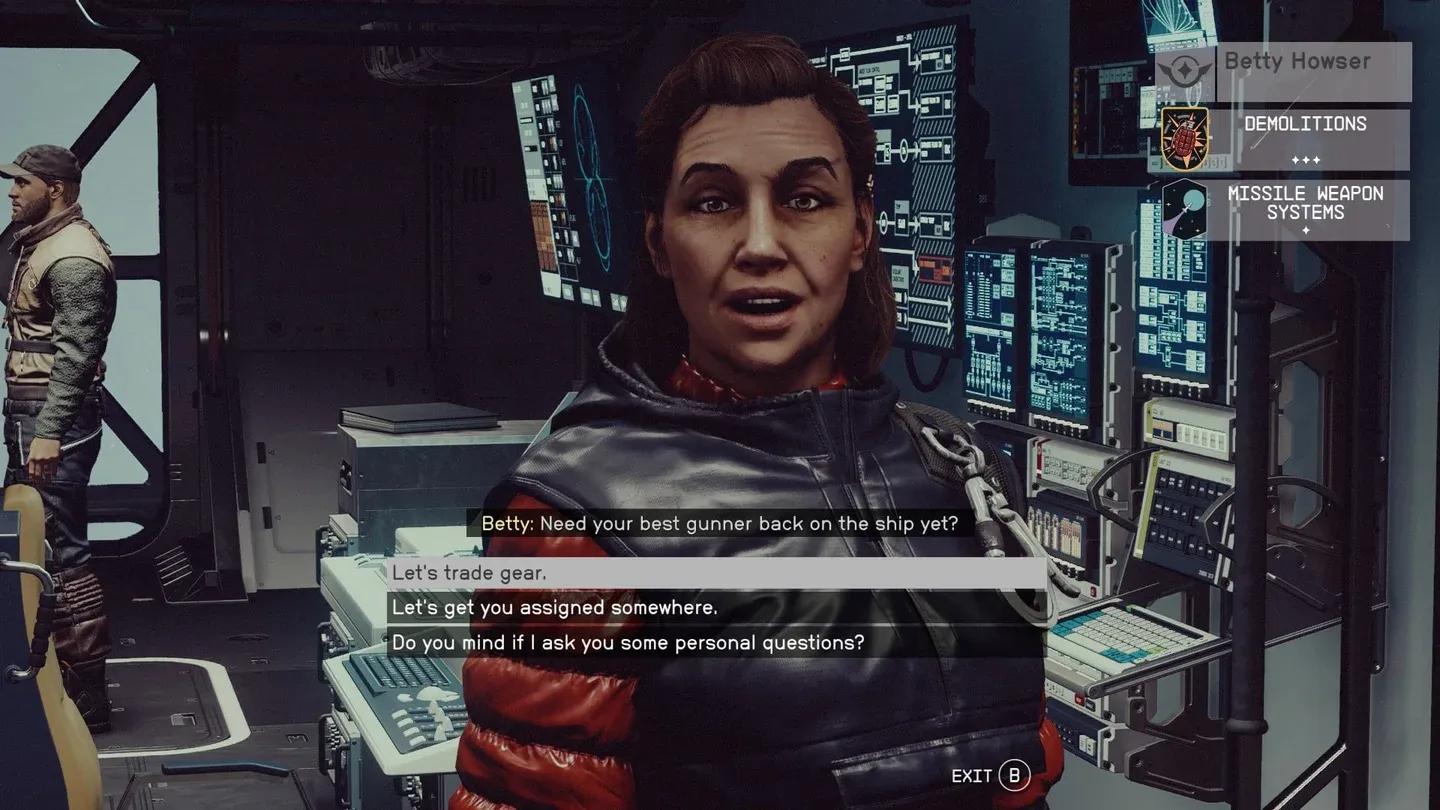
Assign crew for passive skill boosts
Joining multiple factions doesn't lock you out of any others. The major factions are:
- Constellation: main story group focused on alien artifact research
- UC Vanguard: military arm of the United Colonies, earns you UC citizenship
- Freestar Rangers: independent lawkeepers protecting Freestar Collective citizens
- Crimson Fleet: criminal organization that you can infiltrate as a UC operative
- Ryujin Industries: corporate espionage faction based in Neon on Volii, accessed via job terminal in New Atlantis
For more guides covering Starfield and other major RPGs, browse the latest at GAMES.GG.