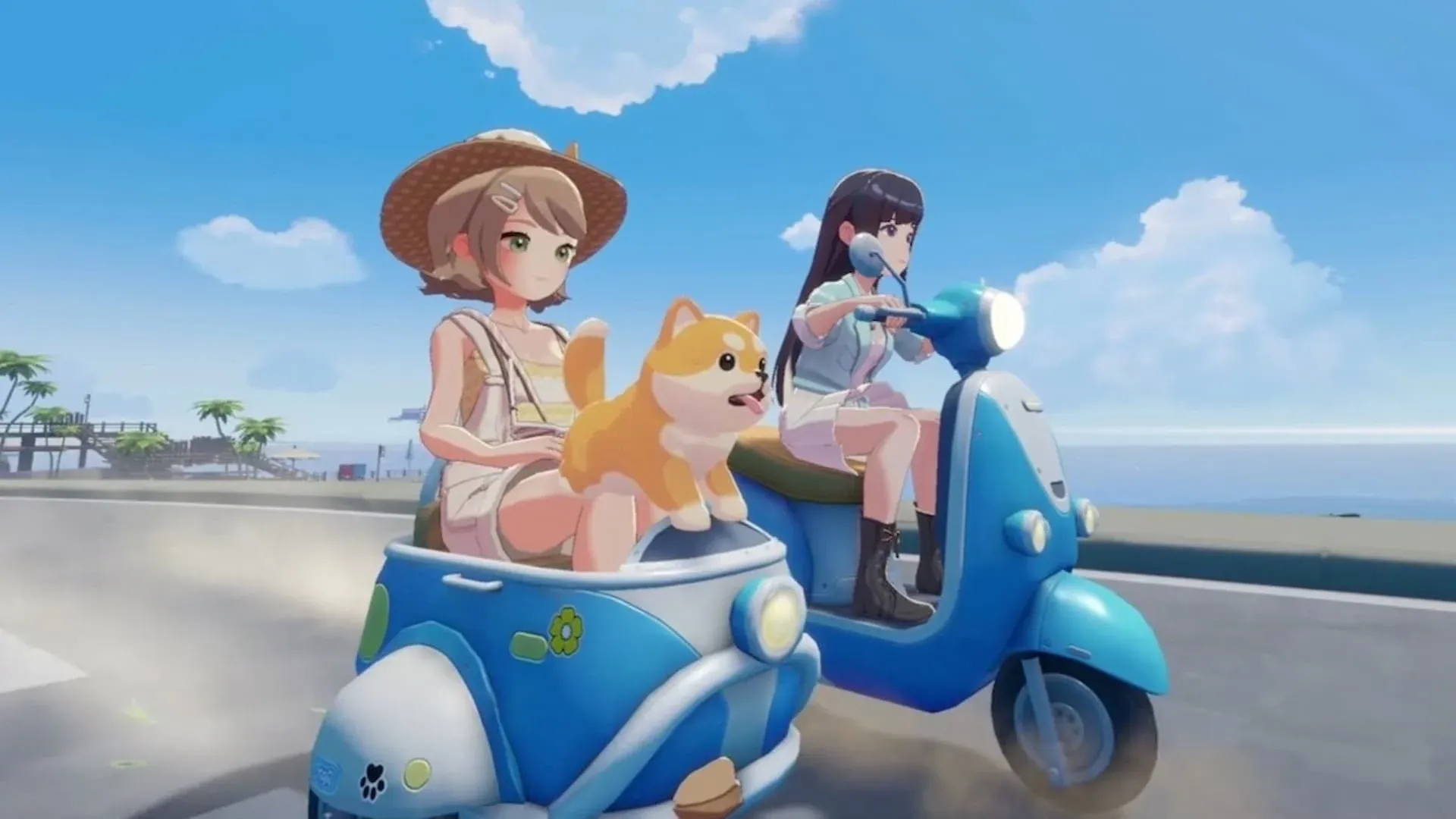


Emotes in Starsand Island are more than just fun animations. They let you express yourself, celebrate milestones, and connect with other players through gestures and dance moves inspired by real-world culture. The catch is that the emote system does not open up automatically. You need to earn it first, and then track down the emotes themselves through several different in-game methods. This guide walks you through every step, from triggering the unlock condition to filling up all three of your Emote Wheels.
How Do You Unlock the Emote Feature in Starsand Island?
The Emote feature is locked behind a specific Island Life achievement called "Decorate Your Home." To complete it, you need to place six pieces of furniture inside your home. Once you hit that threshold, the game rewards you with several things at once: Starsand Points, the Crispy Mushroom recipe, the Rustic Outdoor Bench blueprint, and most importantly, access to the Emote system.
This is one of those early goals worth prioritizing. The furniture requirement is not demanding, and unlocking emotes early gives you more time to collect them as you explore the island.
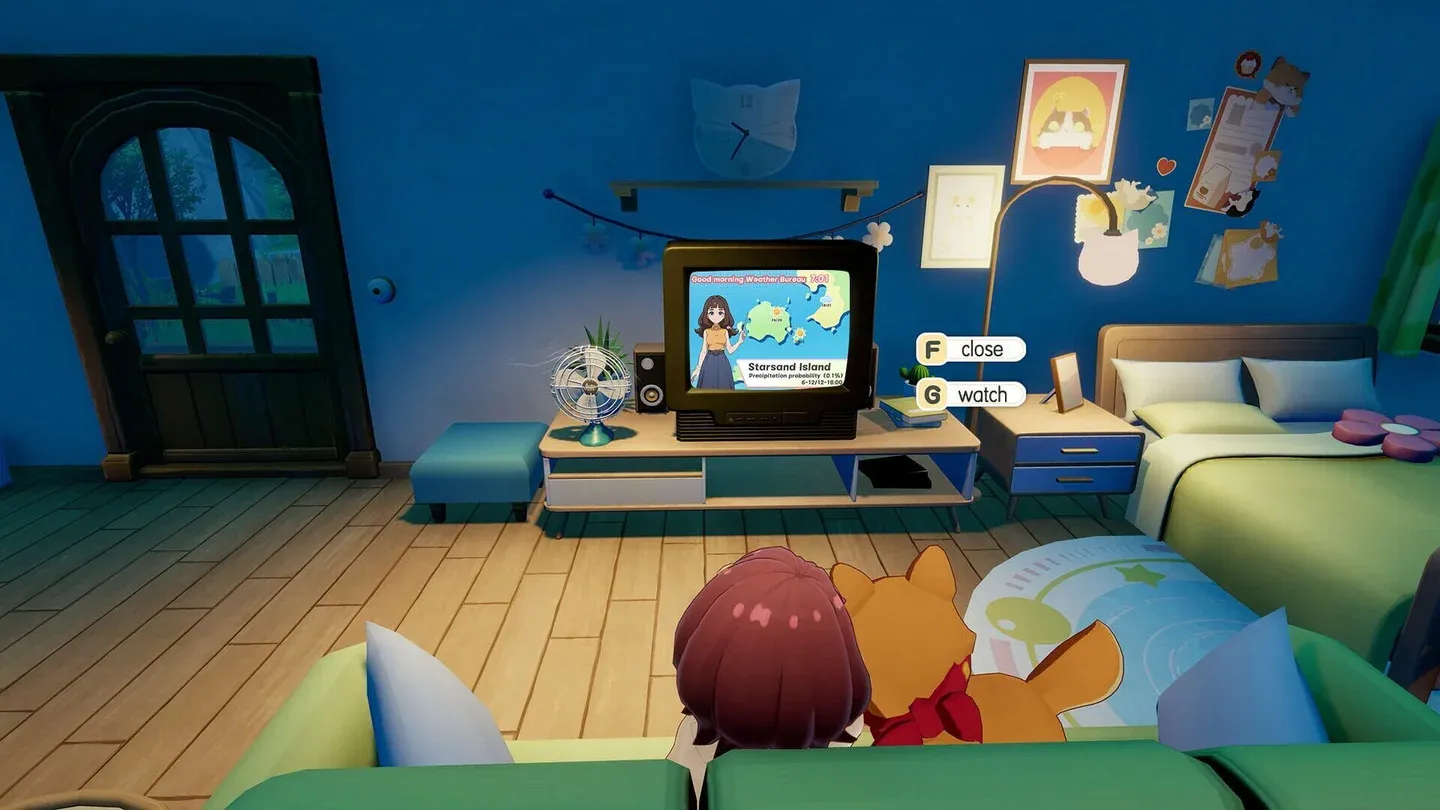
Decorate Your Home achievement
Where to Get Emotes in Starsand Island?
Once the emote system is active, you start with a small set of default emotes. Expanding your collection requires exploring four distinct acquisition methods.
Treasure Chests Across the Island
Exploration pays off in Starsand Island, and Treasure Chests scattered throughout the map are one of the most rewarding ways to find new emotes. Some chests contain emotes alongside other loot, so dedicating time to tracking them down is absolutely worth it. Treat chest hunting as a regular part of your island routine rather than a one-time activity.
Lunelle's Store: Ethereal Styles
Lunelle's clothing store, Ethereal Styles, sits in the town square of Starsand Town. Head inside and interact with the cash register to browse her inventory. Emotes like Dance Moves appear here for purchase using Coins. After buying an emote from Lunelle, you can immediately equip it to your Emote Wheel.
Completing the Scenery Album
The Scenery album is accessible through the Album app on your phone or via Photo Mode by selecting the Album option and switching to the Scenery tab. This feature tracks important points of interest (POIs) across the island. Photographing these locations adds progress to your Collected Sceneries count, and reaching certain milestones rewards you with emotes.
This method encourages you to explore areas you might otherwise skip, making it one of the more naturally rewarding paths to building your emote collection.
DLC Content and the Self-Service Terminal
Purchasing DLC content for Starsand Island through the dedicated storefronts is the fourth method. After buying a DLC, return to the game and complete the "Return to the Cabin in the Woods" quest. Once that is done, visit the Community Center and interact with the Self-Service Terminal to claim your DLC rewards, which include exclusive emotes.
How to Use and Equip Emotes in Starsand Island?
With emotes in hand, the next step is organizing and performing them. Open your in-game phone by pressing the corresponding button or key, then navigate to the Emotes app. All acquired emotes are displayed here, split into two categories: Basic Actions and Dance Moves.
To equip an emote, drag it from the Emotes app into one of the available slots on your Emote Wheel. You have three Emote Wheels total, which gives you a solid amount of customization. A practical setup is dedicating two wheels to Basic Actions and reserving the third wheel exclusively for Dance Moves. This keeps your most-used expressions easy to reach without cluttering your navigation.
To access the Emote Wheel during gameplay, hold the Left Trigger on controller or the E key on keyboard. From there, use the Analog Stick or mouse to highlight the emote you want, then release to perform it.