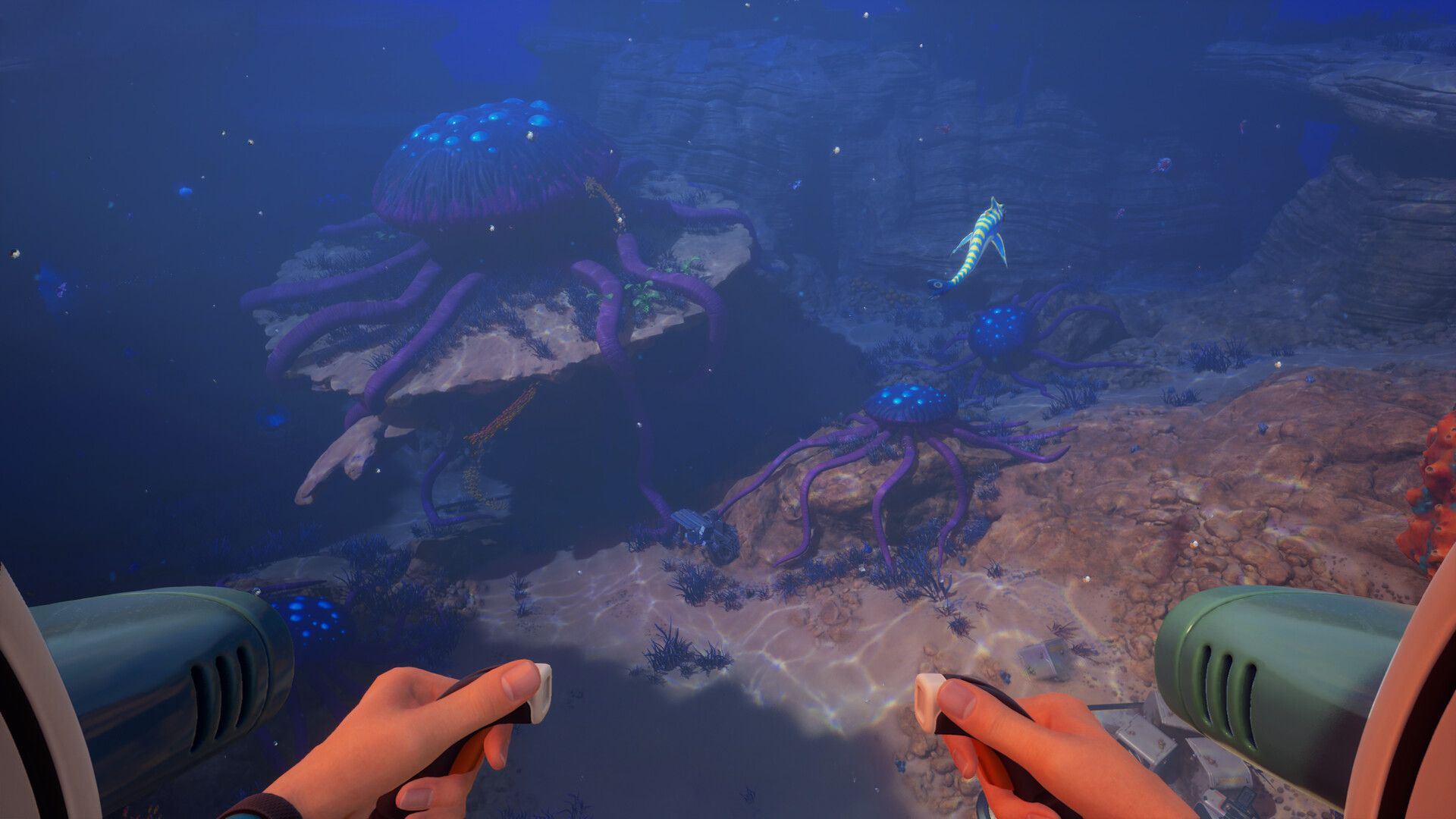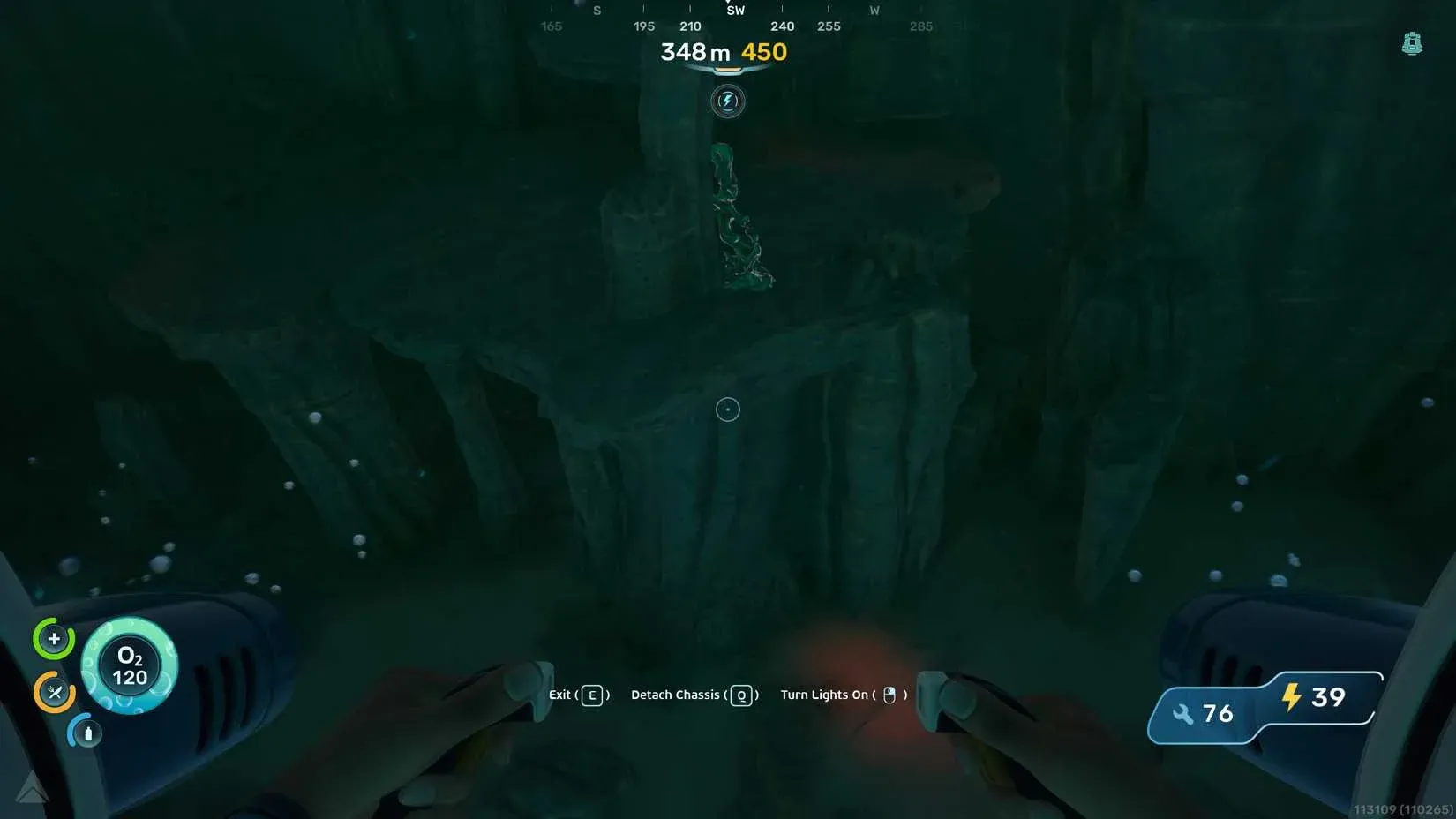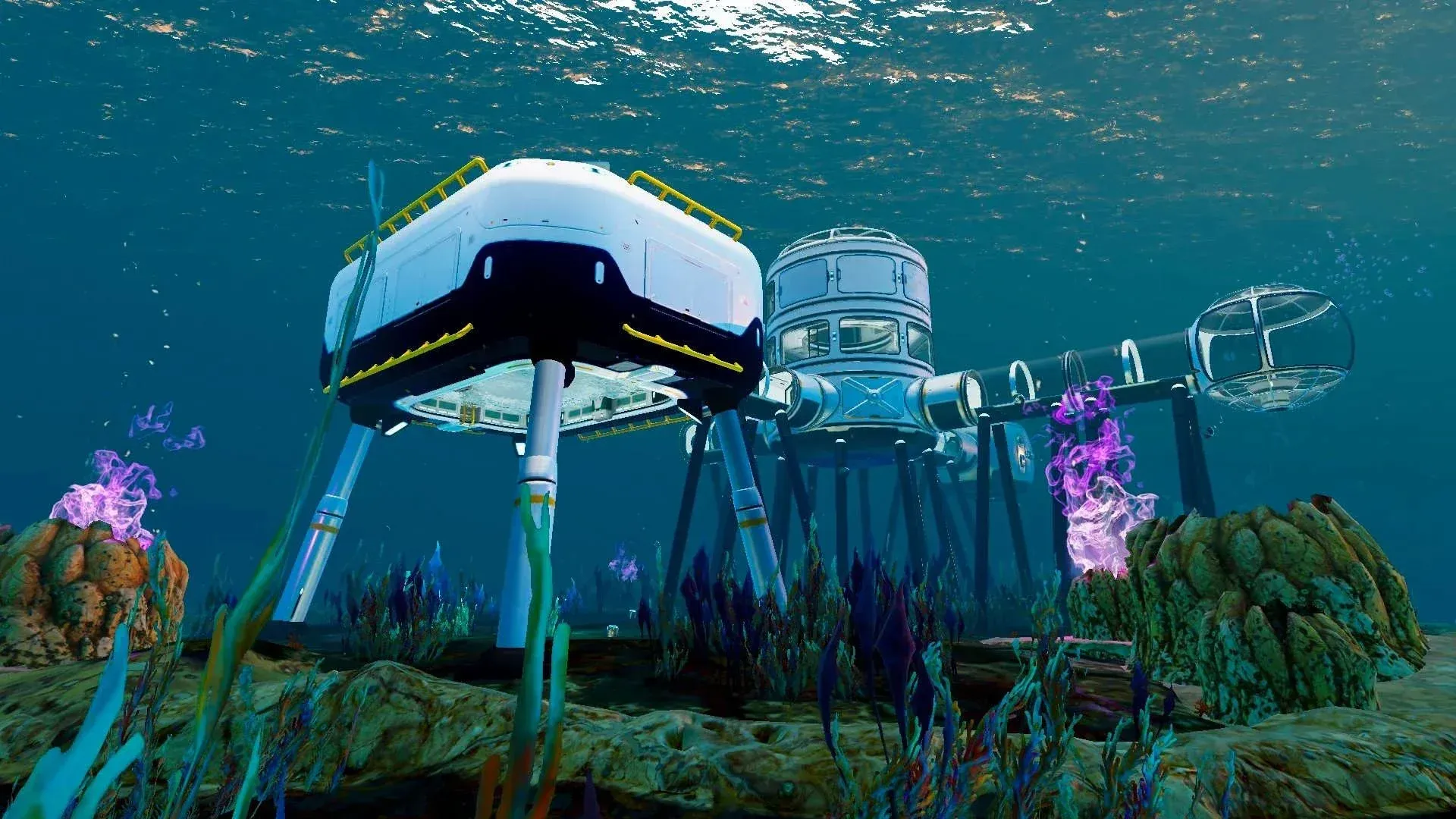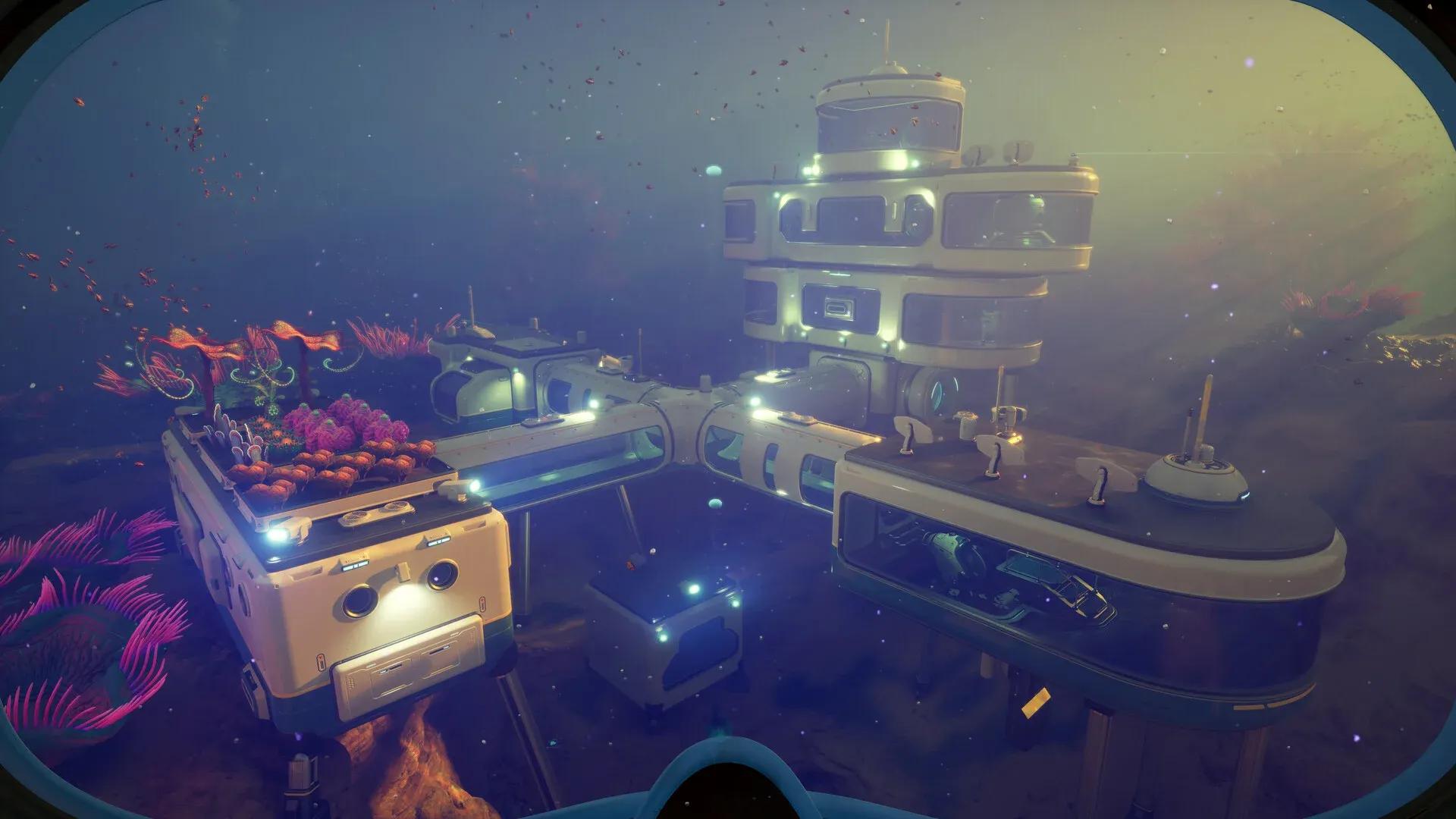

Running out of inventory space in Subnautica 2 is practically a rite of passage. The ocean floor is packed with resources, and your pockets fill up fast. The good news is that the game gives you four distinct storage options to work with, and most of them require finding a blueprint before you can build them. Here's exactly where to find each one and what it costs to craft.
What storage lockers are available in Subnautica 2?
There are four storage options in the game: the Wall Locker, the Tailing Chest, the Floor Locker, and the Portable Locker. Each serves a different purpose, from permanent base fixtures to a backpack-style container you can carry on dives. The table below breaks down what each one offers.
| Locker | Blueprint Required | Crafting Cost | Storage Slots | Notes |
|---|---|---|---|---|
| Wall Locker | No | 2x Titanium | 20 | Built with Habitat Builder |
| Tailing Chest | Yes (scan 2x) | Not specified in sources | Not specified | Found in Tailing Village |
| Floor Locker | Yes (scan 1x) | 1x Quartz, 3x Titanium | 30 | Found in labs and shipwrecks |
| Portable Locker | No (or found) | 4x Titanium | Not specified | Carry it with you; one active at a time |

How to get the Wall Locker
The Wall Locker is the one storage option that skips the blueprint step entirely. You unlock it automatically through the Habitat Builder and craft it for 2 Titanium. It holds 20 storage slots, making it a reliable workhorse for base organization. Because the recipe is always available, there's no reason not to build several of these as soon as you establish your first habitat.
Wall Locker needs no blueprint
Where to find the Tailing Chest blueprint
The Tailing Chest blueprint sits inside the Tailing Village, which is located in the hot zone of the ocean. You cannot safely enter this region without first activating the Heat Tolerance mod, so make sure that's handled before you make the trip. Once you're inside the village, check in and around the empty huts. The chests are easy to spot. You need to scan 2 of them to unlock the blueprint.
For players still tracking down upgrade components, the Subnautica 2 guide to increasing your inventory size covers Biobed locations that expand your hotbar and carry capacity, which pairs well with the storage locker hunt.
Where to find the Floor Locker blueprint
The Floor Locker blueprint turns up in labs and shipwrecks scattered around the ocean. One reliable early location is the Cicada crash, sitting roughly 250 meters southwest of your lifepod. Head inside to the canteen area and you'll find a Floor Locker to scan.
Once scanned, craft it with 1 Quartz and 3 Titanium. The Floor Locker gives you 30 storage slots, making it the highest-capacity fixed storage option confirmed in the sources. That extra capacity over the Wall Locker is worth the material cost once you're pushing deeper into the ocean.

Floor Locker inside Cicada wreck
How does the Portable Locker work?
The Portable Locker works differently from the other three. Rather than being a fixed base fixture, you carry it with you on dives as extra temporary storage. You can find Portable Lockers at random locations across the ocean, including near the wreck close to your starting lifepod. If you'd rather craft one directly, it costs 4 Titanium.
The key limitation: you can only have one Portable Locker active at any given time. Think of it as a deployable overflow bag rather than a permanent solution.
What's the best storage setup for your base?
Based on the available options, the most efficient base setup combines Wall Lockers for quick-access items (cheap to build, no hunting required) with Floor Lockers for bulk storage once you've cleared the Cicada crash. The 10-slot difference between Wall Lockers (20 slots) and Floor Lockers (30 slots) adds up across a large base.
The Portable Locker fills the gap during long dives when your inventory fills before you want to head back. Treat it as a staging point rather than a replacement for base storage.
For a full picture of what else you can build and where to find the blueprints for it, the complete Subnautica 2 guides collection covers base rooms, tools, and resources in detail. Storage is just the start of what you'll need to manage as you push further into the ocean.