
Subnautica 2 launched into Early Access on May 14, 2026, and one of the first things veteran players noticed was that most hostile creatures cannot be permanently killed. You can scare them off, but they keep coming back. The modding community responded almost immediately. The Killable Creatures mod, created by jibotron and available on Nexus Mods, restores creature death mechanics and turns your existing tools into actual weapons. Here is everything you need to get it running.
Why doesn't Subnautica 2 let you kill creatures by default?
Unknown Worlds Entertainment made a deliberate design choice with the sequel. By making apex predators and most hostile fauna effectively invulnerable, the developers wanted players to feel genuinely vulnerable and prioritize evasion over combat. The goal was a survival game where running is often the only answer.
That philosophy has split the community. Steam discussion threads filled up quickly after launch with players debating whether removing creature-killing mechanics was the right call. Longtime fans of the original Subnautica, where you could hunt and permanently clear areas of threats, found the change frustrating. The Killable Creatures mod exists specifically to bridge that gap for players who prefer a more direct approach to survival games.
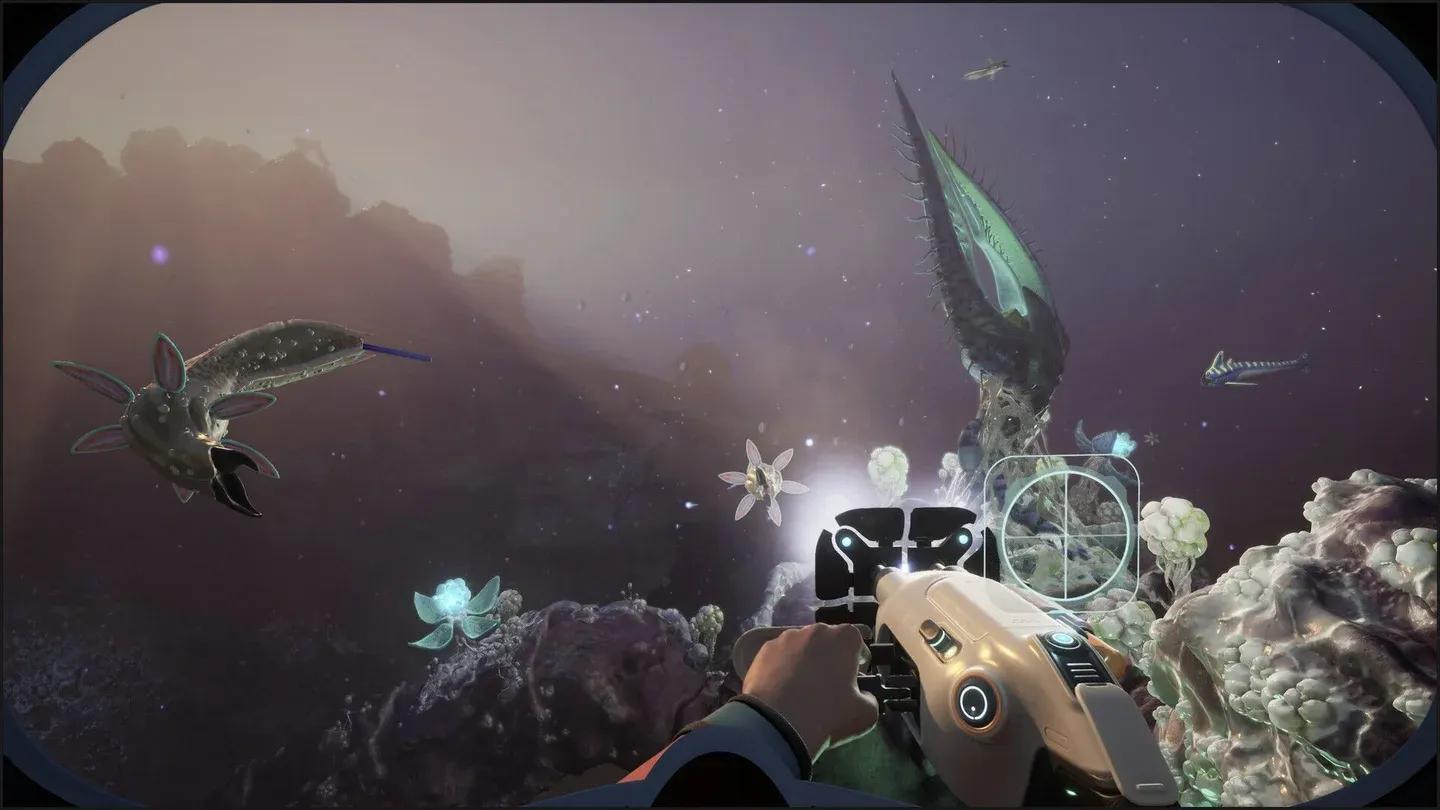
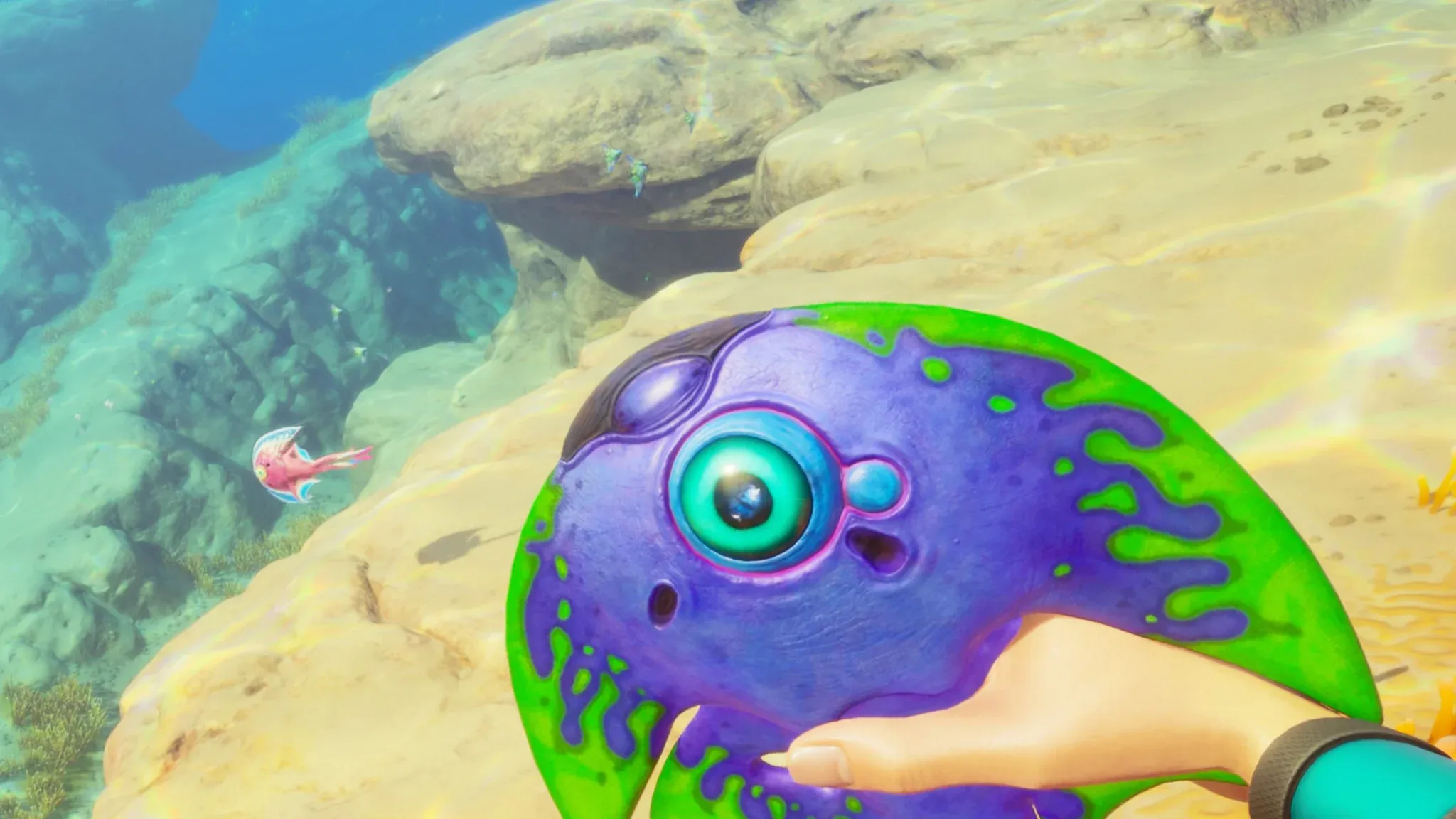
Hostile fauna in Subnautica 2

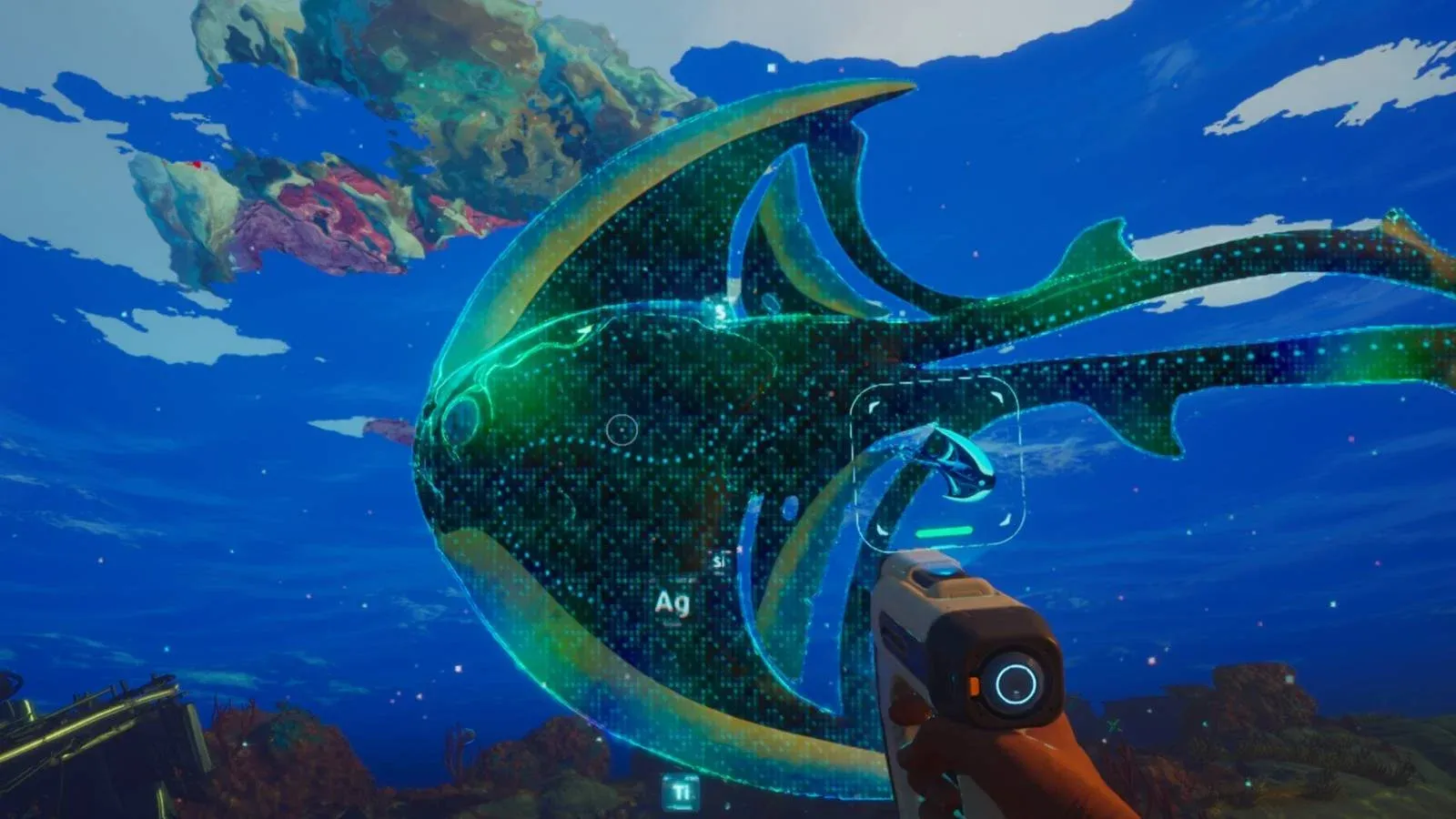
What does the Killable Creatures mod actually change?
The mod assigns health values to all fauna in the game, which the base game does not have. Your Multitool gains a melee function dealing 20 damage per hit, functioning similarly to the knife from the original game. The Sonic Resonator receives a significant damage boost at close range, reportedly dealing 50 damage, making it a viable defensive weapon against creatures.
The practical results are meaningful:
- Clear aggressive fauna from around your base permanently
- Defend exploration routes without retreating every time
- Remove creatures that are harassing your vehicle or submersible
- Fight back against predators instead of only fleeing
The mod works by hooking into each creature's health component through the UE4SS scripting system rather than simply removing creatures from the world. This means damage interactions function properly through your existing equipment.
| Tool | Default Function | With Killable Creatures Mod |
|---|---|---|
| Multitool | Scanning, building, repairs | Melee weapon, 20 damage per hit |
| Sonic Resonator | Bloom Infestation removal | Close-range combat weapon, 50 damage |
What do you need before installing?
The mod requires two things before it will work: the PC version of Subnautica 2, and UE4SS installed correctly. UE4SS (Unreal Engine 4/5 Scripting System) acts as the framework that lets custom scripts communicate with the game engine. Without it, the Killable Creatures files simply will not load.
Required items:
- Subnautica 2 (PC, Steam or Xbox app)
- UE4SS for Subnautica 2 (download the non-dev version from Nexus Mods)
- Killable Creatures mod ZIP file (Nexus Mods, mod ID 105)
- Access to your game installation folder
Console versions are not supported. The mod is PC-only.
How to install UE4SS for Subnautica 2
This is the foundation everything else depends on. Get this wrong and the mod will not function.
- Download the latest non-dev version of UE4SS from Nexus Mods
- Open your Subnautica 2 installation folder. On Steam, right-click the game in your library, select Properties, then Installed Files, then Browse
- Navigate to Subnautica2\Binaries\Win64
- Extract the UE4SS archive contents directly into this folder
- Launch Subnautica 2 once to confirm initialization
If UE4SS installed correctly, a file named UE4SS.log will appear inside the ue4ss folder after that first launch. That is your confirmation it is working.
Xbox app or Game Pass users: Your path differs. Look for Content\Subnautica2\Binaries\WinGDK and extract to the WinGDK folder instead of Win64.
How to install the Killable Creatures mod
Once UE4SS is confirmed working, the mod itself installs in a few steps:
- Download the Killable Creatures ZIP from Nexus Mods
- Extract the archive contents
- Navigate to Subnautica2\Binaries\Win64\ue4ss\Mods
- Move the extracted Killable Creatures folder into the Mods directory
- Launch Subnautica 2
After loading into a save, hit a creature with your Multitool. If it takes damage and eventually dies, the mod is working. The Mods folder should already exist after your first UE4SS launch, but if it does not, you can create it manually.
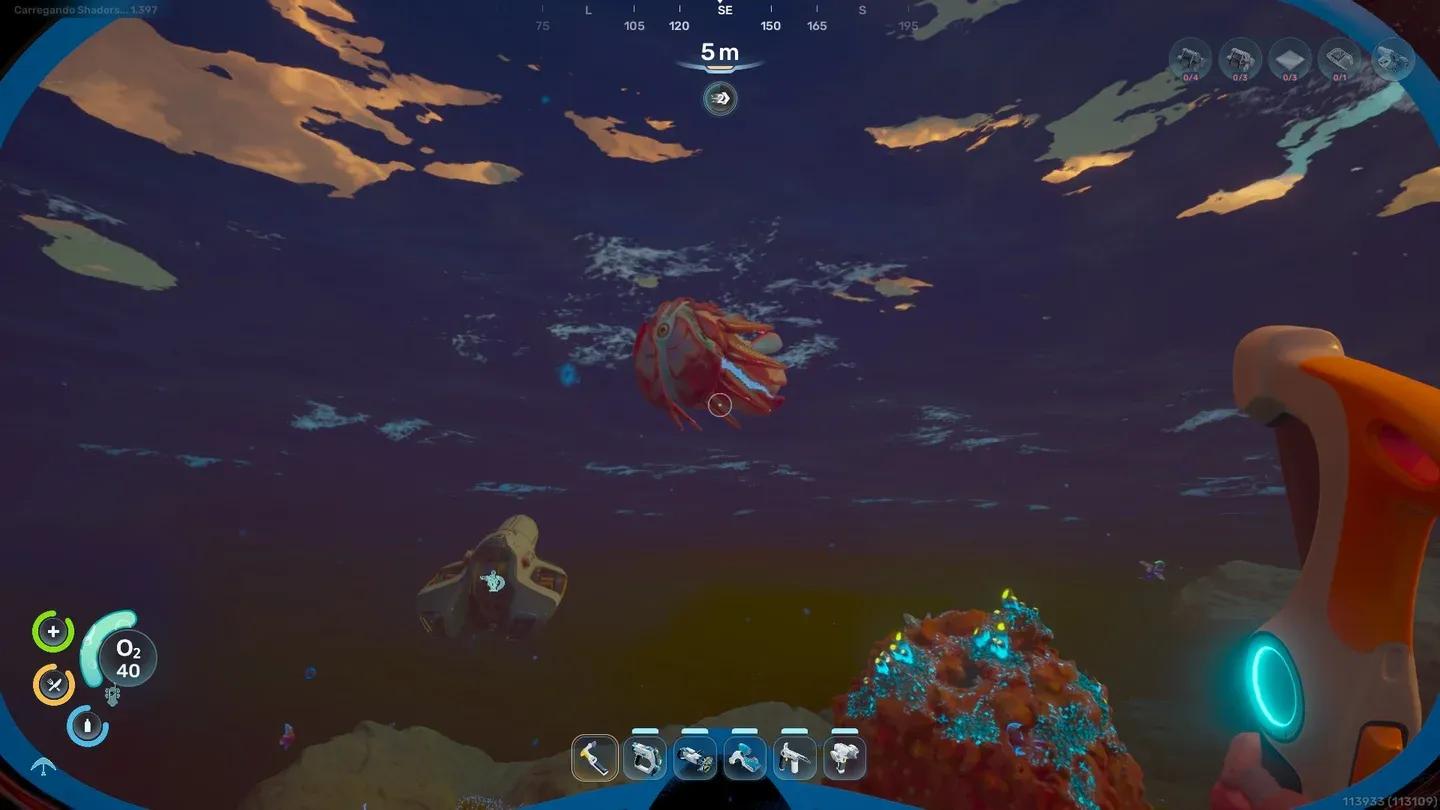
Mods folder file placement
How to install on Linux or Steam Deck
Playing through Proton requires one extra step. The DLL override must be forced manually:
- Open your Steam Library
- Right-click Subnautica 2 and select Properties
- Under Launch Options, paste the following: WINEDLLOVERRIDES="dwmapi=n,b" %command%
- Launch the game normally
This tells Proton to load the mod loader's Windows-based script system correctly alongside the game.
Multiplayer and save file considerations
The mod does work in multiplayer sessions, but every player in the session must have the exact same version installed. If one player has the mod and another does not, the game will fail to sync creature states properly, leading to crashes or situations where one player sees a creature as dead while another sees it alive.
For save files, the mod is designed to be non-destructive. You can remove the mod folder from ue4ss\Mods at any time and the game reverts to its default creature behavior instantly. Your save will not be permanently altered.
One thing worth knowing: using external mod loaders may trigger a "Modified" flag on your save file. If you are working toward any completionist achievements, disable the mod first.
The mod targets creature health components specifically and should not interfere with your character progression systems. That said, since Subnautica 2 is still in Early Access, unexpected interactions are possible. Check out the complete Biomods unlock guide if you want to make sure your character builds are optimized alongside your new combat capabilities.
For everything else the game throws at you during Early Access, the full Subnautica 2 guides collection covers crafting, base building, and progression systems in detail.