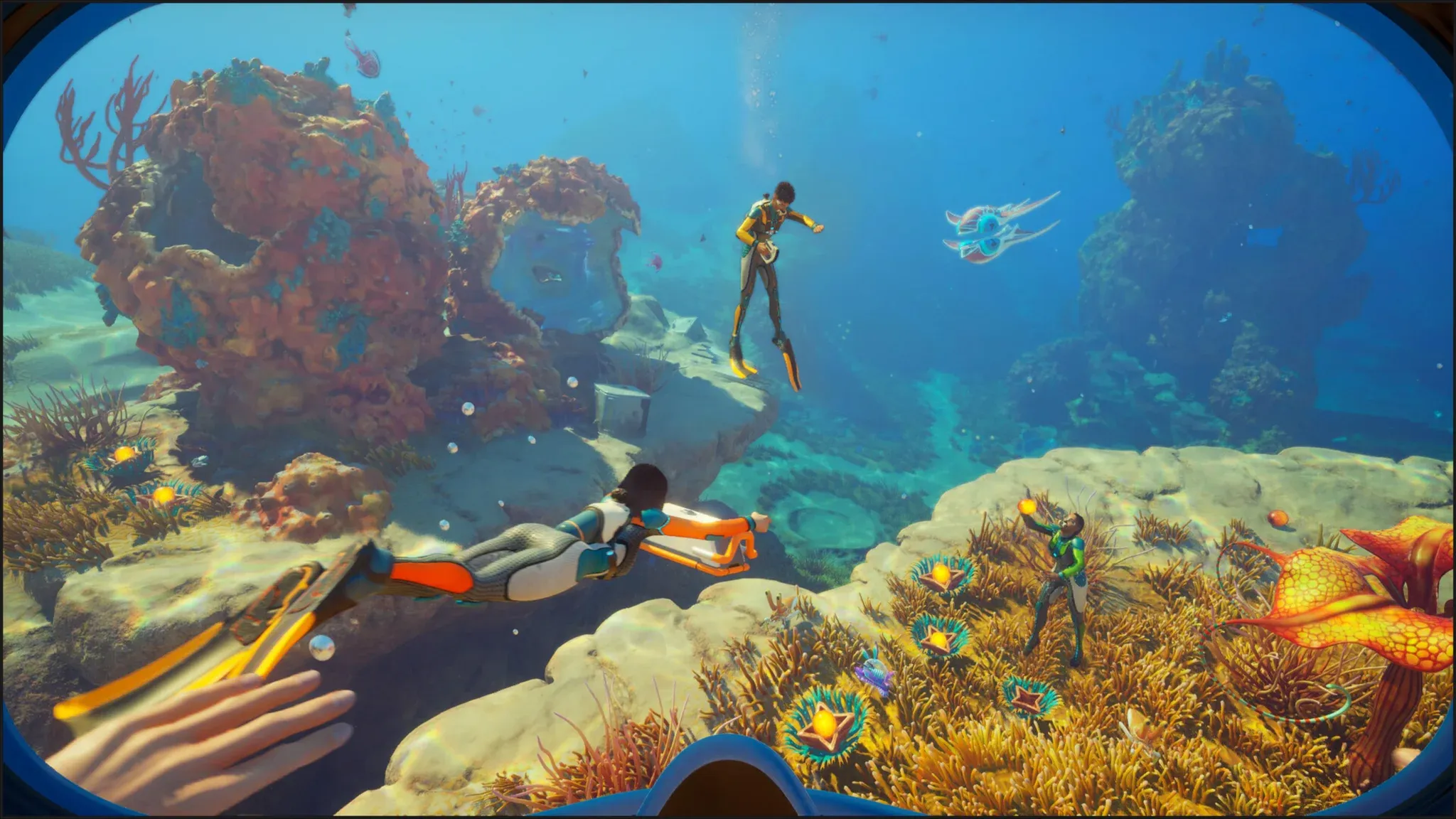

The Nook is one of those base building pieces that looks minor on paper but makes a real difference once you have it placed. It adds a small alcove with an upward-viewing window to your base, which is both functional and genuinely satisfying when you're watching alien sea life drift past the glass. Getting it requires a specific Data Box from a biome you may not have explored yet. Here's exactly what you need and where to go.
Where to find the Nook blueprint
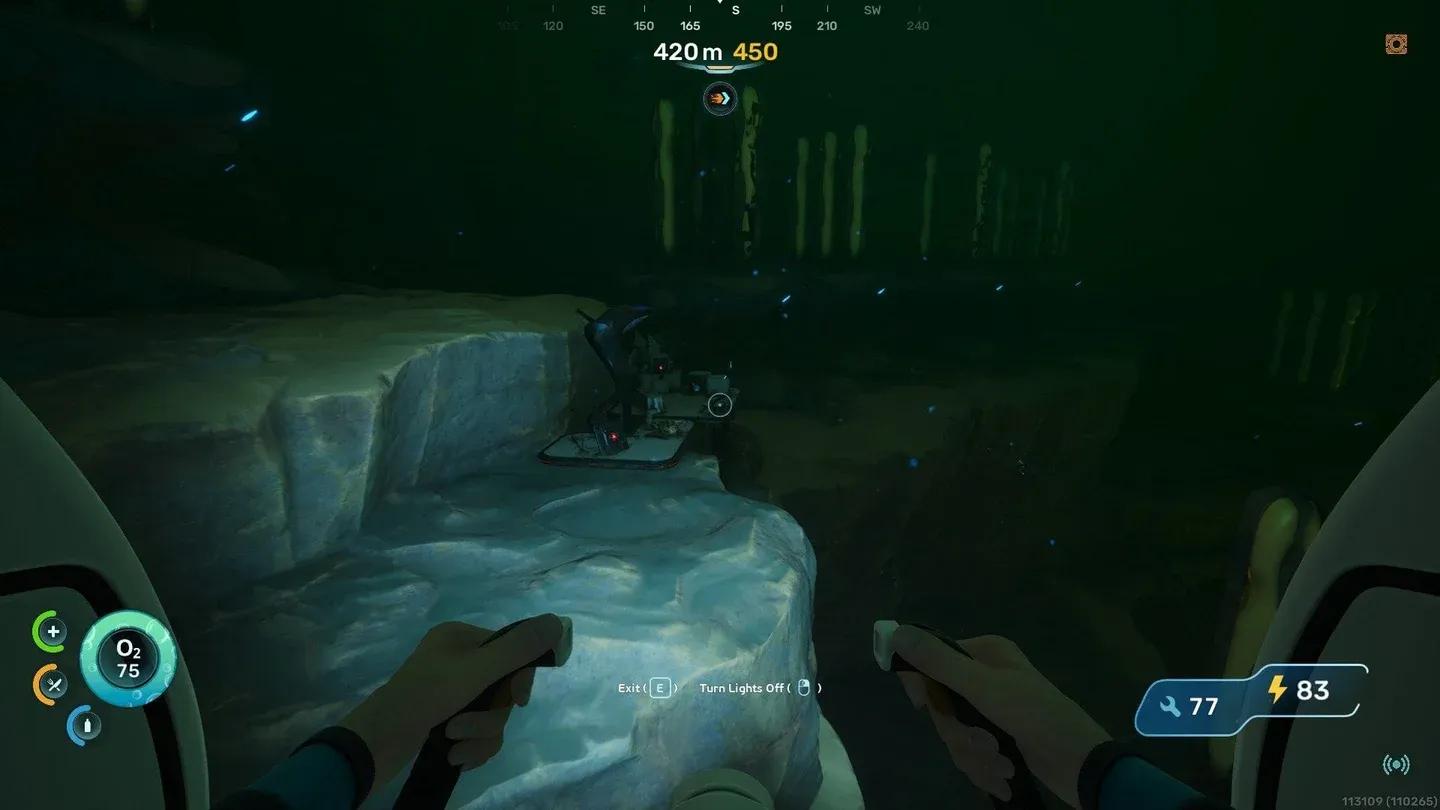
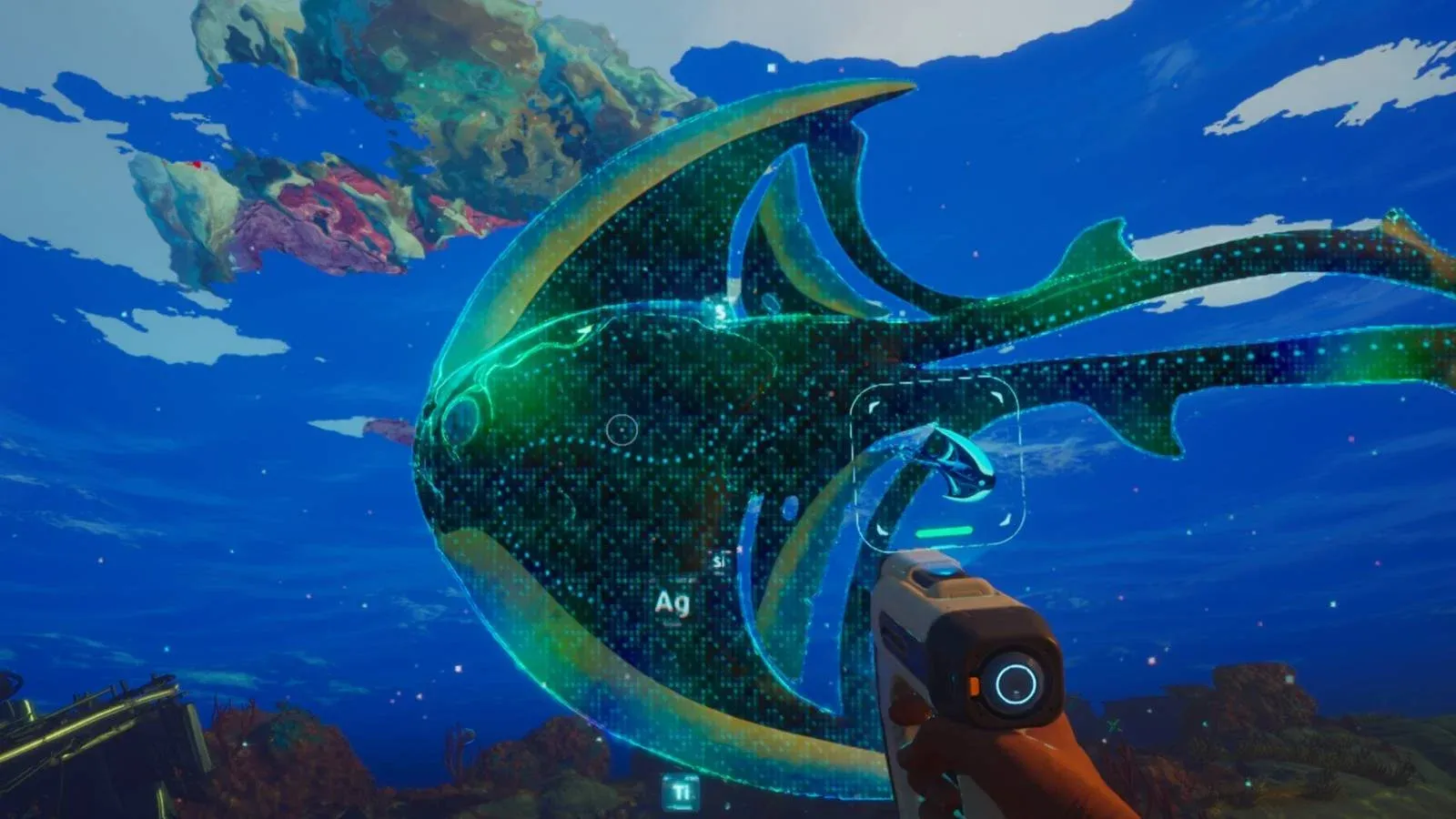
The Nook recipe does not come from scanning or crafting progression. You need to find a Data Box located in the Hot Sea biome. Once you open that Data Box, the recipe unlocks automatically and becomes available in your Habitat Builder.
Hot Sea Data Box location
The Data Box itself sits in the environment like most collectible blueprint sources in Subnautica 2. Approach it and interact to claim the recipe. No scanning required.

What materials does the Nook need?
Once the blueprint is in your Habitat Builder, the recipe is straightforward:
| Material | Quantity |
|---|---|
| Titanium | 3 |
| Glass | 2 |
Both Titanium and Glass are early-game staples, so you almost certainly have them already by the time you reach the Hot Sea. If your stock is low, Titanium comes from metal salvage and ore deposits in the Shallows and surrounding biomes. Glass is crafted from Quartz at the Fabricator.
How to build the Nook in your base
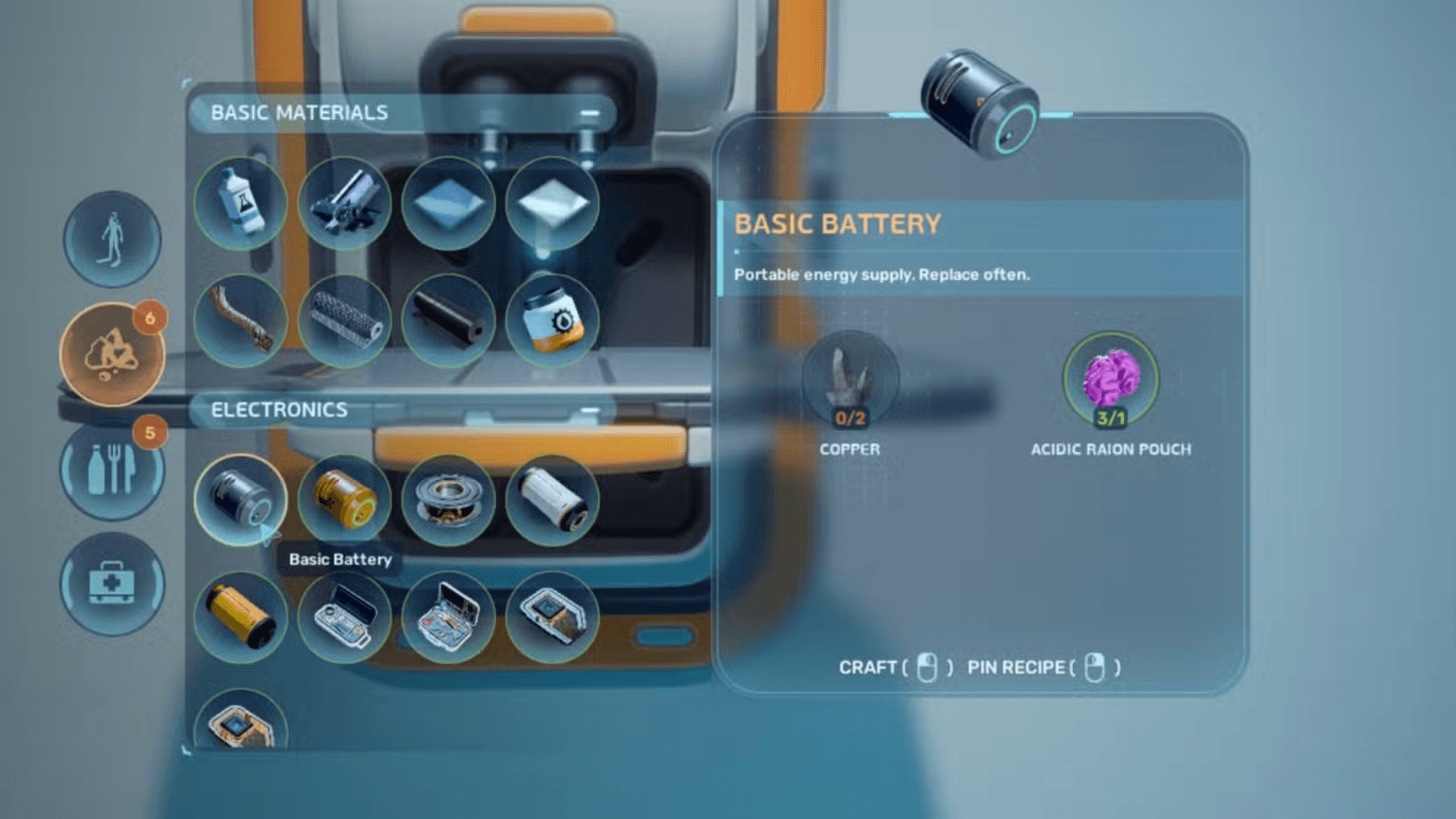
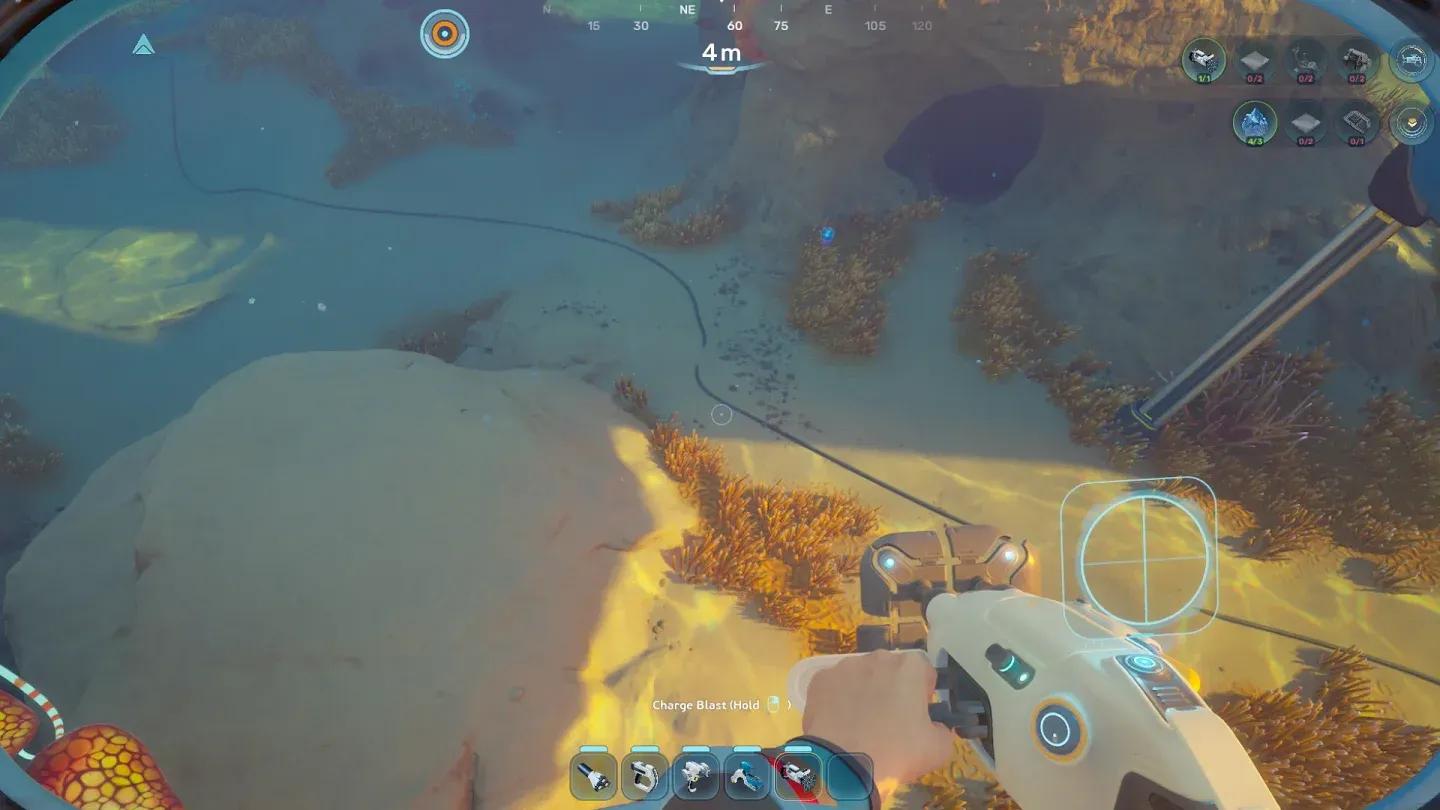
With the recipe unlocked and materials in your inventory, equip the Habitat Builder and navigate to the base building menu. Select the Nook, find a valid placement spot on an existing base structure, then hold Left Click on PC, RT on Xbox, or R2 on PlayStation to place it. The materials consume automatically on confirmation.
Placing the Nook via Habitat Builder
The Nook attaches to your existing base sections and adds an upward-facing window panel. Placement works best on corridors or rooms where the viewing angle actually gives you something to look at, so think about your base orientation before committing.
How does the Nook compare to other base windows?
The Nook is one of several visual and structural elements available through the Habitat Builder. Here's how it sits alongside similar pieces:
| Building Piece | Primary Function | Viewing Direction |
|---|---|---|
| Nook | Small alcove with window | Upward |
| Window | Flat wall panel | Outward (wall-facing) |
| Half Round Room | Curved room segment | Multiple angles |
| Room | Standard enclosed space | No default window |
For players focused on base aesthetics or wanting a specific upward view of the water column above, the Nook fills a gap that the standard Window does not. It is purely cosmetic and structural; it does not add storage or functional systems.
What else should you build while you're at it?
Unlocking the Nook Data Box in the Hot Sea is a good excuse to push your base construction further. If you haven't expanded past basic corridors yet, the guide on building rooms and unlocking blueprints walks through the full blueprint chain for larger base structures.
Inventory space also becomes a real constraint once you start gathering Hot Sea resources on the same run. Knowing how to increase your inventory size before heading into a new biome saves a lot of backtracking.
For more building guides, resource locations, and progression tips, the full Subnautica 2 guide collection has everything organized by topic. The Nook is a small unlock, but it's a sign you're pushing into the mid-game biomes where the more interesting base pieces start opening up.