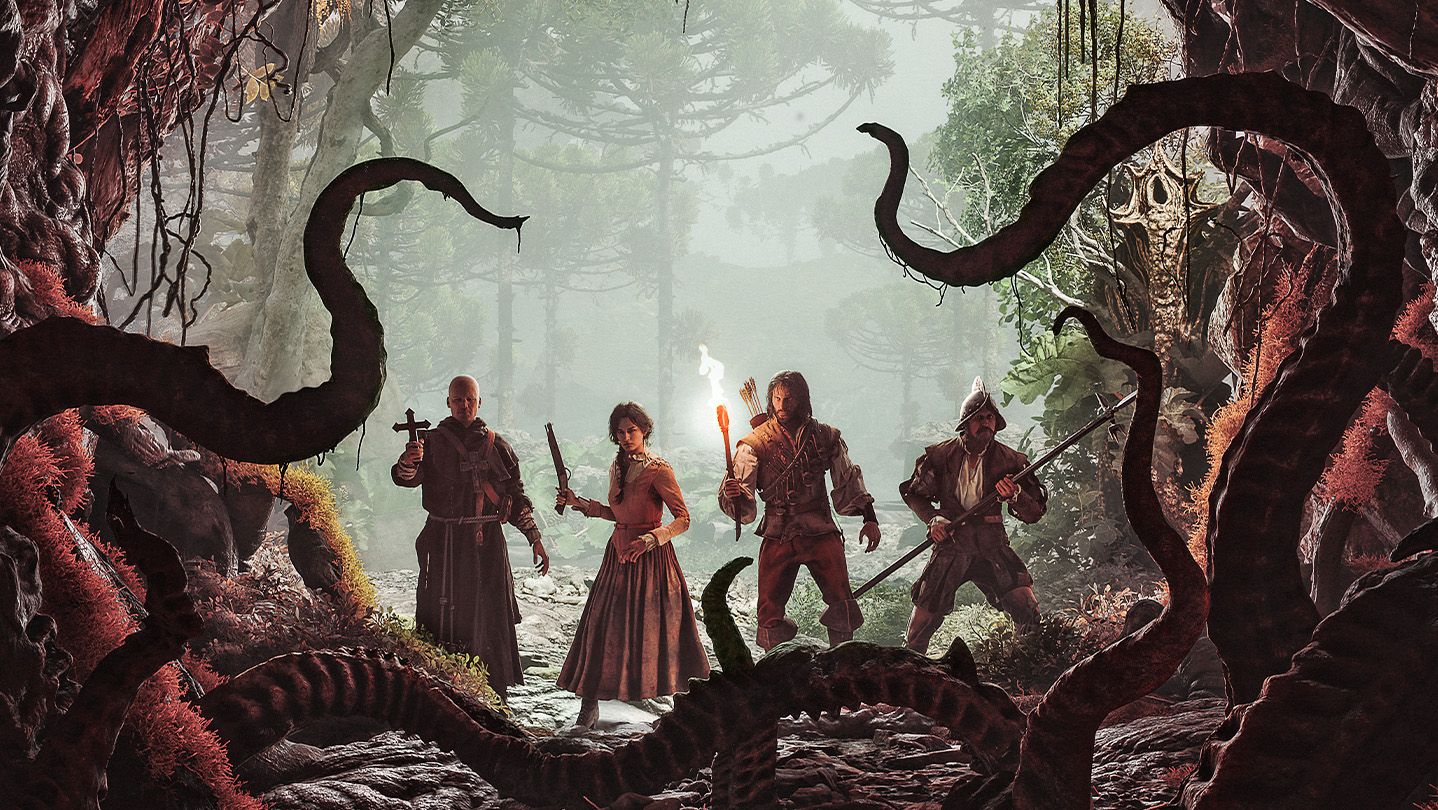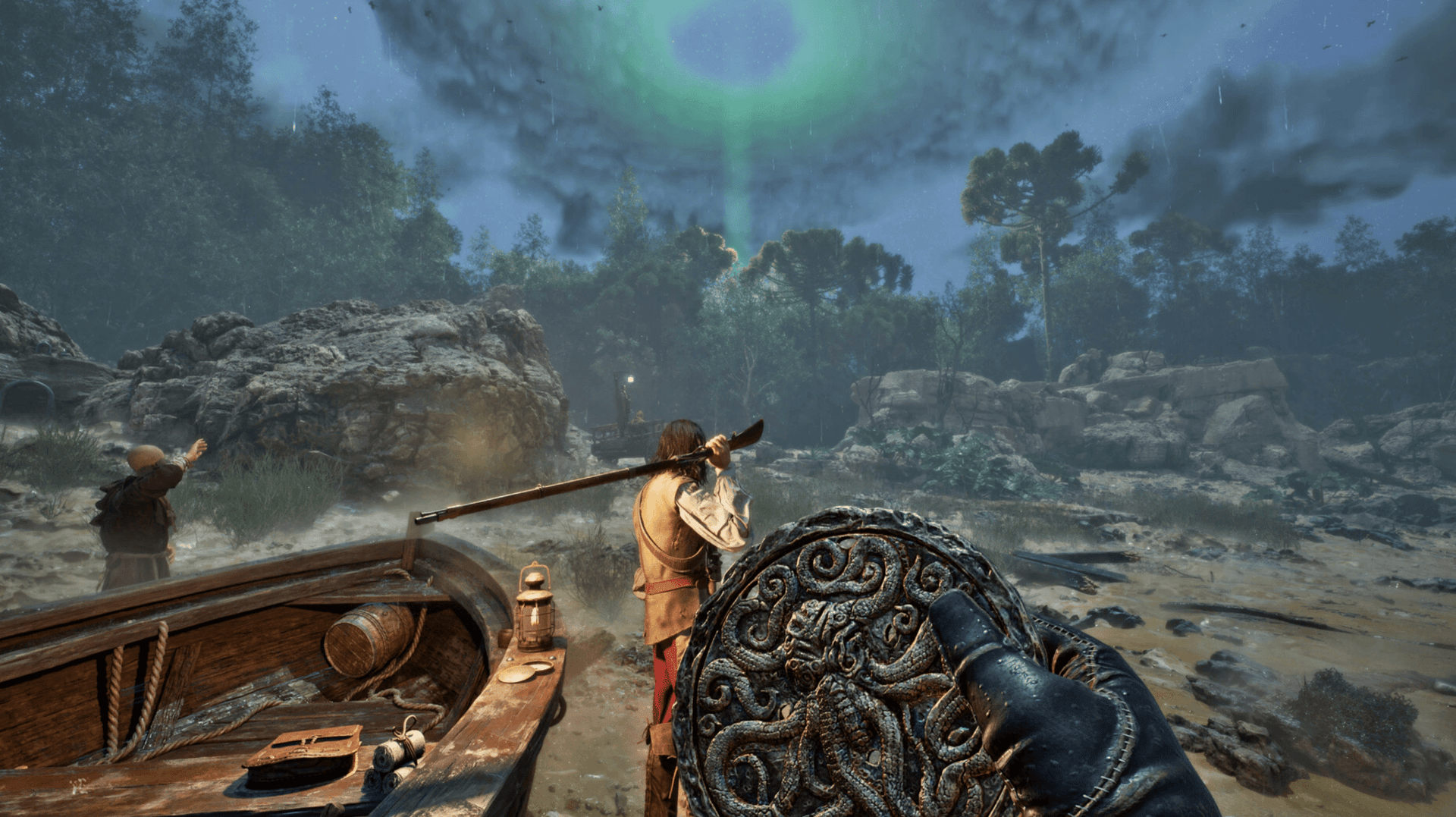

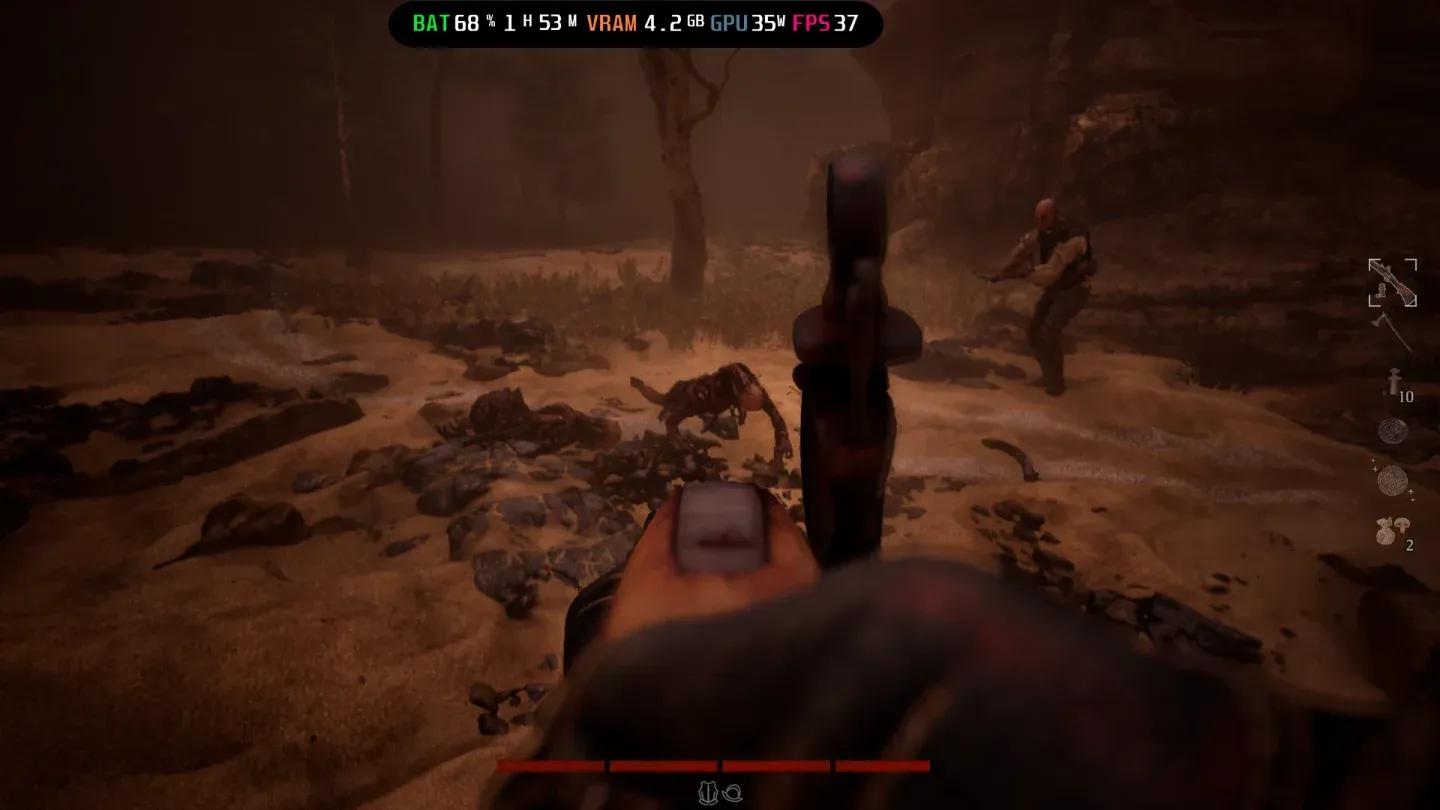
The Mound: Omen of Cthulhu launched on PC and consoles, and the opening day performance has been rough across the board. The cursed forest is hard enough to survive without your frame rate collapsing mid-encounter. After testing settings on hardware comfortably above Steam's recommended specs, including an AMD Radeon 9060 XT 16 GB, AMD Ryzen 7 5700X, and 32 GB of DDR4 RAM, lag showed up even during the Prologue. If it hits on that rig, players on minimum-spec machines are in for a worse time. Here's what actually works.
What are the best graphics settings for The Mound: Omen of Cthulhu?
The short answer: push most quality settings to Low or Medium, cap your frame rate, and enable upscaling. The game's current build has known performance problems flagged across Steam reviews, so these settings are designed to keep things playable while patches roll out.
Here's the full recommended setup:
| Setting | Recommended Value |
|---|---|
| Window Mode | Full Screen (single monitor) / Borderless (multi-monitor) |
| Resolution | Native monitor resolution |
| Frame Rate Limit | 90 (or 60 if lag persists) |
| VSync | Disabled (enable if stuttering appears) |
| View Distance | High or Medium |
| Lighting Quality | Low or Medium |
| Anti-Aliasing Quality | Medium |
| Texture Quality | Low or Medium |
| Visual Effects Quality | Low or Medium |
| Post-Processing Quality | Low or Medium |
| Upscaling | FSR 4 (AMD) / TSR (NVIDIA) |
| Quality Mode | Performance |
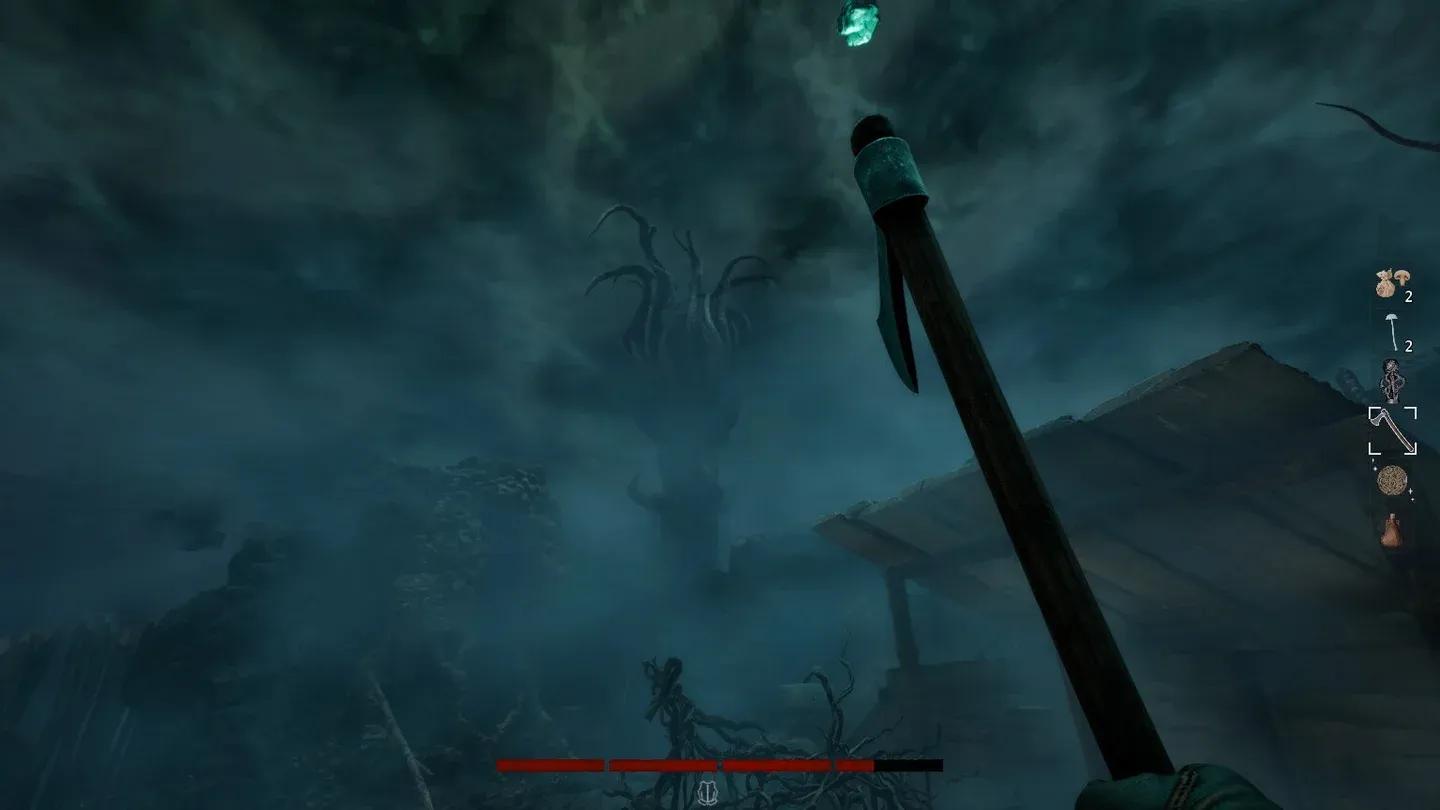
Frame rate limit options
Should you enable VSync in The Mound: Omen of Cthulhu?
Leave VSync off by default. Disabling it removes the input latency VSync introduces, which matters in an action game where reaction timing is everything. The trade-off is that you might see screen tearing at higher frame rates.
If you're getting persistent stuttering rather than tearing, flip VSync on. You'll lose a few frames, but the pacing becomes more consistent. Think of it as a fallback, not a first choice.
VSync toggle in display settings
Which upscaling option should you pick?
Upscaling is not optional here, even if you'd normally skip it. The game needs the help right now.
- AMD GPU owners: Use FSR 4. It's the most current AMD upscaling option and provides the best balance of image quality and performance gains.
- NVIDIA GPU owners: Use TSR. It integrates better with NVIDIA hardware than FSR on the same cards.
- Set Quality Mode to Performance regardless of which upscaler you choose.
Upscaling and quality mode select
Why is The Mound: Omen of Cthulhu running poorly at launch?
The current build shipped with performance issues that go beyond individual hardware differences. Even systems running above the recommended specs hit lag in the Prologue, which is the lightest part of the game. Steam player feedback points to this being a broader engine-level problem rather than a settings misconfiguration.
The settings above are a workaround, not a permanent fix. Nacon will need to address the underlying issues through patches. Until then, Low and Medium quality settings combined with upscaling are the most reliable path to a stable session. Check the The Mound: Omen of Cthulhu strategy guides for updates as patches land and the recommended settings evolve.
Minimum vs. recommended spec settings
If you're unsure where to start based on your hardware, use this as a baseline:
| Hardware Tier | Texture Quality | Lighting | Visual Effects | Frame Rate Limit |
|---|---|---|---|---|
| Minimum spec | Low | Low | Low | 60 |
| Recommended spec | Medium | Medium | Low/Medium | 90 |
| Above recommended | Medium | Medium | Medium | 90 |
No matter your tier, keep upscaling enabled and Quality Mode set to Performance until Nacon patches the core performance problems out of the build.