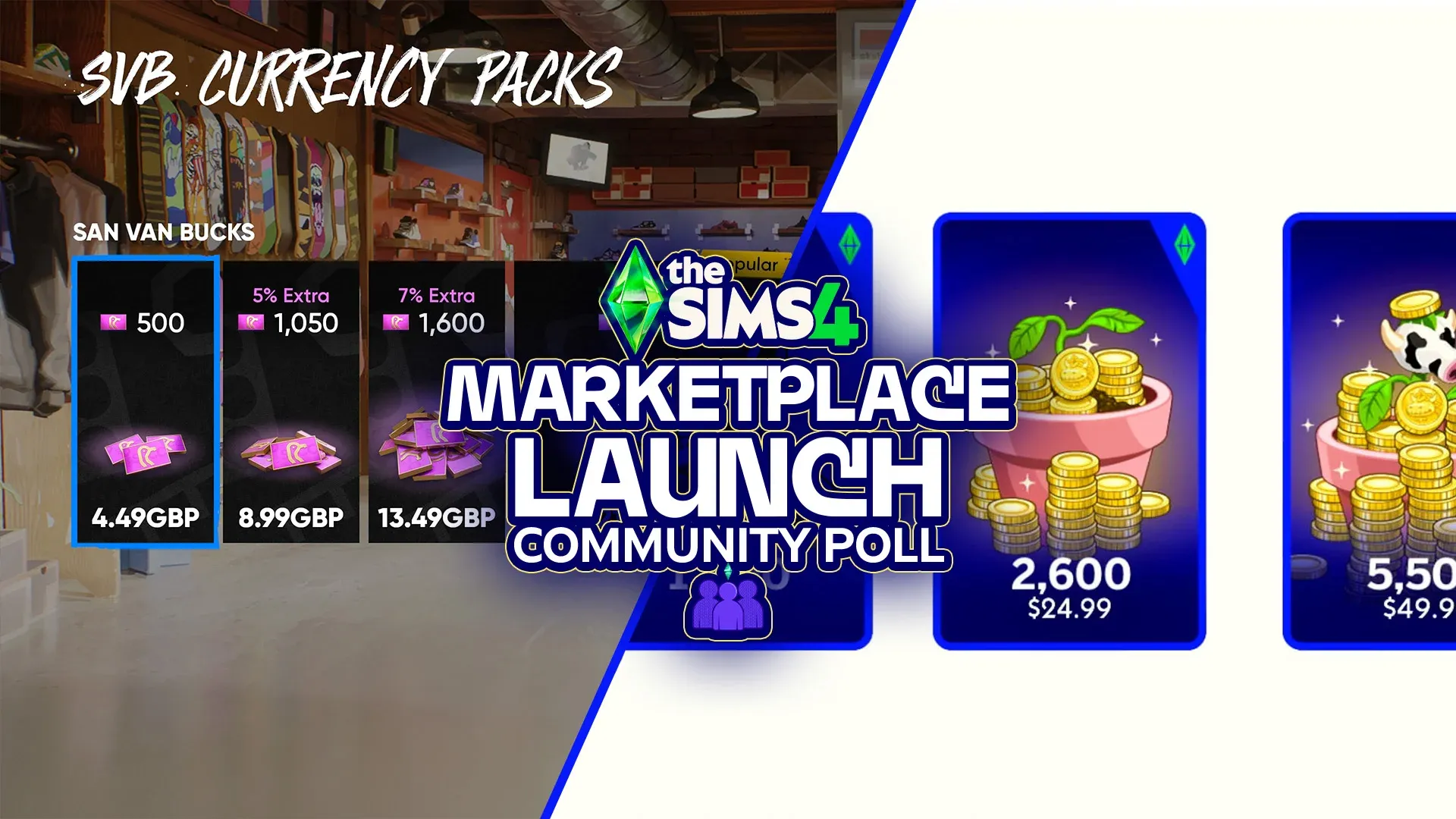


The Sims 4 just changed how you buy content
The March 17 update brought more than the usual bug fixes. With it came the Marketplace, a fully integrated in-game storefront that reshapes how The Sims 4 handles content purchases, creator involvement, and the long-standing custom content culture that has defined the game for over a decade. Kits are now exclusive to it. A new virtual currency called Moola powers purchases. And a new class of approved creators called Makers can now sell their work directly inside the game. Here is everything you need to know before spending a single Simoleon.
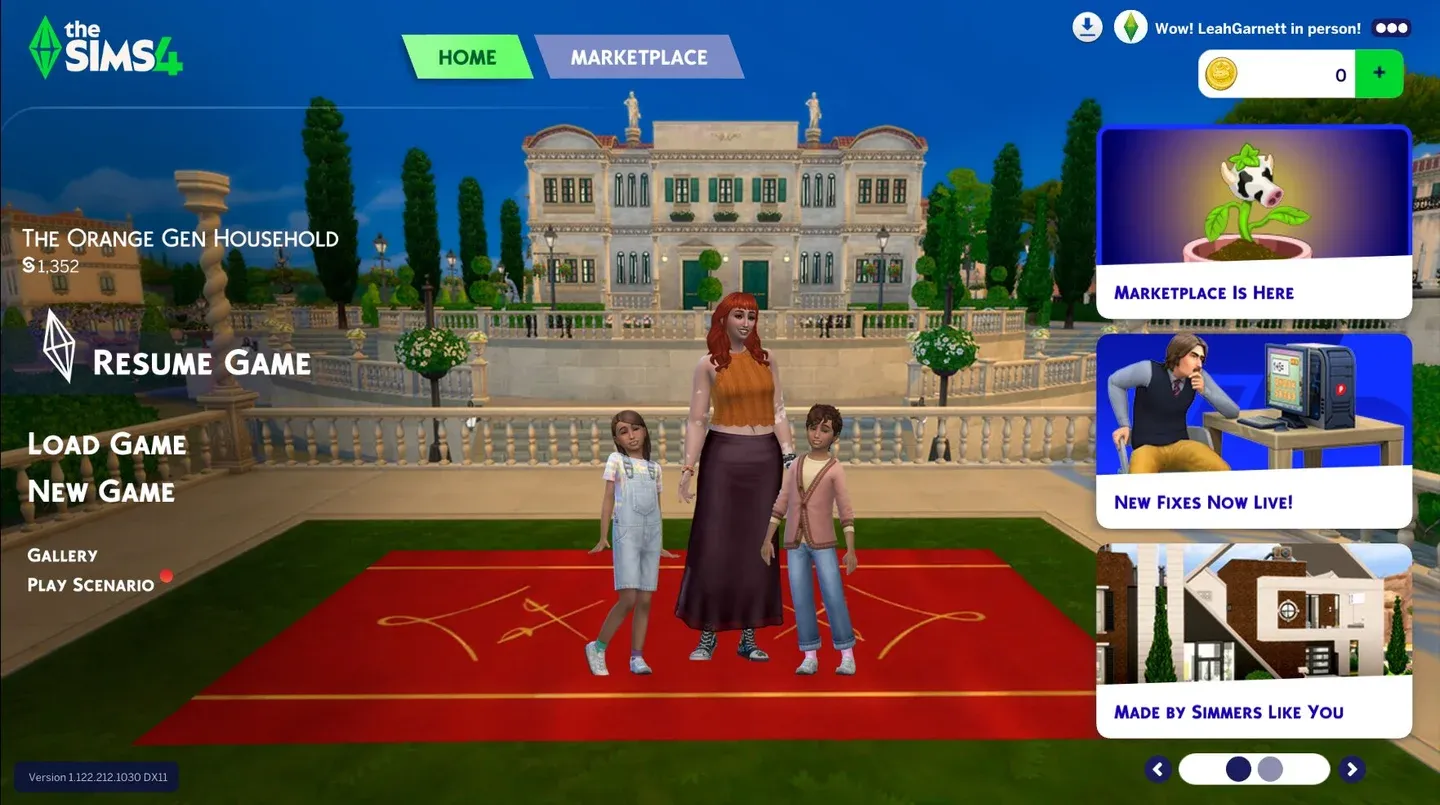
Marketplace in the main menu
What is the Sims 4 Marketplace?
The Marketplace is a built-in storefront accessible directly from The Sims 4 main menu via the Marketplace button, or at any point during gameplay using the shopping cart icon in the top-right corner of the screen. It replaces the previous in-game store and now houses Kits, Maker Packs, Expansion Packs, Game Packs, and Stuff Packs.
The key distinction from older systems is how content installs. Maker Packs and Kits download on demand without requiring a game restart, which is a meaningful change from the traditional process of dropping files into a Mods folder and reloading. You do need to be online to browse and buy, though your existing purchases remain accessible in your Collection even offline.
What are Maker Packs?
Maker Packs are the genuinely new content type here. They are created by community members who have applied to and been accepted into the Sims Maker Program, reviewed by The Sims team for safety and technical compatibility, and then sold inside the game. Maker Packs range from 3 to 50 items and contain either Create-A-Sim content, Build/Buy objects, or themed collections. They are exclusive to the Marketplace and cannot be purchased anywhere else.
At launch, the storefront featured sets from creators including Mechtasims, Littlebowbub, SixamCC, HYDRA, ValiaSims, MADLEN, and others. Build/Buy offerings at launch included sets like the Nona Set, Grandma's Kitchen Heirlooms, Japandi Home Bedroom, and Readers' Nook. CAS packs included Lip Couture by TwistedCat, Modern Duchess Set and Shoe Essentials by MADLEN, and Cozy Fitness by Caio.
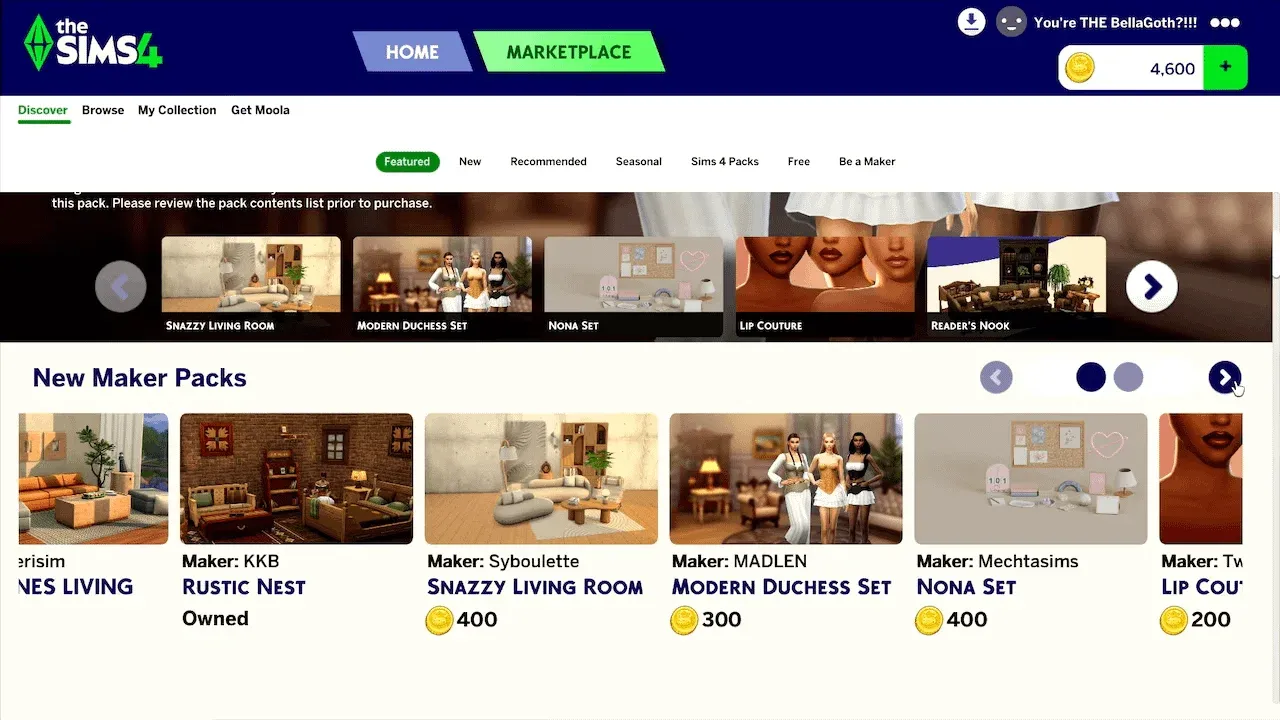
Maker Packs tab in Marketplace
What is Moola and how does it work?
Moola is the virtual currency used exclusively inside the Marketplace. It cannot be earned through gameplay, gifted to other players, transferred between accounts, or traded. Purchases are one-directional: real money in, Moola out, content purchased.
Here are the available Moola tiers:
The virtual currency model is not new to The Sims franchise. The Sims 3 used SimPoints for its own store, which sold worlds, premium items, and objects. The Marketplace differs in that it is built entirely around community creator content rather than Maxis-produced assets, and it is directly embedded in the game client rather than operating as a separate website.
For players under the Teen age rating on their EA Account, parental spending permissions are required before any Moola can be purchased.
How does the Sims Maker Program work?
The Maker Program is the application-based system through which community creators become eligible to sell on the Marketplace. Applications opened on March 5, 2026. Applicants must meet region, age, and technical requirements and submit two assets for evaluation by The Sims team.
Once approved, Makers gain access to the Maker Suite, a set of official tools and resources designed to ensure their content works across platforms. Makers receive approximately 30% of all Moola revenue from their sales. EA retains the remaining 70%, covering platform fees, VAT, server costs, localization across 18 languages, and operational overhead.
Makers can continue releasing free or early-access content on external platforms under the existing mod policy. The restriction is that content sold on the Marketplace cannot be simultaneously sold elsewhere.
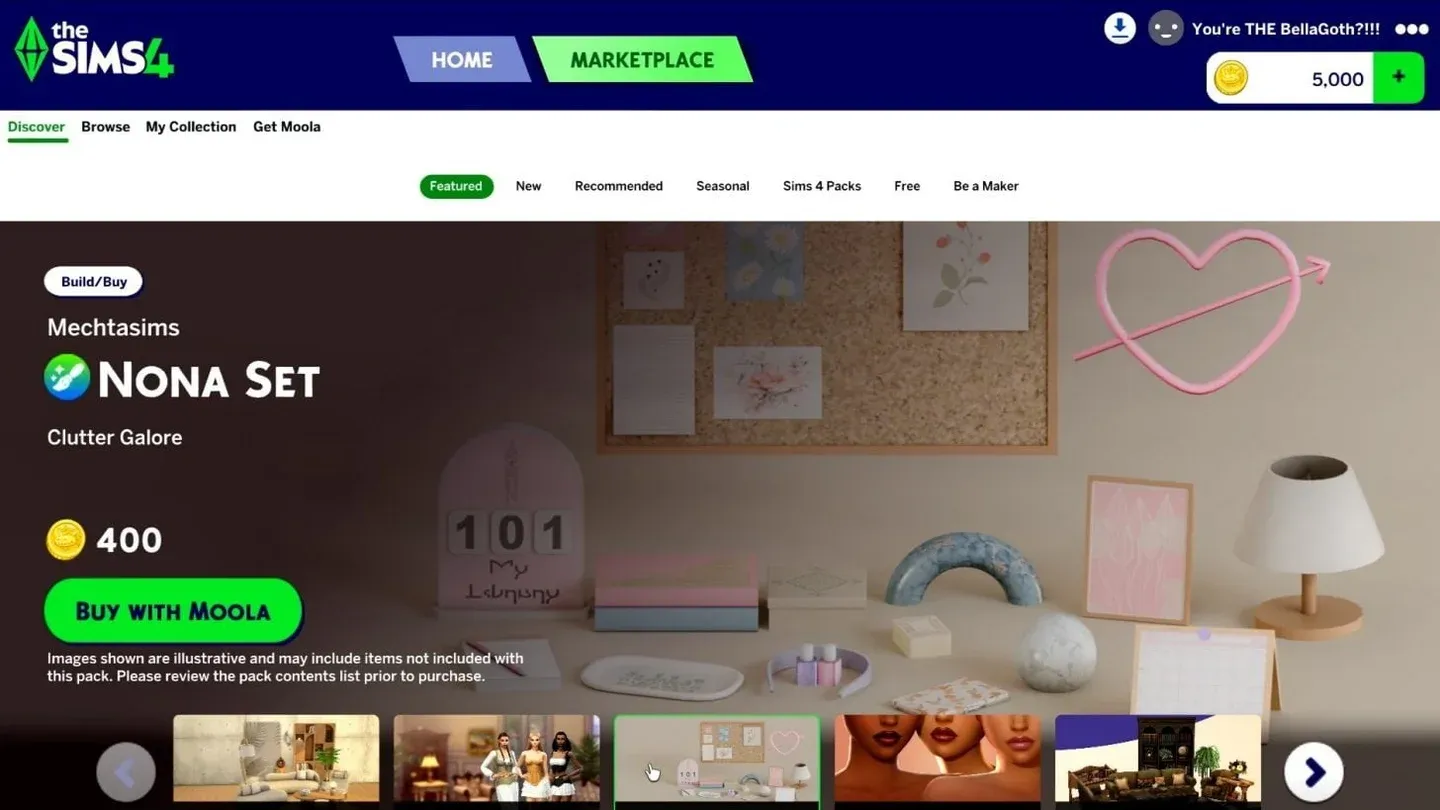
Moola currency purchase tiers
What changed and what stayed the same?
The announcement generated a lot of noise, so here is a clean breakdown of what actually shifted.
What changed
- Kits are now Marketplace-exclusive on PC/Mac, purchasable only with Moola
- Maker Packs are a new content category, available only through the Marketplace
- The Moola virtual currency system is now active
- Content installs without requiring a game restart
What did not change
- The Gallery remains active and free for sharing player-created builds and Sims
- Unofficial mods and custom content from external sources still work as before
- Expansion Packs, Game Packs, and Stuff Packs can be purchased through the Marketplace or your platform's standard storefront using real currency
- No Battle Pass or subscription system is planned
- Free base game updates continue as normal
Community reaction: what players are saying
The launch was not quiet. Across Reddit threads on r/LowSodiumSimmers and r/thesims, players raised concerns about the 70% revenue cut EA takes from Maker sales, arguing that most digital storefronts (Steam, the App Store, Google Play) take no more than 30%. A commenter on a community discussion about the Marketplace sets breakdown noted that unlike The Sims 3 Store, which featured daily deals, rotating discounts, and collection-completion pricing, the Marketplace has no consumer-friendly promotional structure.
Console players represent a notable exception to the skepticism. Since traditional third-party custom content has never been accessible on console, the Marketplace offers them a legitimate first path to community-created content, and reactions from that segment have been noticeably more positive.
The full March 17 patch notes cover everything the update changed beyond the Marketplace itself, including autonomy fixes targeting inappropriate flirting behaviors and the long-complained-about autonomous push-up and sit-up spam. The official patch notes breakdown goes into further detail on specific fixes.
How do you prepare your game before a major update?
The Marketplace update is one of the most significant infrastructure changes The Sims 4 has seen. That makes pre-update preparation more important than usual, especially if you run mods or custom content.
Back up your save files
On Windows PC, your saves live at Documents/Electronic Arts/The Sims 4/Saves. Copy the entire folder to an external drive or a separate location before updating. Save file names are numerical, so the highest numbers are your most recent saves. If you are unsure which ones matter, copy everything. Name the backup folder with a clear label so you can identify it later.
If you ever need to restore from backup, move the copied files back into the Saves folder and replace the existing ones.
Test your mods with the 50/50 method
Broken mods after a big update are almost guaranteed. The fastest way to identify the culprit is the 50/50 method:
- Create three folders outside your Mods directory: one labeled Tested Clear, one Tested Broken, one Untested
- Move all your mods to the Untested folder
- Delete your localthumbcache.package file from the Sims 4 documents folder (repeat this step before each test run)
- Move half the Untested mods back into the Mods folder and launch the game
- If errors appear, keep halving the active set until you isolate the broken file
- Move confirmed broken files to the Tested Broken folder and confirmed working files to Tested Clear
Two rules to avoid false positives: never separate files that belong to the same mod, and keep dependency mods like MC Command Centre or XML Injector together with the mods that rely on them.
For more guides on navigating The Sims 4 and other games, browse the latest guides at GAMES.GG to stay current on what's changed and what's worth your time.