


The mods that actually change how The Sims 4 plays
The base game is fine. Mods make it something else entirely. The Sims 4 modding community has been building, refining, and expanding the game for years, and the results range from tiny quality-of-life fixes to full political simulation systems that rewrite how power works in your save. Whether you're running a dynasty through the Royalty & Legacy expansion or just tired of your Sims getting stuck in doorways, there's a mod that solves your exact problem.
This guide covers the most impactful mods available, how to install them safely, and where to find reliable sources.
How do you install mods in The Sims 4?
Installation is straightforward. Most mods ship as .package or .ts4script files. Place them inside the Mods folder found in your Sims 4 documents directory — on PC that's typically Documents/Electronic Arts/The Sims 4/Mods. After placing files there, launch the game, go to Game Options, open the Other tab, and make sure both Enable Custom Content and Mods and Enable Script Mods are checked.
A few rules that save headaches:
- Keep subfolder depth to a maximum of 1 level inside the Mods folder. Files buried deeper than that often fail to load.
- After any major game patch, disable all mods and re-enable them one by one to identify anything that broke.
- Always back up your save files before adding new mods to an existing game.
Where should you download mods from?
This matters more than most guides admit. The EA forums community has flagged security concerns with certain older sites, so sticking to well-maintained sources is worth the extra click.
Reliable places to download Sims 4 mods include:
- CurseForge — hosts a large library with version tracking and creator pages
- Patreon — many top modders like LittleMsSam and Dambele release work here, sometimes with early access tiers
- ModTheSims — long-running community site with a moderation layer for quality control
- LittleMsSam's site — consistently updated utility mods, well-documented
For a regularly curated list of what's worth downloading right now, the 20 Essential The Sims 4 Mods to Transform Your Gameplay: 2026 Edition at Sims Community is one of the better maintained roundups available.
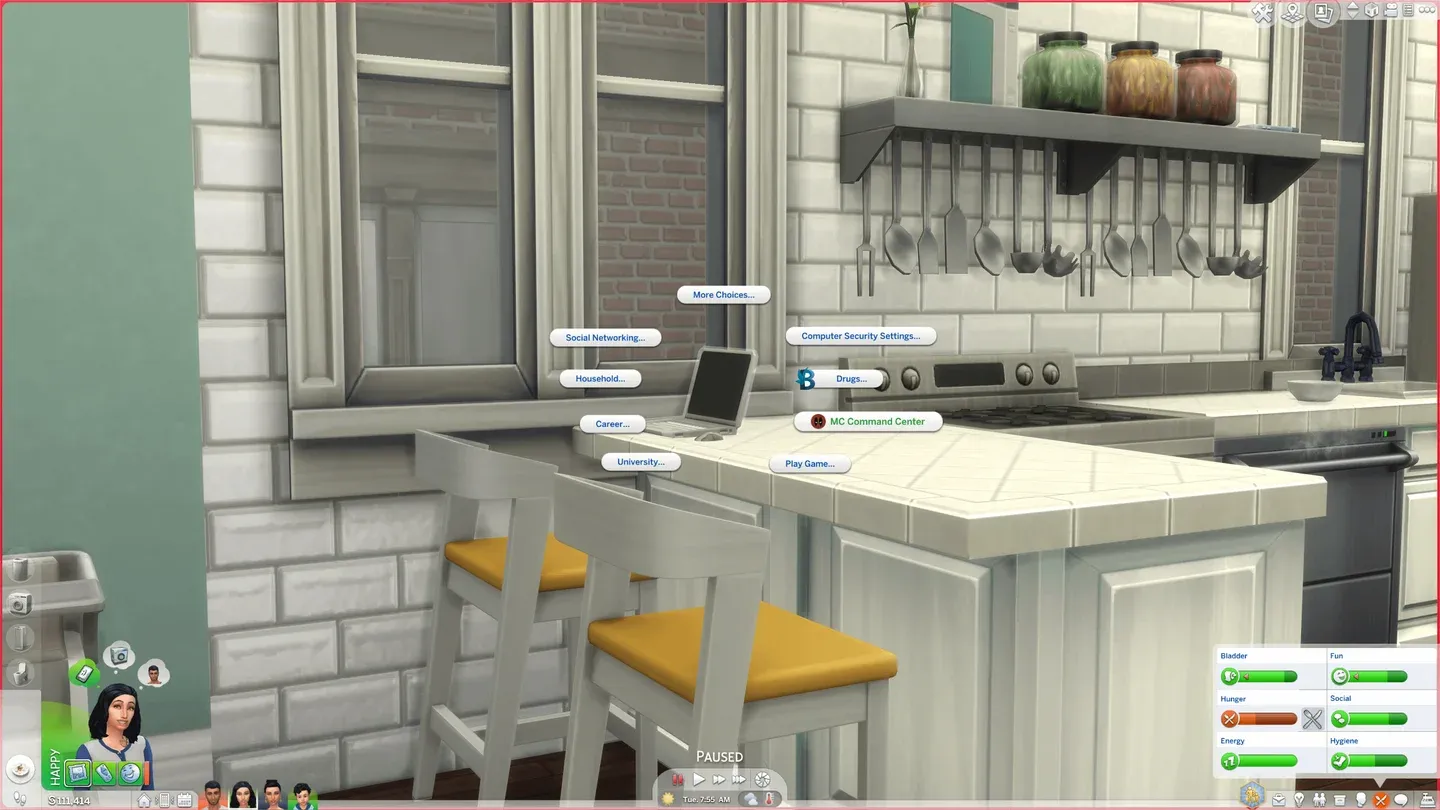
MC Command Center settings panel
What are the best gameplay overhaul mods?
These mods change how the game fundamentally operates, not just what it looks like.
MC Command Center
MC Command Center (MCCC) is the closest thing The Sims 4 has to a complete backend control panel. It handles story progression, population control, relationship tuning, career management, and a long list of gameplay settings the base game buries or ignores entirely. Running a long legacy save without it means your world will stagnate — NPCs won't age, marry, or have children unless you manually manage them. MCCC fixes that.
The mod is maintained by Deaderpool and updates consistently after patches. It's been a community staple for years for good reason.
Royalty Mod (for Royalty & Legacy owners)
If you own the Royalty & Legacy expansion, the Royalty Mod is the most ambitious companion piece available. It introduces fully functional political systems — players can run elections, change laws through referendums, manage a kingdom's treasury, and even establish dictatorships if a Sim seizes enough power. Noble titles like Kings, Queens, Dukes, and Barons come with actual mechanical weight: you can appoint advisors, fund military expeditions, and host coronations that affect public favor.
Full integration with Royalty & Legacy's dynasty systems is still being developed, with a compatibility update planned once the expansion's systems are fully implemented.
Regency Romance
Also built around Royalty & Legacy, the Regency Romance mod by Dambele leans into the Bridgerton-style storytelling the expansion gestures at but doesn't fully deliver. It adds an Etiquette skill, lets Sims inherit or purchase grand estates, and introduces a gossip paper mechanic — Lady Whistledown's reports — that surfaces scandals, romances, and dramatic events from across your save. Social standing becomes a real variable: wealth and lineage determine where your Sim sits in the aristocratic hierarchy.
What mods improve quality of life without overhauling everything?
Not every mod needs to rewrite the game. These smaller additions fix specific annoyances or add missing logic.
The Enact Noble Decree Tweaks mod is a good example of the kind of balancing work that makes a pack feel more considered. It adds a §10,000 cost to changing laws and extends the cooldown to 48 hours, so political decisions carry actual weight. Sims with higher Royal Favor pay less, adding a layer of strategy that the base expansion skips.

Noble Decree mod interaction
How do you avoid mod conflicts and crashes?
Conflicts happen when two mods modify the same game file or behavior. The 50/50 method is the standard fix: move half your mods out of the folder, test the game, then narrow down which half contains the problem. Repeat until you isolate the culprit.
A few habits that prevent most issues:
- Install mods gradually. Adding 40 mods at once makes troubleshooting nearly impossible.
- Test new mods in a fresh save before bringing them into your main game.
- Check for updates after every EA patch. The EA forums' Mods & Custom Content board is useful for tracking what's broken after an update.
- Keep script mods to a minimum. They interact more deeply with game code and carry a higher risk of causing issues than standard .package files.
For players looking to expand their mod collection beyond these core picks, community-maintained lists tracking 36+ popular mods across CAS additions, gameplay systems, and quality-of-life improvements offer a broader view of what's currently stable and worth testing.
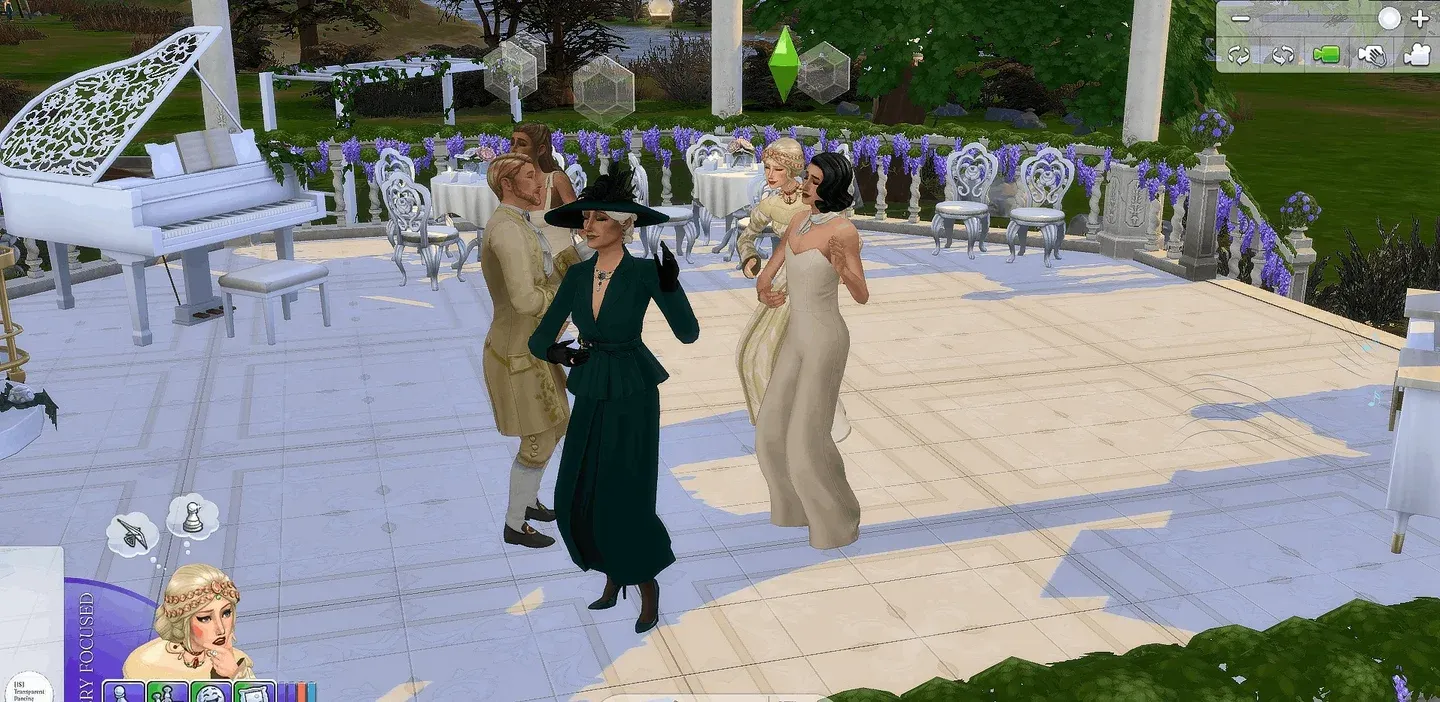
Regency Romance Etiquette skill
What's the difference between mods and custom content?
This trips up new players regularly. Mods change how the game behaves — they add mechanics, fix bugs, or adjust tuning values. Custom Content (CC) adds visual assets: new hair, clothing, furniture, or build items. CC doesn't touch game logic, which makes it lower-risk but also means it won't fix gameplay problems.
You can run both simultaneously. Most veteran players do. The main thing to know is that CC tends to survive patches better than script mods, since it doesn't interact with game code the same way.
For players building out their CC library alongside mods, browsing more guides at games.gg/guides/ covers additional game-specific content worth exploring.
Getting started: the right order to build your mod list
The most common mistake is installing everything at once. A smarter approach:
- Start with MC Command Center alone and run a few sessions to confirm stability.
- Add 1-2 gameplay mods and test again.
- Layer in CC after the gameplay foundation is stable.
- Add expansion-specific mods last, after confirming the base layer works.
This order means if something breaks, you know exactly when it happened and which mod caused it. It takes longer upfront but saves hours of troubleshooting later.