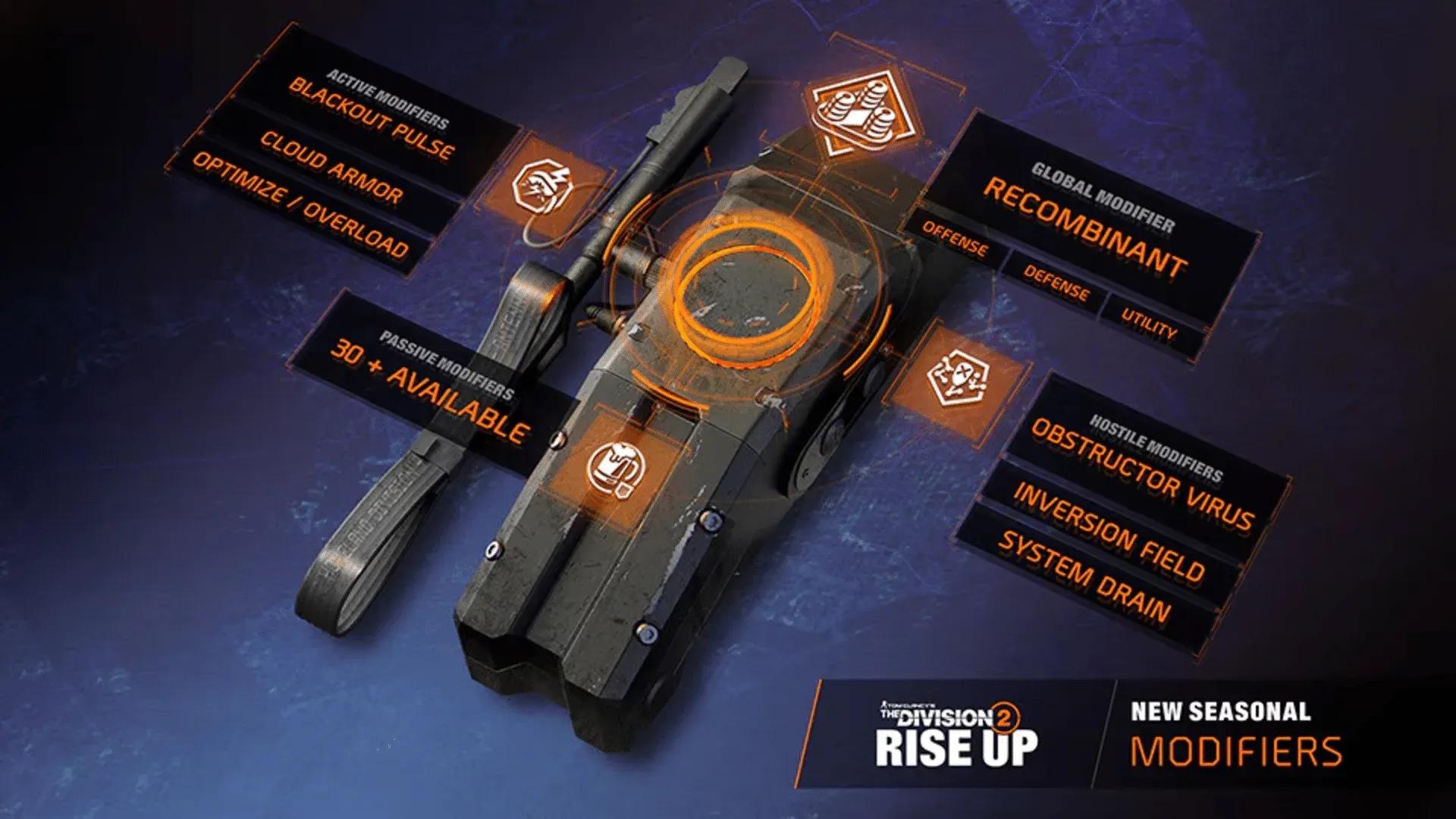

The Division 2 Y8S1 Rise Up season launched on April 2, 2026, and the new seasonal modifier system is already reshaping how agents build their loadouts. There are three modifier types to work with, a handful of unlock methods, and a seasonal currency running through all of it. Here's exactly what you need to know to get every modifier working for your build as fast as possible.
How do seasonal modifiers work in The Division 2 Y8S1?
Every modifier in Y8S1 connects to a global modifier that applies the same baseline effect to all players. What separates builds is how you layer active and passive modifiers on top of that global option to push your numbers in different directions.
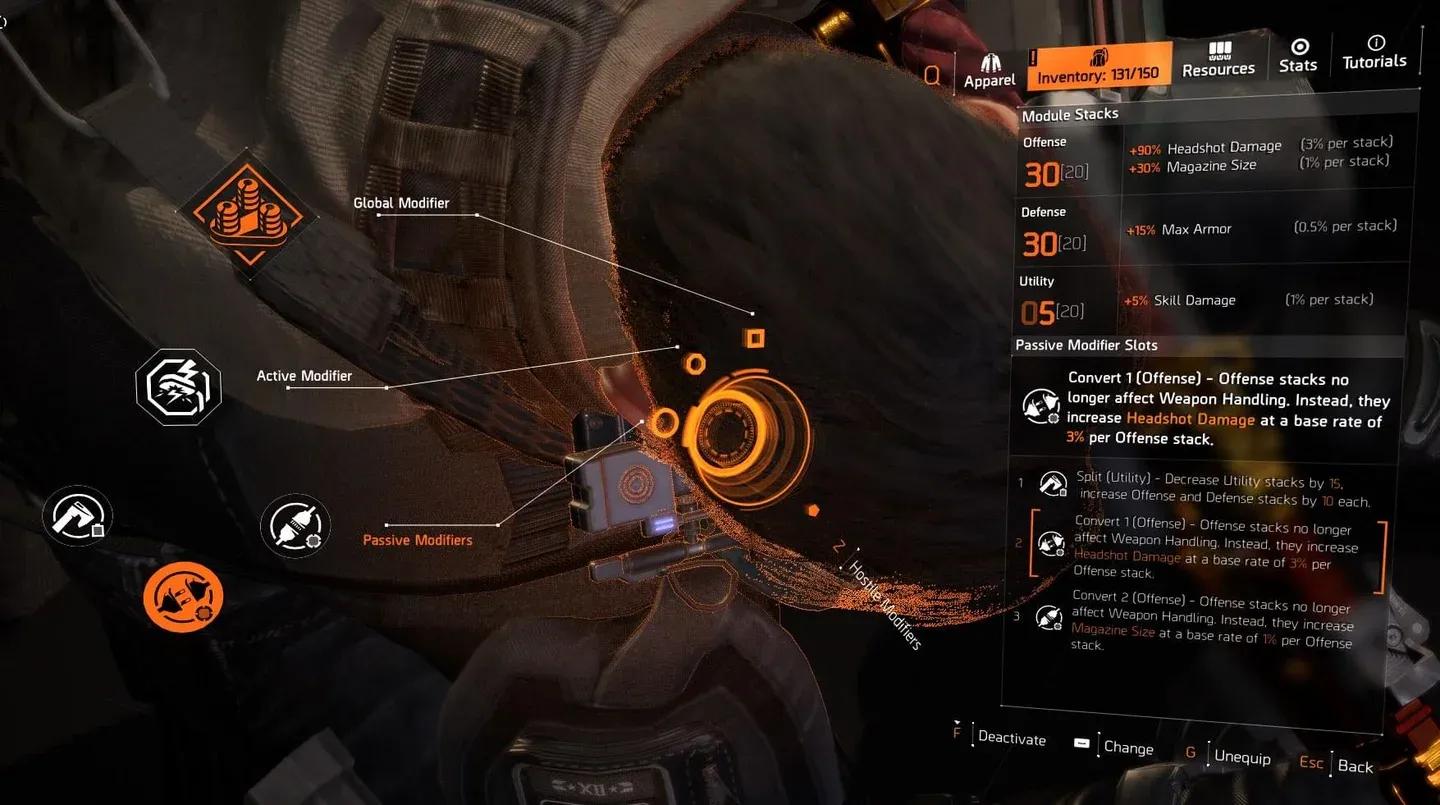
The system is built around three modules: offense, defense, and utility. At the start of the season, each module sits at a base value of 8, with weapon handling, max armor, and skill damage as the default attributes assigned to each. Active modifiers let you raise or change those values, and passive modifiers give you a second layer of fine-tuning when the active options alone aren't enough.
You can swap out the default attribute on any module entirely. If you're running a marksman rifle build, for example, swapping in a modifier that boosts headshot damage instead of the default attribute can make a real difference in how the build performs.
Modifier slots in Y8S1 inventory


What modifier slots are available at the start of Y8S1?
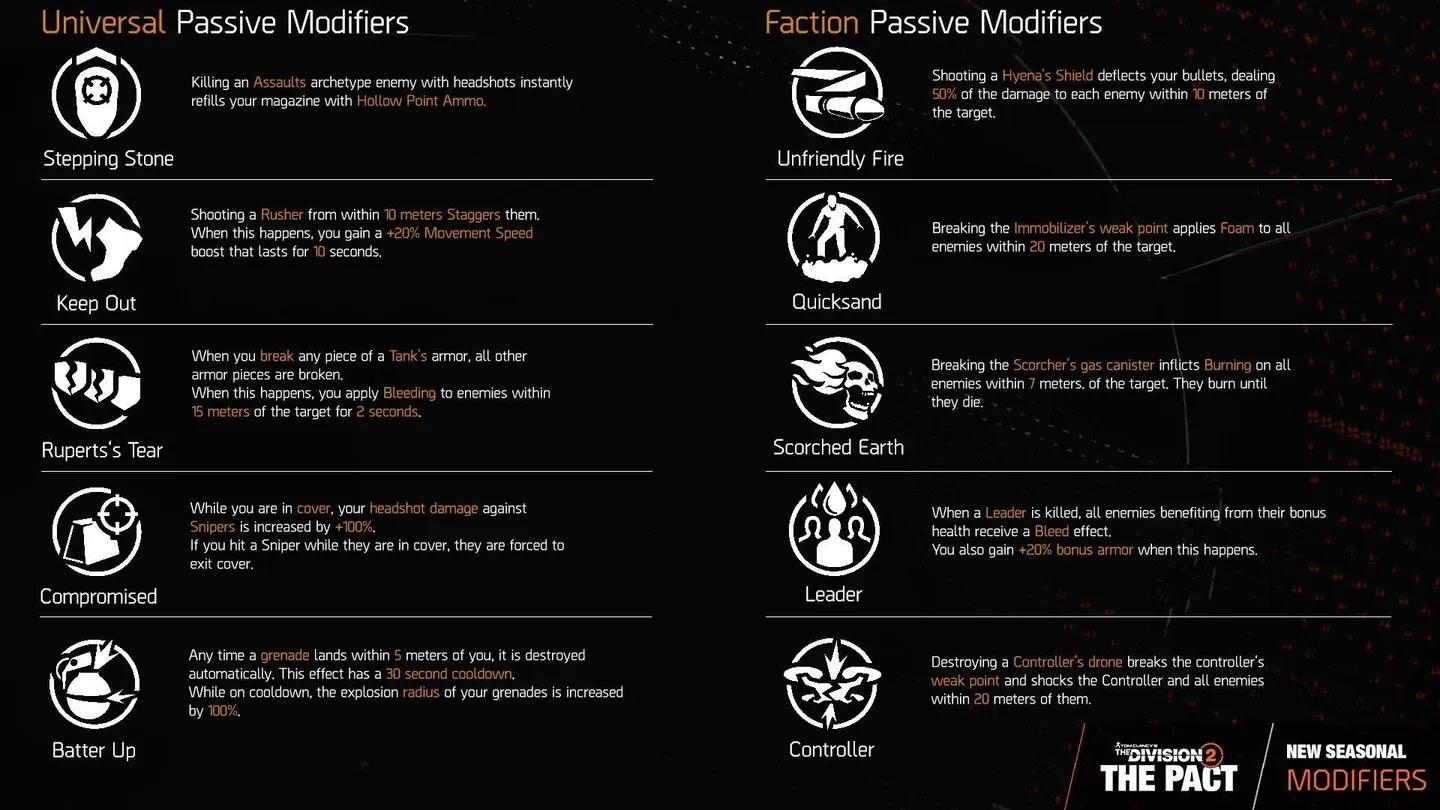
When you open your inventory at the beginning of the season, you'll see the global modifier already in place, plus four additional slots. One slot accepts an active modifier, and the remaining three are for passive modifiers. That's your full loadout: one global (fixed), one active (your main lever), and three passives (your tuning tools).
The modifier section sits at the top of the inventory screen, positioned between your specialization and your SHD Watch. Once you have modifiers unlocked, select the one you want, equip it, and activate it. You can deactivate any modifier at any time to swap in a different option from your inventory.
Offense module modifier values
How to unlock all seasonal modifiers in The Division 2 Y8S1
Unlocking modifiers comes down to two methods: completing Journey Missions III tasks and spending BTSU Firmware at the White House shop.
Journey Missions III
Your first batch of modifier choices comes from completing Journey Missions III objectives. This is the entry point for the system, so prioritizing these tasks early gets you access to your first real modifier options before you've spent a single unit of seasonal currency. Completing an objective from Journey III and beyond rewards 150 BTSU Firmware per objective.
The White House shop
The remaining modifiers are available for purchase at a dedicated shop inside the White House, located next to the specialization vendor. You spend BTSU Firmware here, which is the seasonal currency for Y8S1. The rest of the passive modifiers can all be purchased from this shop once you have enough Firmware saved up.
Weekly Scout tasks
BTSU Firmware doesn't only come from Journey III. Weekly Scout tasks also award Firmware, giving you a steady drip of currency each week to keep expanding your modifier collection throughout the season.
What's the best way to build with modifiers in Y8S1?
The short answer: match your modifiers to your weapon and skill setup. The default attributes (weapon handling, max armor, skill damage) are generic enough to work for anything, but they're not optimal for anything specific either.
For marksman rifle or sniper builds, any modifier that redirects a module's attribute toward headshot damage is worth prioritizing. For skill-heavy builds, stacking the skill damage attribute across multiple modules before the passive modifiers pull it even higher gives you a compounding effect. Defense-oriented builds will want to keep max armor in place and use passive modifiers to push the value above the base 8 rather than swapping it out.
The active modifier is your primary build-shaping tool. The three passive slots are where you refine the numbers. Treat them as a secondary layer, not an afterthought.
You can also browse more gaming guides on GAMES.GG for additional build resources across other titles.