


Your island in Tomodachi Life: Living the Dream starts out pretty small, and the game never explicitly tells you when or how it grows. There is no upgrade button to press, no currency to spend. The whole process is tied directly to one thing: how many Miis you have living on your island. Once you understand that, everything clicks into place.
How does island expansion work?
Island growth in Tomodachi Life: Living the Dream is automatic and milestone-based. You do not trigger it manually. Instead, the island expands on its own whenever your Mii population hits specific thresholds. If you look closely at the starting island, you can actually see a faint outline around the edges that hints at future expansion, even though the game never explains what it means.
Each expansion triggers a short cutscene—a brief news report celebrating the new land your Miis are free to explore. After the cutscene, the new area is available, though most of it starts as open ocean that you will need to convert into usable land yourself.
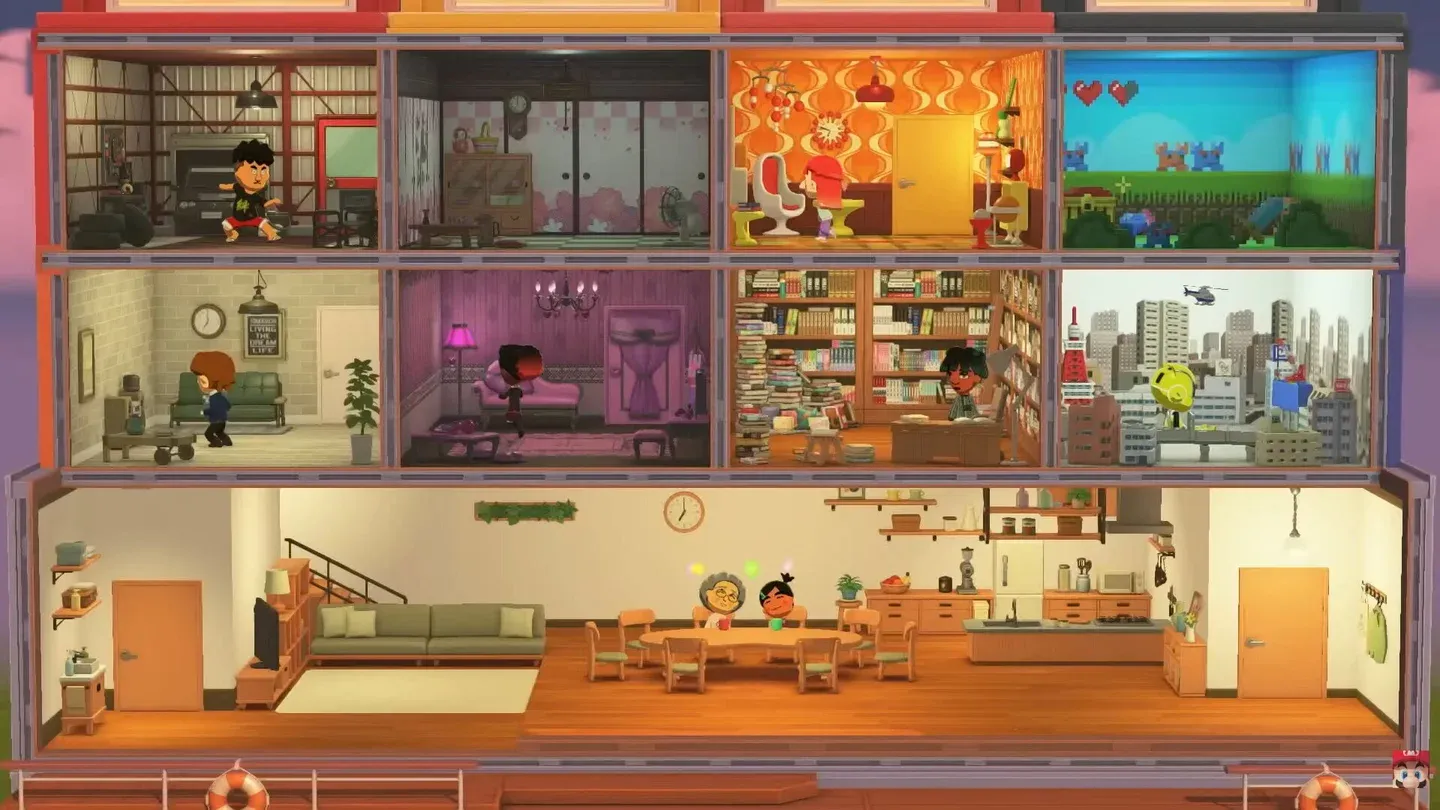
Island growth news cutscene
What are the three expansion milestones?
The island expands exactly three times across the whole game. The first expansion unlocks at 8 Miis, the second at 20 Miis, and the third at 35 Miis. These thresholds are consistent across player reports, though some early guides incorrectly listed the first expansion at 10 Miis instead of 8.
The third expansion arrives well before you hit the population cap of 70 Miis, so you will have plenty of space to plan ahead before the island stops growing entirely.
How to unlock Island Builder
Before you can reshape the new land, you need access to the Island Builder tool. This option appears in your menu after you create your 6th Mii. Once unlocked, you can open it any time by pressing X to bring up the menu and selecting Island Builder from the list.
How to use Island Builder to shape new land
After each expansion, most of the newly unlocked area is ocean. You cannot place Mii houses or buildings on water, so converting those sea tiles to land is the first thing to do. Here is how the process works:
- Press X to open the menu and select Island Builder.
- Navigate to the landscaping tab (third tab from the right).
- Use the paintbrush option to replace sea tiles with land types such as grass, sand, or concrete.
- Press A to place a single tile, or hold A to paint continuously. You can also press Y to select an area, then place your chosen terrain across the whole selection at once.
- If you accidentally remove too much water, just switch back to the sea tile and restore it.
The entire terrain layout is freely editable at any time, so there is no permanent mistake you can make here.
What should you build on new land?
New space opens up options for more Mii houses, shops, and facilities. Facilities unlock based on population milestones and completed interactions, so a bigger island naturally leads to more buildings becoming available. Placement matters too: putting shops and amenities in logical spots makes daily navigation faster and changes how the island looks as it fills out.
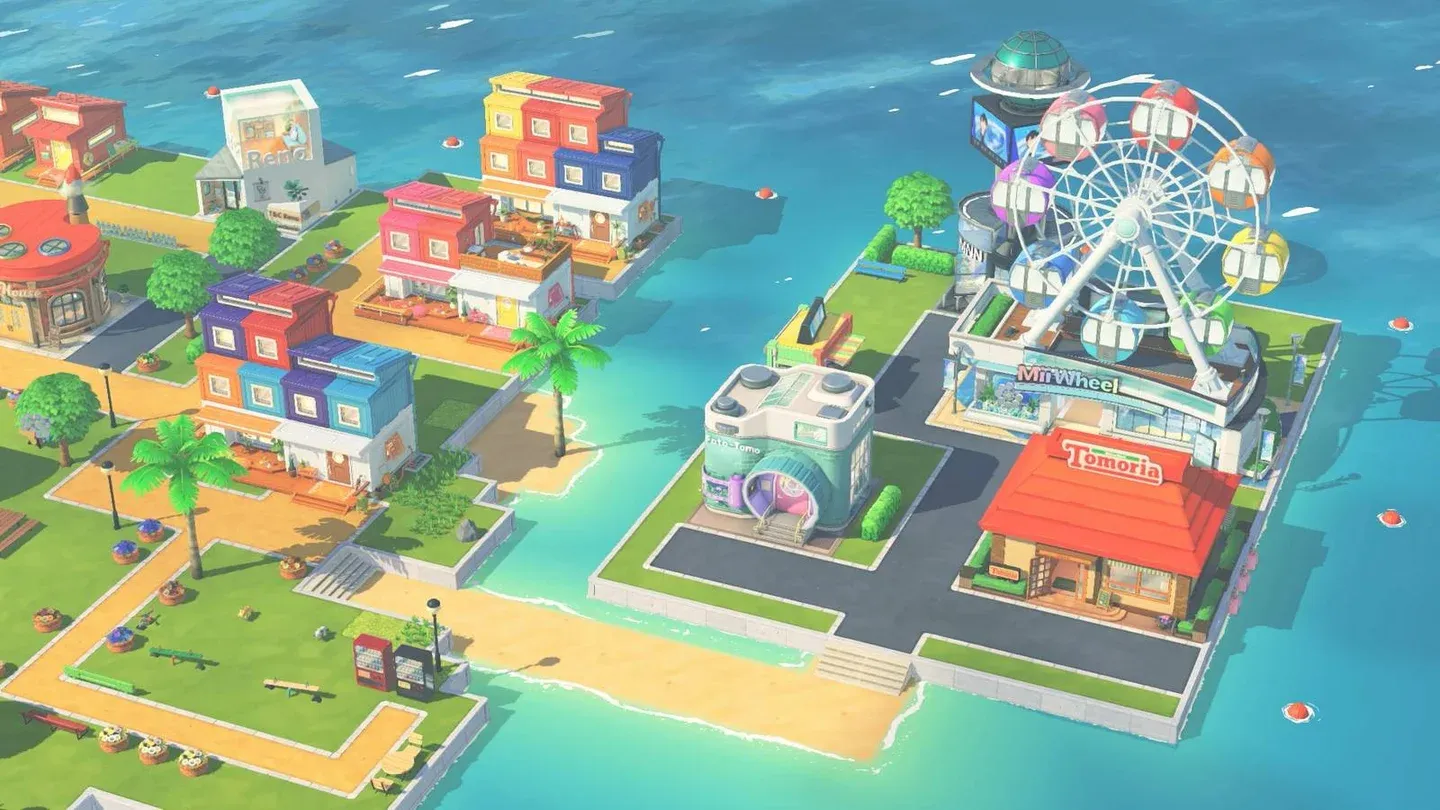
Fully developed island layout
Tips for planning your island layout
- Lay terrain before placing buildings. Converting ocean tiles first gives you a clear picture of how much space you actually have to work with.
- Leave room near the edges. Each expansion adds land around the perimeter, so keeping the outer areas flexible means less rearranging later.
- Prioritize Mii houses early. More residents means faster progression toward the next expansion milestone.
- Use the area selection tool. Pressing Y to select a region and filling it all at once is far faster than painting individual tiles.
For more tips on getting the most out of your Nintendo Switch life sim, browse more guides on GAMES.GG covering everything from beginner strategies to late-game systems across all your favorite titles.