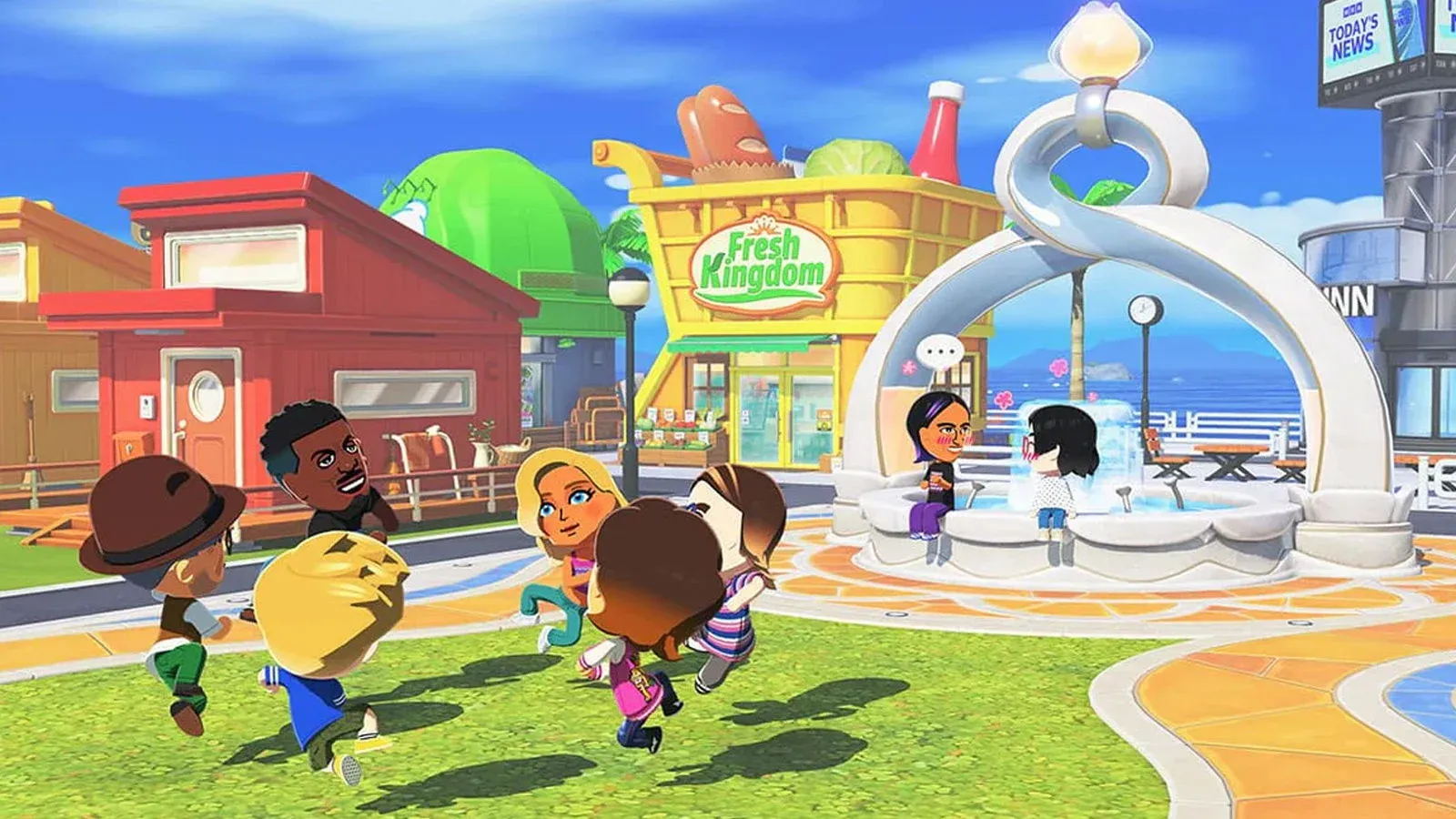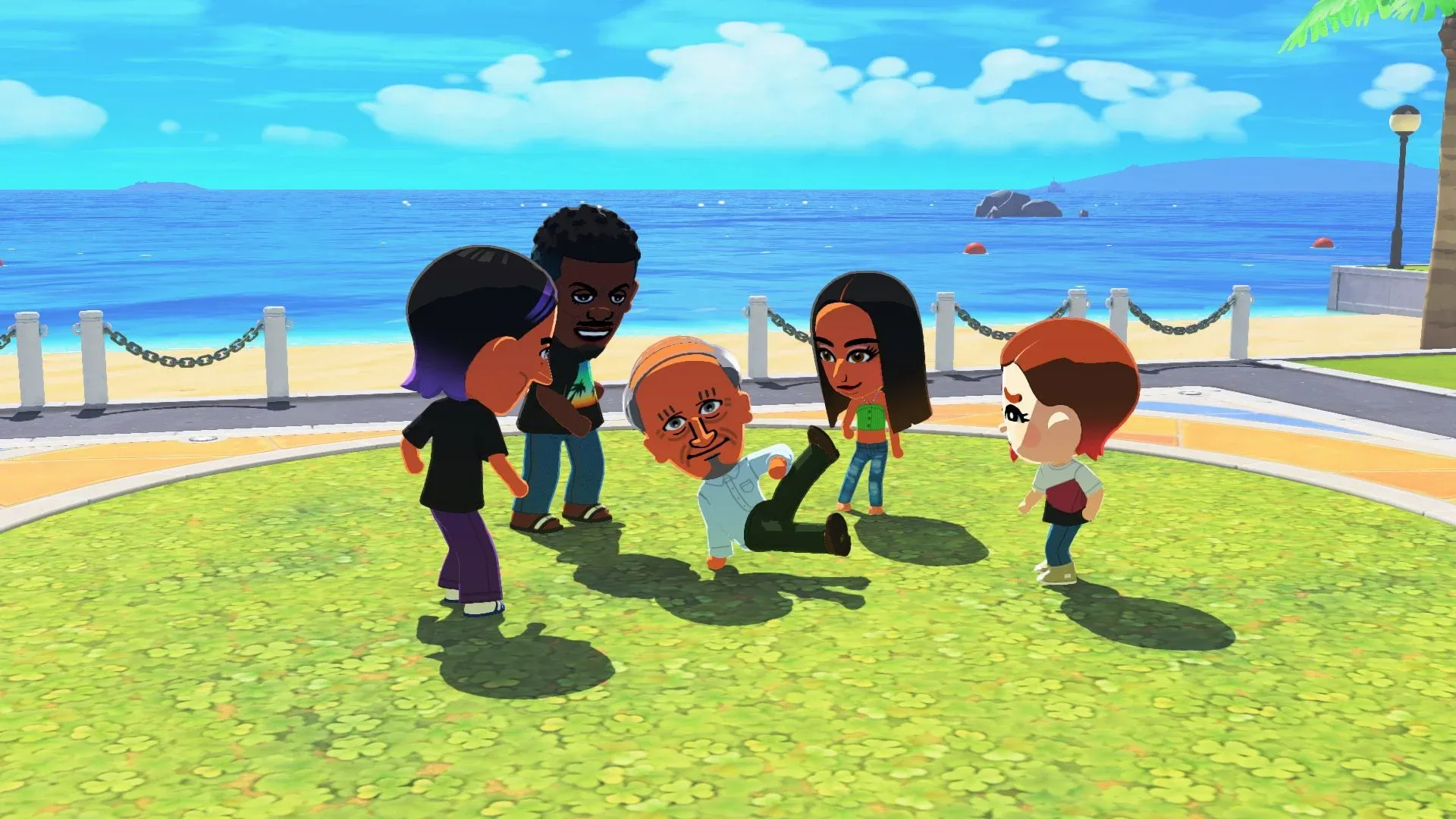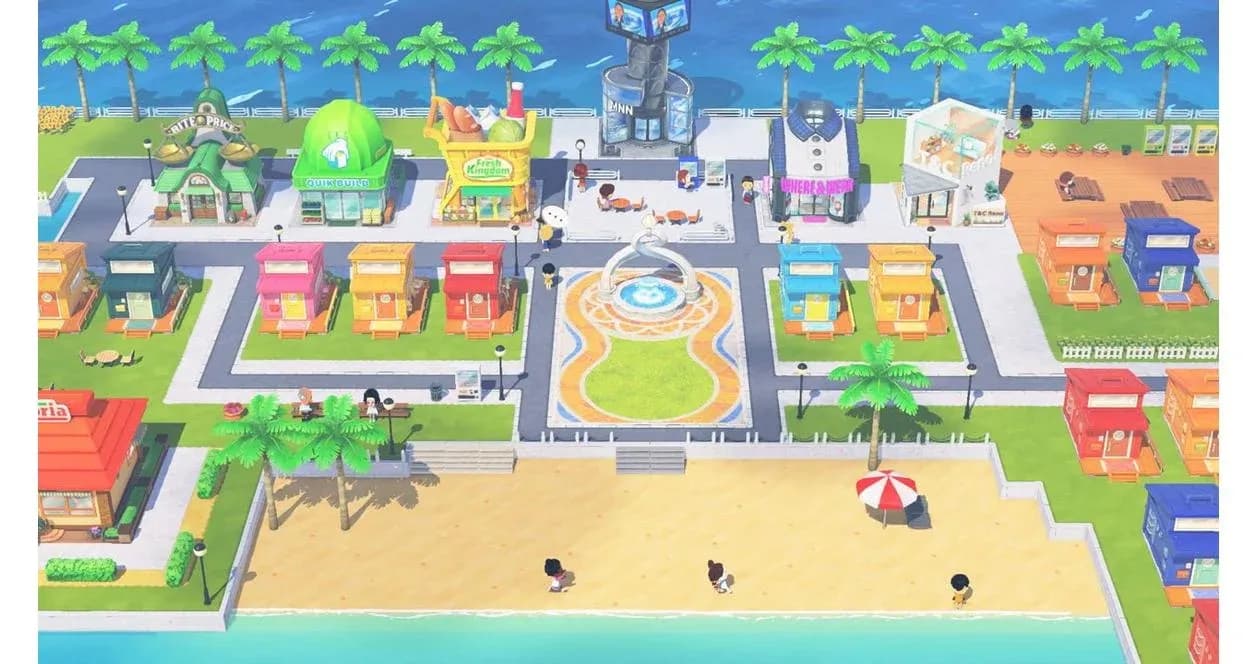

Nintendo finally brought Tomodachi Life back with Tomodachi Life: Living the Dream, releasing April 16, 2026 on Nintendo Switch and Nintendo Switch 2. After over a decade of fan requests, the series returns with the same unpredictable social simulation that made the original so memorable, now with updated hardware support, inclusive Mii options, and a few key differences worth knowing before you start.
How do you set up your island in Tomodachi Life: Living the Dream?
Your island name is permanent. You cannot change it after creation, so spend a few extra seconds on this decision. Players tend to go with a hometown name, a fictional location, or something thematic that matches the cast they plan to build.
Once named, you start populating the island with Mii residents. The game supports up to 70 Miis total. You do not start with that capacity unlocked. The game paces population growth as you play, which keeps early sessions from becoming overwhelming.
Importing Miis from your console

How do you import Miis into the game?
This is where things get specific. Tomodachi Life: Living the Dream lets you base new island residents on Miis already registered on your Nintendo Switch 2 or Nintendo Switch console. You can also create residents entirely from scratch inside the game.
However, you cannot directly import Miis from other software such as Miitopia. The distinction matters if you spent time building a Miitopia cast and hoped to transfer them wholesale. That data stays in Miitopia. The flow only works from your console's Mii roster into Living the Dream, not the other way around either. Mii data created in Living the Dream cannot be transferred back to the console or to other games.
For context on the broader Mii ecosystem, Miitopia on 3DS supported importing through Mii Central, QR codes, and Tomodachi Life save data. Living the Dream takes a more limited approach, tying imports specifically to console-registered Miis rather than cross-game transfers.
What gender and dating options are available?
Mii gender options in Living the Dream include Male, Female, and Non-Binary. The game's story and systems do not change based on which gender you select.
Dating preferences work independently from gender. Each Mii can be set to prefer Male, Female, or Non-Binary partners, and you can combine multiple options or select none at all. Regardless of gender, married couples can have babies. This is a meaningful expansion from earlier entries in the series.
Gender and dating preference setup
What are the daily activities on your island?
The core loop of Living the Dream runs on short, frequent sessions rather than long play blocks. Your Miis wake at different times, develop needs, and generate problems for you to solve. Feeding them foods they love raises happiness dramatically. Feeding them something they hate produces the kind of dramatic reaction that makes the game worth recording.
Relationships form the backbone of the experience. Miis develop friendships through repeated interactions you arrange, then take those friendships in directions you did not plan. Crushes emerge, confessions happen, and some of them get rejected. Married couples can eventually have children, with babies inheriting features from both parents.
Mini-games like Tomodachi Quest send your Miis on RPG-style adventures. Musical performances appear without warning, featuring your Miis singing about whatever the game decides is worth a song. These moments are genuinely funny and worth capturing with the screenshot function.
Island apartment overview
How does the game run on Nintendo Switch 2?
Living the Dream runs on both Nintendo Switch and Nintendo Switch 2 with no differences in software content. The Switch 2 version benefits from faster loading times and GameChat support, which lets you share your screen with friends while playing. A Nintendo Switch Online membership is required to use GameChat.
On Nintendo Switch 2 in handheld mode, the game runs at 1080p regardless of whether Handheld Mode Boost is enabled or disabled. Handheld Mode Boost is not supported for the full game. The demo version temporarily supported it but a system update removed Handheld Mode Boost from the demo as well. Keep it disabled to retain touch screen functionality.
Touch controls are available in specific scenes, including Mii creation and the Palette House workshop. Joy-Con 2 mouse controls are not supported.
Mii creation methods compared
Here is how the three main approaches to building your island roster stack up:
| Method | How it works | Limitations |
|---|---|---|
| Console Mii import | Miis registered on your Switch or Switch 2 | Creates residents based on faces only; not a direct transfer |
| Create from scratch | Built-in Mii creator in Living the Dream | Full control over appearance, voice, and personality |
| Non-Binary and custom options | In-game creation tools | Gender and dating prefs set independently per Mii |
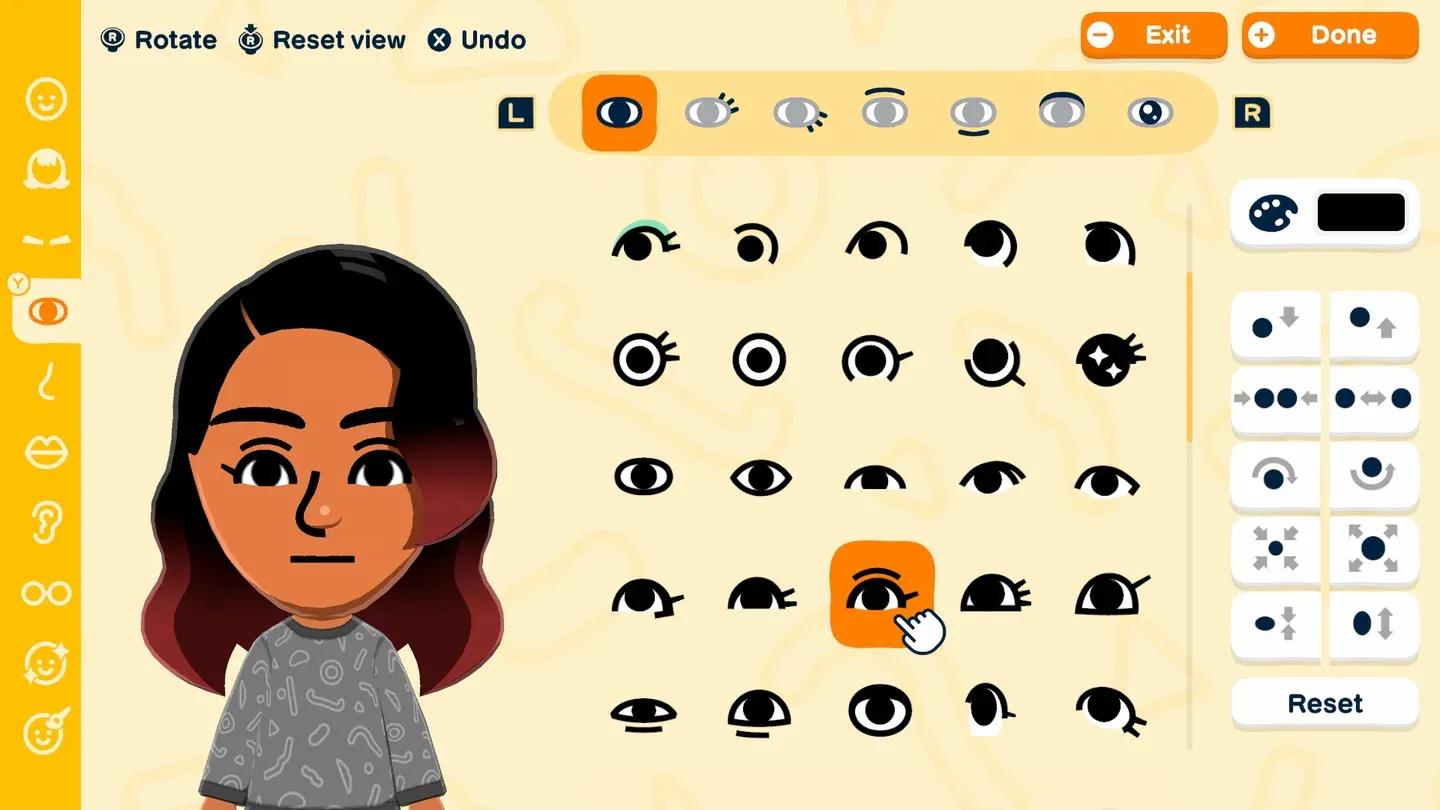
The Mii creator in Living the Dream includes options for voice pitch, speed, and tone alongside the standard facial customization. The Mii creator also includes personality type assignment, which directly affects how residents interact on your island. Touch controls are supported during Mii creation on compatible hardware.
Can you share screenshots and videos from the game?
Yes, screenshots and videos from Living the Dream can be posted to social media and streamed, subject to the Nintendo Game Content Guidelines for Online Video and Image Sharing Platforms.
There is a catch worth knowing. Some standard system functions are unavailable for Living the Dream content specifically. These include transferring screenshots and videos to smartphones, directly posting to social media through the system, and automatically uploading to the Nintendo Switch App (a Nintendo Switch 2 feature). You will need to work around these limitations if you want to share island moments, but the content itself is shareable.
For more Nintendo guides and coverage, browse our latest guides at GAMES.GG to stay current on everything Nintendo is releasing in 2026.
What makes Living the Dream different from the original Tomodachi Life?
Tomodachi Life: Living the Dream is not a port of the 2013 Nintendo 3DS original. This is a new entry developed for Nintendo Switch. The non-binary gender and flexible dating preference options represent a significant expansion from the 3DS game's more limited relationship system.
The hardware shift also changes the experience in practical ways. The dual-screen setup of the 3DS is gone. Touch controls exist but are limited to specific scenes rather than being the primary input method. Button controls handle most of the game.
The series revival connects to the original's legacy while modernizing the experience for current hardware and expanded relationship options.