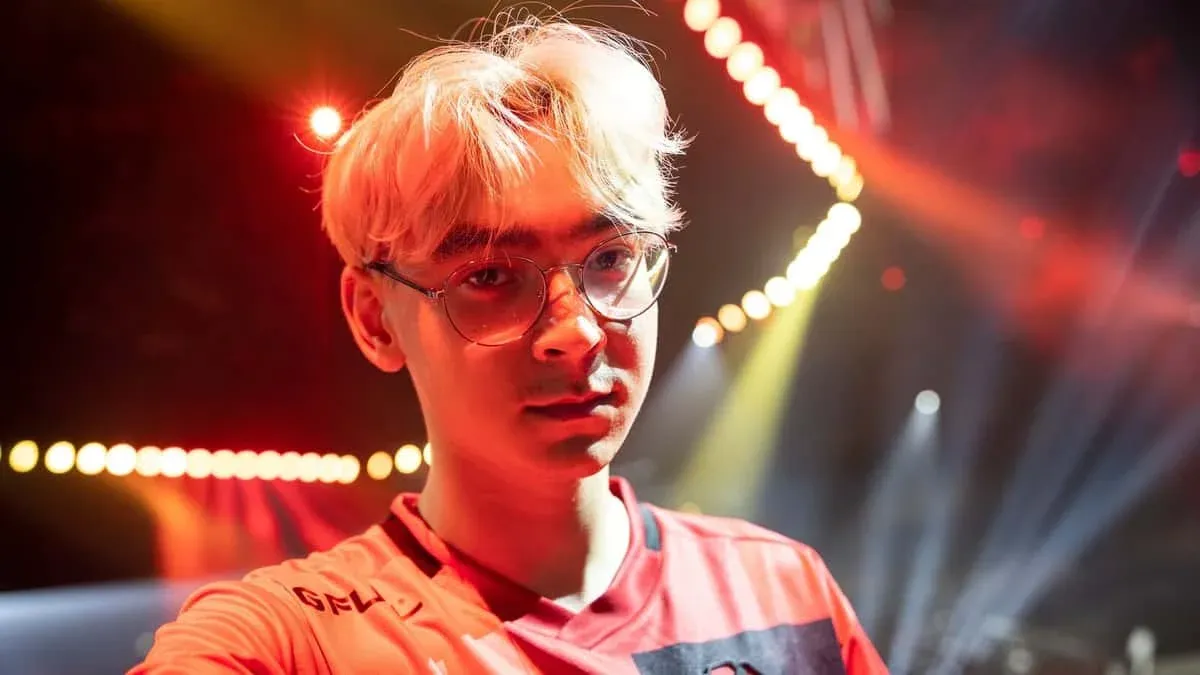


Tyson "TenZ" Ngo is one of the most recognizable names in VALORANT history. The Canadian player rose to fame with Sentinels, where he was widely considered the best individual player in the scene. Before VALORANT, he competed in CS:GO with Cloud9 and Bad News Bears. Today he operates as a full-time content creator and streamer, but his settings remain a gold standard for players chasing sharper aim and cleaner gameplay. What makes his config worth studying is the philosophy behind it: minimal visual noise, precise mouse control, and hardware that eliminates every possible input delay.
What Mouse Settings Does TenZ Use in VALORANT?
TenZ plays on the Pulsar TenZ Signature Edition mouse, a wireless, ambidextrous mouse weighing just 47g with an XS-1 sensor capable of up to 32,000 DPI and an 8,000 Hz polling rate. His actual in-game configuration keeps things tight and controlled.
An eDPI of 384 sits on the lower end of the spectrum for VALORANT pros, which demands precise flicks rather than relying on speed. TenZ is known for changing his sensitivity frequently, so treat this as his most recently confirmed value (verified via his Twitch stream). Raw Input Buffer being enabled bypasses Windows mouse acceleration entirely, giving you a direct 1:1 relationship between physical movement and cursor response.
What Crosshair Does TenZ Use?
TenZ runs a clean, minimal crosshair built around a small cyan plus sign with no outer lines and no center dot. The settings prioritize a tight visual footprint so your crosshair never obscures your target's head hitbox.
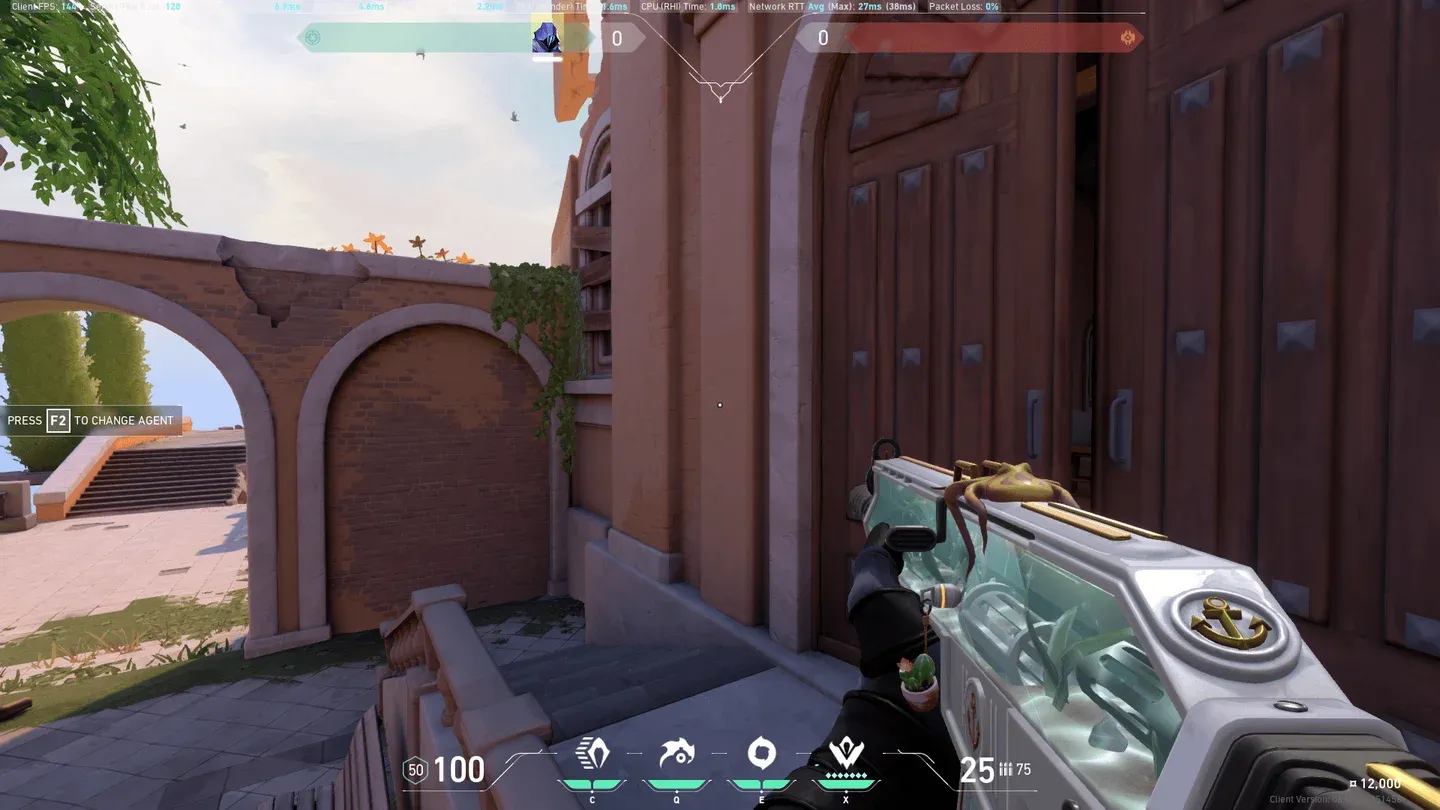
TenZ crosshair setup in VALORANT
Primary Crosshair Settings
Inner Lines
Outer Lines
Crosshair Import Code:0;s;1;P;c;5;o;0;f;0;0l;2;0v;2;0g;1;0o;1;0a;1;0f;0;1b;0
Paste this code directly into the VALORANT crosshair import field to replicate the exact setup in seconds. The cyan color stands out well against most map environments, and disabling both Movement Error and Firing Error means the crosshair stays static, which is a deliberate choice to train proper counter-strafing habits rather than relying on visual feedback.
What Video Settings Does TenZ Use in VALORANT?
TenZ plays at 2560x1440 in Windowed Fullscreen on a 16:9 aspect ratio. His graphics settings strip out everything that adds visual clutter or taxes the GPU unnecessarily.
General Display
Graphics Quality
Almost everything is set to Low to maximize frame rates and reduce visual noise. Cast Shadows is off because enemy shadows can sometimes obscure their silhouettes rather than help you spot them. The Enemy Highlight Color is set to Yellow (Deuteranopia), a popular choice among pros because yellow enemy outlines pop against most background colors.
What Keybinds Does TenZ Use in VALORANT?
TenZ uses a modified keybind layout that moves several abilities off the default keys and onto mouse buttons for faster activation.
The standout choice here is Jump bound to Mouse Wheel Down, a technique borrowed from CS:GO that makes bunny hopping and precise jump timing significantly easier. Binding abilities to Mouse Buttons 4 and 5 keeps your left hand free for movement keys during fights.
What Minimap Settings Does TenZ Use?
A Minimap Size of 1.2 with a Zoom of 0.7 gives a wider view of the map without taking up too much screen space. Vision Cones enabled shows where your teammates are looking, which is critical for coordinating site executes without voice comms.
What Gear and PC Setup Does TenZ Use?
TenZ's full hardware setup reflects a no-compromise approach to performance. Every component targets maximum frame rate, minimal input latency, and precise control.
Full Gear List
PC Specifications
The SONY INZONE M10S is a 480Hz OLED panel, which is one of the fastest monitors currently available. At 480Hz, each frame takes roughly 2.08ms to display, which noticeably tightens the gap between your input and what appears on screen. The Wooting 80HE TenZ Edition uses analog Hall Effect switches (Lekker switches) that allow for rapid trigger actuation settings, a significant advantage in games requiring fast key presses.
Should You Copy TenZ's Settings Exactly?
His settings are a strong reference point, not a guaranteed formula. His eDPI of 384 in VALORANT works because he has thousands of hours of muscle memory built around it. Copying it directly without adjustment time will likely hurt your short-term performance. Use his config as a starting framework: adopt the video settings and crosshair code directly (these translate well to almost any player), then gradually adjust sensitivity toward his range over several sessions rather than switching all at once.
The areas where copying TenZ is most immediately beneficial are his graphics settings (low everything, no shadows, no distortion), his minimap configuration, and his crosshair import code. These changes take seconds to apply and deliver cleaner visuals and better map awareness right away.