Voidling Bound launched on PC as a monster collector and shooter hybrid, and while the overall performance at launch is solid, stutters can creep in even on hardware above the recommended specs. The good news is that the video settings menu gives you enough control to dial things in properly. With a few targeted adjustments, you can get smooth, consistent framerates without gutting the visual experience.
What are the best graphics settings for Voidling Bound?
The goal here is to find the settings that cost you the most performance without contributing much to how the game actually looks or plays. After testing across different configurations, the setup below hits the right balance for most PC builds. These settings are organized around an AMD Ryzen 7 5700X with an AMD Radeon RX 9060 XT (16 GB) and 32 GB DDR4 RAM, but the logic applies to lower-end systems too.
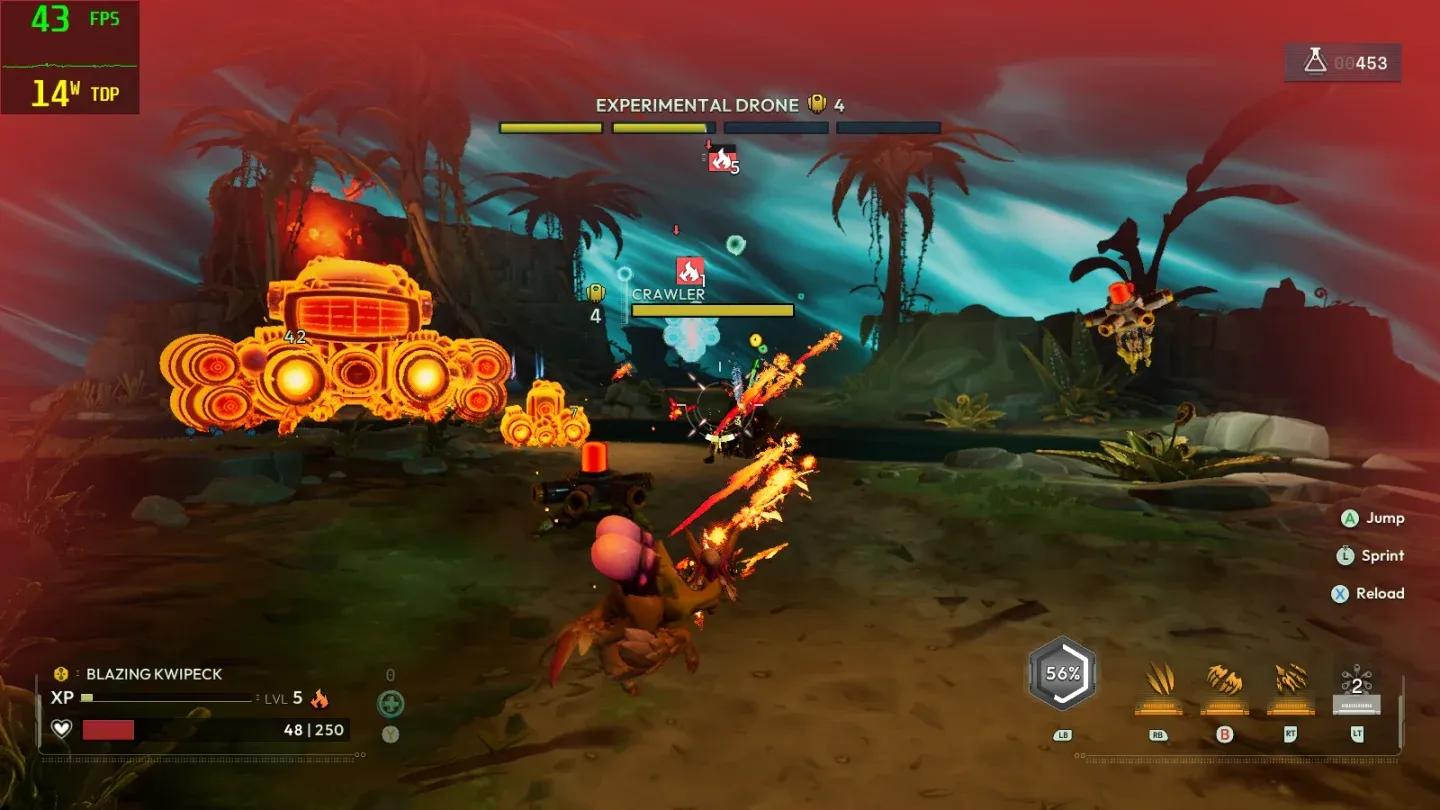
Graphics settings overview

Window mode and resolution
Window Mode should be set to Windowed Fullscreen if you run multiple monitors. For single-monitor setups, standard fullscreen works fine. Always run at your monitor's native resolution to avoid any blurriness or scaling artifacts.
Frame rate and sync settings
Keep Vertical Sync off. VSync smooths out screen tearing but reduces your frame count noticeably. The only reason to enable it is if you're experiencing persistent stutters that nothing else fixes.
Set the Frame Rate Limit to 60 FPS. Testing at 120 FPS is where stutters started appearing consistently. Voidling Bound has shooting mechanics, but the combat pace doesn't demand 120 FPS the way a pure competitive shooter would. Staying at 60 keeps things smooth.
Quality presets and 3D resolution
Set Quality Presets to Custom so individual settings don't get overridden when you adjust sliders. Keep 3D Resolution at 100% for sharp visuals. If you're still hitting performance walls after applying everything else here, dropping this to 80% is the most effective single change for a quick performance gain.
3D resolution at 100%
Which individual settings matter most?
Not every setting pulls equal weight on your GPU. The table below breaks down each setting, the recommended value, and why it's set there.
| Setting | Recommended Value | Reasoning |
|---|---|---|
| Shadows | Medium or Low | High shadow quality costs significant resources with minimal visual payoff |
| Anti-Aliasing | Medium | Keeps edges clean without the GPU overhead of higher settings |
| View Distance | Medium | Helps spot enemies further out, but higher values drain resources fast |
| Textures | Medium or Low | Lower texture quality is barely noticeable during active gameplay |
| Effects | Medium or Low | Visual effects are secondary to combat clarity |
| Reflections | Low | Reflections are rarely visible in active play and expensive to render |
| Post Processing | Medium | Dropping below Medium sacrifices noticeable visual fidelity for minimal gain |
Why shadows and reflections are the first to cut
Shadows and reflections are two of the most GPU-intensive settings in most modern engines, and Voidling Bound is no exception. Setting both to Low or Medium frees up a meaningful chunk of rendering budget that the game can redirect toward maintaining your target framerate. You'll rarely notice the difference during the monster-collecting and shooting sequences where your attention is on enemies, not environmental lighting.
How to optimize for lower-end PCs
If your system sits below the recommended specs, apply all the settings above and then make these additional adjustments:
- Drop 3D Resolution to 80%
- Set Textures to Low
- Set Effects to Low
- Set View Distance to Low if framerate is still unstable
- Confirm VSync is off and Frame Rate Limit is at 60 FPS
These changes stack. Running 3D Resolution at 80% alongside Low Textures and Low Effects will produce a noticeable performance jump on budget hardware, even if the image looks softer than the recommended setup.
Will these settings change after launch patches?
The launch version of Voidling Bound performs well for a day-one release, with only minor hiccups. Post-launch patches are expected to address the remaining performance issues, which means some of these recommendations, particularly the 60 FPS cap and the 3D Resolution ceiling, may become less restrictive once optimization patches land. Check back against the Voidling Bound guides collection as updates roll out, since recommended settings can shift significantly after major patches.
For anyone getting into the game for the first time, Voidling Bound sits comfortably in the adventure games space with its monster-collecting loop, so the focus on stable framerates over maximum visual quality makes sense. A smooth 60 FPS during combat encounters beats a stuttering 90 every time.
For more tips on getting the most out of your run, the full Voidling Bound page has everything you need to get started.