
The default ship name Windrose assigns you rarely feels like yours. The good news: changing it takes about 30 seconds once you know where to look, and you can do it as many times as you want for any ship in your fleet. The whole process runs through the Wharf structure at your base, and there's no rename limit or cost attached to it.
What do you need before you can rename your ship?
You need a Wharf built at your base before the ship customization menu becomes accessible at all. The Wharf unlocks during the "How My Sea Adventure Began" tutorial quest. This quest starts after you complete the "I Need a Bigger Boat" questline given by Doctor Galen.
If you haven't reached that point in the story yet, focus on progressing through Doctor Galen's questline first. The rename option will become available naturally as part of the tutorial flow.
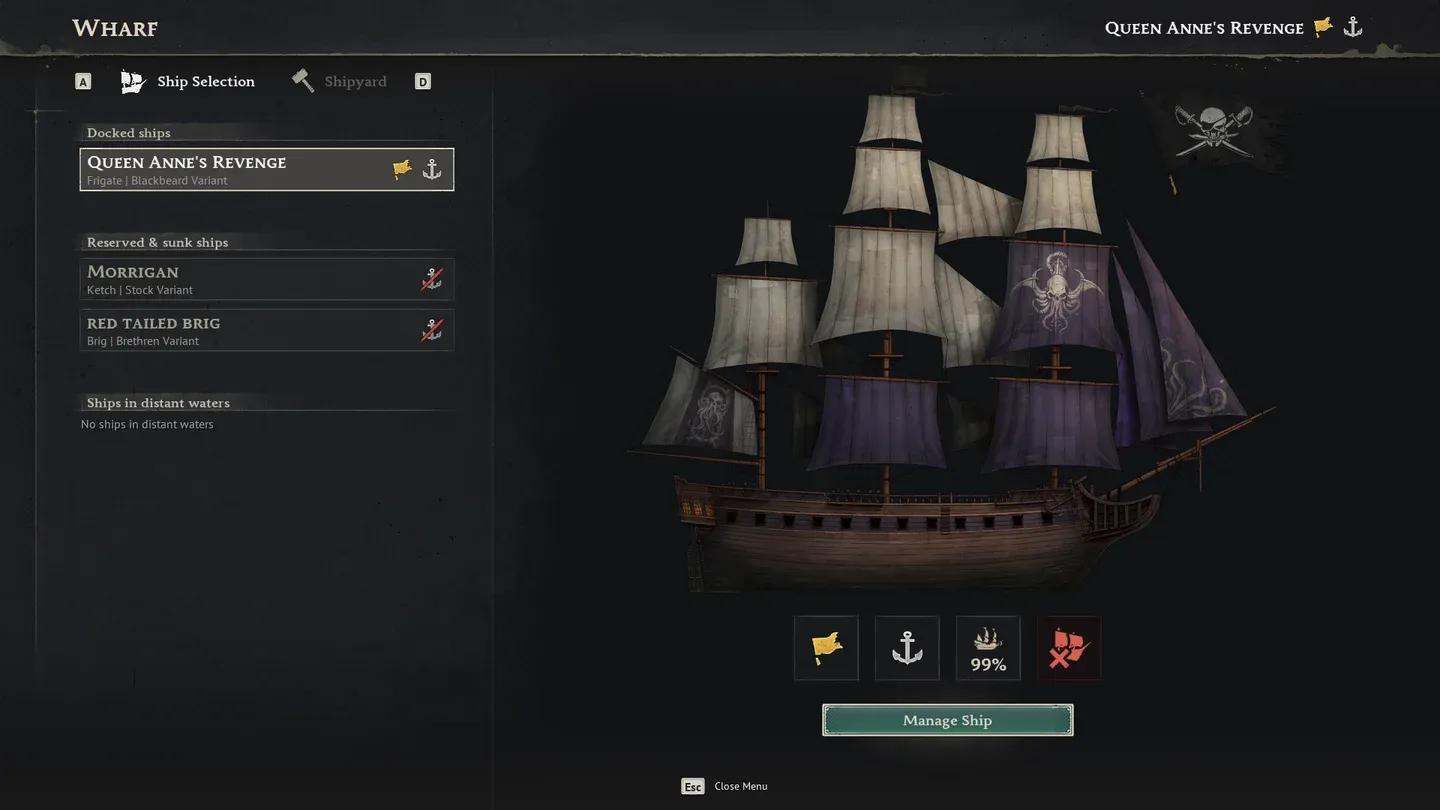
Wharf Ship Selection screen


How to Build the Wharf
Building the Wharf outside of the tutorial requires only two materials, both easy to gather early in the game. The exact crafting requirements are:
| Material | Quantity |
|---|---|
| Wood | 10 |
| Coarse Fabric | 10 |
Once placed near water, the Wharf becomes your central hub for all ship management, including renaming, cosmetic customization, and equipping functional upgrades.
How to rename your ship in Windrose
With the Wharf built and accessible, the steps are straightforward:
- Walk up to the Wharf at your base and interact with it.
- Open the Ship Selection tab and choose the ship you want to rename.
- Click Manage Ship in the lower right of the Wharf window.
- Press D to switch to the Customization tab (located to the left of the Cargo and Gear tab).
- Find the Name field at the top of the Customization screen and type your new name.
- Confirm your choice.
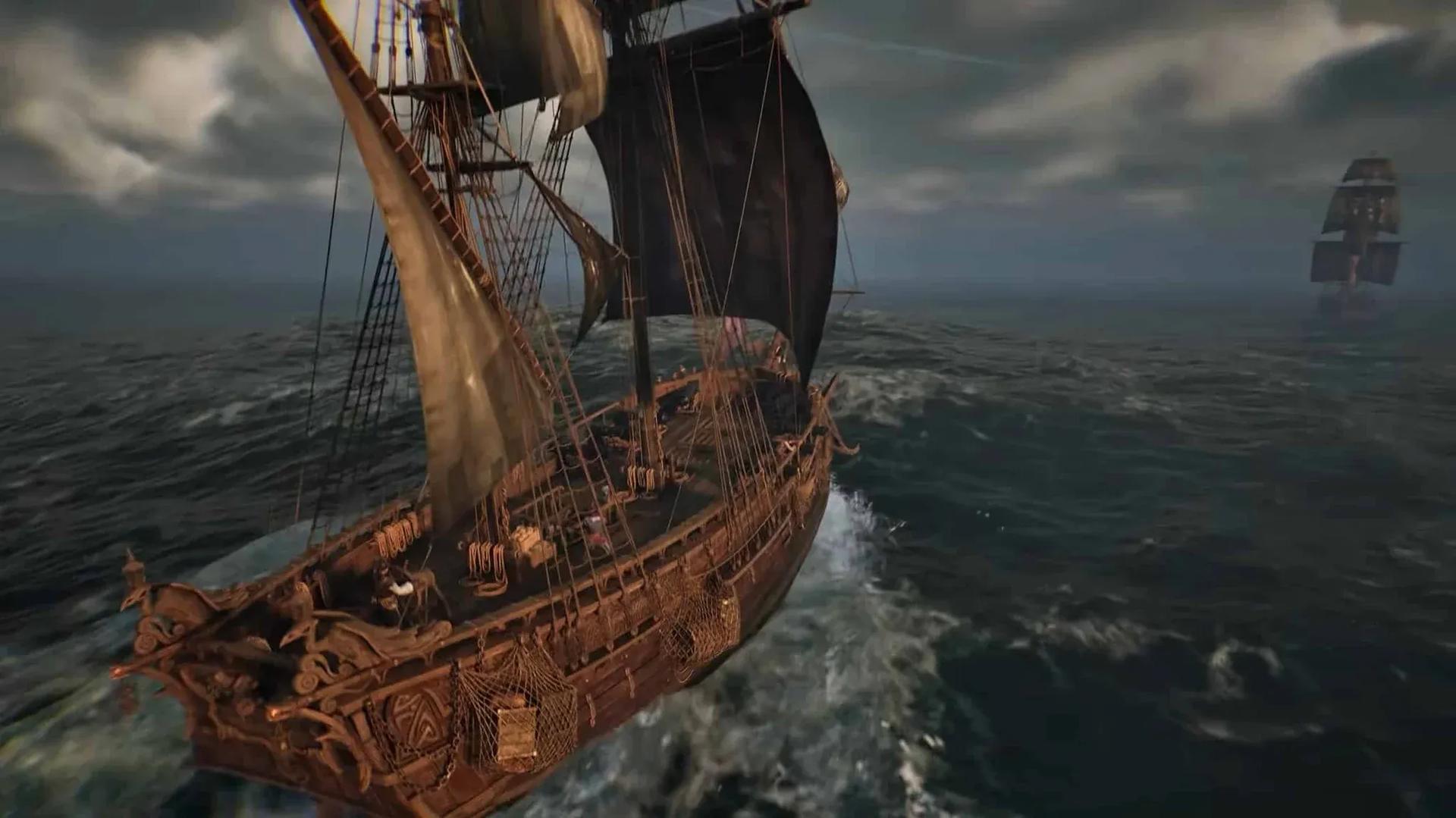
The name you enter will appear physically on the ship itself, not just in menus. You can repeat this for any ship in your fleet from the Ship Selection tab, and there's no cap on how many times you rename a single vessel.
What else can you change in the Customization tab?
Renaming is just one part of what the Customization tab offers. The same screen also lets you change:
- Sails and their color
- Flags and emblems
- Hull appearance
These are purely cosmetic and have no effect on sailing speed or combat performance. The Manage Ship screen also has a separate gear section where you can equip functional items like Boarding Party Gear, Hull Bracing, and cannons, which do affect how your ship performs in battle.
For more Windrose guides and other gaming content, browse the full guides library at GAMES.GG.