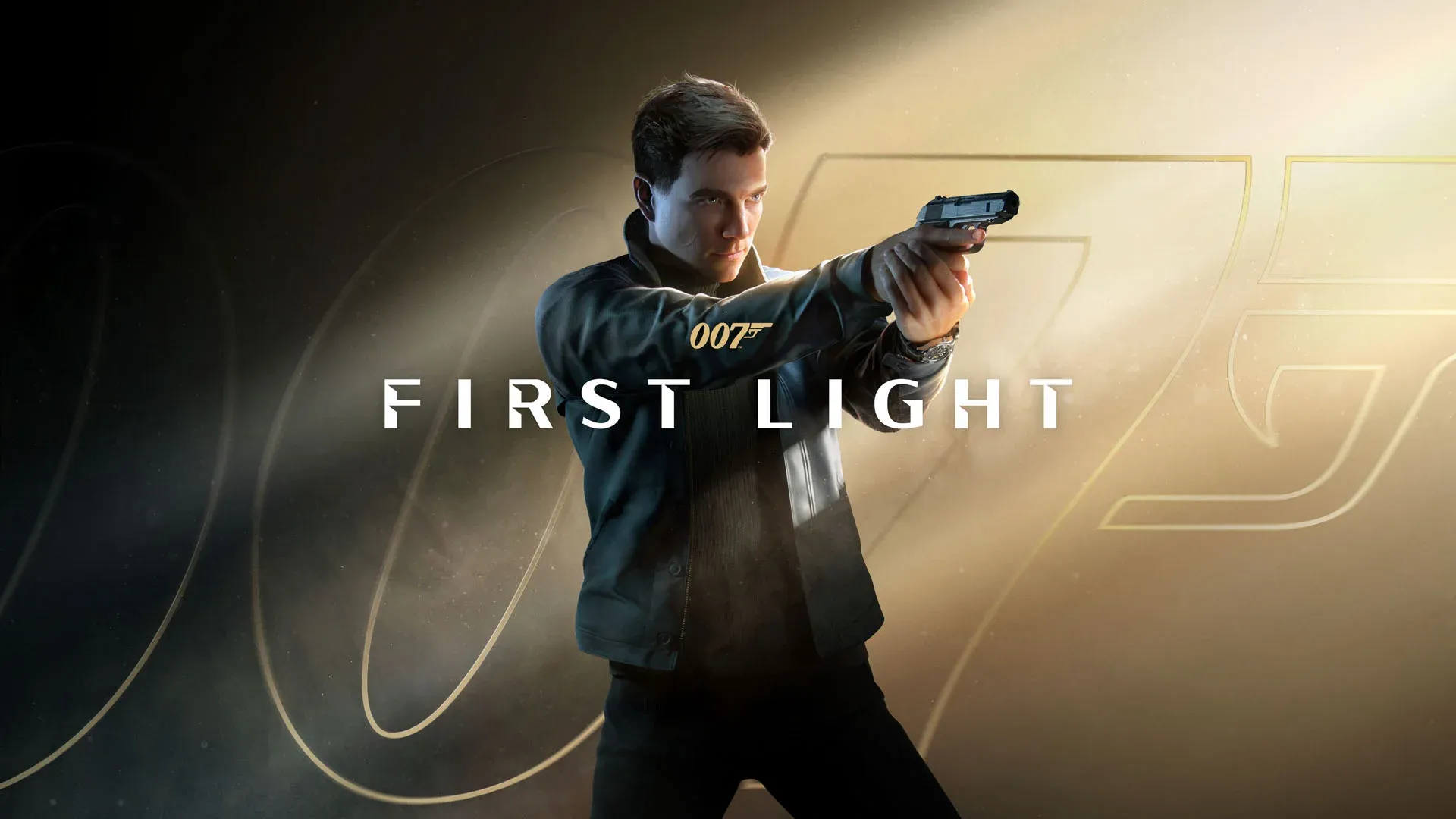

007 First Light is crashing for a specific, fixable reason: the game defaults to your integrated GPU instead of your dedicated graphics card. Once you know that, the path to a stable session is straightforward. 007 First Light launched to plenty of excitement, but PC players have been hitting a wall before they even get past the opening sequence. Here are every confirmed fix, ranked from fastest to most involved.
Why does 007 First Light keep crashing on PC?
The root cause is GPU selection. Windows sometimes routes the game to your iGPU (the graphics processor built into your CPU) rather than your dedicated NVIDIA or AMD card. 007 First Light isn't built to run on integrated graphics at any playable level, so it crashes. Every fix below targets this same problem from a different angle.

007 First Light Guide: How to Fix PC Crash

How to fix 007 First Light crashing
Fix 1: Set High Performance mode in Windows graphics settings
This is the most reliable fix and the one that works for the majority of players. It tells Windows to always run 007 First Light on your dedicated GPU, no exceptions.
- Open Steam, right-click on 007 First Light, select Manage, then click Browse Local Files. This takes you directly to the game's install folder.
- Copy the full file path. It typically looks like D:\SteamLibrary\steamapps\common\007 First Light\Retail.
- Type Graphics Settings into the Windows search bar and open it.
- Click Add Desktop App, paste the file path you copied, and select the 007 First Light executable.
- Once added, click the dropdown arrow next to the game and set GPU Preference to High Performance.
- Restart your PC, then relaunch the game.
After the restart, Windows will route the game directly to your dedicated card every time it launches.
Fix 2: Disable the iGPU through Device Manager
If High Performance mode didn't fully resolve the crashes, you can remove the iGPU from the equation entirely by disabling it in Device Manager.
- Type Device Manager in the Windows search bar and open it.
- Expand the Display Adapters section.
- Right-click your iGPU (usually listed as Intel UHD Graphics or similar) and select Disable Device.
- Confirm the warning prompt.
- Restart your PC and relaunch 007 First Light.
Fix 3: Verify game file integrity on Steam
Corrupted or incomplete game files can also trigger crashes, especially if your download was interrupted. Steam's built-in verification tool checks every file against the expected state and replaces anything that's wrong.
- Right-click 007 First Light in your Steam library and select Properties.
- Go to the Installed Files tab.
- Click Verify Integrity of Game Files.
- Wait for the process to complete, then relaunch the game.
This won't fix the GPU routing issue on its own, but it's worth running alongside one of the other fixes if crashes persist.
Fix 4: Update your NVIDIA drivers
NVIDIA released a Game Ready driver specifically for 007 First Light. If you're running an older driver version, updating is worth doing regardless of whether it resolves the crash.
- Open the NVIDIA app on your PC.
- Navigate to the Drivers section.
- Download and install the latest available driver.
- Restart your PC, then launch the game.
What if none of these fixes work?
If all four methods fail, the crash is likely tied to a deeper compatibility issue that requires a patch from IO Interactive. Crashes that persist after forcing the dedicated GPU and verifying files are outside what player-side fixes can address. The developer will need to push a stability update.
While you're waiting for a fix or just getting into the game, check out the full 007 First Light guides collection for help with combat, puzzles, and progression. Once you're stable, the parry system guide is a good place to start since parrying is one of the more timing-sensitive mechanics in the game. If you want to know how guns factor into the stealth-focused gameplay, the how to use guns guide covers exactly when pulling a weapon is the right call.