Breathedge 2 में जिंदा रहने के लिए Crafting एक बहुत बड़ा हिस्सा है। ज्यादातर recipes को सीधे crafting menu से C दबाकर बनाया जा सकता है, बशर्ते जरूरी resources पहले से आपके inventory में हों। यह system काफी simple है, लेकिन यह समझना कि कौन से materials नए recipes unlock करते हैं और किन resources को बचाकर रखना फायदेमंद है, early game को काफी आसान बना सकता है।
यह guide उन सभी crafting recipes को कवर करती है जो key tools, survival supplies, और equipment के लिए document की गई हैं, साथ ही Early Access के दौरान उपलब्ध कई useful upgrade modules के बारे में भी बताती है। चूंकि Breathedge 2 में लगातार updates आ रहे हैं, इसलिए बाद के builds में और भी blueprints और upgrades उपलब्ध हो सकते हैं।
Breathedge 2 में crafting कैसे काम करती है?
Breathedge 2 में ज्यादातर crafting सीधे crafting menu के जरिए की जा सकती है। जब भी players को कोई basic tool या consumable बनाना हो, तो उन्हें हर बार किसी dedicated crafting bench पर वापस जाने की जरूरत नहीं है। अगर recipe पहले ही unlock हो चुकी है और सभी जरूरी materials उपलब्ध हैं, तो item को तुरंत craft किया जा सकता है।
सभी Blueprints शुरुआत से उपलब्ध नहीं होते। कई recipes किसी खास resource को पहली बार collect करने के बाद दिखाई देते हैं, जबकि कुछ story या quest progression से जुड़े होते हैं।
सभी Crafting recipes: tools, supplies, और equipment
Breathedge 2 Crafting & Upgrades Guide
Tools
मौजूदा Early Access build में निम्नलिखित चार tools के crafting recipes document किए गए हैं। Scrap, Cutter, और Thumper शुरुआत से ही उपलब्ध हैं, जबकि Twister को quest progression के जरिए unlock किया जाता है।
Breathedge 2 में Spraytron जैसे अन्य tools भी शामिल हैं, लेकिन वह नीचे दी गई चार crafting recipes से अलग है।
| Tool | How to Unlock | Materials Required |
|---|---|---|
| Scrap | Starter | Metal x2 |
| Cutter | Starter | Aluminum x4, Plastic x2, Metal x4 |
| Thumper | Starter | Metal x4, Plastic x2 |
| Twister | Complete the Three Antennas quest | Aluminum x4, Wires x2, Duct Tape x3, Plastic x2 |
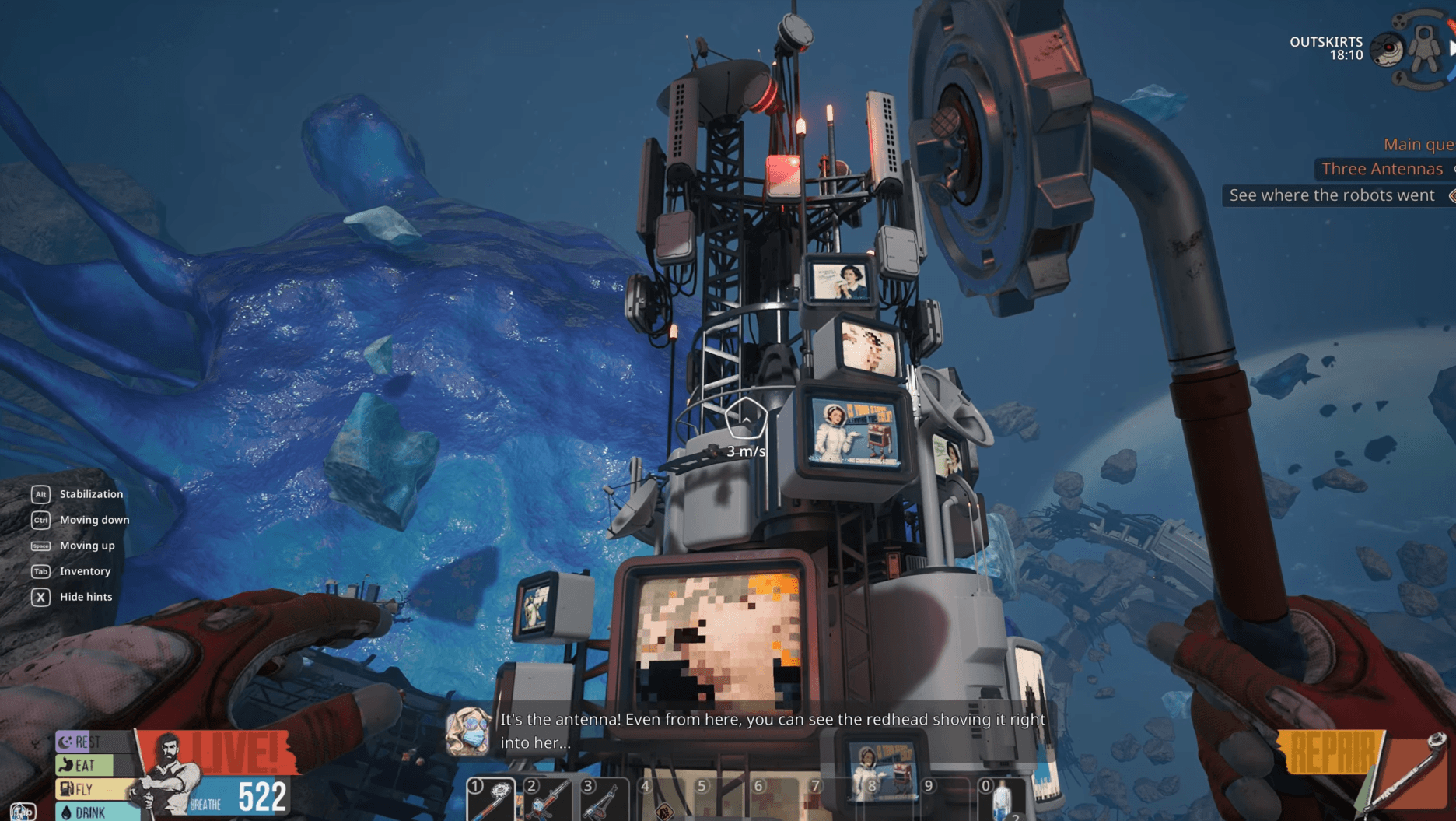
Twister इस group में main progression-based recipe है। तीन starter tools के विपरीत, इसका blueprint Three Antennas quest पूरा करने के बाद मिलता है।
चूंकि Twister के लिए Aluminum, Plastic, और Wires की जरूरत होती है, इसलिए इन materials का reserve रखने से recipe unlock होने के बाद आपको ज्यादा scavenging नहीं करनी पड़ेगी।
Supplies
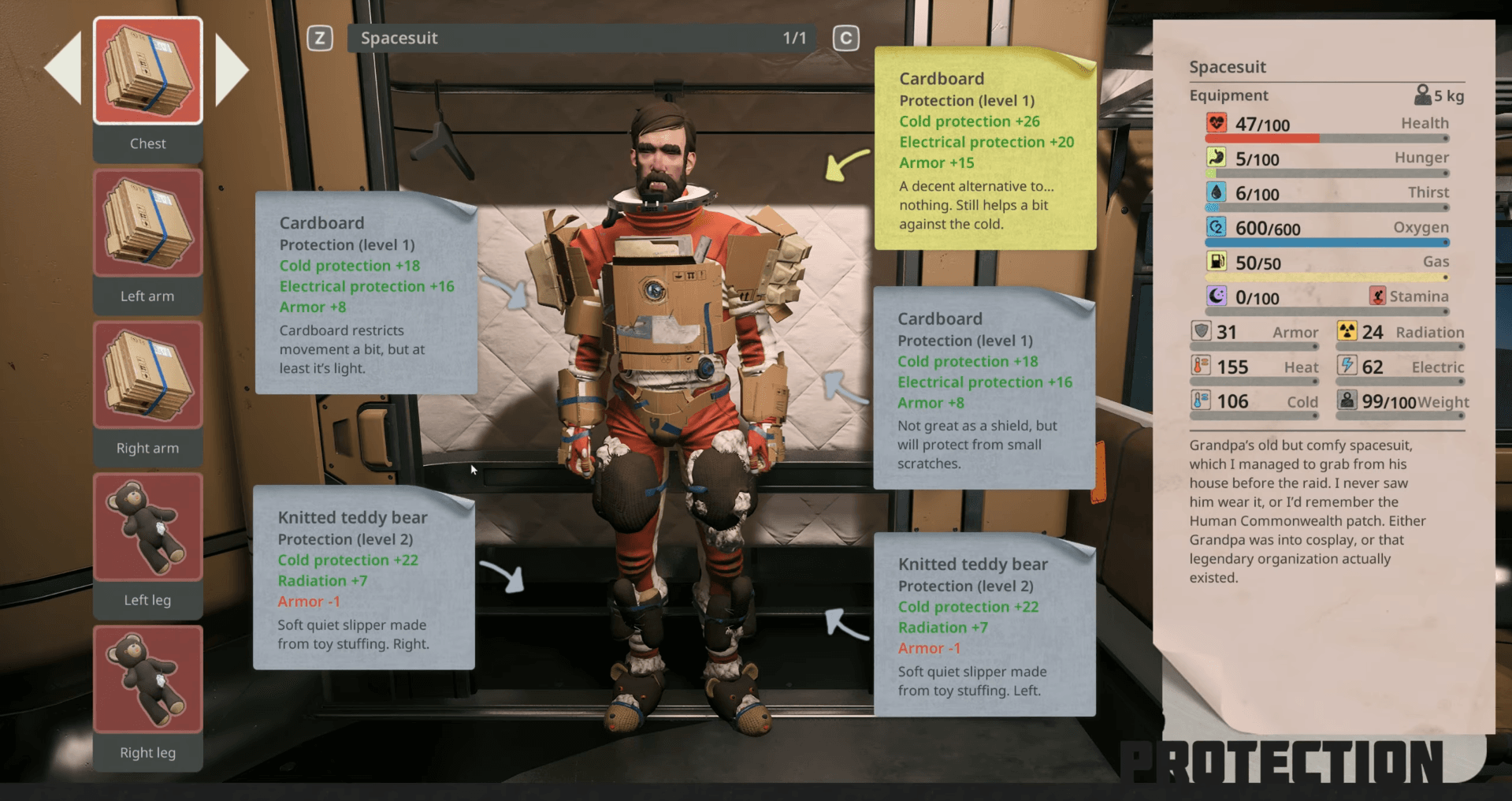
Survival supplies में healing, oxygen, और अन्य consumables शामिल हैं जो लंबी exploration runs के दौरान बहुत जरूरी हो जाते हैं।
| Supply | How to Unlock | Materials Required |
|---|---|---|
| Medkit | Collect Fabric for the first time | Alcohol x1, Fabric x2 |
| Purified Oxygen | Collect Oxyworm for the first time | Oxyworm x2, Metal x1, Ice x1 |
| Alcohol | Collect Alcohol for the first time | Ice x2, Nutriworm x1 |
Alcohol के दो फायदे हैं क्योंकि इसे एक item की तरह craft किया जा सकता है और यह Medkits के लिए भी जरूरी है। जो players कई healing items साथ रखना चाहते हैं, उन्हें अपना पूरा Alcohol supply खर्च करने से पहले इस बात का ध्यान रखना चाहिए।
Breathedge 2 Crafting & Upgrades Guide
Equipment
Equipment recipes gathering tools के बजाय utility प्रदान करती हैं। कुछ तब unlock होते हैं जब उनसे जुड़ा material मिल जाता है, जबकि Backpack के लिए एक specific world interaction की जरूरत होती है।
| Equipment | How to Unlock | Materials Required |
|---|---|---|
| Gas Tank | Collect Refined Metal for the first time | Wires x4, Refined Metal x2, Rubber x2, Aluminum x4 |
| Flashlight | Collect Light Bulb for the first time | Wires x2, Plastic x2, Glass x2, Light Bulb x1 |
| Backpack | Place the Painted Corpse next to the locked box | Aluminum x4, Plastic x2, Titanium x4, Electric Tape x4 |
Backpack के लिए अन्य equipment recipes की तुलना में ज्यादा setup की जरूरत होती है क्योंकि इसका blueprint किसी crafting material को collect करने के बजाय Painted Corpse interaction से जुड़ा है।
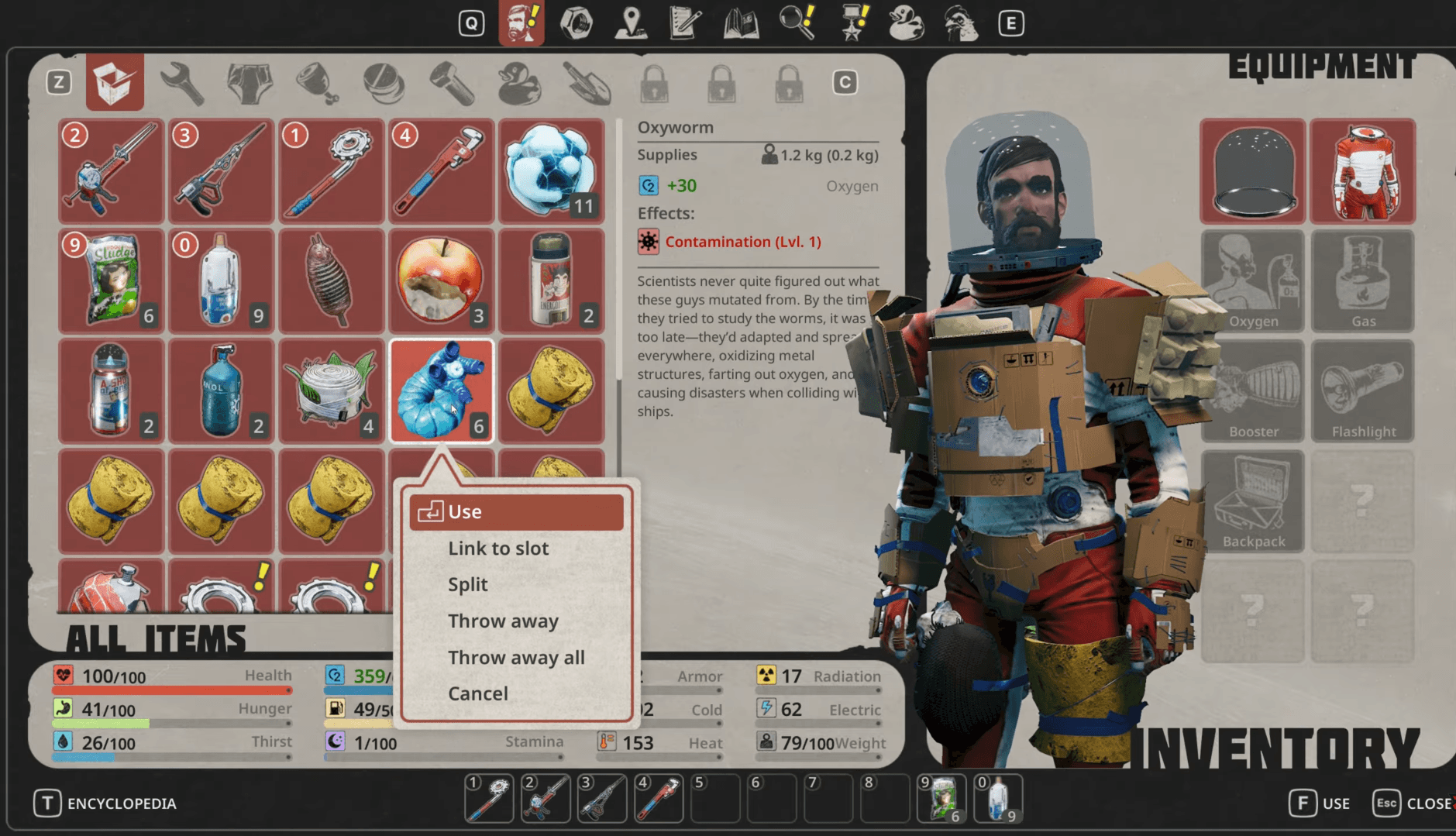
यह शुरुआती सबसे महंगे recipes में से एक है। Titanium यहाँ खास तौर पर जरूरी है, इसलिए जो players Backpack बनाना चाहते हैं, उन्हें तब तक Titanium खर्च नहीं करना चाहिए जब तक कि बहुत जरूरी न हो।
Breathedge 2 Crafting & Upgrades Guide
Breathedge 2 में upgrades कैसे काम करते हैं?
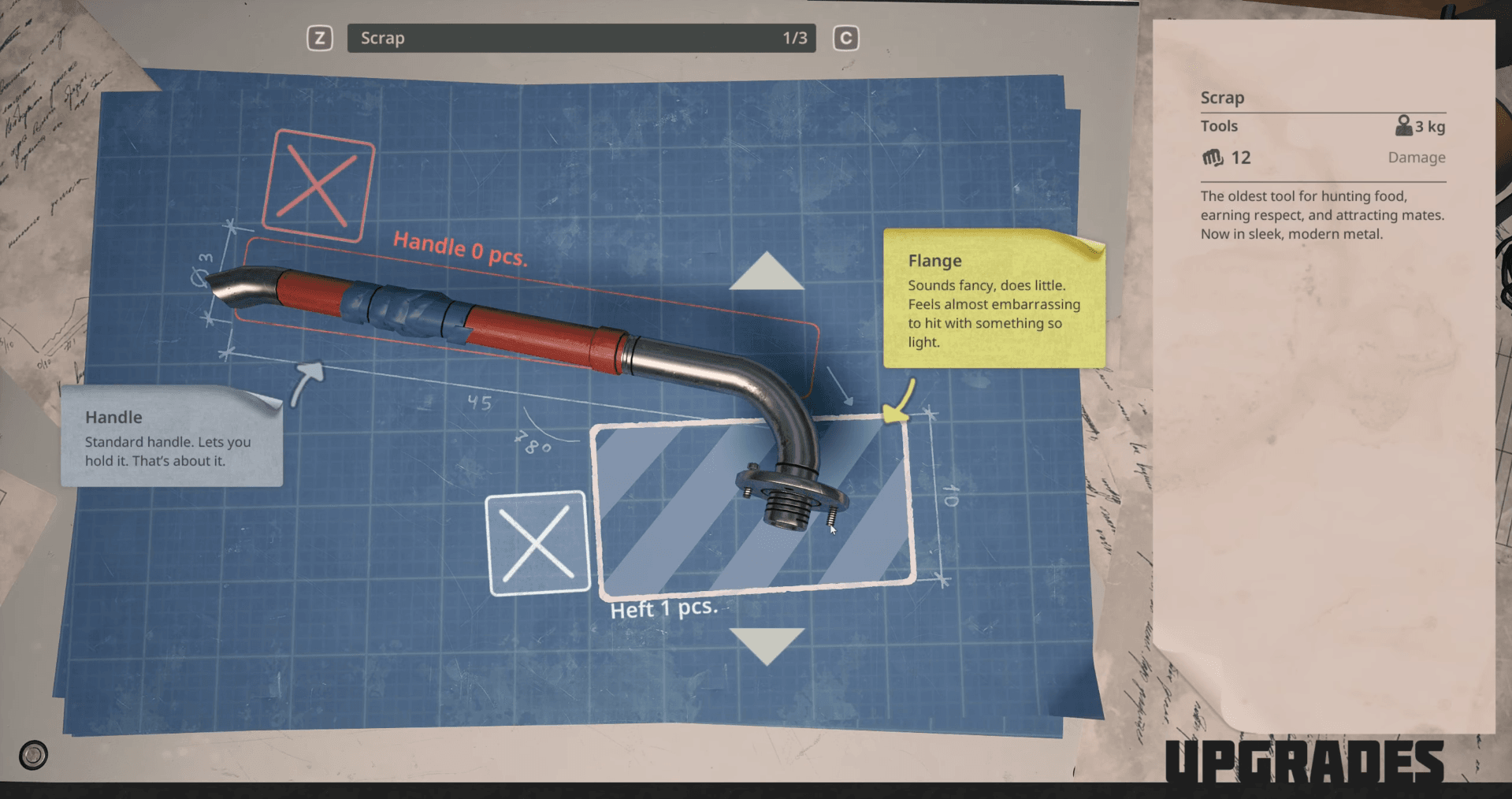
Breathedge 2 में सीधे tier upgrades पर निर्भर रहने के बजाय removable upgrade modules का इस्तेमाल होता है। अलग-अलग parts specific module categories में फिट होते हैं और tool damage, processing speed, storage capacity, या spacesuit protection को modify कर सकते हैं।
Tool modules को Workbench के जरिए handle किया जाता है, जबकि spacesuit modifications के लिए Wardrobe का इस्तेमाल होता है। Kettle Bobby और Nutri-Pack-O-Mat जैसे utility equipment भी compatible modules को accept करते हैं।
Main module categories में Heft, Edge, Handle, Protection, और Container शामिल हैं।
Breathedge 2 Crafting & Upgrades Guide
Tool upgrades
शुरुआती Chapter 1 tools में से अभी केवल Scrap, Cutter, और Thumper के ही upgrade slots document किए गए हैं।
| Tool | Upgrade Part | Stat Bonus |
|---|---|---|
| Scrap | Gear (Heft) | Damage +10 |
| Scrap | Barbell Plate (Heft) | Damage +20 |
| Cutter | Scissors (Edge) | Damage +5 |
| Cutter | Jaws (Edge) | Damage +10 |
| Thumper | Scissors (Edge) | Damage +12 |
| Thumper | Jaws (Edge) | Damage +15 |
Raw damage के लिए, Barbell Plate Scrap के लिए +20 के साथ सबसे बड़ा improvement देती है। Jaws module भी Cutter और Thumper दोनों के लिए Scissors से बेहतर Edge option प्रदान करता है।
Scrap में Handle-type modules भी लगाए जा सकते हैं, जिससे players को Heft slot के अलावा tool को modify करने का एक और तरीका मिलता है।
Station upgrades
Kettle Bobby और Nutri-Pack-O-Mat दोनों को scavenged parts का इस्तेमाल करके बेहतर बनाया जा सकता है।
Kettle Bobby processing performance बदलने के लिए Filter-type parts और capacity modify करने के लिए Container parts का इस्तेमाल करता है। Nutri-Pack-O-Mat अपने खुद के processing component के साथ Container upgrades का इस्तेमाल करता है।
| Station | Upgrade Part | Slot | Stat Bonus |
|---|---|---|---|
| Kettle Bobby | Foam | Filter | Processing +0.5 |
| Kettle Bobby | Cardboard | Filter | Processing +0.3 |
| Kettle Bobby | Knitted Teddy Bear | Filter | Processing +0.6 |
| Kettle Bobby | Backpack | Container | Capacity +30 |
| Nutri-Pack-O-Mat | Plastic Barrel | Container | Capacity +50 |
Kettle Bobby filters में, Knitted Teddy Bear +0.6 के साथ सबसे ज्यादा processing increase देता है। Storage के लिए, Plastic Barrel, Container module के तौर पर इस्तेमाल होने पर +50 capacity increase देता है।
ये parts permanent linear upgrades के बजाय modules हैं। यह अंतर इसलिए जरूरी है क्योंकि एक मजबूत component का मतलब यह नहीं है कि players को पहले सभी कमजोर versions खरीदने या unlock करने होंगे।
आपको कौन से materials सबसे पहले collect करने चाहिए?
कुछ resources crafting recipes में बार-बार आते हैं, जिससे उन्हें केवल एक item से जुड़े materials के मुकाबले stockpile करना ज्यादा फायदेमंद होता है।
Plastic का इस्तेमाल काफी ज्यादा है। यह Cutter, Thumper, Twister, Flashlight, और Backpack के लिए जरूरी है। Aluminum भी जरूरी है क्योंकि यह Cutter, Twister, Gas Tank, और Backpack में काम आता है।
Metal एक और core resource है, खासकर शुरुआत में। Scrap, Cutter, Thumper, और Purified Oxygen सभी के लिए इसकी जरूरत होती है।
इन तीन materials की अच्छी supply रखने से आप नई recipe तक पहुँचने पर यह नहीं पाएंगे कि basic components गायब हैं।
जब players Twister, Gas Tank, और Flashlight पर काम करना शुरू करते हैं, तो Wires की अहमियत बढ़ जाती है। Basic Metal और Plastic के विपरीत, कई equipment recipes उपलब्ध होने पर Wires जल्दी खत्म हो सकते हैं।
Breathedge 2 की और guidance कहाँ मिलेगी
Breathedge 2 उन action games की श्रेणी में आता है जो जल्दबाजी के बजाय methodical exploration को reward देते हैं, और इसका crafting system भी यही दिखाता है। हर recipe का एक मकसद है, हर upgrade का एक measurable effect है, और materials खर्च करने से पहले numbers जानना वाकई में फर्क पैदा करता है।
जैसे-जैसे game में updates आ रहे हैं, crafting list भी बढ़ रही है, इसलिए नियमित रूप से चेक करते रहें। बाकी सब चीजों के लिए, जिसमें walkthroughs, side quest solutions, और collectibles शामिल हैं, पूरी Breathedge 2 guides collection आपकी मदद के लिए मौजूद है।