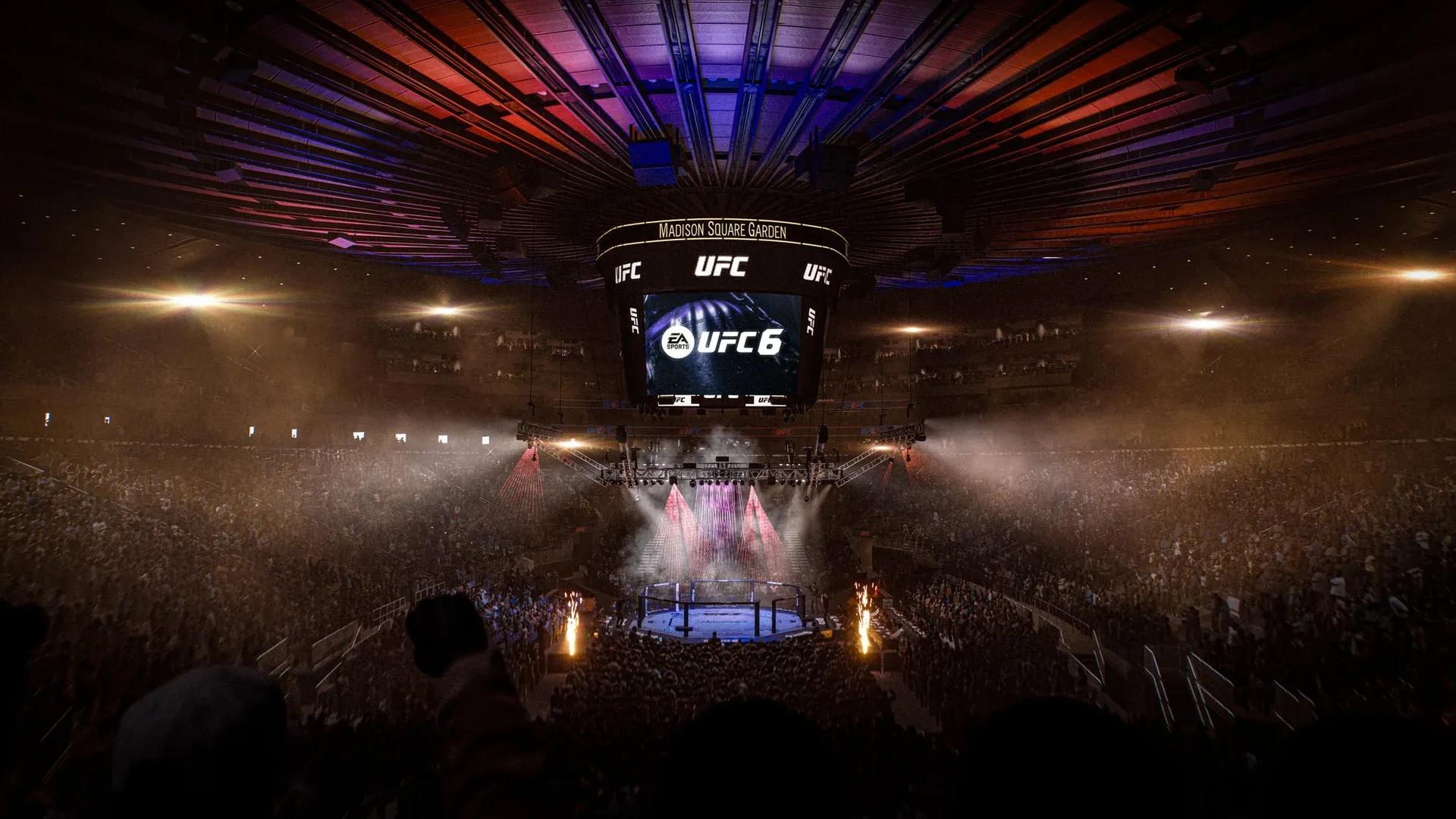

EA Sports UFC 6 returns the series after a long break and brings new mechanics that change how fights play out at every skill level. Flow State, Perks, and a fully featured Practice Mode are the three systems that separate players who win consistently from those who keep running into the same walls. Getting comfortable with all three before jumping into ranked play is the fastest path to real improvement.
What game modes should beginners start with?
UFC 6 gives you several ways to learn without throwing you straight into online competition. Each mode covers different skills at a pace that doesn't punish you for not knowing everything yet.
The Legacy follows Chris Carter through a full career arc inside the Octagon. You'll work through training sessions, rivalries, and fight scenarios that naturally introduce striking, movement, clinches, takedowns, and defense. It's the most structured path for players who want a guided experience.
Hall of Legends puts you in iconic UFC moments featuring Max Holloway, Alex Pereira, and Weili Zhang. The scenarios are built around real fight situations, so you get exposure to a wider range of techniques and matchup styles than The Legacy alone provides.
The Gym is where you recruit fighters, unlock rewards, and experiment with different perk combinations and fighter styles. Rotating through multiple fighters here is genuinely useful because it forces you to adapt your approach rather than defaulting to one playstyle.
How does Practice Mode actually help you improve?
Practice Mode sits under Learn on the main menu. Load in, set your match conditions, and you have a controlled space to work on specific weaknesses without the pressure of a real match on the line.
The real value isn't just memorizing combos. The diagnostic overlays built into Practice Mode tell you things that raw match experience never will.
AI opponent settings
The AI behavior you choose shapes everything about a session. Running Basic Striking is good for drilling defense and counters at a manageable pace. Skilled Striking pushes you to react to faster combinations and sustained pressure. Basic Ground Game and Skilled Ground Game isolate grappling and submissions so you can work those systems without striking chaos in the mix. Free Sparring removes the guardrails and lets the AI attack and defend freely.
Focus on one area per session. Jumping between settings without a clear goal just produces noise.
Frame Timing overlay
This is the overlay most players skip and then wonder why they keep getting countered. Frame Timing uses color coding to show exactly what's happening during every action:
- Deep blue shows the wind-up phase before a strike connects
- Red marks the moment of impact
- Light blue covers the recovery window after an action
- Green indicates active evasive movement
- Orange signals extra delay when an attack is blocked or evaded
After testing combos against the Skilled Striking AI with Frame Timing active, the recovery windows on overextended attacks become obvious fast. That orange delay after a blocked strike is exactly when experienced opponents punish you.
Vulnerability Overlay
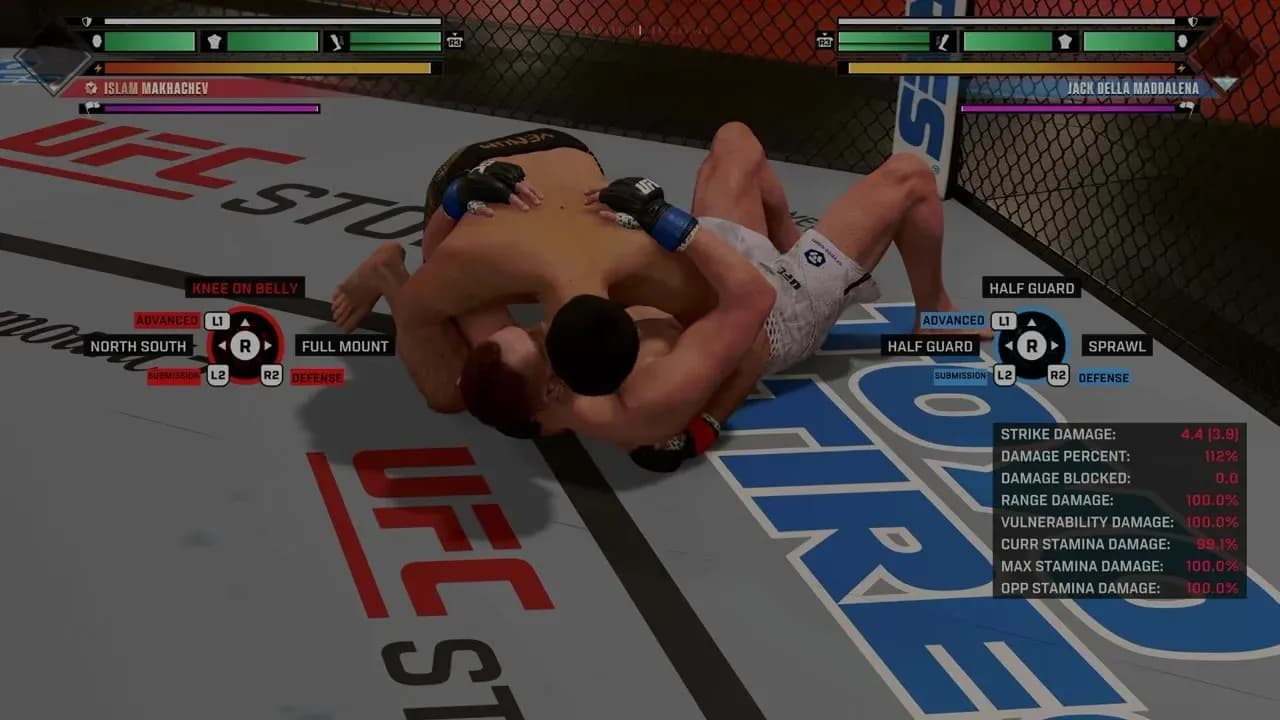
Red indicators show where your positioning or attack animations leave you open to counters. Deeper red means stronger vulnerability. Green indicators show where your defensive movement or positioning reduces incoming damage. Deeper green means better mitigation.
This overlay makes it clear which attacks are riskier than they feel and which defensive stances actually hold up under pressure.
Vulnerability Overlay positioning
Damage Indicator and Health/Stamina
Damage Indicator shows how much each strike deals and how conditions like range and timing change the result. Pair it with the Health and Stamina display to understand how your output affects your fighter's resources over time. Every strike, missed attack, and grapple exchange costs stamina, and damage to different body parts affects recovery.
What are Perks and how does Flow State work?
Every fighter in UFC 6 carries 5 Perks that interact with their specific fighting style. These aren't passive buffs you can ignore. They're contextual bonuses that activate when you use the right techniques at the right moments.
Knowing your fighter's Perks matters because some synergize directly with your move list while others don't. Check them from Fighter Select before a match or open the Pause Menu and select PERKS mid-fight.
Flow Boost is triggered when you use Perks under the right contextual conditions. Each Flow Boost action accelerates the fill rate of the Flow Meter. Once the meter fills, your fighter enters Flow State, a powered-up mode that's unique to each fighter.
One of the 5 Perks has an additional effect that only activates while Flow State is already running. That's the Perk to prioritize during the Flow State window, since it compounds the benefit for as long as the state lasts.
The Flow State visual effect that triggers on screen can be distracting during fights. You can turn it off entirely in the settings menu, leaving just a HUD icon to indicate when Flow State is active.

Flow State Perks menu
How do you choose the right control preset?
UFC 6 offers four Control Assist presets that change how much the game assists your inputs:
| Preset | What it does |
|---|---|
| Streamlined | Assisted striking, grappling, defense, and combos |
| Default | Balanced mix of accessibility and manual control |
| Authentic | Minimal assists, mostly manual inputs |
| Custom | Adjust individual settings to your preference |
To change your preset, open Settings, go to the Gameplay tab, scroll to Control Assist, and select Control Preset.
If you're new to the series, Streamlined lets you focus on timing, spacing, and reading opponents without fighting the controls at the same time. Moving to Default or Authentic once those fundamentals feel natural will give you more precise control over your outputs.
10 tips to win more fights in UFC 6
Stamina is your real health bar
Spamming moves works against casual opponents and almost nobody else. Stamina drains from every strike, movement, grapple, and missed attack. Players at intermediate level and above will outlast you if you burn through it early. Watch the stamina bar as closely as your health bar.
Distance beats defense
You can't learn every counter to every attack in the game. You can guarantee a strike doesn't land by staying outside its effective range. Retreating is a legitimate tactic, not a passive one.
Don't only target the head
Body strikes are consistently underused. Ignoring them makes your attack patterns predictable, and predictable patterns get countered hard. Mix head and body targeting to keep opponents guessing.
Range variation changes your damage output
Always pushing forward while striking limits which moves you can throw and at what power. Learn your fighter's optimal strike distance for maximum damage, then practice staying at that range rather than constantly advancing.
The Training Manual is worth reading
Practice Mode builds muscle memory. The Training Manual explains the systems behind what you're practicing. Understanding how pressure, counters, and stamina interact makes the muscle memory more useful.
Getting started the right way
UFC 6 rewards players who understand its systems rather than just grinding matches and hoping improvement happens naturally. Spend time in Practice Mode with the overlays active, learn your fighter's 5 Perks before you need them, and treat stamina management as a core skill rather than an afterthought. The gap between players who do this and those who don't is significant.
For a broader look at EA sports games and what's worth your time, check out the sports games section. If UFC 6 is your first fighting game in a while, the EA Sports FC 26 complete starter guide covers a similar approach to building fundamentals in a competitive EA Sports title. For everything else related to EA's sports lineup, the EA SPORTS FC 26 guides collection has you covered on FC 26 strategy and mechanics.