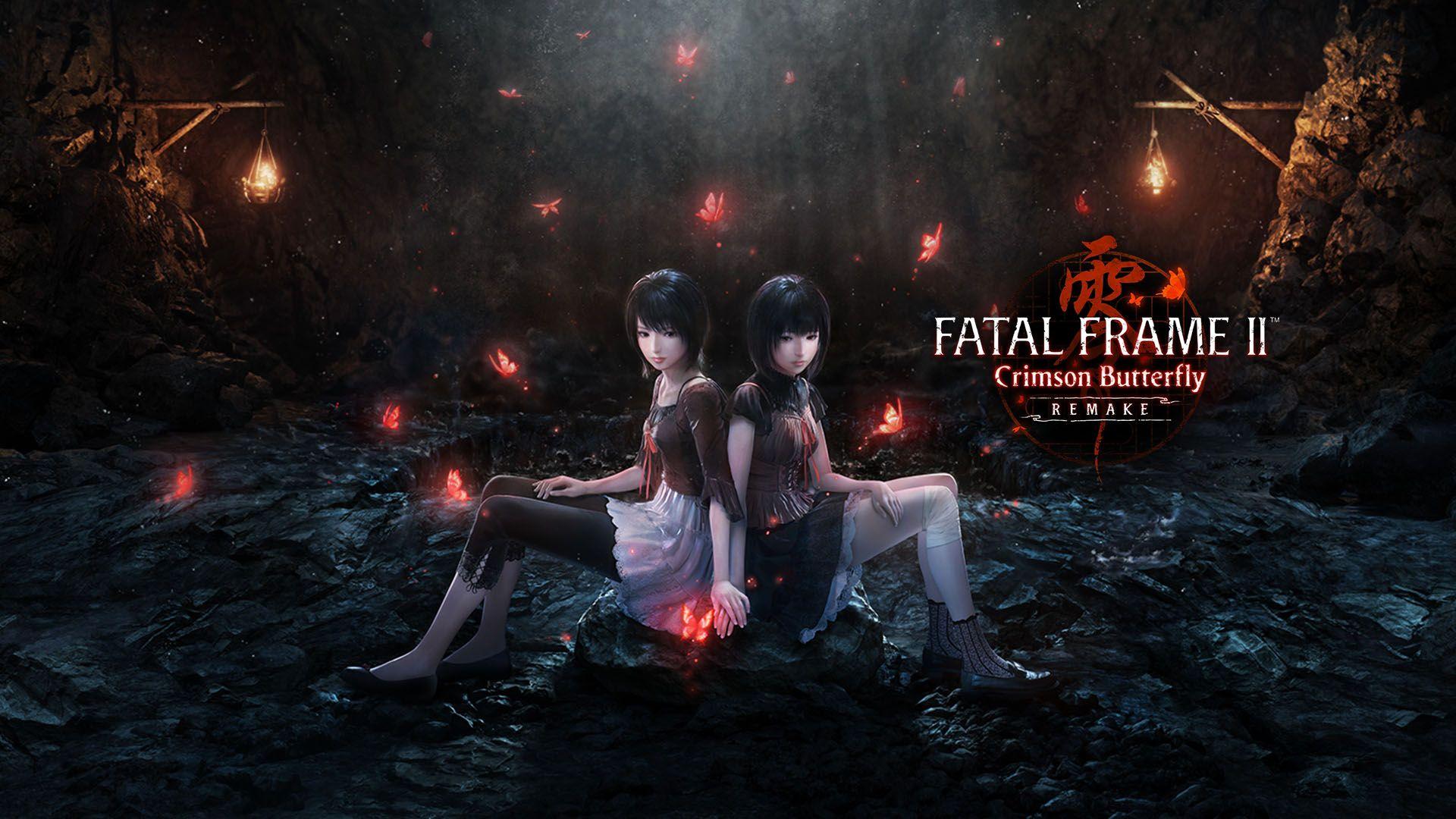


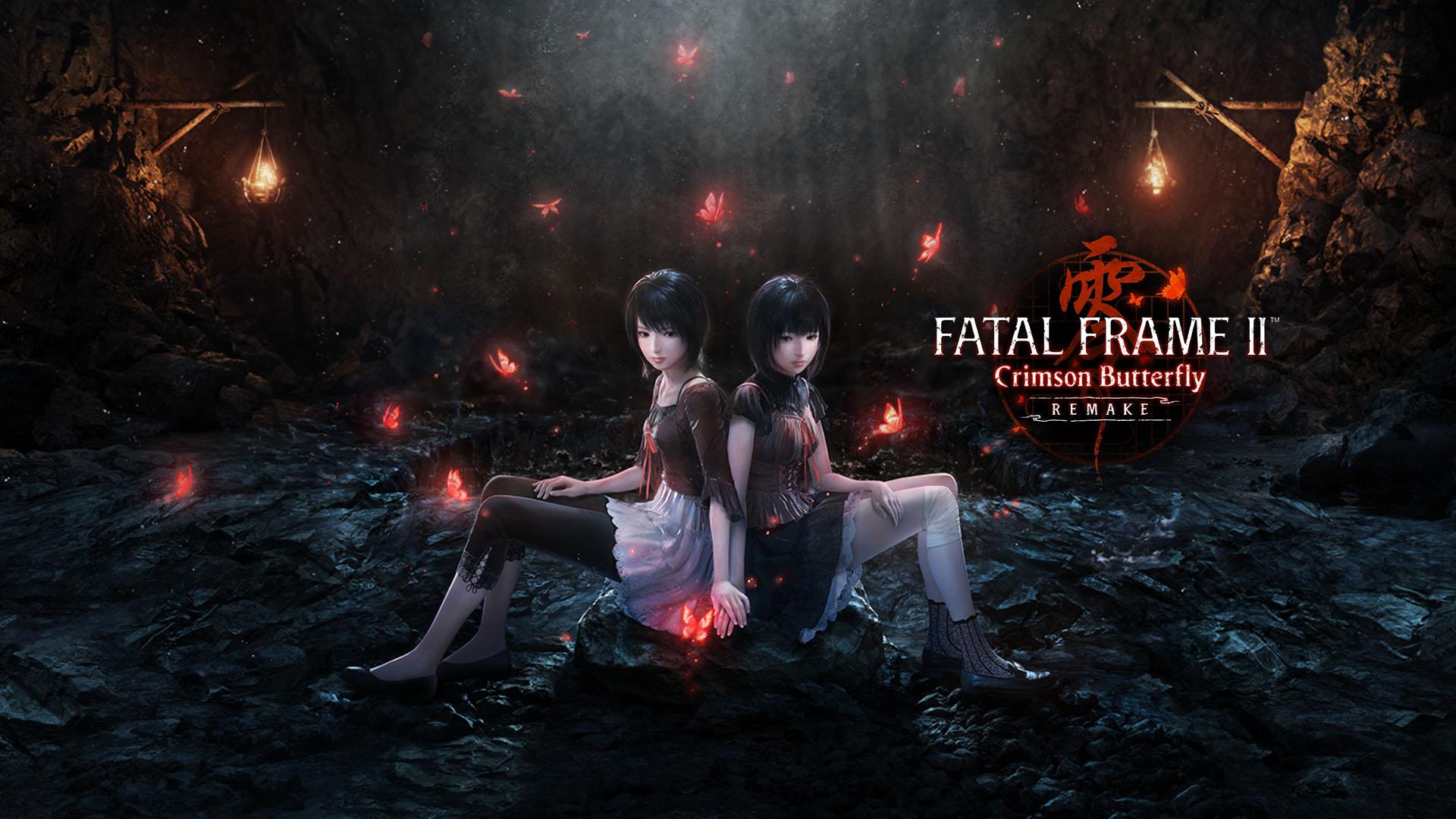
If you've just booted up Fatal Frame II Crimson Butterfly Remake, you're in for some serious chills. You play as Mio, trying to find your sister Mayu in this cursed village full of angry spirits. The game throws you right in, so here's the deal: stick close, learn the Camera Obscura fast, and don't panic when things get spooky. We've got your back with the essentials to get you through without too many game overs.
First Steps in the Lost Village
Starting out, you and Mayu are wandering your old childhood spot before it's flooded for a dam. She spots a crimson butterfly and chases it, pulling you into All Gods Village, a place that's straight-up vanished from maps. Controls are simple: use the left stick to move Mio, right stick for camera angles in third-person view. Mayu follows you, but she's slower because of her limp, so hold the run button to keep her close or she'll lag behind and attract trouble.
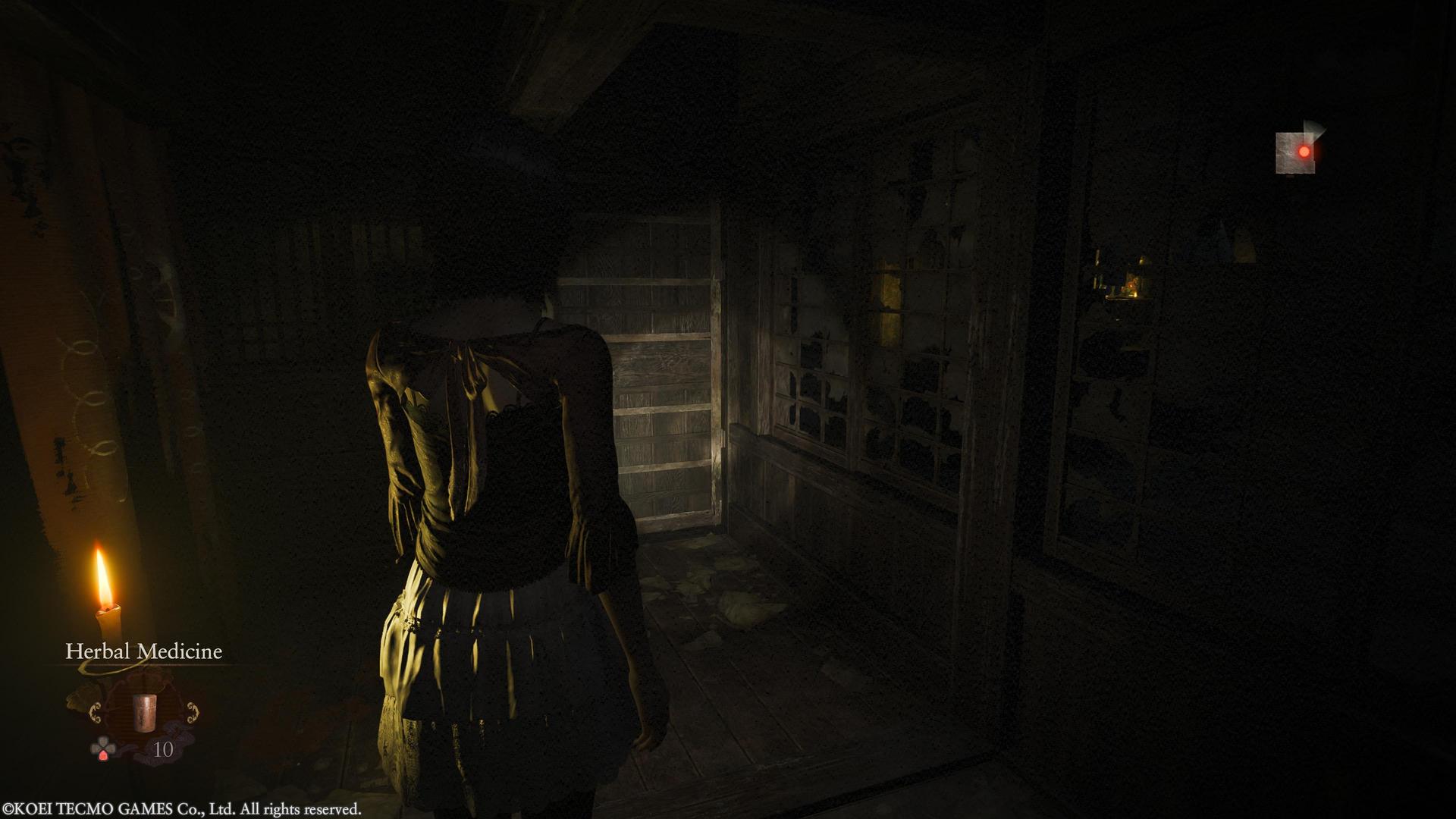
Check your map often; it's under the menu and shows key spots like doors and objectives. Early on, explore the Osaka House where you find the Camera Obscura. Pick up every shiny item you see, like Herbal Medicine for healing or notes that clue you into the story. Ghosts appear randomly, but in the beginning, they're mostly for scares, not fights. If your filament glows blue, snap a pic for points; red means danger's close.
Building on those basics we just covered, the village layout matters. Paths loop back, but some areas lock until you solve puzzles, so note blocked doors for later.
Fatal Frame II Remake Beginners Guide
Mastering the Camera Obscura
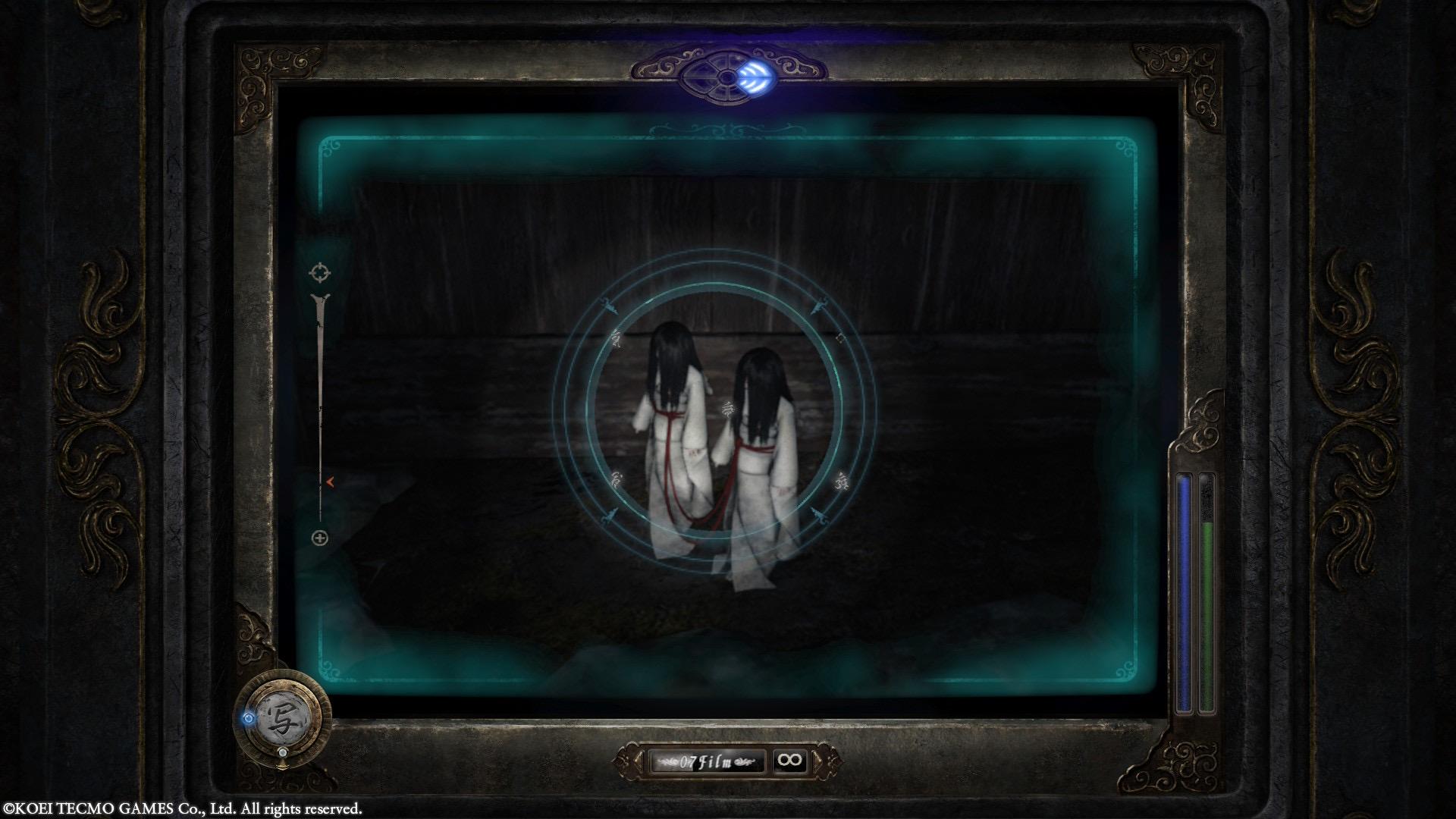
This is your main weapon, so get comfy with it quick. Press the assigned button (usually R1 or equivalent) to enter Viewfinder Mode. The screen switches to first-person through the camera, with a capture circle in the center. Center on ghosts or clues to charge power; the circle turns from blue to orange to red for stronger shots.
Focus on the core spot, usually the head, for bonus damage. You can dodge in viewfinder by tilting the stick, but it's clunky at first, yeah this part sucks until you upgrade. Switch functions like Slow or Stun with the A button during fights. Practice on hidden ghosts early; they give points without attacking back.
This is exactly why the last tip matters: without nailing the camera basics, combats will wreck you. So scroll down because next we're fixing exactly that problem with fight strategies.
Fatal Frame II Remake Beginners Guide
Ghost Hunting Basics
Bosses feel difficult at first, but they become manageable once you time your shots. When a ghost appears, your screen statics and filament flashes red. Whip out the camera and wait for them to charge; snap right before they hit for a Fatal Frame or Zero Shot, which deals massive damage and stuns them.
Get close for better points, but back off if they start a grab animation. Some ghosts teleport, so listen for audio cues like whispers or footsteps. Not all encounters are winnable by running; in the remake, more rooms lock you in, forcing the fight. Use Type-14 Film for practice since it's unlimited, but save stronger stuff like Type-90 for tough spirits.
Common Ghost Types
Don't fight every ghost late game; conserve health and film. One wrong move means instant death from grabs, so prioritize survival.

Fatal Frame II Remake Beginners Guide
Exploration and Puzzles
Look everywhere for items; sparkling spots hide Spirit Orbs or keys. Puzzles involve finding notes or snapping photos of clues that reveal hidden doors or codes. For example, in Osaka House, photograph the doll stand shadow to progress. Save at Crimson Butterfly lanterns; they're your checkpoints, and the map marks them.
Mayu's "sense" helps too; she'll point out important spots if you wait. Buckle up for backtracking; the village opens up chapter by chapter. Collect scraps like Village Report for lore, which sometimes hints at puzzle solutions.
Building on those basics we just covered, upgrades tie into exploration since points from photos buy improvements.
Fatal Frame II Remake Beginners Guide
Upgrades and Films
Not all upgrades carry equal weight; prioritize Range and Accumulation first to charge shots faster. Use Spirit Orbs at save points to slot into functions like Blast for extra damage. Points from ghost photos and hidden snaps build your total for unlocks.
Film Types
Stock up on better films by exploring side areas. Upgrade sensitivity to spot ghosts easier, making everything flow better.
Wrapping It Up
You've got the tools now to handle the village's horrors. Stick to upgrading your camera, time those fatal shots, and explore without rushing. The story's twisted bond between Mio and Mayu pulls you through the scares, so keep pushing. You'll beat this remake no problem; just remember, the real fear is running out of film at the wrong moment. Go snap some ghosts and have fun out there.