


Spend enough time hunting Barn Finds and smashing through Japan's scenery in Forza Horizon 6 and your pride-and-joy will start looking like it lost a fight with a concrete barrier. Cracked windows, dented panels, scuffed paint — none of it is permanent, and you have full control over whether it appears at all. This guide covers every damage setting available, what each one actually does to your car's performance, and the fastest way to wipe cosmetic wear without touching a single menu.
How do you turn off car damage in Forza Horizon 6?
Pause the game and open Settings from the Campaign tab. From there, go into Difficulty Settings and scroll down to the Damage & Tire Wear option. You'll see three choices. Select None and save to disable all visible damage entirely.
This setting is available at any point during your playthrough, so you can switch it whenever the mood strikes.
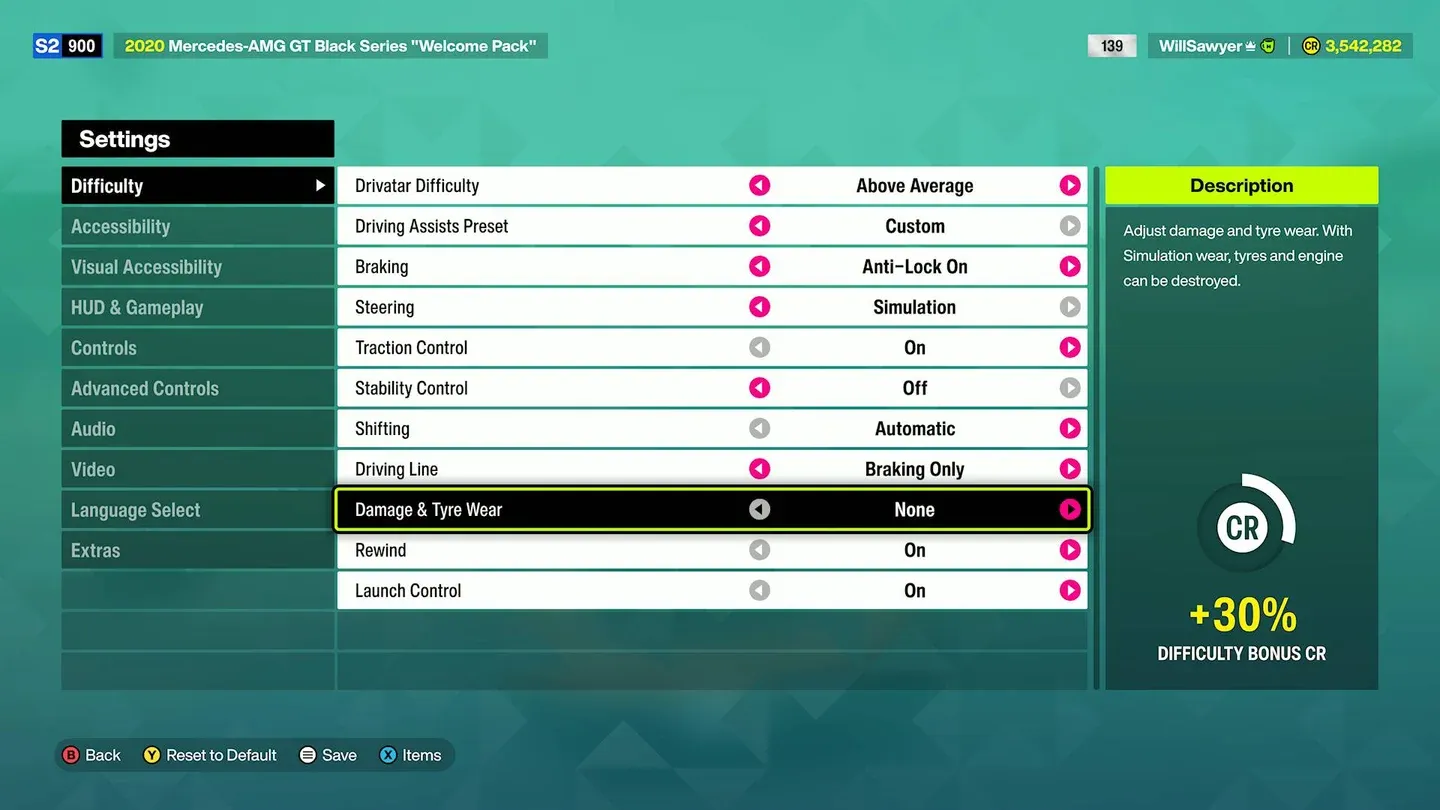
Damage settings in Difficulty menu
What are the three damage settings?
All three options work differently and suit different playstyles. Here's a breakdown:
None is exactly what it sounds like. Ram a wall at full speed and your car looks untouched. Great for photo sessions or players who find the visual clutter distracting.
Cosmetic is the default experience for most players. Your car will pick up dents and cracked glass from collisions, but none of that affects race performance. The wear is purely visual. Tires show degradation too, but it has no impact on handling or lap times.
Simulation is where things get serious. Damage here is functional, not decorative. Excessive tire wear and hard impacts will genuinely hurt your car's performance during a race. If you want racing games to feel like they have real consequences, this is the setting to use.
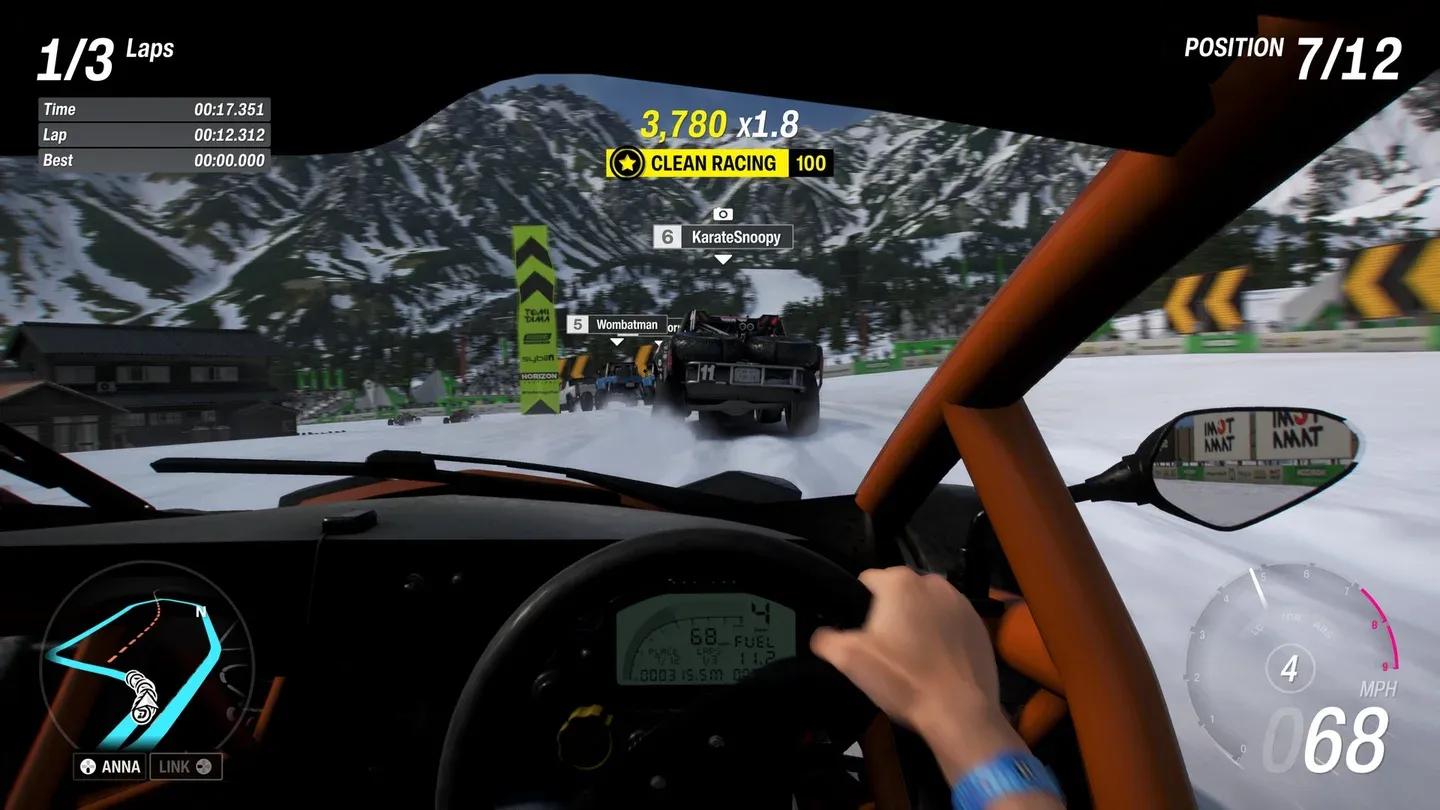
Cosmetic damage in cockpit view
How do you quickly reset cosmetic damage without changing settings?
This is the shortcut most players miss. If you're running Cosmetic or Simulation mode and just want a clean car for a photo without permanently switching your damage settings, go into Photo Mode by pressing up on the directional pad. Once inside, press LB (or L1 on PlayStation) to instantly reset all cosmetic damage.
One thing to know: the reset sticks. The damage stays cleared even after you exit Photo Mode, so you're not just hiding it for the shot.
Which damage setting should you use?
That depends entirely on what you want from the game. Here's a practical take after spending time across all three modes:
- None works best if you're focused on car collecting, livery design, or photography. You want to see your cars at their best, not covered in race scars.
- Cosmetic is the sweet spot for most players. You get the visual feedback that tells you when you've driven badly, without any mechanical penalty. It nudges you toward cleaner driving without punishing mistakes in a way that ruins a race.
- Simulation is for players who want every race to matter. The risk of real performance degradation changes how you approach corners and traffic. It's a meaningful difficulty layer, not just an aesthetic one.
If you're also thinking about how your car performs beyond damage settings, the Forza Horizon 6 tuning guide covering every setting explained is worth reading alongside this one.
Where is the Damage setting in the Accessibility menu?
The Damage and Tire Wear option can also be accessed through Settings under the Accessibility tab, not just the Campaign tab. Both paths lead to the same Difficulty submenu, so use whichever you find faster.
This is useful to know because the Accessibility menu is often quicker to reach from the main pause screen depending on your controller navigation habits.
For more help across the full game, the Forza Horizon 6 guides collection has everything from credit farming to Car Mastery unlocks covered.