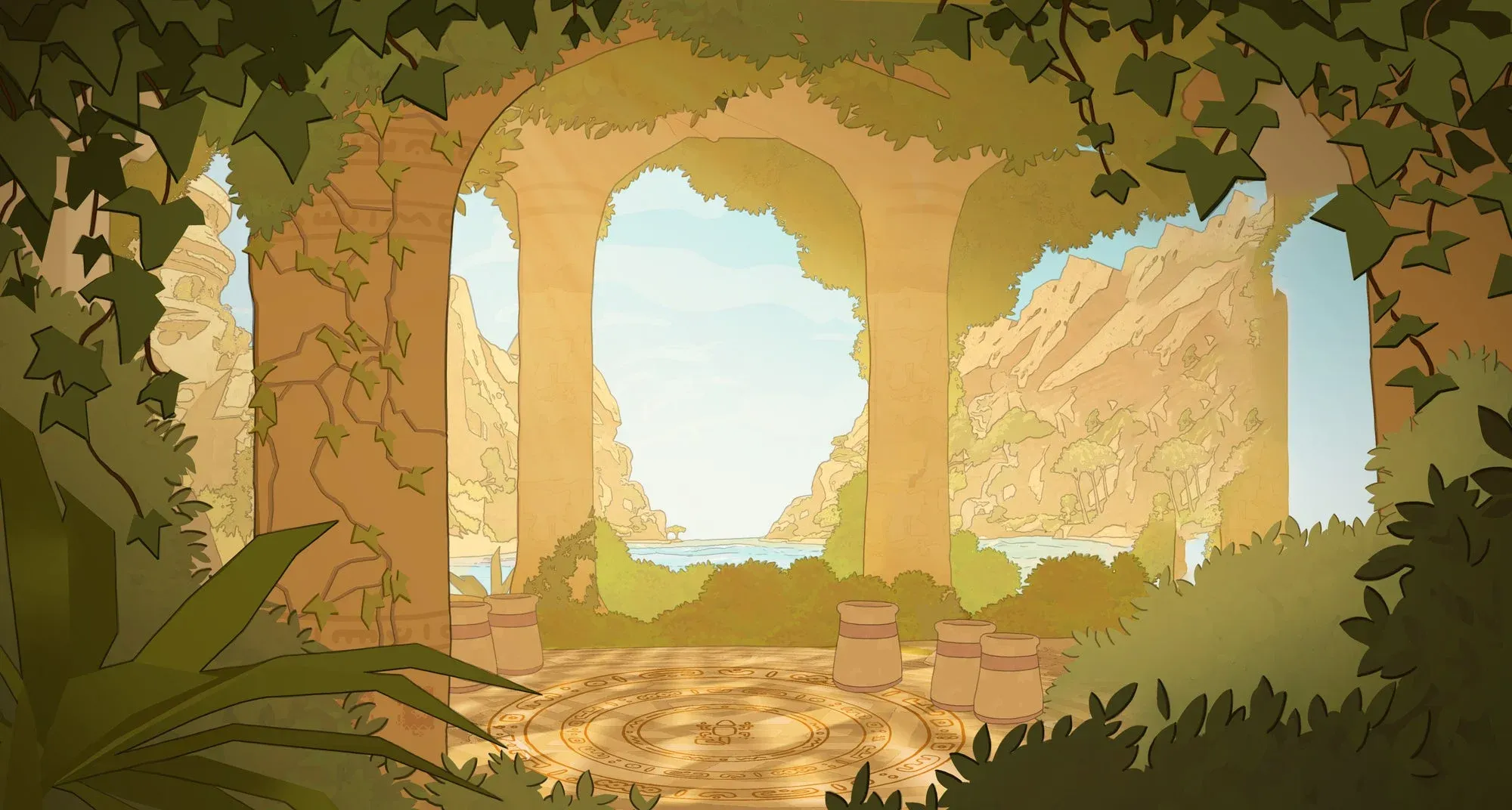


Gecko Gods is not your typical platformer. Developed by Inresin and published by Super Rare Games, it puts you in control of a small gecko exploring the crumbling ruins of an ancient civilization spread across a large archipelago. There is no combat system to master, no timer counting down, and no punishing difficulty curve. What it does have is a movement system that completely reframes how exploration works in a 3D platformer, plus a genuinely atmospheric world worth getting lost in.
What makes Gecko Gods different from other platformers?
The single biggest thing separating Gecko Gods from anything else in the genre is wall and ceiling climbing. You can scale virtually any surface, which means the usual platformer anxiety of "can I make that jump?" almost never applies. Miss a ledge? Climb the wall beside it. Can't reach a ceiling collectible? Crawl up the nearest pillar. Developer Inresin made a smart call leaning into a relaxed gameplay loop here, because this kind of freedom would completely break a game built around precise, punishing jumps.
The game is light on story by design. Your gecko has no dialogue, and the ancient civilization you're uncovering tells its history through environmental details rather than cutscenes or text dumps. That works in the game's favor. The atmosphere carries more weight than any exposition could.
Collectibles and artifacts are scattered across every island, and you can spend the collectible currency to customize your gecko's appearance later in the game. It's a small touch, but it gives exploration a tangible reward beyond pure curiosity.
How does the raft system work, and how do you avoid losing it?
The raft is your main method of island-hopping, and losing track of it is one of the most frustrating things that can happen in Gecko Gods. The seas are choppy, and the raft drifts if you leave it unattended. Since your gecko can only swim short distances before running into trouble, a missing raft is a genuine problem.
Each island has a conch horn that recalls the raft to your location. This is the key mechanic to know before anything else. The conch horn locations are not immediately obvious, and stumbling across one by accident is a real possibility if you don't know to look for them. A recent patch added the boat recall location to the minimap, which takes most of the frustration out of this system. If you're playing on a patched version of the game, check your minimap whenever you arrive on a new island and locate the conch before you do anything else.
A helpful raven gives you access to the raft early in the game, so island travel opens up relatively soon after you start. The transition from land exploration to sailing feels natural, and each island offers a distinct set of puzzles and secrets.
How do you handle enemies and hazards in Gecko Gods?
Gecko Gods does not have a combat system in any traditional sense. Wild animals and mechanical enemies can hurt you, but since you can climb walls to escape most threats, they rarely pose a serious danger. The only real offensive option is ramming into enemies at speed, which is about as basic as it sounds but gets the job done when needed.
Water is the more significant hazard. Your gecko can swim short distances, but crossing open water to another island on foot is not possible. Stay aware of your position relative to the shoreline, especially when exploring coastal areas.
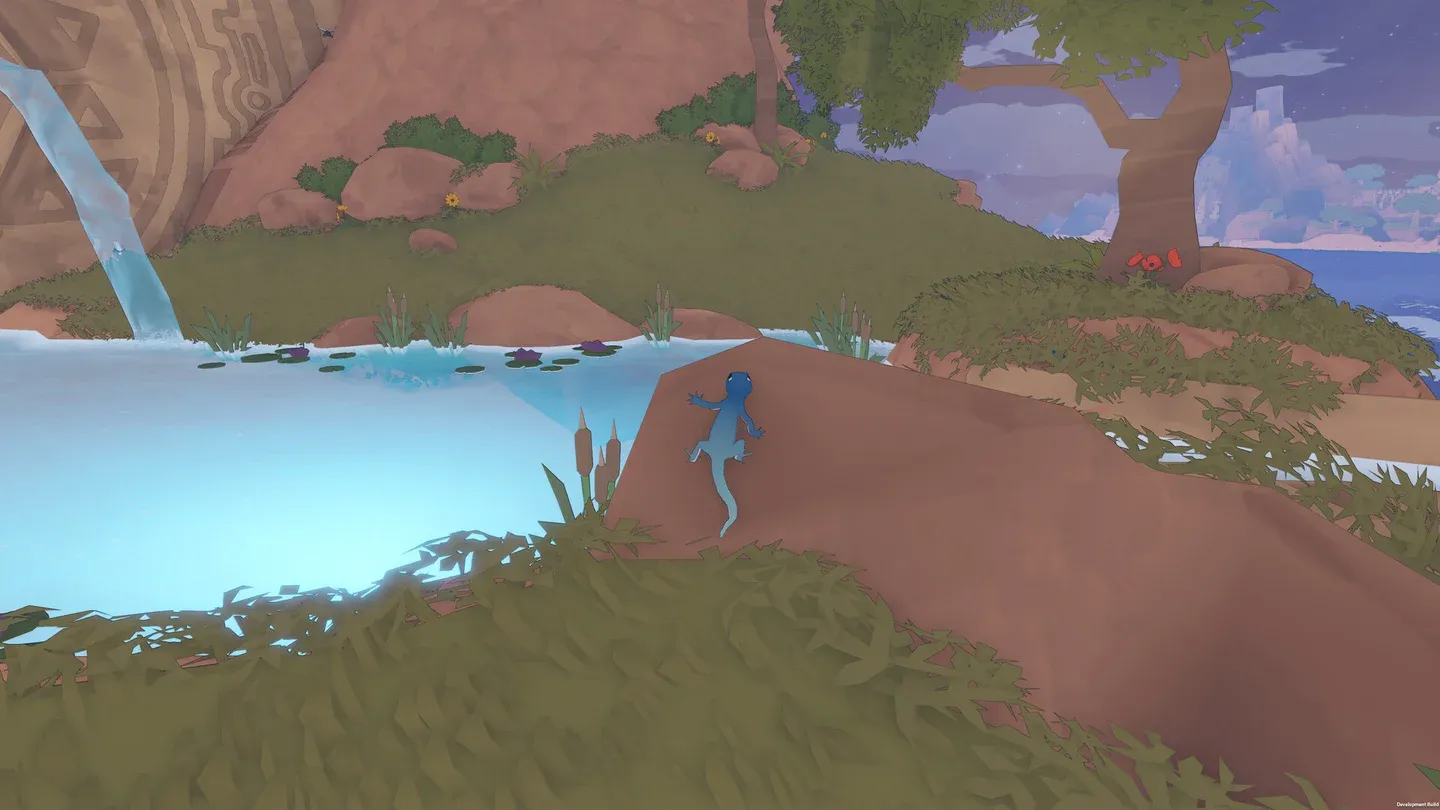
Ram enemies to clear the path
Puzzle approach: what's the right mindset?
The puzzles in Gecko Gods sit at a comfortable difficulty level, engaging without becoming genuinely frustrating. The environmental puzzle design rewards players who think spatially, which ties directly back to the wall-climbing movement. Before assuming a puzzle requires a specific ground-level solution, check whether climbing a nearby surface opens up a different angle entirely.
The game relies on autosave rather than manual saves, and the autosave does not give any visible notification when it triggers. Breather sections and open areas appear to function as checkpoint zones, but the game does not confirm this explicitly. Play through those quieter moments rather than rushing past them.
Steam Deck performance: what settings should you use?
Gecko Gods runs on Steam Deck but requires some deliberate settings adjustments to get a stable experience. The game is power-hungry for what it is visually, and even at default TDP the frame rate struggles to hold 50 FPS in open outdoor areas. Frame drops during active platforming are noticeable and affect playability.
After testing across different configurations, the recommended setup locks the frame rate to 30 FPS with a 90Hz refresh rate. Graphics and shadows both set to medium provides the best balance between visual quality and stability. Native resolution holds up well at this preset.
With these settings, average power draw sits between 11 and 14 watts in open areas, and the Steam Deck OLED delivers around 4 hours of battery life. Without the 30 FPS cap, power draw climbs to 17 watts or higher, cutting that battery window significantly. For a game this meditative, 30 FPS is genuinely fine. The slower pace means the frame rate cap never feels punishing.
Full controller support works out of the box, which is exactly what you want on handheld. The map currently has a bug where you cannot pan across it using the controller, so treat it as a reference tool rather than a navigation aid.
What accessibility options does Gecko Gods include?
Gecko Gods ships with a reasonable set of accessibility options. You get Vsync, auto camera, X and Y camera axis controls, and controller sensitivity adjustment. Controls are rebindable for both gamepad and mouse/keyboard setups.
Two gaps worth noting: there is no font scaling option, which makes some text small on the Steam Deck screen, and there is no colorblind support. The game supports 11 languages including English, French, German, Spanish, Japanese, Korean, Italian, Portuguese, Traditional Chinese, Simplified Chinese, and Brazilian Portuguese.
Known bugs and issues to watch for
Gecko Gods launched with several bugs that affected the experience in testing. A soft lock during the early quest to access the boat, where the final gate failed to open, required starting a new game. Enemy animations in cave areas had issues with projectile attacks. Camera behavior gets awkward when climbing objects with tight angles, often zooming uncomfortably close.
Patches have already addressed some of these issues. The boat recall conch horn location now appears on the minimap, which resolves one of the most disorienting early-game problems. Inresin appears to be actively working through the issue list, so the experience should improve over time.
For more guides covering puzzle-adventure games and platform recommendations, browse more guides at GAMES.GG to find the right game for your setup.