


The original Gothic had Marvin Mode built right in, a beloved cheat system that let you spawn items, toggle god mode, and generally break the game in entertaining ways. Gothic 1 Remake doesn't ship with that system. Alkimia Interactive left it out of the 2026 rebuild entirely, which means getting console commands working requires a detour through a third-party mod. Here's exactly how to do it safely.
How do you enable cheats in Gothic 1 Remake?
Because the remake runs on Unreal Engine 5 and has no native cheat system, the only reliable method is a mod hosted on Nexusmods. Trainers exist, but they carry a higher malware risk than a vetted Nexus upload, so the mod route is the safer call.
Head to Nexusmods and search for the Gothic 1 Remake console commands mod (it's currently the only one of its kind for the game). Follow the installation instructions on the mod page carefully.
Once the mod is installed, open the console in-game by double-tapping F1. A text input box will appear. Type your command and confirm it to execute.

Install via Nexusmods only
What are all the console commands available?
The mod unlocks a solid set of commands covering combat, time manipulation, weather, item management, and NPC spawning. Here's the full list organized by category.
Combat and survival commands
Time and weather commands
The setweather command accepts the following values: Sunny, Rain_Level1, Rain_Level2, Rain_Level3, Cloudy, and Count.
Crime and reputation commands
These are particularly handy if you've accidentally triggered a hostile reaction from a faction and want to reset the situation without reloading a save. If you're working through faction quests legitimately, the guide to joining the Old Camp explains how reputation and approval actually function.
Item commands
To find the exact item name for additem, run listitems first with a partial string. For example, typing listitems ore will return every item with "ore" in its name, giving you the exact identifier to use in the add command.
NPC spawning
This one requires knowing the exact class path of the NPC or enemy you want to spawn, which isn't documented in a simple list. It's mainly useful for testing or for players who want to experiment with encounters outside of normal progression.

Console open via double F1 tap
Should you use cheats on your first playthrough?
Honestly, no. Gothic 1 Remake is built around the friction of its early game. The difficulty, the lack of quest markers, the way NPCs react to your actions: all of it is intentional design. Using godmode from the start removes the loop that makes the game work. If you're struggling in the opening hours, the Gothic 1 Remake tips and tricks guide covers LP spending, faction survival, and combat timing without bypassing the experience entirely.
That said, cheats have legitimate uses: replaying content you've already finished, testing builds, exploring areas that are gated behind progression, or just having a sandbox session after completing the main story.
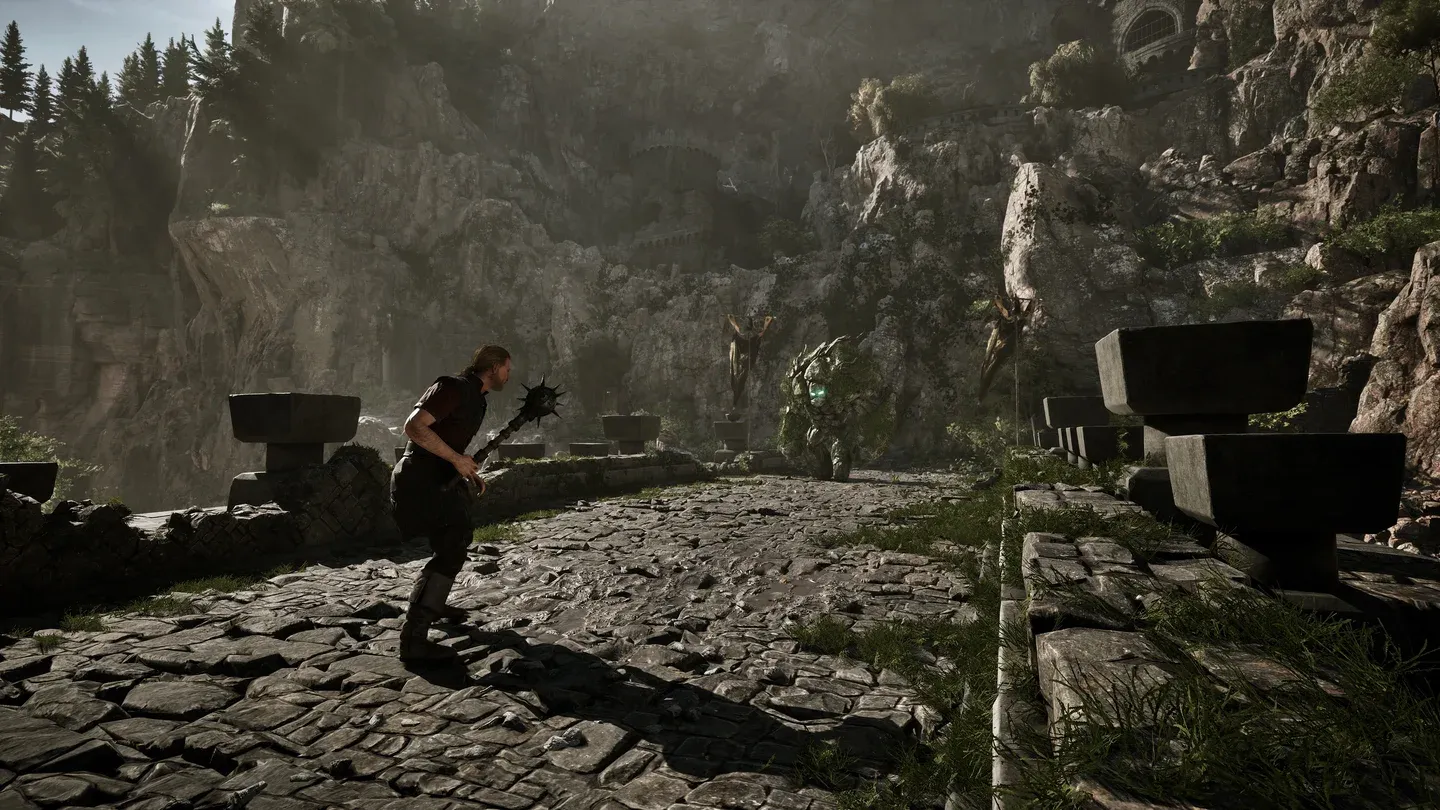
Godmode active in combat test
Full command list
For everything else related to surviving and thriving in the colony, the full Gothic 1 Remake guides collection covers factions, combat, skill trainers, and early-game priorities.