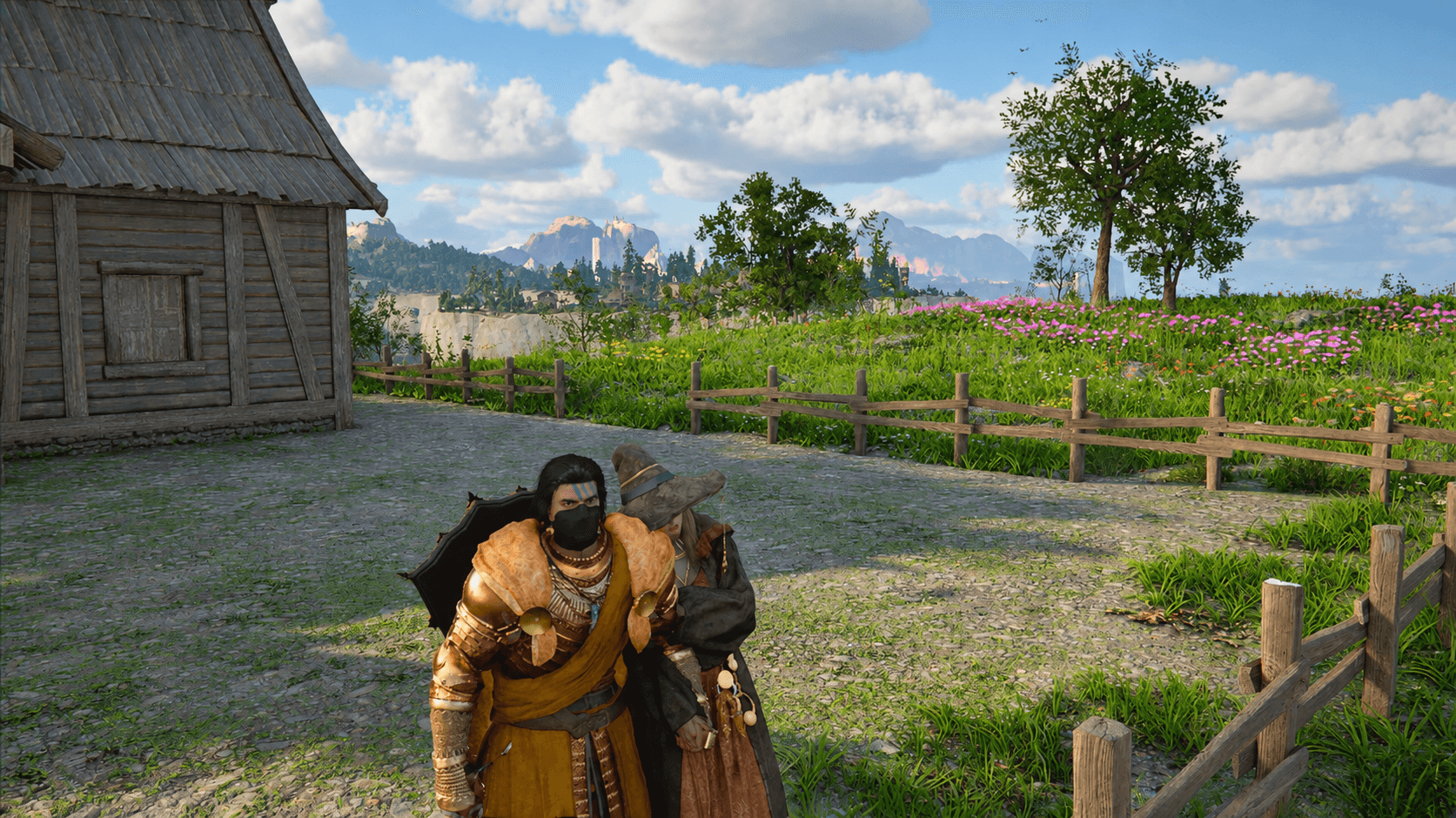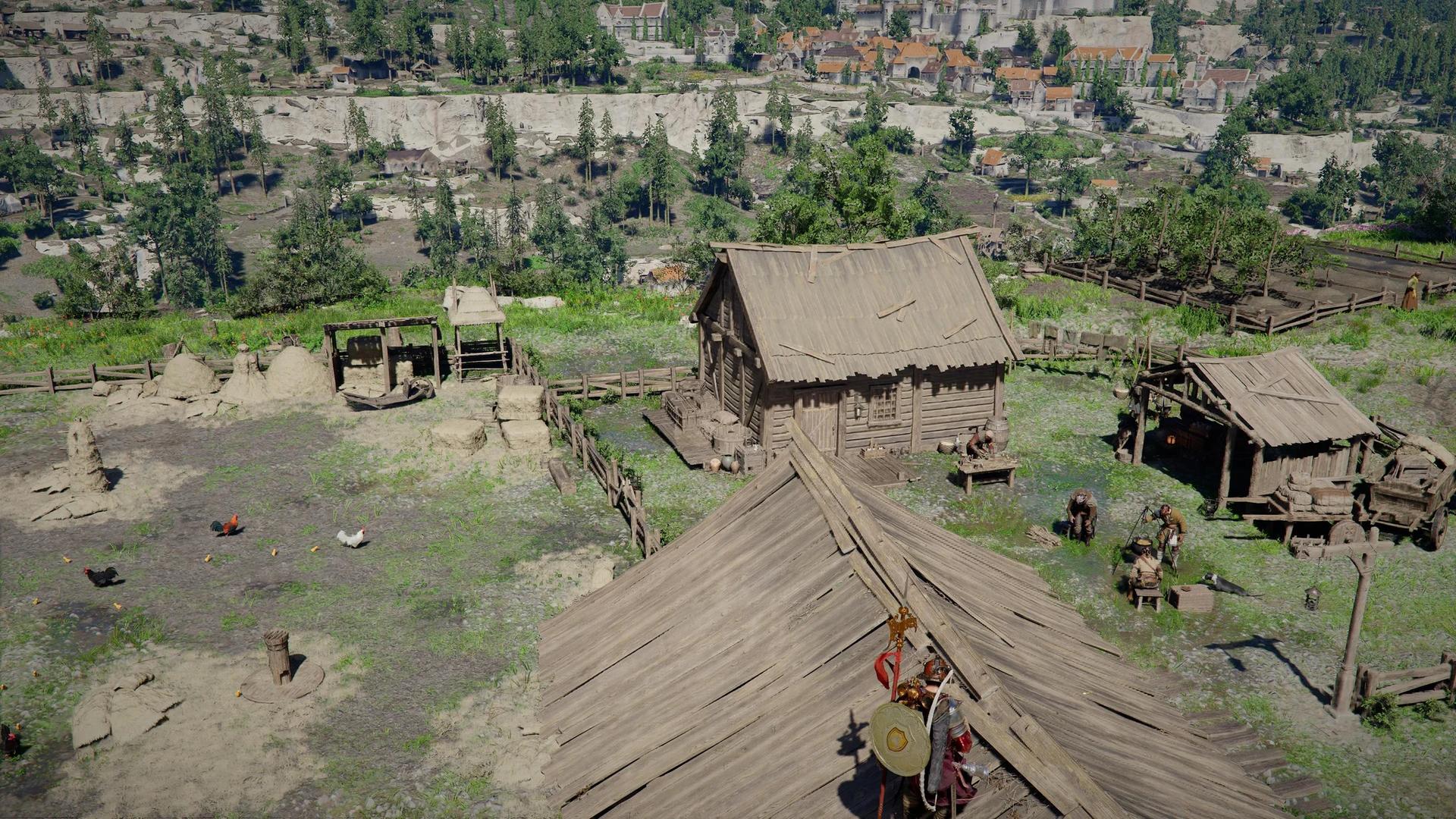

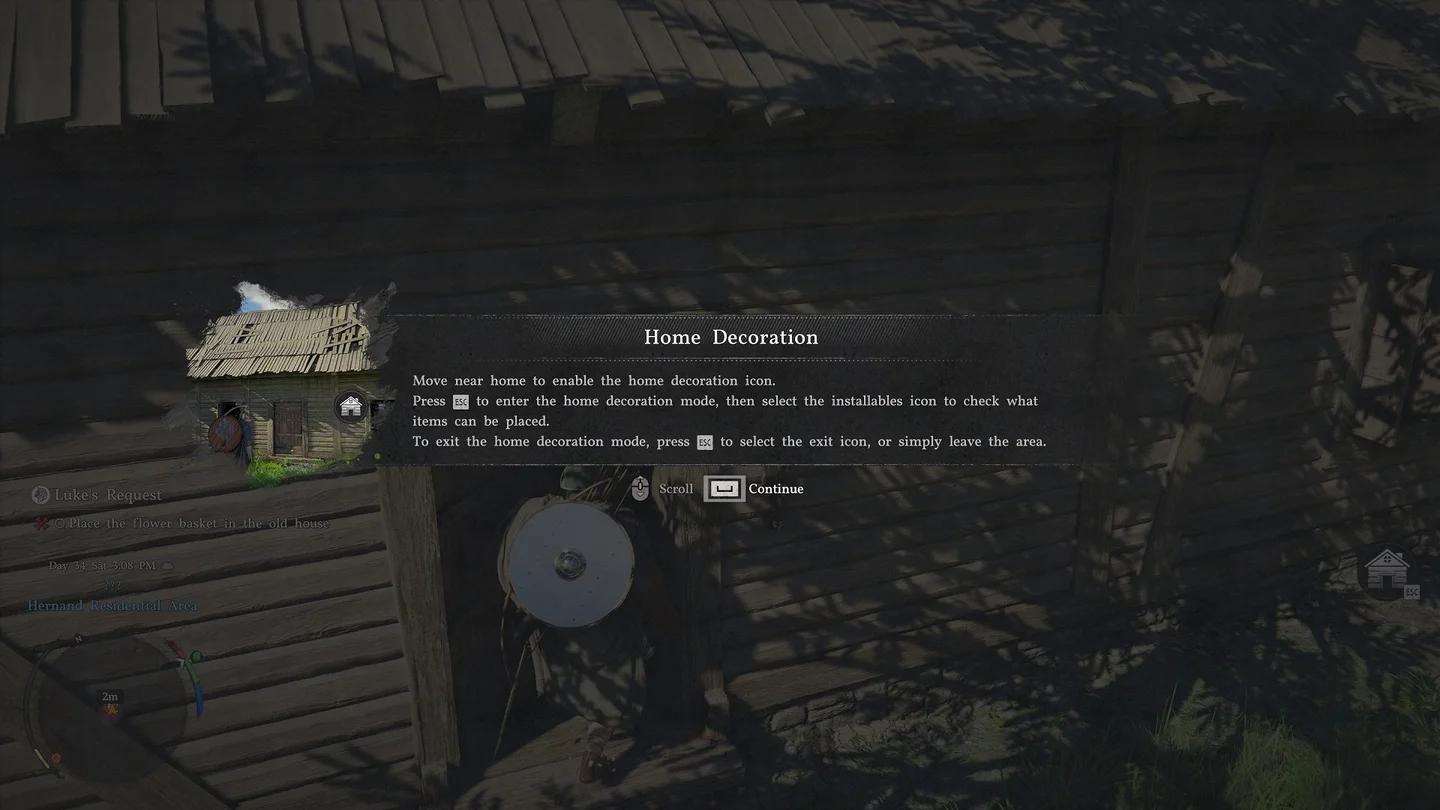
To unlock expanded housing in Crimson Desert, complete Luke's Request under the Greymane Faction's Grounds of the Sunrise quests and set up camp in Howling Hill. Then select Home Decoration > Layout > Free Construction to design your home's layout and place walls and windows yourself.
The expanded system arrives with Crimson Desert: Enhanced patch 2.04.00 and the Charting the Unknown DLC. The useful change is control over the building itself. Instead of only furnishing an existing house or selecting an available house type, you can now create a custom layout.
Which Greymane Faction quest unlocks expanded housing?
Luke's Request is the housing unlock quest. You'll find it within Grounds of the Sunrise, one of the Greymane Faction quest groups.
Expanded housing has two stated requirements, so check both before looking for Free Construction:
| Requirement | What you need to do |
|---|---|
| Greymane Faction quest | Complete Luke's Request under Grounds of the Sunrise |
| Camp location | Set up the camp in Howling Hill |
If you already have the Howling Hill camp, Luke's Request is the quest to check next. Access to the original house and access to the expanded construction system have different unlock conditions.
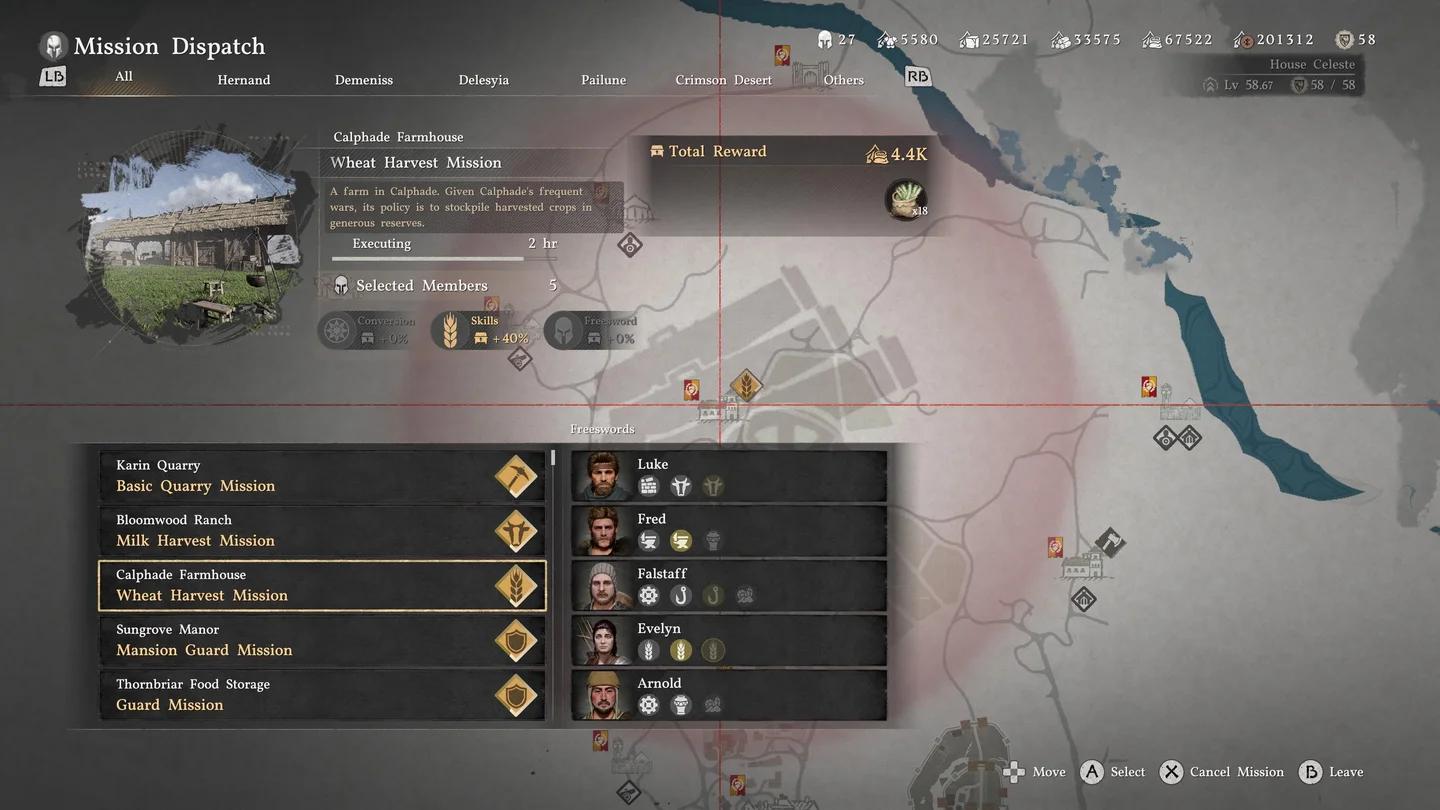
Find the housing unlock quest


Where must you set up camp before using expanded housing?
Your camp must be established in Howling Hill. Completing Luke's Request is only part of the unlock; patch 2.04.00 also specifies this camp location.
Your initial access to Howling Hill comes through the main story. After defeating Hornsplitter at the end of the second chapter, you return to Hernand City in the third chapter and speak with Marquis Serkis, who grants you Howling Hill.
Once the Greymane campsite is operating, the original house sits east of camp. Follow the path across the ravine and up toward the clifftops to find it. Its door is unlocked, and the initial interior has three rooms with a table and a bed.
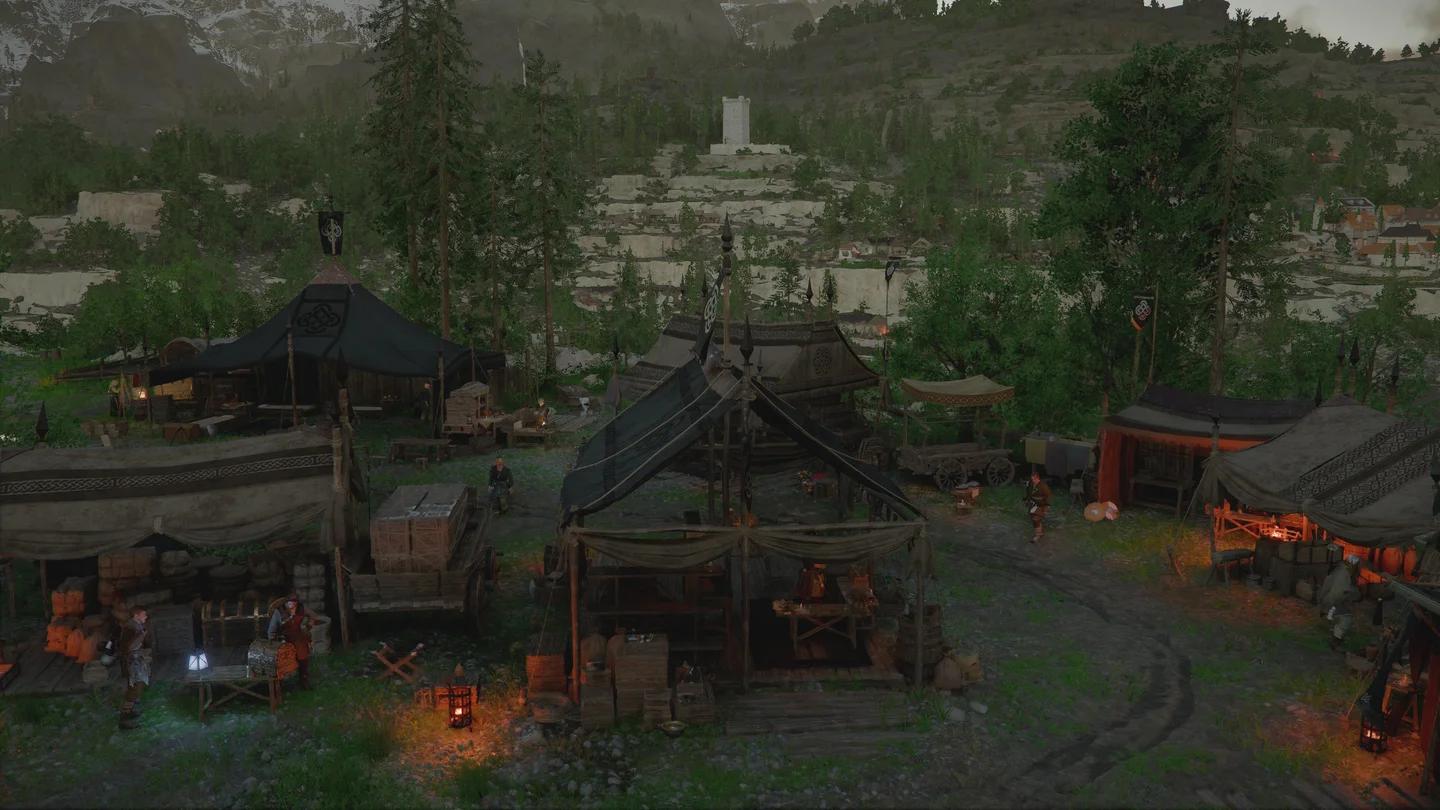
Set up camp at Howling Hill
Camp development also matters beyond this unlock: expanding the Greymane Camp increases your house options and can bring in a furnishings merchant. For help with another camp development task, follow the guide to getting an engineer at camp.
How do you access Free Construction?
The exact menu path is Home Decoration > Layout > Free Construction. After completing Luke's Request and establishing the Howling Hill camp, use that branch of the housing menu to reach the expanded building feature.
To navigate there:
- Enter your house and access Home Decoration.
- Select Layout.
- Choose Free Construction.
Open Layout for Free Construction
The existing home decoration editor provides an overhead view with the roof removed, letting you position furniture and confirm its placement. Free Construction is the option introduced for designing the layout and placing structural elements.
For the furniture-shopping and item-placement side of housing, use the housing and furnishing guide. That covers a different job than choosing where your walls and windows go.
How can you design your home's layout?
Select Free Construction to design and build your home's layout to your liking. This is the patch 2.04.00 feature to use when you want a custom layout, rather than simply arranging decorations within an existing interior.
How does Free Construction differ from the earlier housing options?
The earlier housing system offers four house types tied to your camp expansion level:
- Compact House
- Standard House
- Spacious House
- Spacious Pailunese House
Free Construction adds direct control over the layout and structural elements. Keep the distinction between choosing a house type, designing its structure, and furnishing it clear:
| Housing option | What it controls | Best for |
|---|---|---|
| Available house types | Selecting a house type supported by your camp expansion level | Starting with an existing house option |
| Free Construction | Designing the home's layout and placing walls and windows | Building a layout around your own preferences |
| Furniture decoration | Placing eligible decorations and furnishings | Adding tables, cabinets, lanterns, and other objects |
If your goal is changing the layout, head into Free Construction. If your goal is filling the rooms with furniture, the inventory decoration system is the relevant part of housing.
Can you place walls and windows yourself?
Yes. Expanded housing explicitly lets you place structural elements, including walls and windows, yourself. Access those building features through Home Decoration > Layout > Free Construction.
Walls and windows are the practical reason to use the new system. They give you control over the home's structure, while furniture decoration handles objects placed within your home.
Which new decorations arrive with expanded housing?
Patch 2.04.00 also adds more placeable objects for your house:
- Paths
- Trees
- Flowerbeds
- Cat watchtowers
- Puppy cushions
Cat watchtowers can be purchased from the newly added Cat Watchtower Merchant. These additions give you more objects to decorate with alongside the expanded structural options.
Common mistakes
Two housing mix-ups are easy to avoid once you separate construction, decoration, and storage:
- Stopping at Home Decoration. The new construction feature sits inside Layout, then Free Construction. Follow the full path when you want structural control.
- Buying decorative cabinets for storage. Ordinary cabinets and drawers sold as furniture cannot store your inventory items. Their appearance doesn't give them storage functionality.
Pro tips
Where can you get smaller furnishings?
Visit Alden's Provisioner's Shop in Hernand Town, opposite the blacksmith, for items such as bowls, plates, lanterns, and dolls. This is a useful stop when you want smaller decorations rather than another large wooden furnishing.
For cabinets, tables, and drawers, check the Furniture Shop along the upper roads southwest of town, above the farm. Choose those pieces for furnishing rooms, not for expanding inventory storage.
Can you craft decorations instead of buying them?
Workstations and Looms, introduced in version 1.12, support crafting house decorations such as braziers, fountains, and carpets. They provide another way to furnish the layout you build with the newer system.
You can find Workstations at the Greymane Camp, next to the furniture vendor, and at Timberham Sawmill. A Loom is available at the Hernand Tailor's Shop, with others at similar locations across Pywel.
Expanded housing FAQ
What is the exact Free Construction menu path?
Select Home Decoration > Layout > Free Construction. The expanded housing unlock requires completing Luke's Request and setting up the camp in Howling Hill.
Can you rest in the original Howling Hill house?
Yes. The original house includes a bed that lets you rest and pass time when you are fatigued enough.
How do you get more house types?
Expand the Greymane Camp. Your camp expansion level determines which of the four existing house types you can select while editing your home. For help with other camp tasks and systems across Pywel, browse the Crimson Desert guide collection.