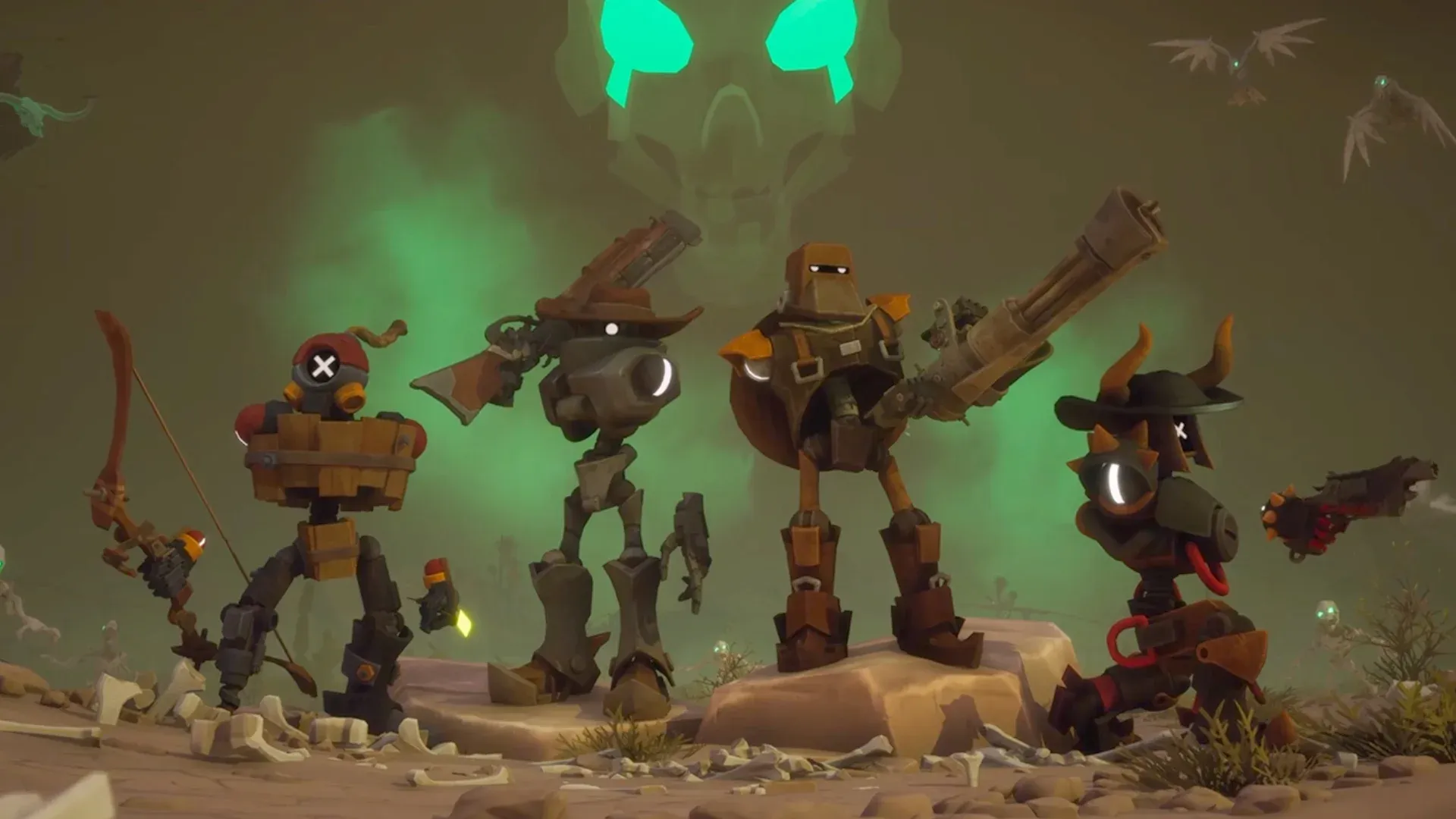


Far Far West 28 अप्रैल, 2026 को Steam Early Access पर लॉन्च हुआ, और यह आपकी उम्मीद से कहीं ज्यादा डिवाइसेस पर चलता है। यह गेम 1-से-4 प्लेयर वाला को-ऑप शूटर है, जहाँ रोबोट काउबॉय एक सुपरनैचुरल वाइल्ड वेस्ट में बाउंटी कॉन्ट्रैक्ट्स लेते हैं। इसमें अनडेड होर्ड्स और स्क्रीन-फिलिंग बॉसेस के खिलाफ सिक्स-शूटर्स और एलिमेंटल मैजिक का तड़का है। चाहे आप इसे गेमिंग PC पर चला रहे हों, ROG Ally जैसे हैंडहेल्ड पर, या अपने फोन पर स्ट्रीम कर रहे हों, सही सेटिंग्स गेम के अनुभव को पूरी तरह बदल देती हैं।
Far Far West किस तरह का गेम है?
Evil Raptor द्वारा विकसित और Fireshine Games द्वारा पब्लिश किया गया, Far Far West एक Action/Adventure को-ऑप शूटर है जो फिलहाल Steam पर Early Access में है। आप Town Sheriff से बाउंटी जॉब्स लेते हैं, रोबोट घोड़ों पर सवार होकर शापित रेगिस्तानों, डरावनी खदानों और घोस्ट टाउन्स में जाते हैं, और फिर दुश्मनों की लहरों और विशाल बॉसेस से लड़ते हुए ट्रेन पकड़कर वापस सुरक्षित स्थान पर लौटते हैं। कॉम्बैट में six-shooters और rifles के साथ elemental magic का मिश्रण है, इसलिए आपको फाइट के बीच में गनफायर और फायरबॉल्स के बीच स्विच करना पड़ता है। यह गेम 4 प्लेयर्स तक के लिए single-player और online co-op दोनों को सपोर्ट करता है।
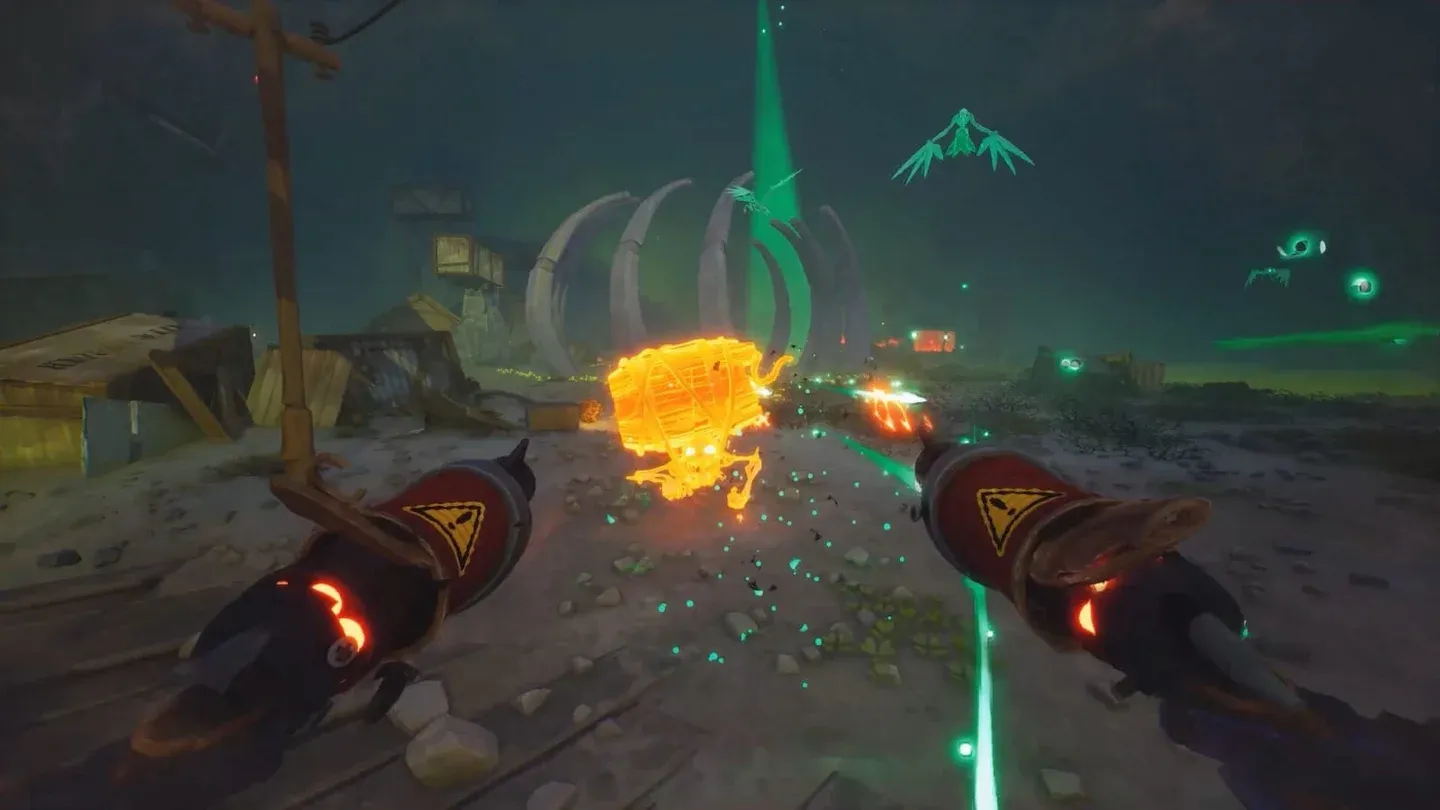
Bounty contract selection screen
ROG Ally और ROG Ally X के लिए बेस्ट सेटिंग्स
Far Far West, ROG Ally पर 1080p पर स्टेबल चलता है। लॉन्च के समय गेम को टेस्ट करने के बाद, परफॉरमेंस कुछ इस तरह है:
- 25W TDP पर, 1080p पर 50 से 60 FPS की उम्मीद रखें।
- इसे 18W TDP पर कम करें और आपको 1080p पर अभी भी 40+ FPS मिलेंगे, जो एक को-ऑप शूटर के लिए काफी है जहाँ फ्रेम-परफेक्ट टाइमिंग बहुत ज्यादा जरूरी नहीं होती।
TDP को एडजस्ट करने के लिए, Armoury Crate खोलें, Settings पर टैप करें, Operating Mode चुनें, और फिर Manual Mode पर स्विच करें। Command Center से, TDP स्लाइडर को अपने टारगेट वॉट पर सेट करें। VRAM के लिए, इसे ROG Ally VRAM सेटिंग्स के जरिए 8GB या उससे ऊपर सेट करें।
ग्राफिक्स सेटिंग्स: 25/30W प्रोफाइल (1080p)
ये सेटिंग्स ROG Ally पर 1080p पर 25W या 30W पर स्टेबल परफॉरमेंस देती हैं:
18W प्रोफाइल में भी बिल्कुल यही सेटिंग्स इस्तेमाल होती हैं। अंतर सिर्फ TDP में है, ग्राफिक्स कॉन्फ़िगरेशन में नहीं।
AMD FSR को Performance पर क्यों रखें?
AMD FSR को Performance मोड पर सेट करने से काफी फर्क पड़ता है। ROG Ally के डिस्प्ले पर 1080p पर, अपस्केलिंग आर्टिफैक्ट्स बहुत कम होते हैं, और फ्रेम रेट में होने वाला फायदा इसे सही साबित करता है। Frame Generation को ऑफ रखा गया है क्योंकि ROG Ally का हार्डवेयर डेस्कटॉप GPU की तरह इसका फायदा नहीं उठा पाता, और इससे होने वाली एक्स्ट्रा लेटेंसी एक फास्ट-पेस्ड शूटर में मदद करने के बजाय नुकसान पहुंचाती है।
Far Far West को मोबाइल (iOS और Android) पर कैसे खेलें
फिलहाल Far Far West का कोई नेटिव मोबाइल वर्जन नहीं है। अप्रैल 2026 तक गेम की कोई आधिकारिक Android या iOS रिलीज डेट घोषित नहीं की गई है। अभी फोन या टैबलेट पर इसे खेलने का एकमात्र तरीका remote desktop streaming है।
सेटअप बहुत आसान है: आपका PC पूरा गेम चलाता है, और आपका मोबाइल डिवाइस स्क्रीन और कंट्रोलर बन जाता है। StarDesk एक फ्री रिमोट गेमिंग टूल है जो iOS, Android, Mac, और Windows को सपोर्ट करता है, और सपोर्टेड हार्डवेयर और नेटवर्क पर 4K और 144 FPS तक की स्ट्रीमिंग देता है।
इसे तीन स्टेप्स में कैसे सेटअप करें
- अपने होस्ट PC पर Far Far West इंस्टॉल करें और सुनिश्चित करें कि Steam नॉर्मली लॉन्च हो रहा है।
- अपने PC और मोबाइल डिवाइस दोनों पर StarDesk डाउनलोड करें, फिर दोनों पर एक ही अकाउंट से साइन इन करें।
- अपने फोन या टैबलेट पर StarDesk खोलें, अपने PC से कनेक्ट करें, और डेस्कटॉप से Far Far West लॉन्च करें।
आपका फोन गेम को स्टोर नहीं करता। आपका PC सारा प्रोसेसिंग, सेव्स और Steam अपडेट्स संभालता है। फोन सिर्फ डिस्प्ले और कंट्रोल का काम करता है।
Far Far West के लिए बेस्ट मोबाइल सेटिंग्स क्या हैं?
फोन पर खेलने के लिए, इन सेटिंग्स से शुरुआत करें:
- लैंडस्केप मोड
- 1080p और 60 FPS स्ट्रीमिंग क्वालिटी से शुरुआत करें
- अगर आपका नेटवर्क अनस्टेबल है, तो रेजोल्यूशन कम कर दें
- कॉम्बैट-हेवी सेशंस के लिए ब्लूटूथ कंट्रोलर का उपयोग करें
- एक्शन बटन्स (फायर, ऐम, जंप, रिलोड, इंटरैक्ट, स्पेल्स) को अपने अंगूठों के पास रखें
टैबलेट पर खेलने के लिए, अगर आपका Wi-Fi मजबूत है तो स्ट्रीमिंग को 1080p या उससे ऊपर ले जाएं। बड़ी स्क्रीन दुश्मनों को स्पॉट करने, अपग्रेड्स मैनेज करने और मिशन के उद्देश्यों को पढ़ने में काफी मदद करती है। को-ऑप मिशन के लिए ब्लूटूथ के जरिए कनेक्टेड कंट्रोलर ही रिकमेंडेड इनपुट मेथड है।
टच कंट्रोल्स के लिए की-मैपिंग
अगर आप कंट्रोलर के बजाय टच पसंद करते हैं, तो StarDesk का Key Mapping एडिटर आपको स्क्रीन पर कहीं भी कस्टम बटन्स लगाने की सुविधा देता है। Far Far West के लिए सबसे उपयोगी बाइंडिंग्स ये हैं:
- मूवमेंट के लिए W / A / S / D
- शूटिंग के लिए लेफ्ट माउस बटन
- ऐमिंग या अल्टरनेट फायर के लिए राइट माउस बटन
- रिलोड के लिए R
- इंटरैक्ट के लिए E
- जंप के लिए Space
- स्प्रिंट या डैश के लिए Shift
- स्पेल्स और एबिलिटीज के लिए नंबर कीज़
- मिशन या इन्वेंट्री पैनल्स के लिए Tab
- मेन्यू के लिए Esc
एडिटर को एक्सेस करने के लिए: StarDesk में अपने PC से कनेक्ट करें, Panel पर टैप करें, Key Mapping इनेबल करें, फिर KeysEdit पर टैप करें। अपना खुद का लेआउट बनाने से पहले Switch Control Scheme → Official Plan के तहत किसी आधिकारिक प्रीसेट को चेक करें।
परफॉरमेंस तुलना: ROG Ally बनाम मोबाइल स्ट्रीमिंग
लेटेस्ट रिलीज और ऑप्टिमाइजेशन टिप्स के लिए और गाइड्स देखने के लिए, GAMES.GG पर और गाइड्स ब्राउज़ करें ताकि आप अपनी लाइब्रेरी के दूसरे टाइटल्स के लिए सेटअप ढूंढ सकें।