
Fortnite's Save The World mode free-to-play हो गया है, और Epic Games इस मौके को खास बनाने के लिए लिमिटेड Twitch Drops दे रहा है जो April 20 को 11:59 PM ET तक expire हो जाएंगे। इसमें तीन rewards हैं, जिसमें एक Legendary Urban Assault Headhunter Hero भी शामिल है, और इन्हें grab करने का time बहुत कम है। अगर deadline miss हो गई तो ये rewards हमेशा के लिए gone हो जाएंगे।
Fortnite Save The World Twitch Drop rewards क्या हैं?
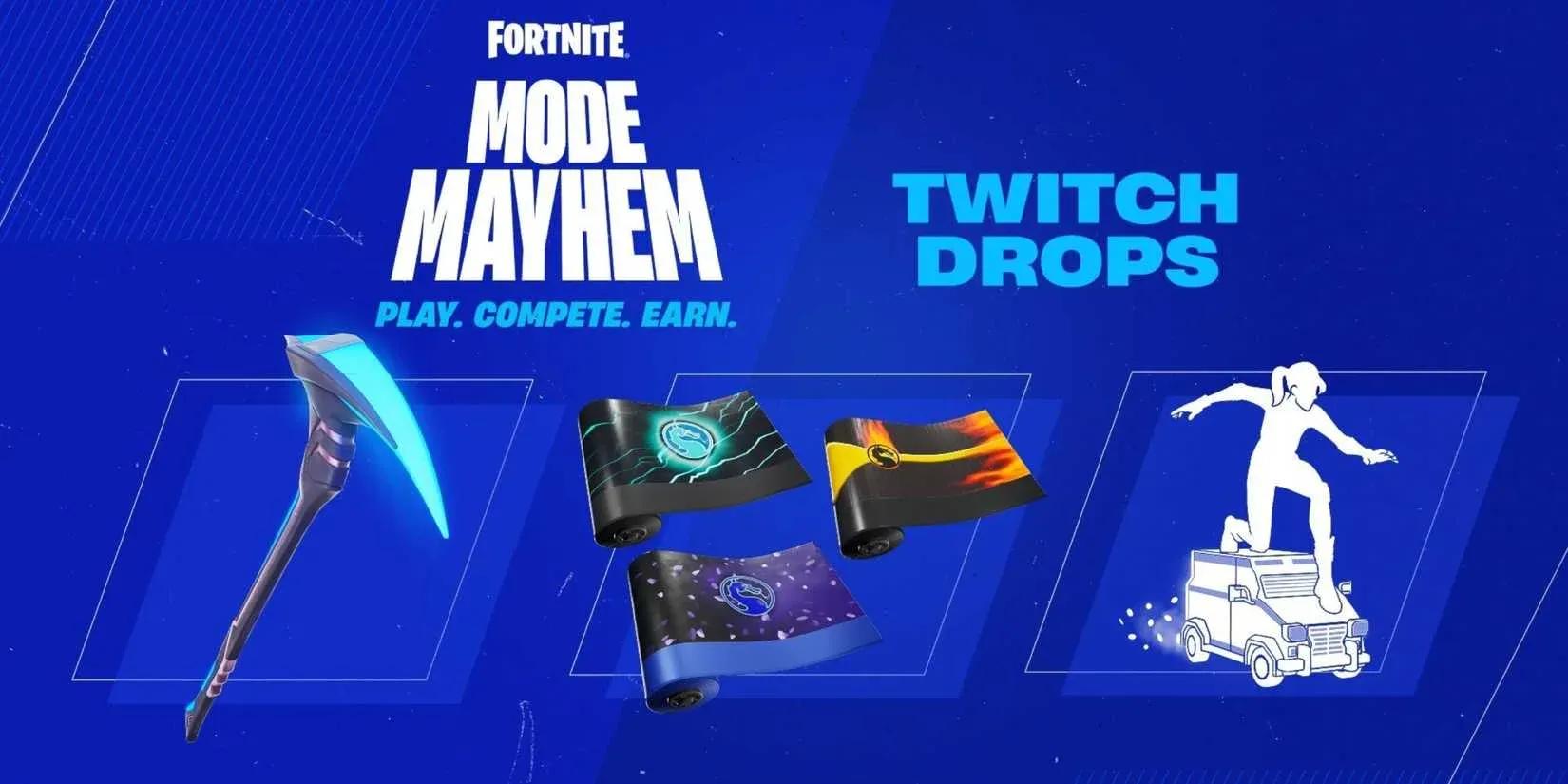
इस Twitch Drop campaign के तहत तीन items available हैं, जो खास Save The World streams से tied हैं। General Fortnite content देखने से ये count नहीं होंगे। आपको Twitch पर Save The World category के तहत tagged stream देखनी होगी।
यहां हर reward का पूरा breakdown दिया गया है, उसे unlock करने के लिए कितना watch time चाहिए, और हर एक कब expire होगा:
| Reward | Watch Time Required | Expiration |
|---|---|---|
| Save The World Emoticon | 30 minutes | April 20, 11:59 PM ET |
| Storm Chasers Spray | 1 hour | April 20, 11:59 PM ET |
| Legendary Urban Assault Headhunter Hero | 4 hours | April 20, 11:59 PM ET |
यहां Legendary Urban Assault Headhunter Hero सबसे खास reward है। 4 घंटे के watch time के साथ, इसमें सबसे ज्यादा commitment चाहिए, लेकिन यह batch का सबसे rare item भी है, considering how narrow the eligibility window is.
All three STW drop rewards

Twitch Drops के लिए अपना account कैसे set up करें
देखना शुरू करने से पहले, आपका Epic Games account Twitch से linked होना चाहिए। अगर यह step skip किया तो आपका watch time register नहीं होगा, चाहे आप stream पर कितनी भी देर रहें।
इन steps को follow करें:
- epicgames.com पर अपने Epic Games account में Sign in करें।
- Account settings में अपना platform select करें।
- Connected Accounts section पर जाएं और अपना Twitch account link करें।
- Twitch open करें और drops enabled tag वाली Fortnite Save The World stream ढूंढें।
- Stream देखें जब तक आपके progress milestones पूरे न हो जाएं।
आप किस streamer को देखते हैं, इस पर कोई restriction नहीं है। कोई भी channel जो Save The World stream कर रहा हो और drops enabled हो, वो count होगा, इसलिए जिसे आप सबसे ज्यादा watchable पाएं उसे चुनें और चलने दें।
Earn करने के बाद अपने drops कैसे claim करें
Drop earn करना और drop claim करना दो अलग-अलग actions हैं। जैसे ही आपका watch time किसी milestone तक पहुंचता है, Twitch आपके Drops Inventory page पर reward को ready के तौर पर flag कर देगा। आपको वहां जाकर उसे manually claim करना होगा, इससे पहले कि वह आपके Fortnite Locker में transfer हो।
Process straightforward है:
- Qualifying Save The World stream देखें जब तक milestone watch time पूरा न हो जाए।
- Twitch inbox या Drops Inventory page पर claim notification check करें।
- Reward पर Claim पर click करें।
- Fortnite launch करें और अपने Locker में new item check करें।
ये drops आपके time के worth क्यों हैं
Save The World का free-to-play होना Fortnite के original mode के लिए एक significant shift है। Epic Games ने April 16 को Fortnite v40.20 update के साथ इस change की confirmation दी थी, और ये Twitch Drops उस launch के celebration के तौर पर appear हो रहे हैं। Specific, short-window events से tied items tend to stay exclusive, which makes the Legendary Urban Assault Headhunter Hero particularly worth the four-hour investment.
More Fortnite guides और latest gaming coverage के लिए, GAMES.GG पर more guides browse करें ताकि आप हर limited-time opportunity पर update रहें।