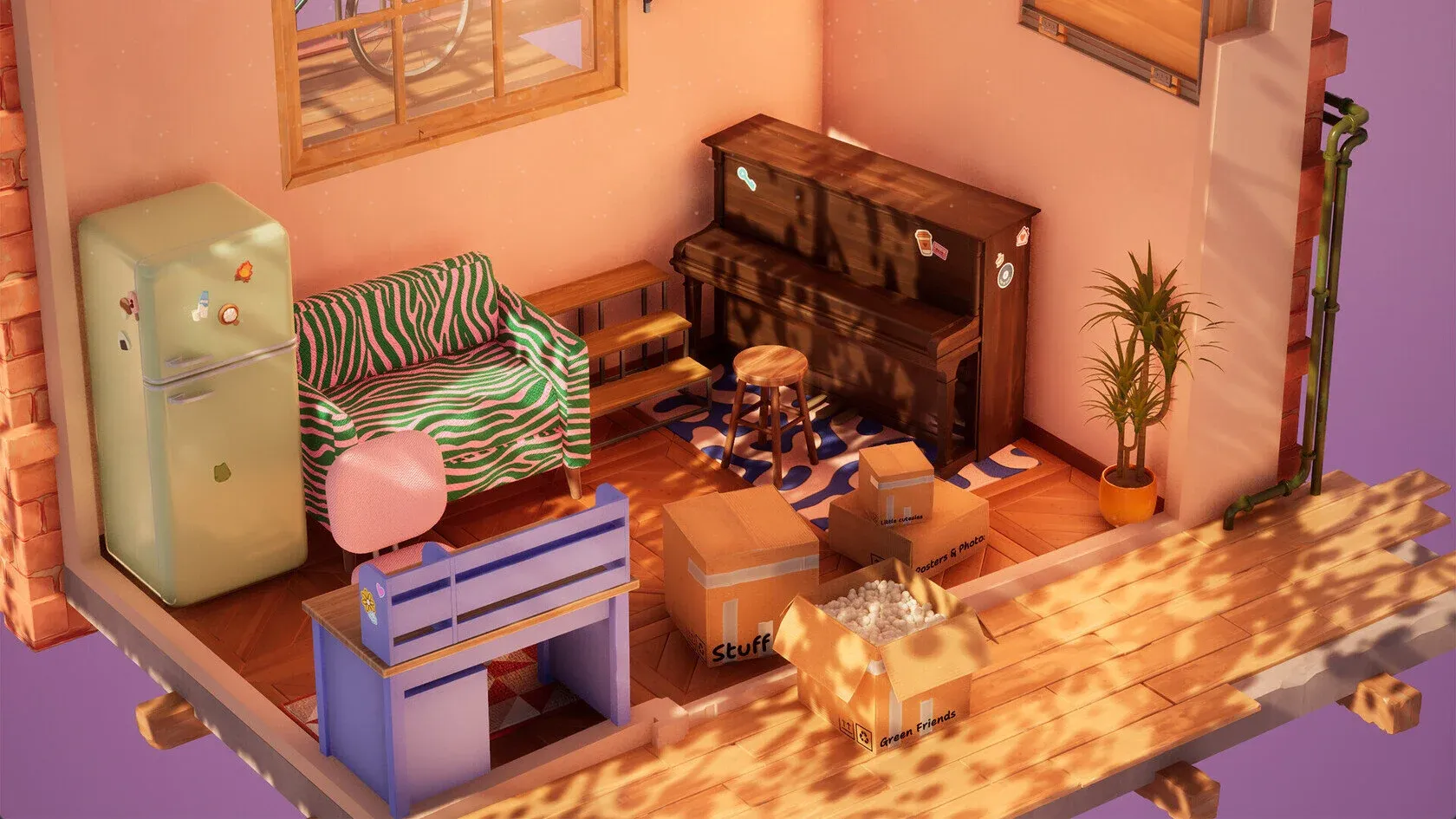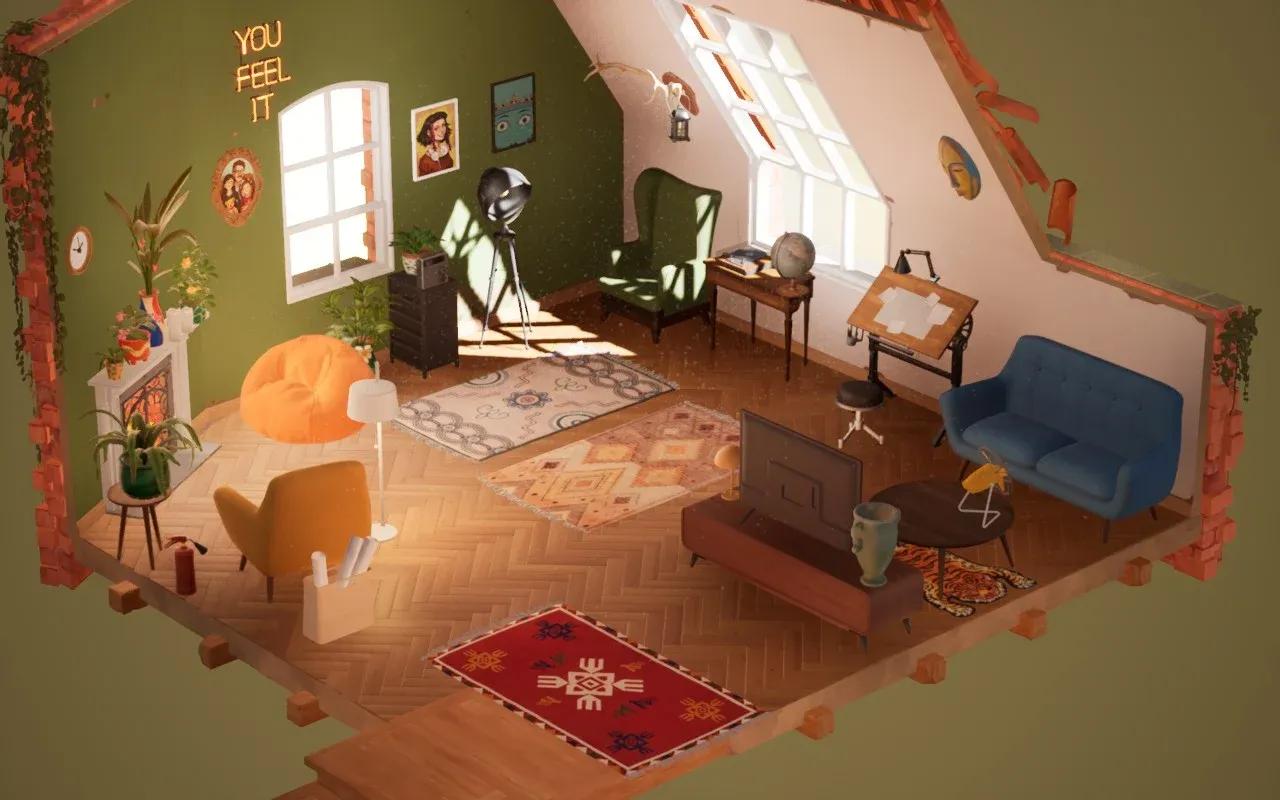

Hozy उन दुर्लभ गेम्स में से एक है जहाँ गेम का लूप ही अपने आप में रिवॉर्ड है। आप एक धूल भरे, बिखरे हुए कमरे में जाते हैं, उसे साफ करते हैं, दीवारों पर पेंट करते हैं, फर्नीचर के बॉक्स खोलते हैं, और धीरे-धीरे एक अस्त-व्यस्त जगह को ऐसी जगह में बदलते हुए देखते हैं जो वाकई एक घर जैसा महसूस होता है। इसमें 9 मेन लेवल्स हैं, कोई कॉम्बैट नहीं, कोई टाइमर नहीं, और आपके अपने एस्थेटिक स्टैंडर्ड्स के अलावा कोई प्रेशर नहीं है। हालाँकि, कुछ मैकेनिक्स नए प्लेयर्स को परेशान कर सकते हैं, और कुछ कमरे दूसरों की तुलना में बैलेंस करने में काफी मुश्किल होते हैं। यह गाइड सिस्टम रिक्वायरमेंट्स और कंट्रोल्स से लेकर एडवांस डेकोरेटिंग स्ट्रैटेजीज और उन लेवल्स तक सब कुछ कवर करती है जहाँ आप अक्सर स्क्रीन को घूरते हुए सोचेंगे कि क्या गलत हो गया।
Hozy चलाने के लिए आपको क्या चाहिए?
बाकी सब चीजों से पहले, अपने स्पेक्स चेक करें। गेम का कार्टून जैसा आर्ट स्टाइल धोखा देने वाला हो सकता है; यह अभी भी हर कमरे में इंटरैक्टिव फिजिक्स और हाई-क्वालिटी टेक्सचर्स को हैंडल करता है। यहाँ मिनिमम और रिकमेंडेड रिक्वायरमेंट्स दी गई हैं:
| Requirement | Minimum | Recommended |
|---|---|---|
| OS | Windows 10 (64-bit) | Windows 11 (64-bit) |
| Processor | Intel Core i3-6100 / AMD Ryzen 3 1200 | Intel Core i5-8400 / AMD Ryzen 5 2600 |
| Memory | 8 GB RAM | 16 GB RAM |
| Graphics | NVIDIA GTX 760 / AMD Radeon R7 260x | NVIDIA GTX 1060 / AMD Radeon RX 580 |
| Storage | 5 GB available | 10 GB (SSD recommended) |
रिकमेंडेड स्पेक से नीचे गेम चलाने पर गेम क्रैश नहीं होगा, लेकिन क्लीनिंग फेज के दौरान आने वाले स्टटर्स उस ASMR एटमॉस्फेयर को खराब कर देते हैं जो Hozy को खेलने लायक बनाता है।
शुरू करने से पहले स्पेक्स चेक करें

कोर गेमप्ले लूप कैसे काम करता है?
Hozy का हर कमरा एक ही चार-फेज वाले स्ट्रक्चर को फॉलो करता है। किसी भी फेज को स्किप करना या जल्दबाजी करना बाद में समस्याएं पैदा करता है, इसलिए सही क्रम को समझना जरूरी है।
फेज 1: क्लीनिंग
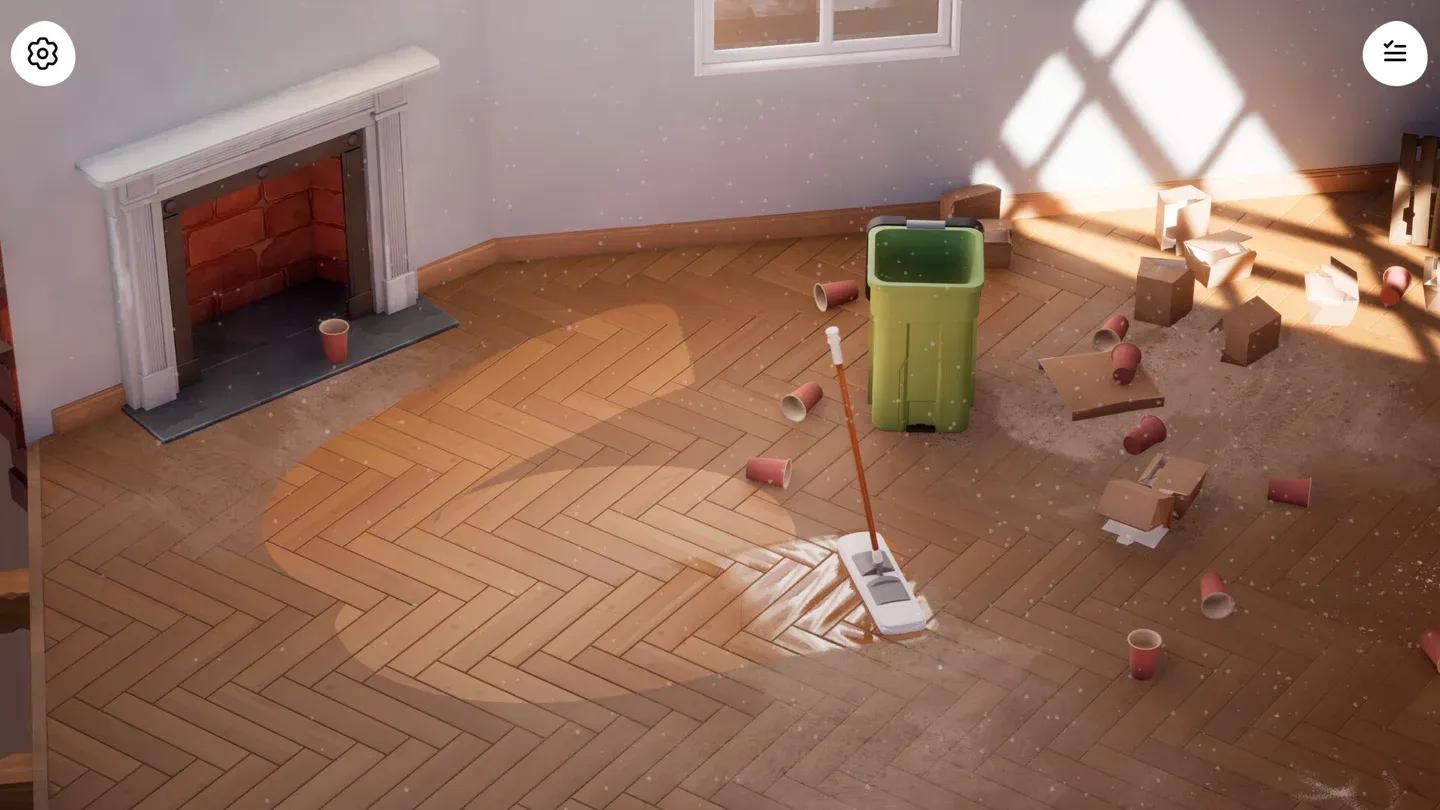
क्लीनिंग ही आधार है। आप धूल और गंदगी से भरे कमरे में फर्नीचर को ठीक से नहीं रख सकते। चार मुख्य क्लीनिंग टास्क हैं: कचरा उठाना, खिड़कियां साफ करना, फर्श पर पोछा लगाना, और दीवारों को तैयार करना। यहाँ ऑडियो क्यूज पर ध्यान दें: एक तीखी 'चीं' (squeak) की आवाज का मतलब है कि सतह 100% साफ हो गई है, और धूल की मोटी परतें हटने के बाद पोछे की आवाज में भी साफ बदलाव आता है।
एक प्रैक्टिकल ट्रिक: बार-बार पूरे कमरे में चलने के बजाय डस्टबिन को अपने काम करने वाली जगह के पास ले आएं। आपके कैरेक्टर की सामान उठाने की क्षमता सीमित है, और फालतू के कदम जल्दी बढ़ जाते हैं।
फेज 2: पेंटिंग और वॉलपेपर
एक बार कमरा साफ हो जाने पर, आप अपना कलर स्कीम चुनें। पेंट गीला होता है और सूखने पर उसका फिनिश बदल जाता है, इसलिए चमक कम होने के बाद रंग थोड़े अलग दिखेंगे। फायरप्लेस वाले कमरों के लिए, टेराकोटा और हल्के नारंगी जैसे वार्म टोन एम्बिएंट ग्लो के साथ अच्छे लगते हैं। छोटे अपार्टमेंट्स में, हल्के शेड्स जगह को बड़ा दिखाते हैं।
पेंटब्रश और रोलर दीवारों पर पहले से मौजूद तस्वीरों और पोस्टर्स के ऊपर से आसानी से चल जाएंगे और उन्हें खराब नहीं करेंगे। पेंट करने के लिए आपको कभी भी दीवारों को पूरी तरह खाली करने की जरूरत नहीं है।
फेज 3: बॉक्स खोलना
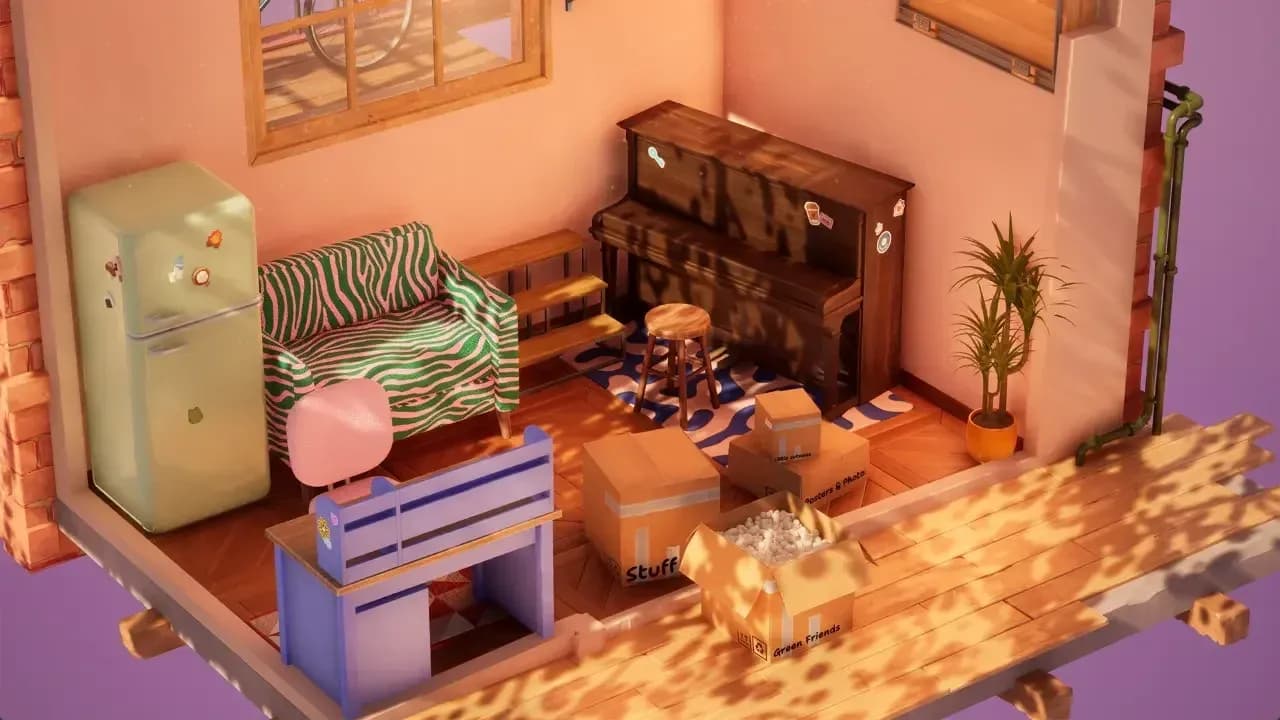
बॉक्स पर उनके अंदर का सामान लिखा होता है: लाइट्स, बड़ी चीजें, टेक, फूल, दीवार का सामान, और एक "Other" कैटेगरी। सबसे पहले Huge बॉक्स खोलें। बड़ी चीजों में आमतौर पर सोफे, फ्रिज और बड़े शेल्फ यूनिट्स होते हैं। छोटे बॉक्स खोलने से पहले इन्हें अपनी जगह पर रख दें, क्योंकि अगर बड़ा फर्नीचर सेट न हो, तो "Other" कैटेगरी की छोटी चीजें विजुअल शोर (visual noise) में खो जाती हैं।
फेज 4: अरेंजिंग और डिटेलिंग
यहीं पर कमरा असल में तैयार होता है। मोमबत्तियां, पौधे और डेस्क ऑब्जेक्ट्स जैसी छोटी चीजें फर्नीचर के बड़े जोन सेट होने के बाद सबसे आखिर में रखें।
| Phase | Primary Actions | Goal |
|---|---|---|
| Cleaning | कचरा उठाना, खिड़कियां साफ करना, पोछा लगाना | वर्कस्पेस को पूरी तरह साफ करना |
| Renovation | दीवारों पर पेंट, वॉलपेपर चुनना | बेसिक एस्थेटिक सेट करना |
| Installation | Huge फर्नीचर खोलना और सेट करना | फंक्शनल जोन बनाना |
| Detailing | पौधे, मोमबत्तियां, छोटी सजावट | पर्सनालिटी जोड़ना और वाइब फिनिश करना |
सबसे पहले Huge बॉक्स खोलें
चेकलिस्ट को हैंडल करने का सबसे अच्छा तरीका क्या है?
हर लेवल में एक टास्क लिस्ट होती है, और किसी भी चीज को छूने से पहले उसे पढ़ना फायदेमंद होता है। पूरे किए गए टास्क टॉप-राइट कॉर्नर में दिखाई देते हैं। अगर आपकी पूरी कोशिश के बावजूद कोई टास्क चेक-ऑफ नहीं हो रहा है, तो इसका कारण लगभग हमेशा क्लीनिंग का कोई अधूरा स्टेप होता है। वापस जाकर खिड़की के दाहिने हिस्से को देखें, किसी ऐसे दराज को चेक करें जिसे बंद करने की जरूरत है, या उस कोने में फिर से पोछा लगाएं जिसे आपने छोड़ दिया था। गेम फर्नीचर प्लेसमेंट को पूरा मानने से पहले क्लीनिंग फेज के 100% पूरा होने की मांग करता है।
कमरे को बिखरा हुआ दिखने के बजाय बैलेंस कैसे करें?
यहीं पर ज्यादातर प्लेयर्स अटक जाते हैं, और यही कारण है कि कुछ लेवल्स का कंप्लीशन रेट दूसरों की तुलना में काफी कम है। Dreams और Cafe लेवल्स का कंप्लीशन रेट लगभग 10-12% है, जबकि शुरुआती कमरों का रेट काफी ज्यादा है। समस्या मैकेनिकल कॉम्प्लेक्सिटी की नहीं है; यह विजुअल लॉजिक की है।
यहाँ वे स्ट्रैटेजीज दी गई हैं जो वाकई काम करती हैं:
- रग्स (rugs) से जोन डिफाइन करें। फायरप्लेस के सामने एक आलीशान रग पढ़ने का जोन बनाता है। डेस्क के नीचे एक छोटी पैटर्न वाली रग काम करने का जोन मार्क करती है। कमरे को स्ट्रक्चर देने का सबसे तेज़ तरीका रग्स हैं।
- वर्टिकल स्पेस का इस्तेमाल करें। दीवारें और शेल्फ सिर्फ सजावट के लिए नहीं हैं; वे विजुअल वेट को स्टोर करने के लिए हैं। दीवारों पर फैले मास्क, घड़ियां और पेंटिंग्स उस "सब कुछ फर्श पर है" वाली समस्या को रोकते हैं।
- लाइटिंग को लेयर करें। सिर्फ ओवरहेड लाइट्स से कमरे सपाट लगते हैं। कोनों में फ्लोर लैंप्स, मेंटल और डेस्क पर टेबल लैंप्स, और फायरप्लेस पर मोमबत्तियों के क्लस्टर का कॉम्बिनेशन इस्तेमाल करें। सनसेट लैंप्स ड्रामेटिक वार्म ग्लो देते हैं, शेल्फ के साथ फेयरी लाइट्स सॉफ्ट इफेक्ट बनाती हैं, और डेस्क लैंप्स पियानो या ड्राफ्टिंग टेबल के पास के एरिया के लिए बेस्ट हैं।
- सब कुछ रोटेट करें। किसी आइटम को पकड़ते समय उसे रोटेट करने के लिए स्क्रॉल व्हील का इस्तेमाल करें। कुर्सी पर हल्का सा 5-डिग्री का झुकाव कमरे को 'स्टेज' की तरह दिखने के बजाय 'लिव्ड-इन' (रहने लायक) लुक देता है।
क्या आप उन चीजों को हटा सकते हैं जो आपको नहीं चाहिए?
हाँ। किसी भी ऑब्जेक्ट को कमरे की सीमा के बाहर छोड़ दें और वह डिस्कार्ड बॉक्स में चला जाएगा। इसका मतलब है कि आपके पास क्लटर (गंदगी) पर पूरा कंट्रोल है। क्या तीन रग्स बहुत ज्यादा लग रहे हैं? एक को बाहर फेंक दें। क्या टाइगर रग बाकी चीजों के साथ मैच नहीं कर रहा? उसे हटा दें। गेम सभी प्रोवाइडेड आइटम्स का इस्तेमाल करने के लिए प्रोत्साहित करता है, लेकिन आपकी क्रिएटिव संतुष्टि प्राथमिकता है। कुछ प्लेयर्स अजीब दिखने वाले टुकड़ों को बड़े फर्नीचर के पीछे छिपा देते हैं, जो कि एक वैलिड तरीका है।
Hozy के कौन से लेवल्स सबसे कठिन हैं?
Hozy में 9 मेन लेवल्स हैं, और वे सभी एक तरह की चुनौती नहीं देते। यहाँ ब्रेकडाउन है:
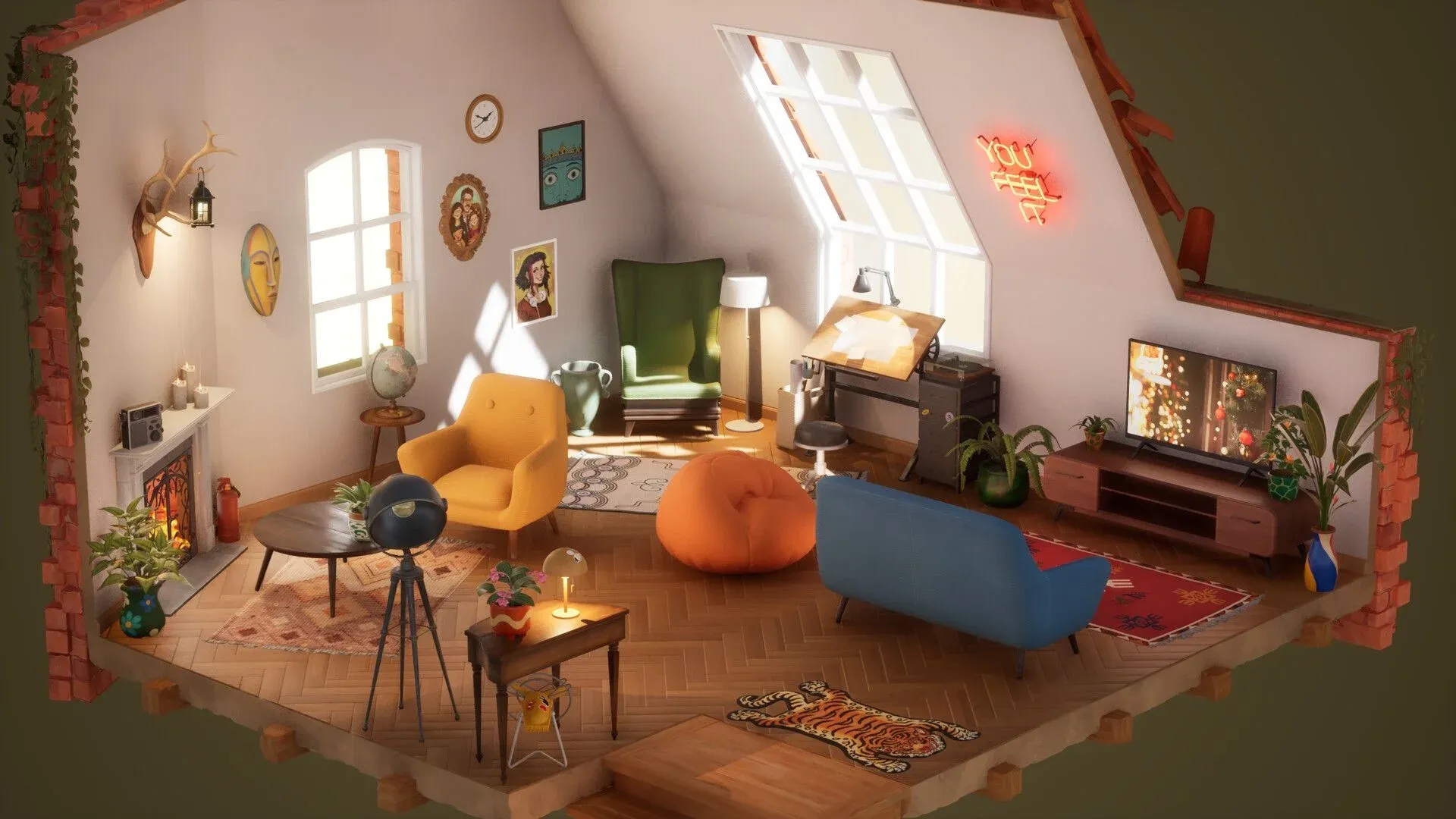
- Attic: पहला असली कमरा। यह डेकोरेटिंग रिदम बनाता है और ईंटों वाले फायरप्लेस जैसे रस्टिक एलिमेंट्स को मॉडर्न फर्नीचर के साथ मिलाता है। जोन क्रिएशन की प्रैक्टिस करने के लिए अच्छी जगह है।
- Workshop: यादगार शुरुआती स्पेस, आमतौर पर समझने में आसान और पसंद किया जाने वाला।
- Dark Music Hall: स्टाइलिश लेकिन आमतौर पर लेआउट के मामले में परेशान करने वाला नहीं।
- Small Apartment: अपने साइज के कारण विजुअली कंट्रोल करना आसान है।
- Treehouse: चंचल, लेआउट का कम प्रेशर।
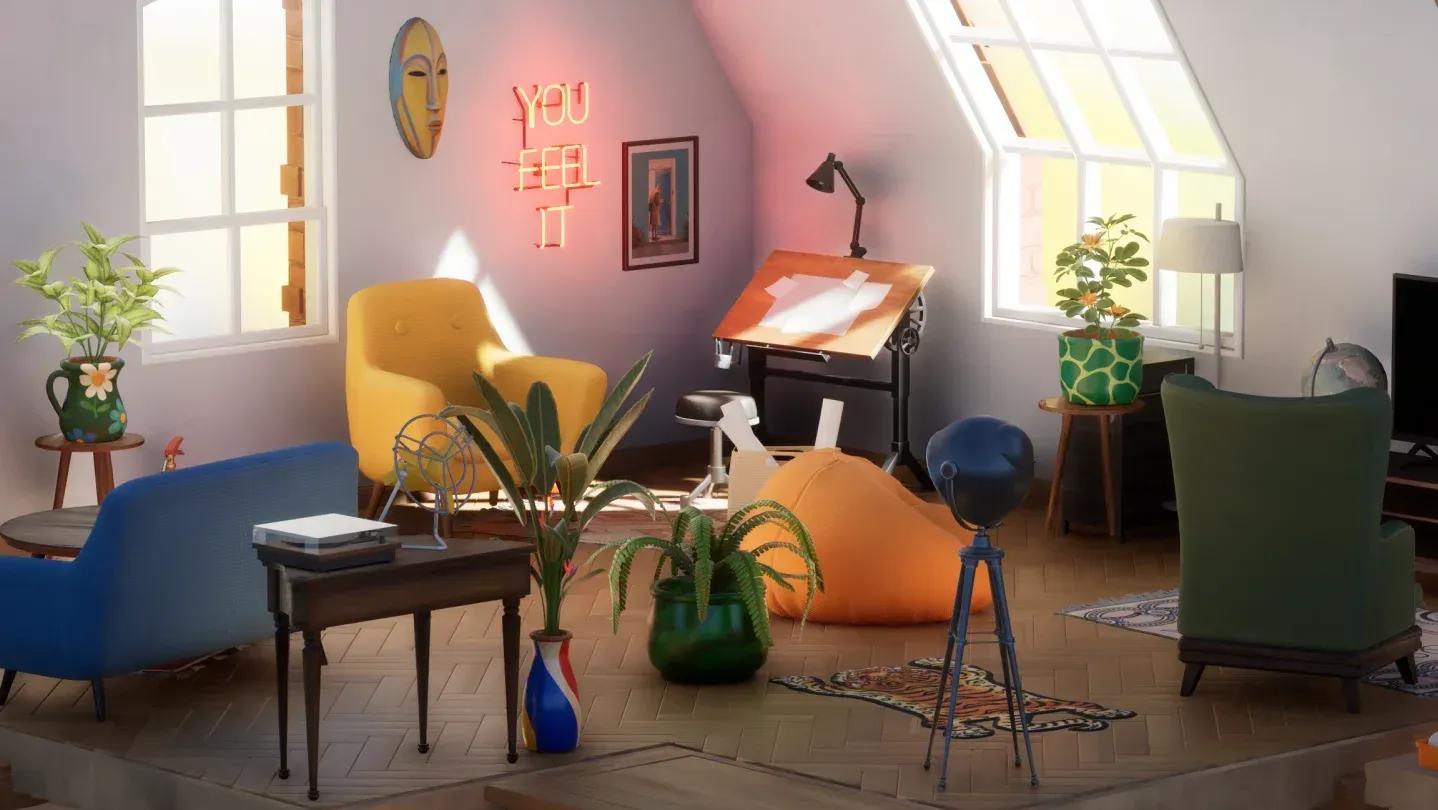
- Penthouse: बैलेंस करने के लिए सबसे मुश्किल कमरा। यह प्रभावशाली दिखता है लेकिन कोहेजन (तालमेल) में दिक्कत करता है। अगर आपका लेआउट बार-बार बिजी या अनबैलेंस्ड लग रहा है, तो यही कारण है।
- Cafe: इसे ओवर-डेकोरेट करना आसान है। जगह की पर्सनालिटी लेआउट सेट होने से पहले ही बहुत कुछ जोड़ने के लिए इनवाइट करती है।
- Dreams: गेम का सबसे अजीब लेवल। यह काफी सरियल (अवास्तविक) लगता है और नॉर्मल विजुअल लॉजिक को फॉलो करना बंद कर देता है। केवल 10-12% प्लेयर्स ही इसे पूरा कर पाते हैं।
- Lighthouse: Dreams जैसी विजुअल उलझन के बिना एक विशिष्ट लेट-गेम कमरा।
अगर आपको सिर्फ दो कमरों में मदद चाहिए, तो वे Dreams और Penthouse हैं।
Penthouse में क्लियर जोन की जरूरत होती है
फोटो मोड और कमरा पूरा करना
एक बार जब सब कुछ आपकी संतुष्टि के अनुसार सेट हो जाए, तो कमरे से बाहर निकलने से पहले फोटो मोड का इस्तेमाल करें। यह स्टैंडर्ड स्क्रीनशॉट के अलावा छह फिल्टर ऑप्शंस देता है: Regular, Black and White Sketch, Blueprint, Soft Black and White, Soft Color, और Retro Photo Effect। ये सिर्फ कॉस्मेटिक नहीं हैं; खास तौर पर Blueprint फिल्टर पूरे कमरे को एक टेक्निकल ड्राइंग में बदल देता है जो फाइनल इमेज के तौर पर बहुत शानदार लगती है।
कुछ आइटम्स में स्टोरी कॉन्टेक्स्ट के साथ स्पीच बबल्स भी होते हैं। दूसरों को एम्बिएंट लाइट या साउंड के लिए टॉगल किया जा सकता है। फोटो लेने से पहले रेडियो, पंखा और सभी लैंप्स को एक साथ चालू करने से एक ज्यादा एक्टिव, 'लिव्ड-इन' सीन बनता है।
तंग लेवल्स के लिए छोटे स्पेस टिप्स
जैसे-जैसे आप डाउनटाउन स्टूडियो अपार्टमेंट जैसे छोटे कमरों में जाते हैं, वर्टिकलिटी (ऊंचाई का इस्तेमाल) मुख्य टूल बन जाती है। मुख्य स्ट्रैटेजीज:
- किताबों और यादों के लिए बेड या डेस्क के ऊपर, दीवारों पर ऊंची शेल्फ लगाएं।
- काउंटर स्पेस बचाने के लिए माइक्रोवेव को फ्रिज के ऊपर रखें।
- छोटी फूलदानों या मोमबत्तियों के लिए खिड़की के किनारे (windowsill) का इस्तेमाल करें, जिससे टेबल की सतह पर माइक्रोफोन या लैपटॉप जैसी बड़ी चीजों के लिए जगह खाली हो जाए।
इन लेवल्स में फोल्डेबल बेड और वॉल-माउंटेड शेल्फ खास तौर पर स्पेस की समस्या को हल करने के लिए हैं। क्रिएटिव समाधान ढूंढने से पहले इनका इस्तेमाल करें।
अधिक कोजी गेम गाइड्स और डेकोरेटिंग जॉनर में लेटेस्ट रिलीज के लिए, GAMES.GG पर और गाइड्स ब्राउज करें।