
Apne Hytale server ko updated rakhne se aapko latest features, bug fixes, aur security improvements milte hain. Chahe aap doston ke liye ek chhota private server chala rahe hon ya ek bade community ko manage kar rahe hon, sabse achha gameplay experience ke liye current rehna zaroori hai.
Server Updates Kyun Matter Karti Hain
Server updates crucial improvements laati hain jo seedhe aapke multiplayer experience ko affect karti hain. Aapko performance optimizations, naye content, aur important security patches milenge jo aapke server ko vulnerabilities se protect karenge. Plus, updated servers latest client versions ke saath compatibility maintain karte hain, jisse aapke players ke liye connection issues prevent hote hain.
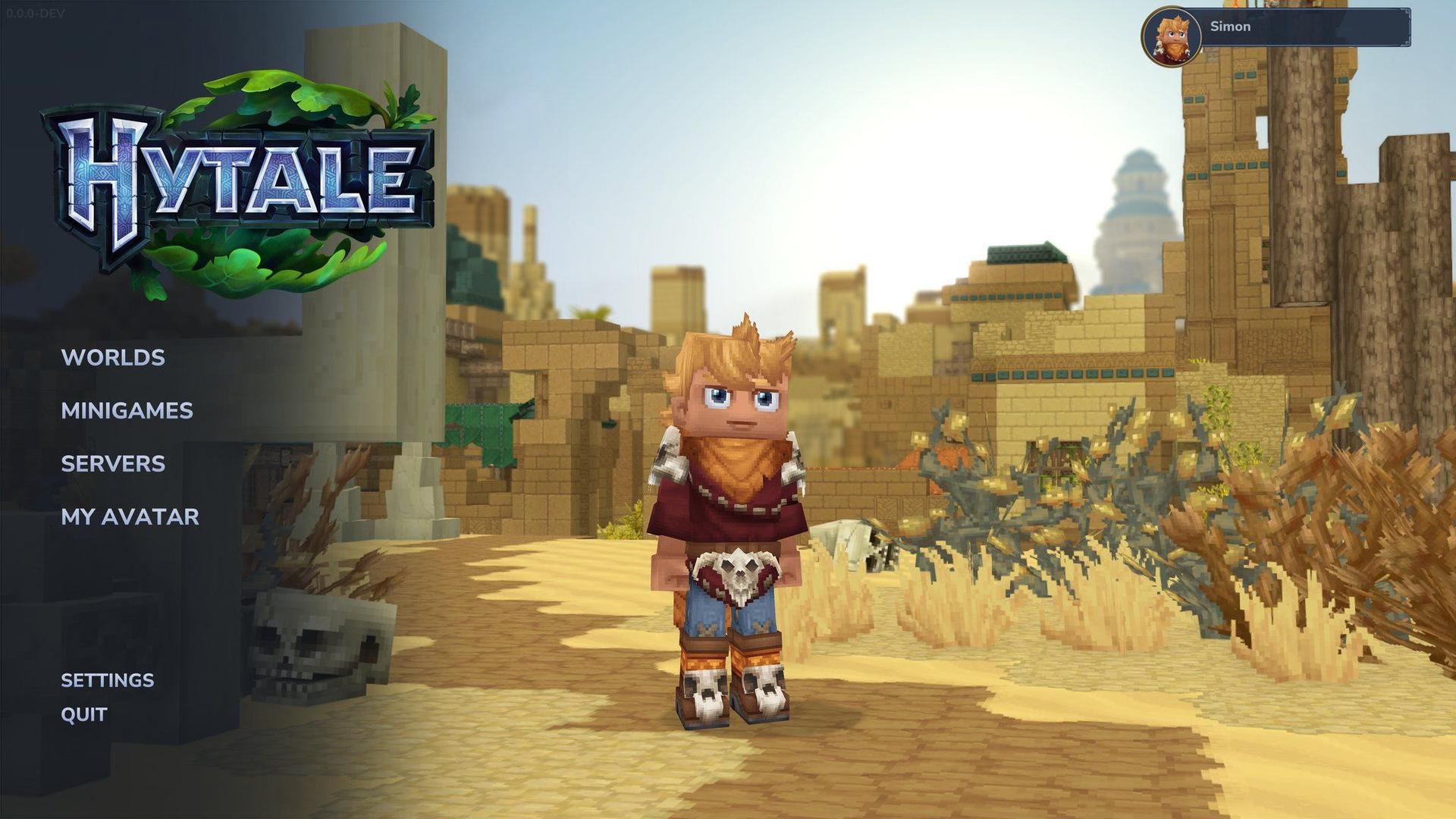
Server version display

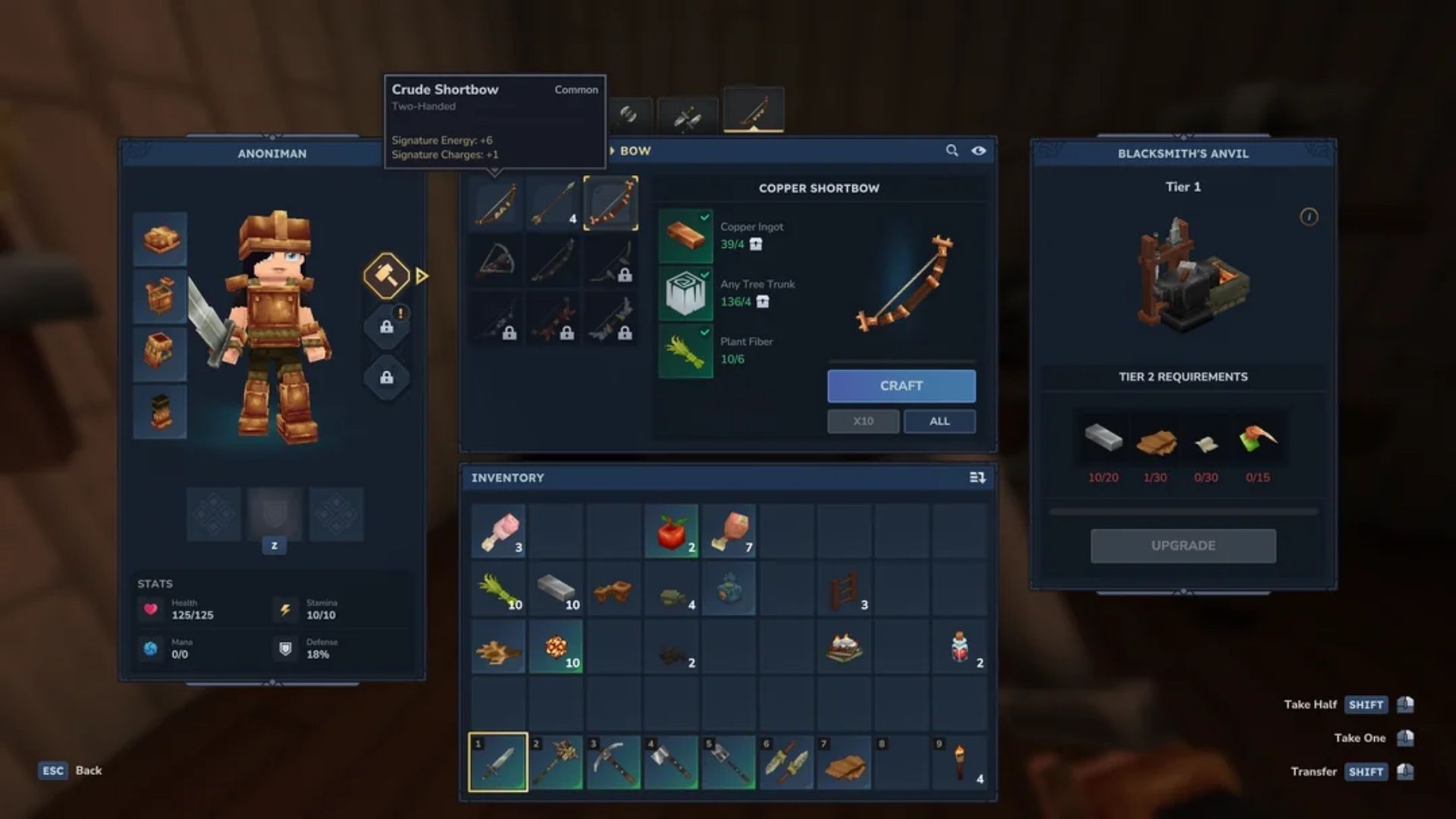
Method 1: Launcher Files Se Update Karna
Apne server ko update karne ka sabse tez tareeka hai aapke existing Hytale installation se files copy karna. Yeh method most server administrators ke liye perfect kaam karta hai aur isme minimal technical knowledge ki zaroorat hoti hai.
Game Files Ko Locate Karna
Sabse pehle, aapko yeh pata lagana hoga ki Hytale aapke system par files kahan store karta hai. Run dialog kholne ke liye Windows Key + R press karein, phir yeh path paste karein:
`` %appdata%\Hytale\install\release\package\game\latest ``
Linux users ke liye, yahan navigate karein: `` $XDG_DATA_HOME/Hytale/install/release/package/game/latest ``
macOS users ko yahan check karna chahiye: `` ~/Application Support/Hytale/install/release/package/game/latest ``

Game installation folder
Updated Files Ko Copy Karna
Ek baar jab aap game files locate kar lete hain, toh aapko ek Server folder aur Assets.zip file dikhegi. Inme aapke updated server ke liye zaroori sab kuch hota hai:
- Apna current server directory kholein
- Apni game installation se poora Server folder copy karein
- Ise apne server directory mein paste karein, existing files ko replace karte hue
- Assets.zip copy karein aur purane version ko replace karein
- Apni startup script update karein agar woh kisi specific assets location ko point kar rahi hai
Method 2: Hytale Downloader CLI Ka Use Karna
Production servers ya automated workflows ke liye, Hytale Downloader CLI ek zyada robust updating solution provide karta hai. Yeh official tool seedhe latest server files download karta hai aur various configuration options ko support karta hai.
CLI Tool Ko Set Up Karna
Official source se Hytale Downloader download karein aur ise apne server directory mein extract karein. Tool ko pehli baar use karne par authentication ki zaroorat hoti hai lekin yeh future updates ke liye aapke credentials ko remember karta hai.
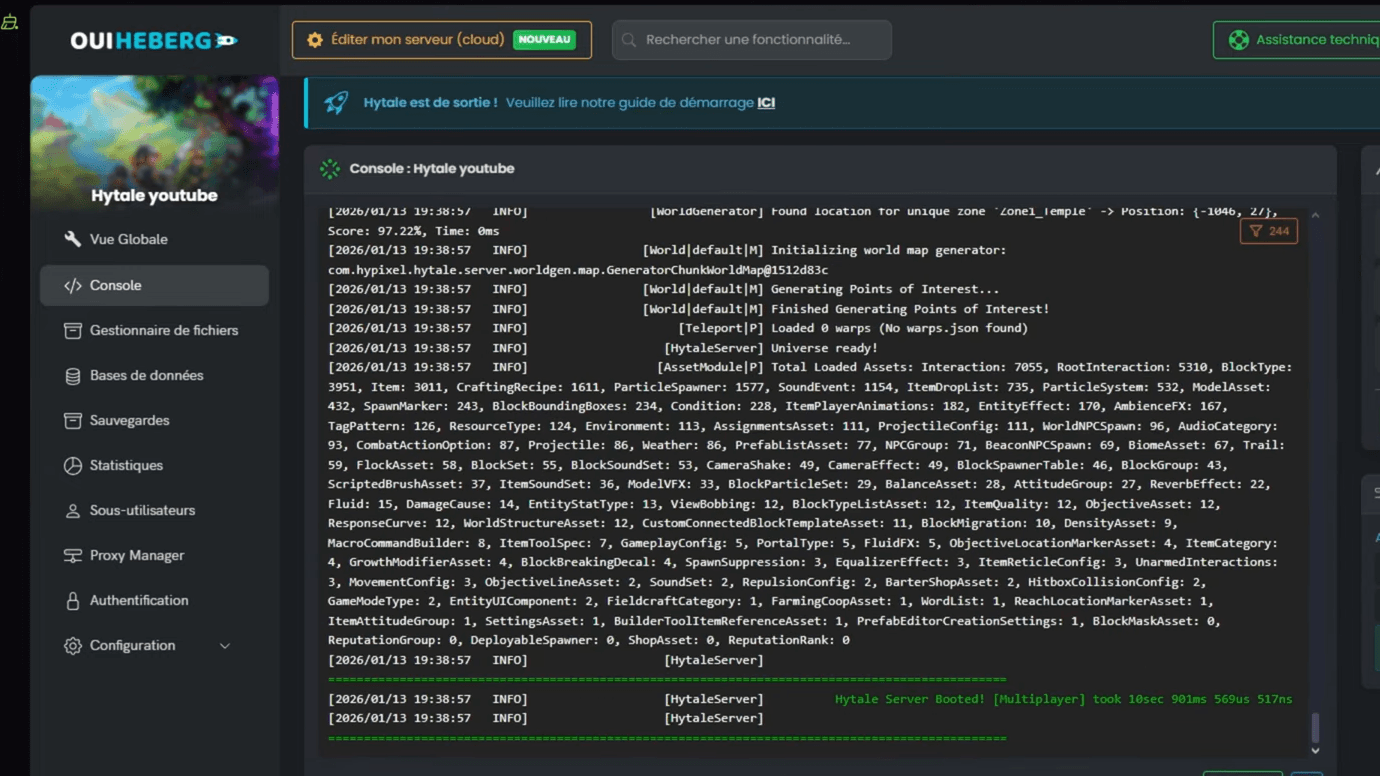
CLI downloader interface
Essential CLI Commands
| Command | Function |
|---|---|
| ./hytale-downloader | Download latest server version |
| ./hytale-downloader -print-version | Check available version without downloading |
| ./hytale-downloader -check-update | Verify if CLI tool needs updating |
| ./hytale-downloader -download-path game.zip | Save to specific file location |
Apna Pehla CLI Update Run Karna
Apne server directory mein downloader execute karein:
`` ./hytale-downloader ``
Tool authenticate karega (agar zaroori ho) aur updated server files aur assets wala ek compressed file download karega. Is file ko extract karke apne existing server components ko replace karein.
Pre-Release Builds Par Switch Karna
Hytale pre-release builds offer karta hai jo upcoming features tak early access provide karte hain. Yeh experimental versions aapko official releases se pehle naye content ko test karne dete hain, haalanki inme bugs ya incomplete features ho sakte hain.
Launcher Ka Use Karna Pre-Release Ke Liye
Agar aap updates ke liye launcher files use karna pasand karte hain:
- Hytale launcher settings kholein
- Patch Line ko "release" se "pre-release" mein change karein
- Launcher ko pre-release files download karne dein
- Apne game installation directory mein navigate karein
- release folder ki jagah pre-release folder dhundhein
- Server files yahan se copy karein: install/pre-release/package/game/latest
Patch line settings
CLI Pre-Release Downloads
CLI users ke liye, patchline parameter add karein:
`` ./hytale-downloader -patchline pre-release ``
Yeh sabse latest features aur changes ke saath experimental build download karta hai. Yaad rakhein ki pre-release versions mein different mod compatibility ho sakti hai ya breaking changes introduce ho sakte hain.
Managed Server Updates
Agar aap hosting provider use kar rahe hain, toh updates bahut simple ho jaati hain. Most managed Hytale hosting services apne control panels ke through one-click updates offer karte hain.
Hosting recommendations aur setup tips ke liye hamari Hytale Guide: How to Play With Friends & Setup Multiplayer Servers check karein.
Cloud Provider Benefits
- Updates se pehle automatic backup creation
- Issues hone par rollback options
- Koi manual file management required nahi
- Patches ka instant application
Update Best Practices
Pre-Update Checklist
Koi bhi update apply karne se pehle, yeh essential steps poore karein:
- World data ko include karke ek full server backup banayein
- Planned downtime ke baare mein players ko notify karein
- Agar possible ho toh staging server par update test karein
- Breaking changes ke liye update notes review karein
- Naye version ke saath mod compatibility verify karein
Post-Update Verification
Update karne ke baad, confirm karein ki sab kuch sahi se kaam kar raha hai:
- Server start karein aur error messages check karein
- Verify karein ki sabhi mods bina conflicts ke load ho rahe hain
- Basic gameplay functionality test karein
- Confirm karein ki player data intact hai
- Kisi bhi degradation ke liye performance monitor karein
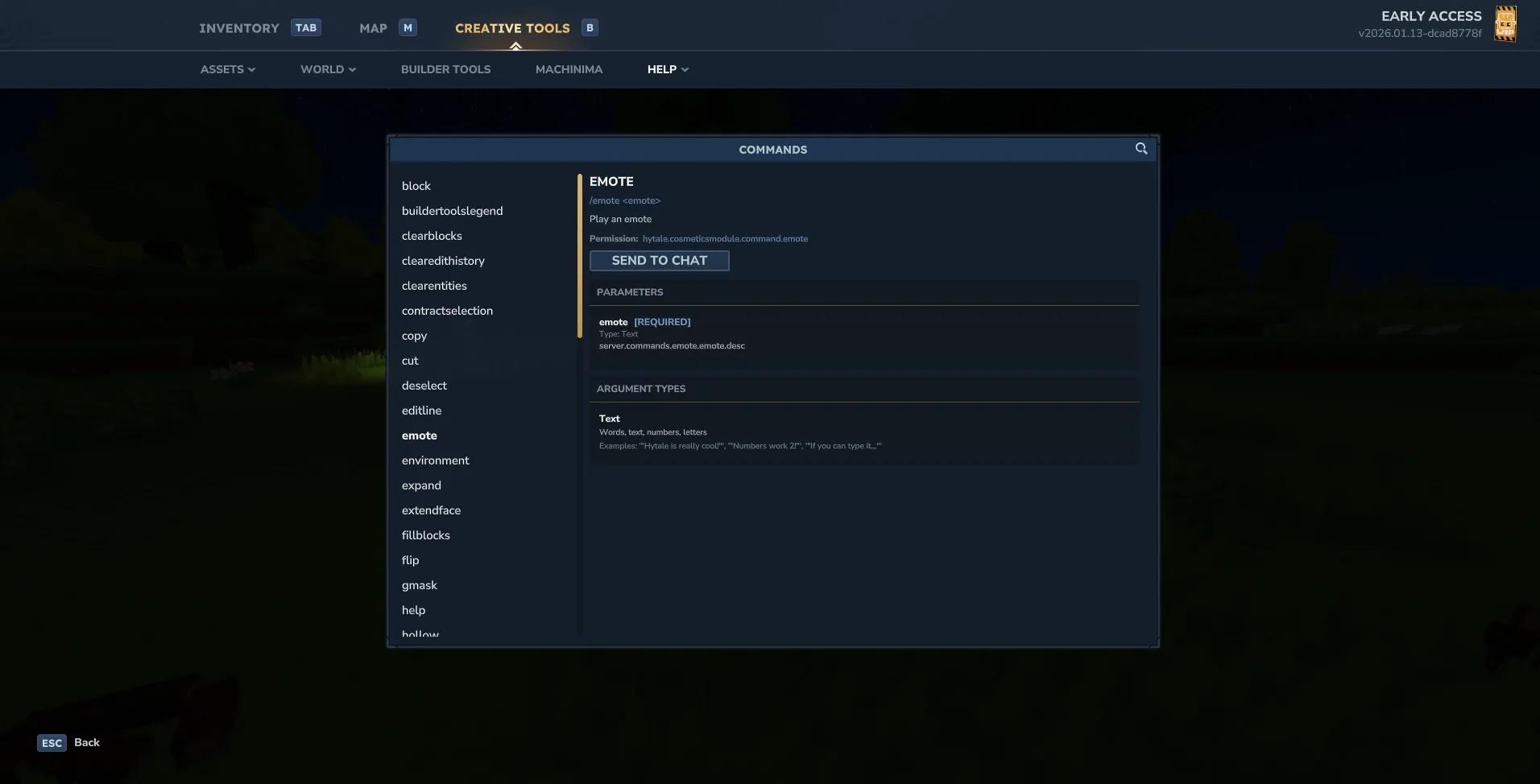
Server startup console
Troubleshooting Common Update Issues
Authentication Problems
Agar CLI downloader authenticate karne mein fail ho, toh yeh solutions try karein:
- Server console mein /auth login device run karein
- Provide kiye gaye URL par visit karein aur authentication code enter karein
- Ensure karein ki aapke Hytale account mein proper permissions hain
- Check karein ki aapke account mein game hai
Persistent authentication issues ke liye, hamari Hytale Connection Problems Solved: Failed to Connect to Server Fix guide dekhein.
File Permission Errors
Linux aur macOS users ko permission issues aa sakti hain:
``bash chmod +x hytale-downloader-linux-amd64 sudo chown -R $USER:$USER /path/to/server/ ``
Version Mismatch Issues
Agar players update karne ke baad connect nahi ho pa rahe hain:
- Verify karein ki sabhi players ke paas same client version hai
- Check karein ki aapka server correct build run kar raha hai
- Server aur client applications dono ko restart karein
- Agar connection problems persist karein toh client cache clear karein
Server Updates Ko Automate Karna
Scheduled Updates
Production servers ke liye, low-traffic periods ke dauran updates ko automate karne ka sochiye:
```bash #!/bin/bash # Stop server gracefully ./stop-server.sh
# Backup current installation cp -r server-files backup-$(date +%Y%m%d)
# Download and apply updates ./hytale-downloader
# Restart server ./start-server.sh ```
Update Notifications
Administrators ko alert karne ke liye monitoring set up karein jab updates available hon. Bahut se hosting providers naye Hytale releases ke liye webhook notifications offer karte hain.
Advanced Update Strategies
Staging Environment Testing
Professional server administrators ko ek staging environment maintain karna chahiye jo production ko mirror karta ho. Yeh live servers par apply karne se pehle updates ko thoroughly test karne deta hai.
Gradual Rollout Process
Bade communities ke liye, phased update approach ka sochiye:
- Sabse pehle staging server update karein
- Trusted players ke ek chhote group ke saath test karein
- 24-48 ghante tak issues ke liye monitor karein
- Agar stable ho toh production mein update apply karein
Changes Ko Track Karna
Update Documentation
Sabhi server updates ka ek log maintain karein, jismein yeh shamil ho:
- Update date aur version numbers
- Configuration files mein kiye gaye changes
- Mod compatibility notes
- Player feedback aur reported issues
Configurations Ke Liye Version Control
Configuration changes ko track karne ke liye Git ya similar tools use karein. Isse problematic settings ko revert karna ya versions ke beech kya change hua yeh samajhna aasan ho jaata hai.
Additional Resources
Aur server management guidance ke liye, hamare comprehensive guides explore karein:
- Hytale Guide: How to Get Copper Ore and Craft Ingots - Essential resource gathering
- Hytale Backpack Guide: How to Unlock and Maximize Storage - Inventory management tips
- Hytale Mods Tier List: Best Mods and How to Install - Mod recommendations and installation
Regular updates aapke Hytale server ko secure, stable, aur latest features se equipped rakhte hain. Chahe aap simple launcher method choose karein ya powerful CLI approach, current rehna aapke community ke liye sabse achha possible experience ensure karta hai.