
Invincible VS, Quarter Up द्वारा बनाया गया एक 3v3 tag-team fighter है, जो Killer Instinct veterans से भरा एक studio है, और यह इतनी तेज गति से चलता है कि एक सिंगल dropped frame भी भारी पड़ सकता है। ROG Ally और ROG Xbox Ally X पर, stable 60 FPS hit करने के लिए कुछ deliberate configuration की आवश्यकता होती है। 1080p पर दोनों devices का testing करने के बाद, यहाँ exact settings दी गई हैं जो आपको वहां तक पहुंचाती हैं।
Invincible VS क्या है और performance क्यों मायने रखता है?
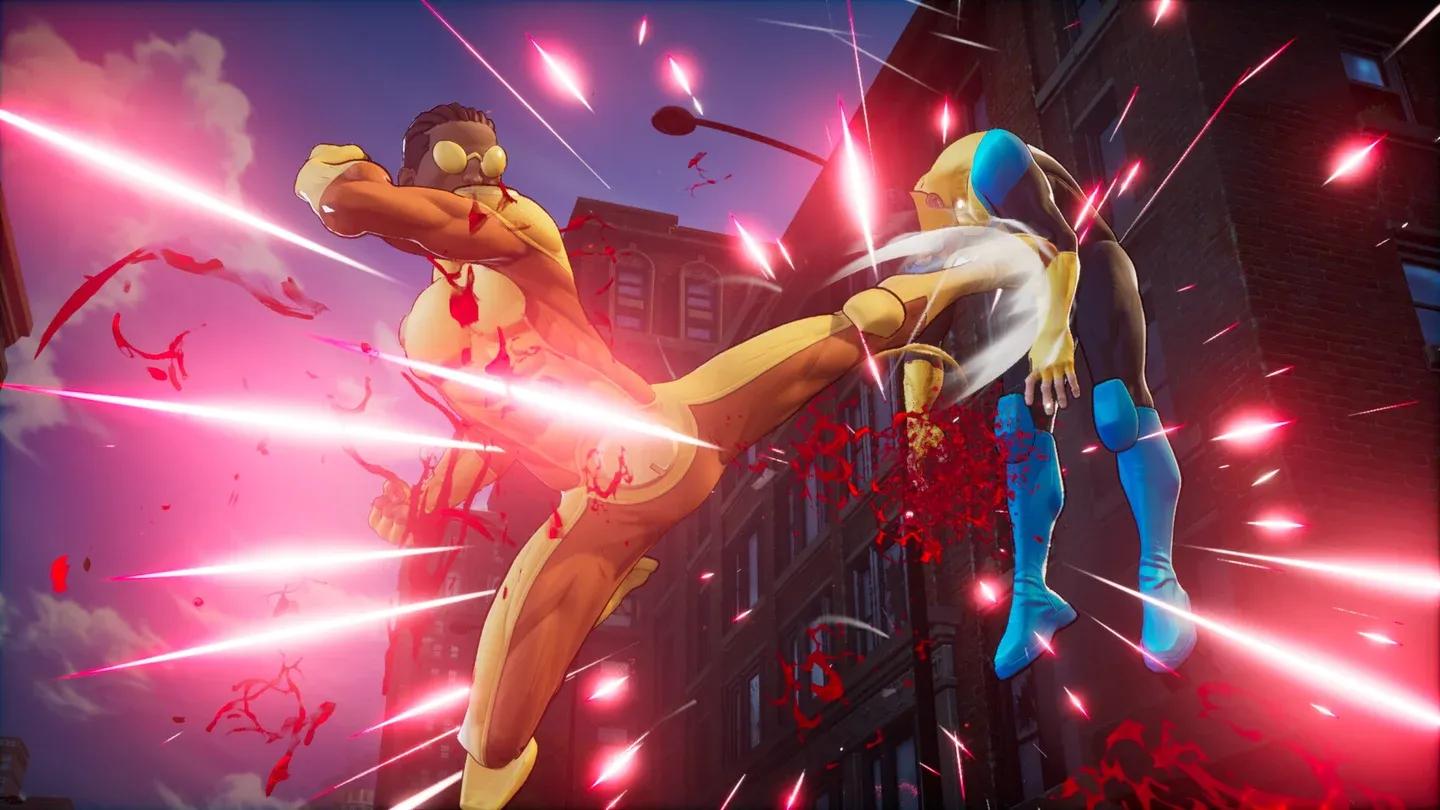
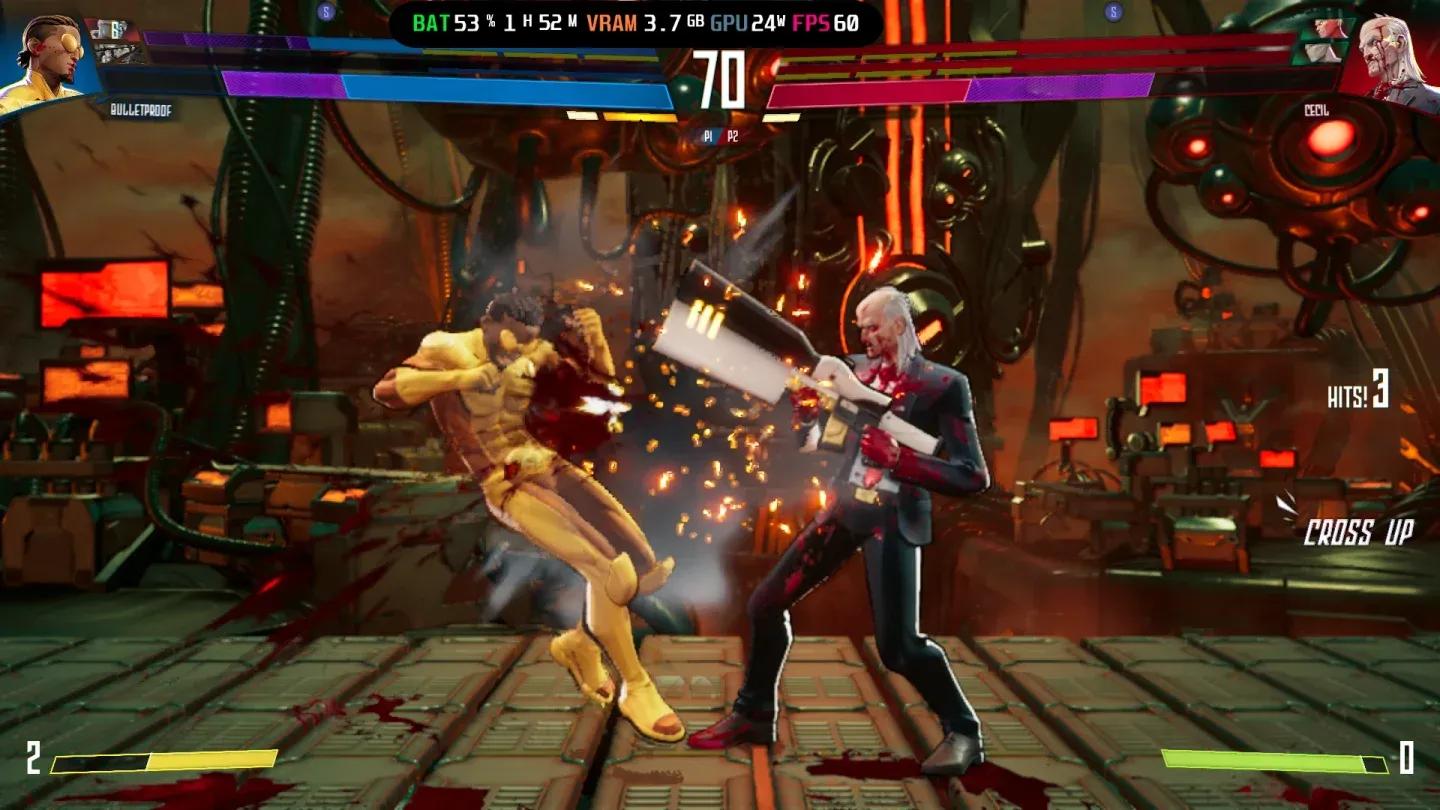
Invincible VS 30 अप्रैल, 2026 को launch हुआ, और यह Amazon series और Image Comics के 18 characters को एक competitive fighting system में लाता है। Mark Grayson, Omni-Man, और newcomer Ella Mental roster को headline करते हैं, सभी original cast द्वारा voiced हैं। Core mechanics, combos को extend करने के लिए Active Tags और pressure से escape करने के लिए Counter Tags, frame-accurate inputs की demand करते हैं। एक frame rate जो mid-combo 60 से नीचे dips होता है, वह सिर्फ annoying नहीं है; यह आपको rounds का नुकसान कराता है।
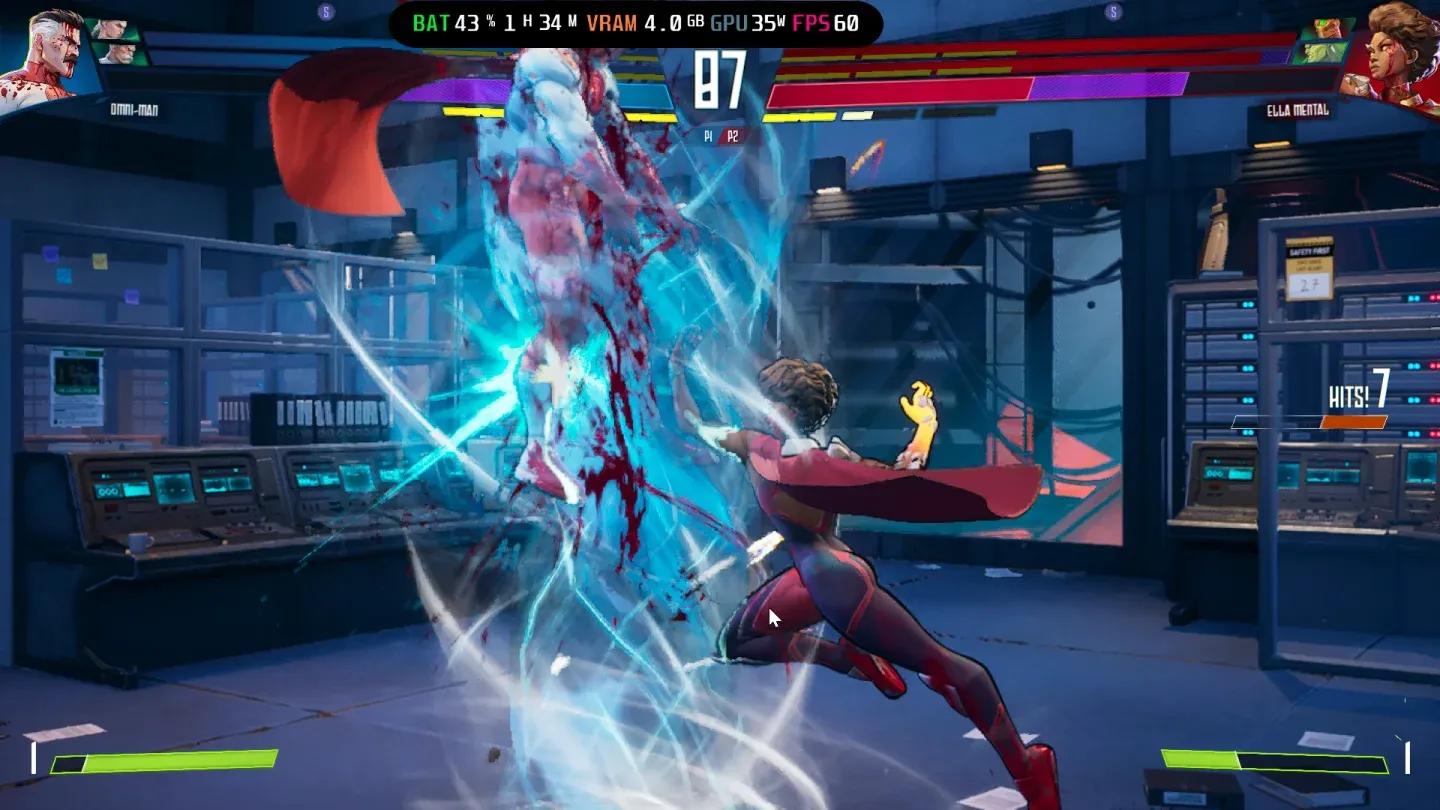
Game का सबसे demanding stage Nuclear Missile Base है, जिसमें dynamic destructive backgrounds हैं जो हर round में rebuild होते हैं। दोनों tested devices ने specifically इस stage पर अपने lowest frame rates दिखाए, इसलिए इसे worst-case performance के लिए अपना benchmark मानें।

Nuclear Missile Base performance test


ROG Ally पर VRAM को सही तरीके से कैसे सेट करें?
किसी भी in-game graphics option को touch करने से पहले, अपनी VRAM को 5GB या उससे ऊपर सेट करें। Invincible VS चलाते समय ROG Ally और ROG Xbox Ally X दोनों को इस allocation से फायदा होता है। यदि आप VRAM को default lower value पर छोड़ देते हैं, तो game के अंदर आप जो भी सेट करते हैं, उसके बावजूद texture pop-in और frame pacing issues की उम्मीद करें।
VRAM को adjust करने के लिए, ROG Ally Life site पर dedicated VRAM guide को follow करें। यह allocation को बढ़ाने के लिए आवश्यक BIOS steps के माध्यम से आपको guide करता है। इसे पहले करें।
Best frame rate के लिए TDP को कैसे configure करें?
TDP configuration को Armoury Crate SE के माध्यम से handle किया जाता है, न कि game के अंदर। दोनों devices पर process समान है लेकिन target wattages अलग हैं।
Armoury Crate खोलें, Settings पर टैप करें, Operating Mode चुनें, फिर Manual Mode पर स्विच करें। एक बार जब यह active हो जाता है, तो Command Center slider adjust करने योग्य हो जाता है।
ROG Ally और ROG Ally X TDP
Slider को max out करें। 25W से 30W पर, testing ने 1080p पर 50 से 60 FPS का average दिया, जिसमें lower end Nuclear Missile Base stage पर दिखाई दिया।
ROG Xbox Ally X TDP
35W Turbo Mode तक पहुंचने के लिए slider को max out करें या 30W पर चलाएं। 30W से 35W पर, ROG Xbox Ally X ने अधिकांश stages पर 1080p पर near-60 FPS experience दिया।
Armoury Crate TDP slider setup
Best in-game graphics settings क्या हैं?
नीचे दी गई settings 1080p पर hands-on testing से सीधे ली गई हैं। दोनों devices अधिकांश values को share करते हैं लेकिन Resolution Quality और Ambient Occlusion पर भिन्न होते हैं।
Comparison table: ROG Ally vs ROG Xbox Ally X
| Setting | ROG Ally / ROG Ally X | ROG Xbox Ally X |
|---|---|---|
| Window Mode | Fullscreen | Fullscreen |
| Resolution | 1920 x 1080 | 1920 x 1080 |
| VSync | Off | Off |
| Resolution Quality | 40 | 50 |
| Shadow Quality | Medium | Medium |
| Shadow Type | Simple | Simple |
| Motion Blur | Off | Off |
| Reflections | Off | Off |
| Ambient Occlusion | Off | On |
| Anti-Aliasing Method | TAA | TAA |
ROG Ally Resolution Quality 40 पर Ambient Occlusion off के साथ चलता है क्योंकि hardware को 60 FPS के करीब रहने के लिए उस headroom की आवश्यकता होती है। ROG Xbox Ally X के पास 35W पर पर्याप्त अतिरिक्त TDP headroom है ताकि Resolution Quality को 50 तक बढ़ाया जा सके और Ambient Occlusion को बिना किसी meaningful frame rate cost के on रखा जा सके।
In-game graphics settings panel
Fighting game में Motion Blur को क्यों बंद करें?
Motion Blur एक practical कारण से दोनों devices पर off है: fast character movement और combo animations पहले से ही animation के माध्यम से natural motion blur बनाते हैं। एक post-process blur layer जोड़ने से opponent animations को read करना कठिन हो जाता है, जो कि Active Tag sequences के दौरान आपको ठीक वही जानकारी चाहिए। इसे बंद करें और बंद ही रहने दें।
TAA (Temporal Anti-Aliasing) on रहता है क्योंकि यह character models पर jagged edges को higher-quality AA methods की frame rate cost के बिना handle करता है। एक handheld screen पर 1080p पर, TAA और अधिक expensive options के बीच का अंतर negligible है।
Active Tag combo in action
Invincible VS अन्य fighters से अलग क्यों चलता है?
Dynamic backgrounds मुख्य variable हैं। अधिकांश fighting games static या looping backgrounds का उपयोग करते हैं जिनका GPU cost predictable होता है। Invincible VS में Nuclear Missile Base destruction जमा होने पर हर round में अपनी geometry बदलता है, जिसका मतलब है कि GPU workload constant नहीं है। यही कारण है कि optimized settings के साथ भी stage-specific performance dips दिखाई देते हैं। Background destruction को disable करने के लिए कोई in-game option नहीं है, इसलिए उस stage पर occasional dips को स्वीकार करना realistic expectation है।
Game के mechanics में deeper look के लिए, जिसमें 3v3 tag system practice में कैसे काम करता है, invinciblevs.org पर Invincible VS gameplay guide Active Tags, Counter Tags, और team composition को detail में कवर करता है। यदि आप PC पर game चलाने की योजना बना रहे हैं, न कि handheld पर, तो उसी site पर PC system requirements और optimization guide minimum और recommended specs को graphics settings advice के साथ break down करता है।
Quick setup checklist
- Launch करने से पहले BIOS में VRAM को 5GB या उससे ऊपर सेट करें
- Armoury Crate खोलें, Manual Mode पर स्विच करें, TDP slider को max out करें
- Window Mode को Fullscreen और Resolution को 1920 x 1080 पर सेट करें
- VSync, Motion Blur, Reflections, और (ROG Ally पर) Ambient Occlusion को off करें
- Shadow Quality को Medium और Shadow Type को Simple पर सेट करें
- Anti-Aliasing को TAA पर सेट करें
- ROG Ally: Resolution Quality 40. ROG Xbox Ally X: Resolution Quality 50
Fighting game guides और handheld gaming tips के लिए, GAMES.GG पर full guides library को browse करें।