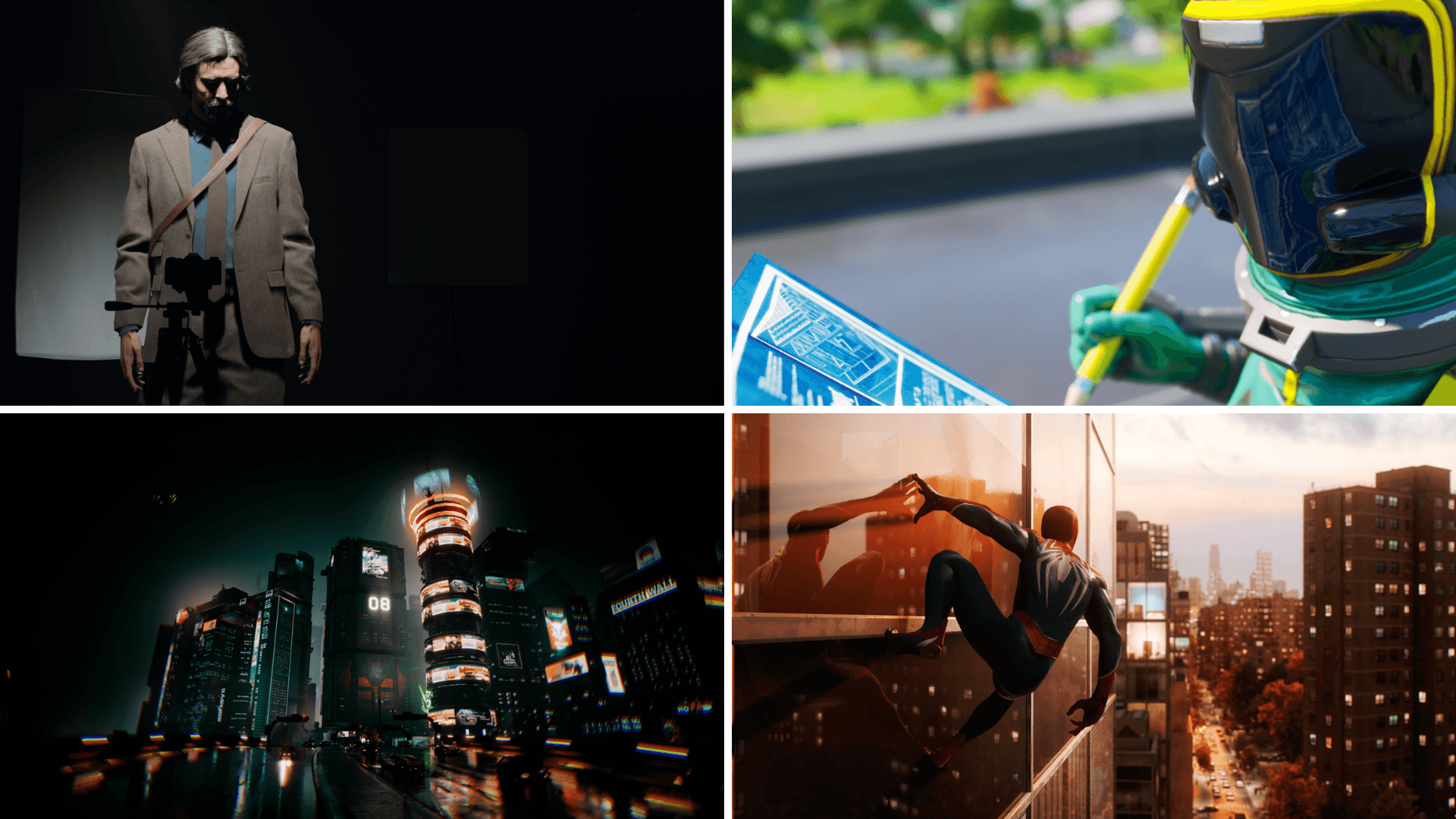


Ray tracing PC gaming में सबसे ज़्यादा दिखने वाले advancements में से एक बन गया है, जो real world की तरह ही lighting, reflections, और shadows का वादा करता है। जैसे-जैसे ज़्यादा games इस technology को adopt कर रहे हैं, players को एक familiar challenge का सामना करना पड़ रहा है: visual fidelity को smooth performance के साथ balance करना। Ray tracing game के look को dramatically improve कर सकता है, लेकिन यह hardware, खासकर GPU पर heavy demands भी डालता है।
यह guide explain करती है कि ray tracing कैसे काम करता है, optimization क्यों matter करता है, और players अपने systems और in-game settings को कैसे fine-tune कर सकते हैं ताकि stability या frame rate को sacrifice किए बिना ray tracing का maximum benefit उठा सकें।

कोड TRYHARD33 का उपयोग करें और ऑफर समाप्त होने से पहले इसका लाभ उठाएं।
GAMES+ सब्सक्रिप्शन पर 33% की छूट पाएं
Understanding Real-Time Lighting in Games
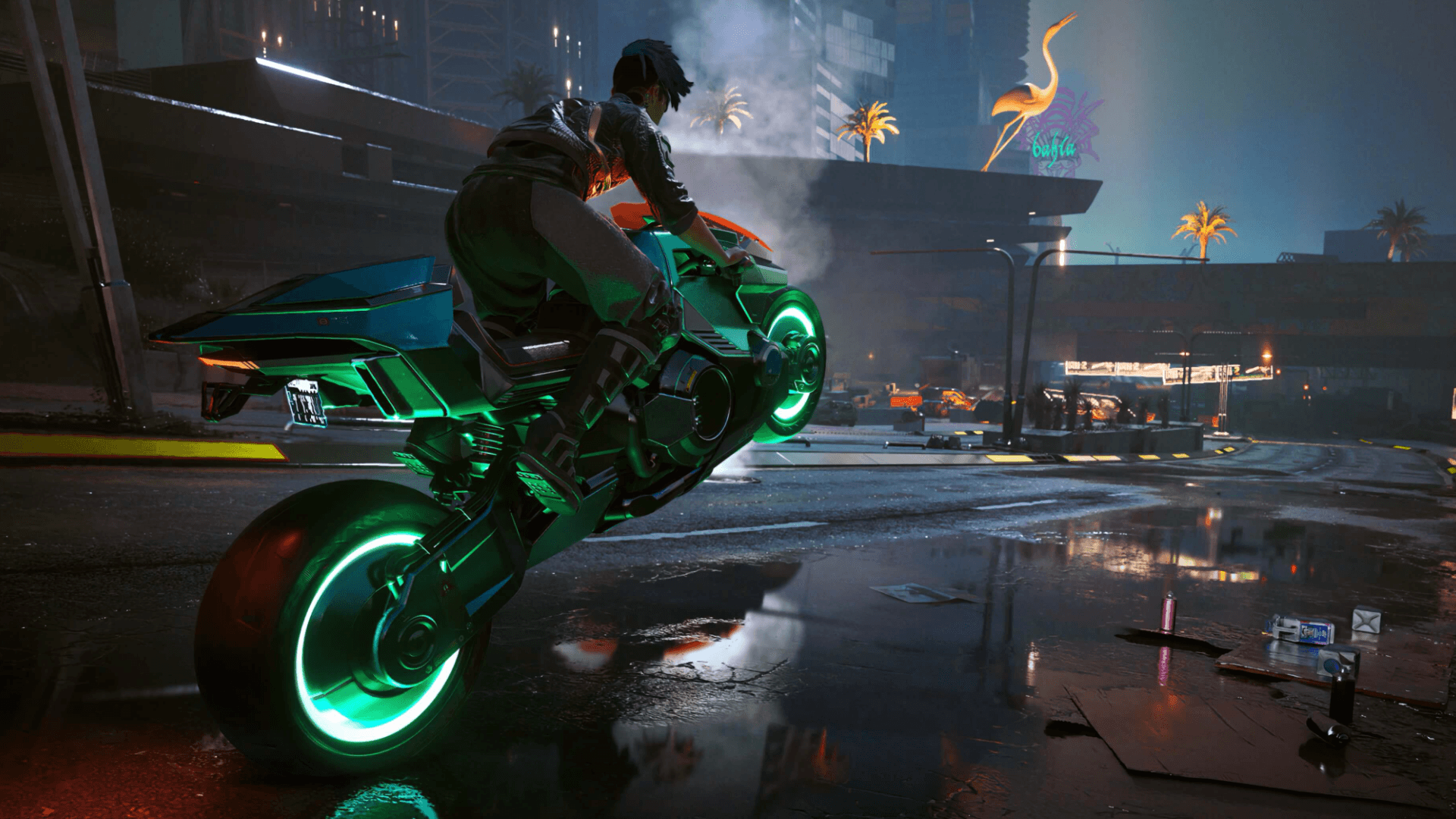
Its core में, ray tracing एक rendering technique है जो light के physical behavior को simulate करती है। Shortcuts के साथ lighting को approximate करने के बजाय, game engine light sources से digital rays trace करता है और camera तक पहुँचने से पहले surfaces से bounce होने के तरीके को follow करता है। यह more accurate reflections, softer shadows, और environment पर naturally react करने वाली lighting के लिए allow करता है।
Most games अभी भी heavily rasterization पर rely करते हैं, जो faster और far less demanding है। Rasterization एक scene को convincingly light कर सकता है, लेकिन यह complex interactions के साथ struggle करता है, जैसे कि objects का other reflective surfaces में reflect होना या multiple objects के बीच indirectly light bounce होना। Ray tracing इन limitations को address करता है, लेकिन यह हर frame में enormous number of calculations करके ऐसा करता है। वह added realism एक measurable performance cost के साथ आता है।
Why Ray Tracing Performance Tuning Matters
Ray tracing के visual benefits सीधे तौर पर इसके computational demands के साथ scale होते हैं। Ray-traced effects की quality को increase करने से almost always lower frame rates होते हैं, खासकर higher resolutions पर। Optimization उन tradeoffs को manage करने के बारे में है ताकि ray tracing experience को enhance करे न कि उसे undermine करे।
Well-tuned ray tracing more believable shadows, improved global illumination, और game world पर dynamically respond करने वाले reflections deliver कर सकता है, यह सब एक playable frame rate maintain करते हुए। Optimization के बिना, same settings inconsistent performance, stutter, या intended से less responsive feel करने वाले experience का result दे सकते हैं।
Hardware Considerations Before Enabling Ray Tracing
Ray tracing के लिए dedicated support वाली एक compatible graphics card की ज़रूरत होती है। AMD’s Radeon RX lineup और Nvidia’s GeForce RTX series के Modern GPUs को ray tracing workloads को ध्यान में रखकर design किया गया है। Each new generation efficiency को improve करती है, जिससे higher frame rates पर more complex lighting effects संभव होते हैं।
Game developers system requirements publish करते हैं जो outline करते हैं कि different settings पर ray tracing के लिए किस level के hardware की ज़रूरत होती है। ये requirements typically game के standard minimum specifications से आगे जाती हैं। Practice में, ray tracing performance के लिए एक capable GPU CPU से far more matter करता है, although sufficient system memory और VRAM भी stability के लिए important हैं।
Balancing Visual Fidelity and Frame Rate
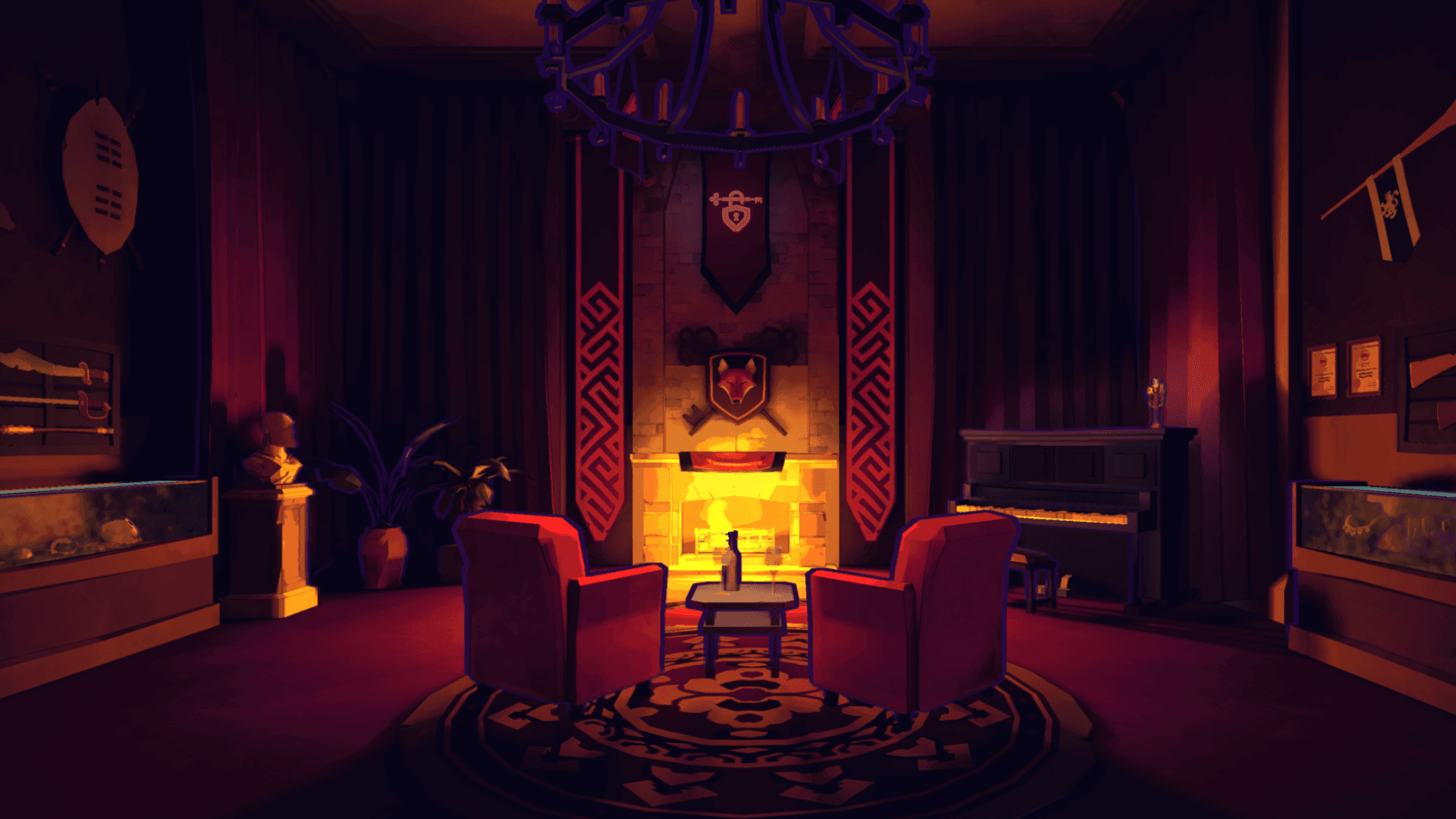
Most PC games ray tracing options को several categories में group करते हैं जो control करते हैं कि technology कैसे apply होती है। इन settings में अक्सर overall ray tracing quality, shadow quality, global illumination, और reflections शामिल होते हैं। Some titles path tracing को भी support करते हैं, जो ray tracing को scene में almost all lighting interactions तक expand करता है।
Reflections और global illumination का performance पर सबसे बड़ा impact होता है, जबकि ray-traced shadows usually less demanding होते हैं। इन options को individually adjust करने से players उन effects को prioritize कर सकते हैं जो उनके लिए सबसे ज़्यादा matter करते हैं। Resolution को lower करने से resources भी free हो सकते हैं, जिससे GPU को overwhelm किए बिना higher-quality ray tracing enable करना संभव हो जाता है।
Upscaling Technologies and Ray Tracing Performance
DLSS और FSR ray tracing optimization के लिए essential tools बन गए हैं। Both technologies internal rendering resolution को reduce करती हैं और फिर minimal visual loss के साथ image को display’s resolution तक upscale करती हैं। यह approach GPU workload को significantly reduce करता है, जिससे ray tracing calculations के लिए more processing headroom बचता है।
Frame generation, जो DLSS और FSR के newer implementations द्वारा supported है, additional frames create करके perceived performance को further improve करती है बिना उन्हें fully render किए। Result smoother motion और higher effective frame rates होते हैं, even when ray tracing is enabled। Many systems के लिए, ये upscaling features ray tracing को impractical और comfortably playable के बीच का difference हैं।
Reducing Other Graphics Costs
Ray tracing isolation में exist नहीं करता है, और other graphics settings को इसे support करने के लिए adjust किया जा सकता है। Overall quality presets को lower करना, distant object detail को reduce करना, या render resolution को decrease करना performance को stabilize करने में मदद कर सकता है। इन changes का often ray tracing quality को reduce करने की तुलना में smaller visual impact होता है।
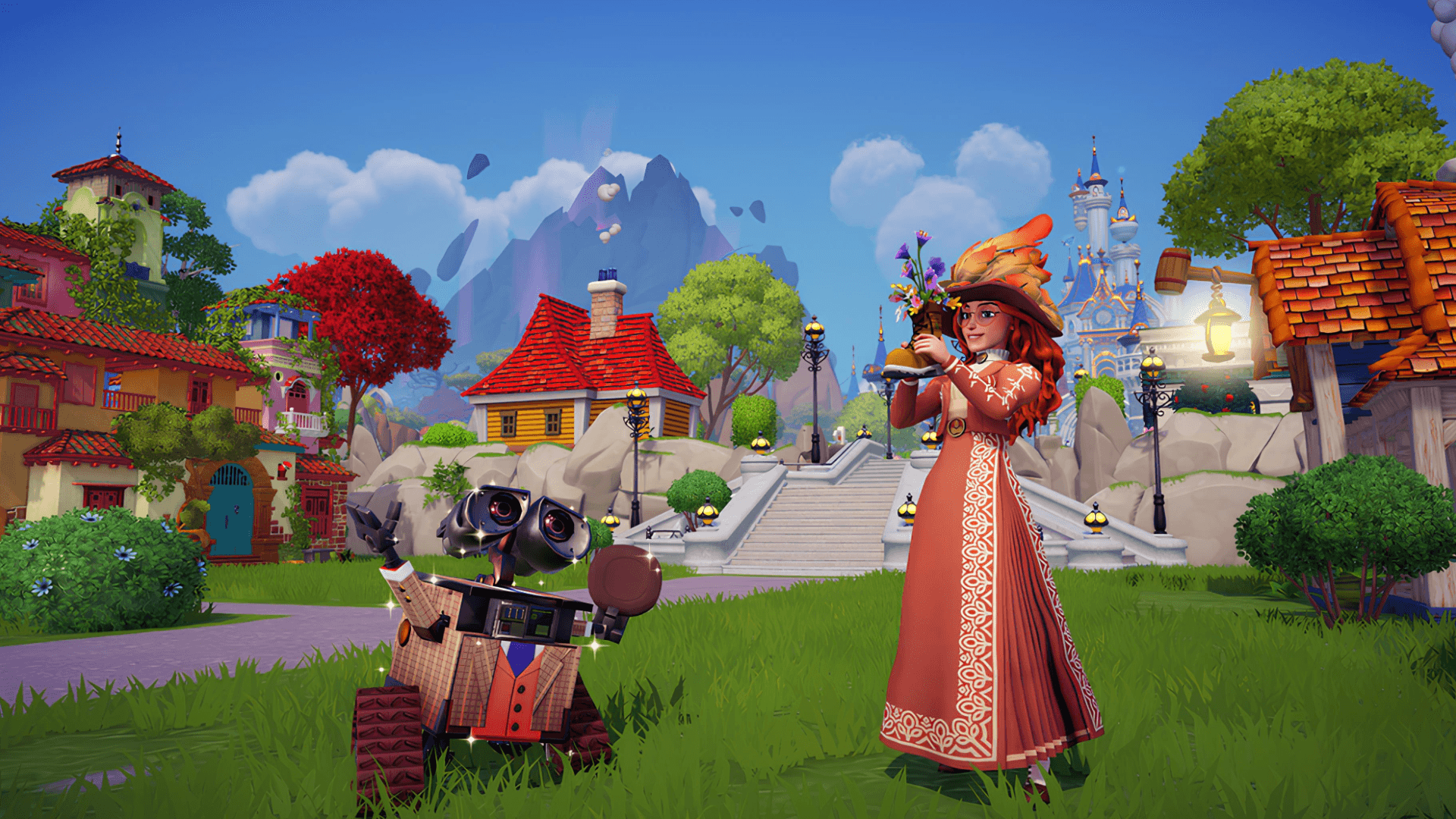
Some games players को render resolution को display resolution से separate करने की अनुमति देते हैं, जो dynamic upscaling का एक simpler alternative प्रदान करता है। DLSS या FSR की तुलना में less flexible होने के बावजूद, यह option still meaningful performance gains provide कर सकता है।
Enabling Ray Tracing in Practice
Most games में, ray tracing enable करना एक straightforward process है। Option typically graphics या video settings menu में found होती है और इसे directly toggle किया जा सकता है। Game पर निर्भर करते हुए, main feature enable होने के बाद additional ray tracing options available हो सकती हैं, जिससे further customization संभव होती है। Some games changes take effect होने से पहले restart की मांग करते हैं।
Fine-Tuning for Consistent Gameplay
Ray tracing के साथ stable performance प्राप्त करने के लिए often incremental adjustments की ज़रूरत होती है। Medium ray tracing settings से start करना और gradually quality को increase करना a given system की limits को identify करने में मदद करता है। Game के frame rate cap को monitor’s refresh rate से match करना unnecessary GPU load को भी prevent कर सकता है।
System-level optimizations भी एक role play करती हैं। Operating system में game-focused modes enable करना और non-essential background applications को close करना यह सुनिश्चित करता है कि जितना possible हो उतने resources game को dedicated हों।
Source: Epic Games Store
Make sure to check out our articles about top games to play in 2026:
Best Nintendo Switch Games for 2026
Best First-Person Shooters for 2026
Best PlayStation Indie Games for 2026
Best Multiplayer Games for 2026
Most Anticipated Games of 2026
Top Game Releases for January 2026
Frequently Asked Questions (FAQs)
What kind of GPU is required for ray tracing?
Ray tracing के लिए dedicated support वाली GPU की ज़रूरत होती है, जैसे कि modern AMD Radeon RX या Nvidia GeForce RTX cards।
How much RAM is recommended for ray tracing games?
Many ray tracing-enabled games stable performance के लिए कम से कम 16 GB system RAM और 8 GB VRAM recommend करते हैं।
Which ray tracing settings affect performance the most?
Reflections का typically performance पर सबसे बड़ा impact होता है, followed by global illumination और shadows।
Is DLSS or FSR necessary for ray tracing?
While strictly required नहीं है, DLSS या FSR performance को greatly improve करते हैं और ray tracing को a wider range of hardware पर more practical बनाते हैं।
Should players prioritize GPU or CPU upgrades for ray tracing?
Ray tracing performance primarily GPU-dependent है। Graphics card को upgrade करने से generally सबसे noticeable improvement मिलता है।