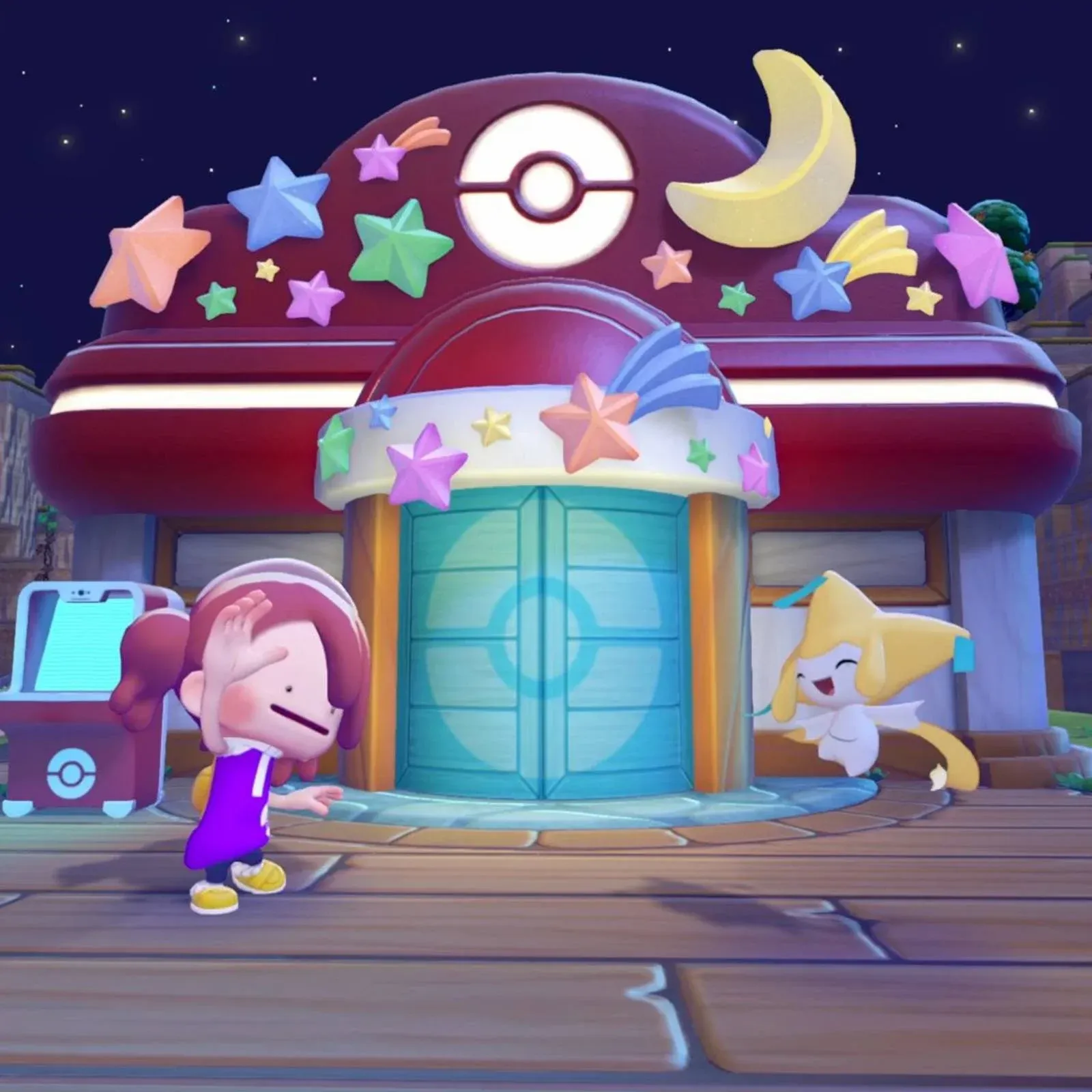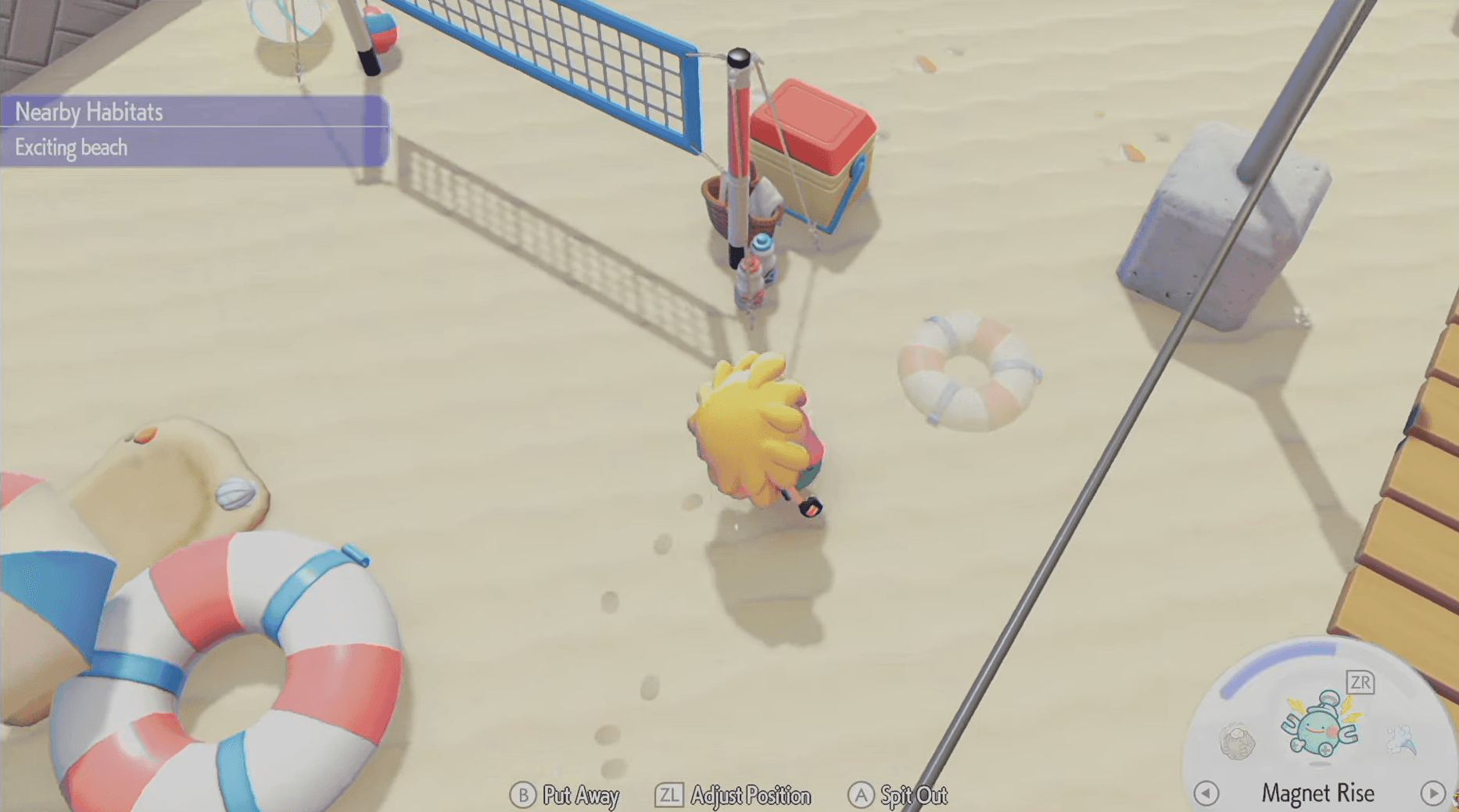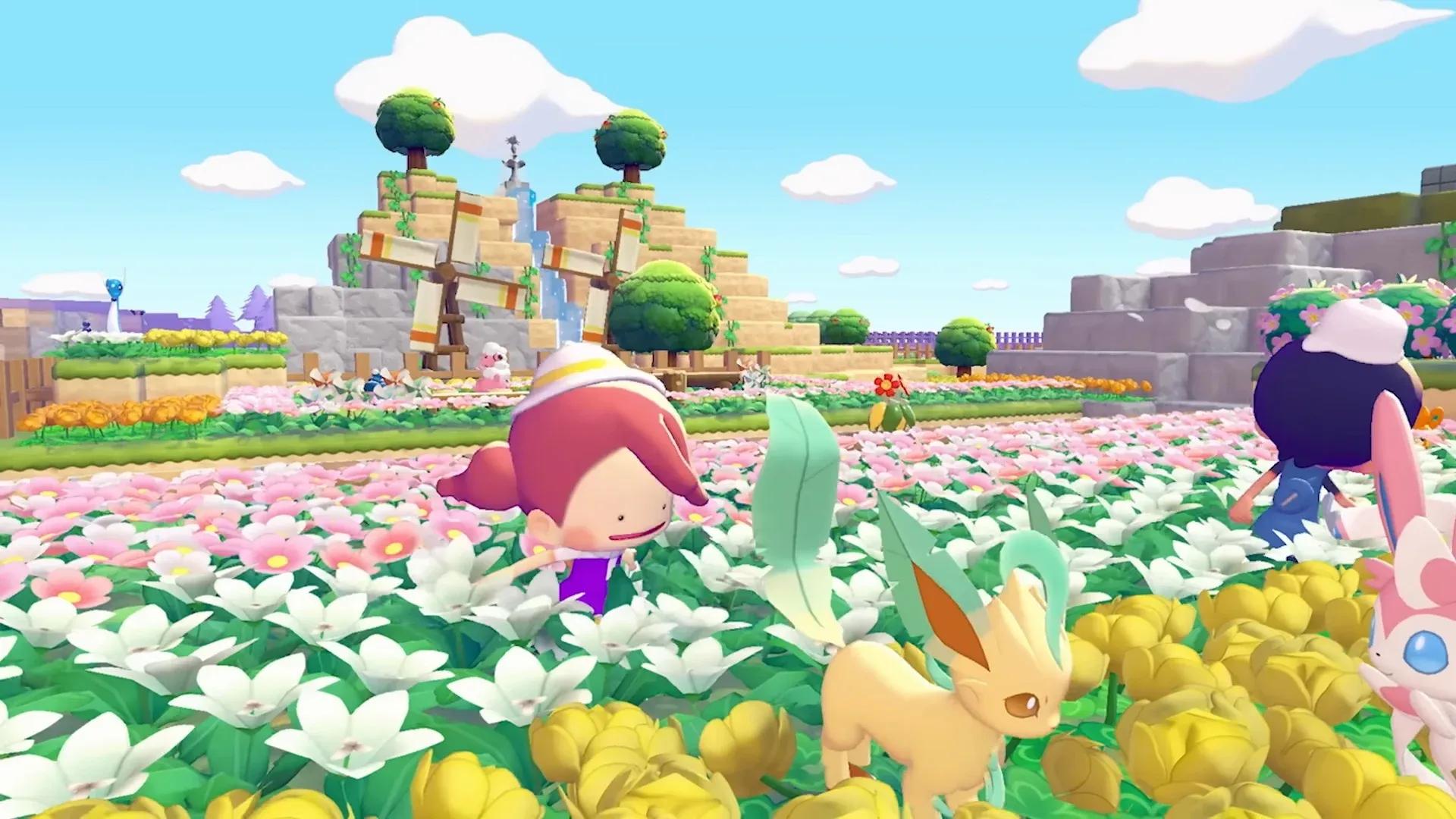

Pokemon Pokopia में Emotes, personality की एक छोटी लेकिन satisfying layer हैं जो आपके island को explore करते समय उसे alive महसूस कराती हैं। चाहे आप किसी गुजरते हुए Pikachu को wave करना चाहते हों, Photo Mode के लिए pose मारना चाहते हों, या multiplayer के दौरान दोस्तों से communicate करना चाहते हों, हर emote को unlock और use करना जानने से आप अपनी self-expression पर full control पा लेते हैं। यह guide नए emotes पाने के हर method, उन्हें कहाँ find करना है, और Communications Wheel को exactly navigate कैसे करना है, इसे explain करता है।
Pokemon Pokopia में Emotes कैसे Unlock करें?
आपके collection में emotes add करने के तीन distinct तरीके हैं, और हर एक अलग तरह की exploration को reward करता है। इनमें से किसी के लिए भी in-game currency खर्च करने की ज़रूरत नहीं है, इसलिए जितना ज़्यादा आप explore और interact करेंगे, उतनी ही तेज़ी से आपकी emote library grow होगी।

Human Records नए emotes unlock करते हैं

हर Area में Human Records Collect करें
Human Records, Pokemon Pokopia के various areas और biomes में scattered हैं। ये collectibles human world की everyday objects के form में होते हैं, जिनमें newspapers, journals, photographs, magazine ads, और letters शामिल हैं। जब आप overworld में इनमें से किसी भी item से interact करते हैं, तो आपको associated emote immediately मिल जाती है, बिना किसी additional step के।
Human Records से tied चार emotes हैं:
- Greetings!
- Point Here
- Goodbye!
- Smile
हर record का एक fixed map location होता है, इसलिए full Human Record location list को consult करना आपको उन सभी को track down करने में मदद करता है जिन्हें आपने notice किए बिना pass कर दिया हो।
Speech Bubbles वाले Pokemon से बात करें
Emotes की एक दूसरी category सीधे Pokemon interactions से आती है। जब किसी Pokemon के head के ऊपर speech bubble floating होता है, तो उसके पास communicate करने के लिए कुछ होता है। उसके पास walk up करना और बात करना एक special interaction trigger कर सकता है, और उस conversation से आपको एक नया emote reward मिलने का एक meaningful chance होता है।
ये interactions random हैं और island के किसी भी location पर हो सकती हैं, इसलिए follow करने के लिए कोई specific route नहीं है। Key habit यह है कि visible speech bubble वाले हर Pokemon को check करें, बजाय इसके कि आप किसी task पर जाते हुए उन्हें skip कर दें।
Game की शुरुआत से ही Available Emotes
Emotes का एक छोटा selection game शुरू करते ही automatically unlock हो जाता है। ये starter emotes immediately available हैं और access करने के लिए किसी collection या interaction की ज़रूरत नहीं है।
Emotes कैसे Use करें
एक बार जब आपके collection में emotes आ जाएं, तो उन्हें trigger करने में बस कुछ button presses लगते हैं।
- Communications Wheel खोलने के लिए D-Pad पर Down Press करें।
- Available emotes के through scroll करने के लिए Left Joystick का Use करें।
- आप जिस emote को play करना चाहते हैं, उसे select करने के लिए A Press करें।
- Immediately बाद में एक और emote use करने के लिए, step one से process repeat करें।
Emote Wheels को Customize कैसे करें?
Pokemon Pokopia आपको यह personaliz करने की ability देता है कि कौन से emotes आपकी wheel पर appear हों ताकि आपके favorites हमेशा quick reach में रहें। System three separate Emote Wheels को support करता है, जिससे आप situation के हिसाब से emotes organize कर सकते हैं, जैसे social interactions के लिए एक wheel, Photo Mode poses के लिए एक, और general use के लिए एक।
| Control | Action |
|---|---|
| Y | Current wheel से एक emote remove करें |
| X | Current wheel में एक emote register (add) करें |
| D-Pad (while wheel is open) | Three available wheels के बीच switch करें |
Mid-session में wheels के बीच change करने का मतलब है कि आप हर बार अपनी पूरी collection के through scroll किए बिना expressive emotes का एक full set ready रख सकते हैं।
Pokemon Pokopia में Messages कैसे Send करें?
Emotes से परे, Communications Wheel में quick text-based communication के लिए send messages option भी शामिल है। यह multiplayer sessions के दौरान especially useful है जब एक simple emote आप जो express करना चाहते हैं, उसे पूरी तरह से cover नहीं करता है।
- D-Pad पर Down के साथ Communications Wheel Open करें।
- Send messages option पर navigate करने के लिए Left Joystick का Use करें।
- Available preset messages browse करें, जिनमें "Okay" और "Thank You" जैसे phrases शामिल हैं।
- A के साथ अपना chosen message select करें।
Emotes की तरह, frequently used messages को favorites के रूप में mark किया जा सकता है ताकि वे list के front में appear हों। यह cooperative play के दौरान session के flow को interrupt किए बिना communication को fast रखता है।
Emotes से क्यों bother करें?
Emotes simple fun से परे एक practical purpose serve करती हैं। Multiplayer में, वे other players के साथ non-verbal communication के लिए आपका primary tool हैं। Photo Mode में, वे आपके island snapshots में personality add करती हैं और एक flat screenshot और एक genuinely memorable image के बीच difference बना सकती हैं। तीनों customized Emote Wheels को build out करने से आप game आपको throw करता है, हर social situation में faster और more expressive बन जाते हैं।
More Pokemon Pokopia के लिए, नीचे GAMESGG guides देखें:
Eevee & All Eeveelutions कैसे प्राप्त करें
Pokemon Center को Rebuild कैसे करें