Agar aap apne monitor par aankhein tikaye hue hain ki Styx: Blades of Greed screen par petroleum jelly lagane jaisa kyun lag raha hai, toh aap galat nahi soch rahe hain. Cyanide Studios ne motion blur, depth of field aur chromatic aberration ko ek hi Post Processing slider ke neeche bundle kar diya hai, jiska matlab hai ki blur ko hatane ka ekmatra in-game option game ke har visual effect ko bhi strip kar deta hai aur game ko muddy last-gen port jaisa dikhata hai. Asli fix ek configuration file ke andar hai, aur yeh guide aapko har step mein madad karegi.
Why the In-Game Settings Won't Cut It
Graphics menu ke andar Post Processing ko Low par drop karne se technically blur hat jaata hai, lekin yeh game ki baaki visual fidelity ko bhi nuksaan pahunchata hai. Cyanide Studios ne itne saare rendering systems ko ek hi slider se jod diya hai, isliye aap ambient lighting quality, shadow softness, aur kuch anya effects kho dete hain jo environments ko asal mein achha dikhate hain.
Samasya wale effects ko surgically hatane ka ekmatra tareeka menu ko poori tarah se bypass karna aur Unreal Engine 5 ki configuration file mein seedhe custom override commands likhna hai.
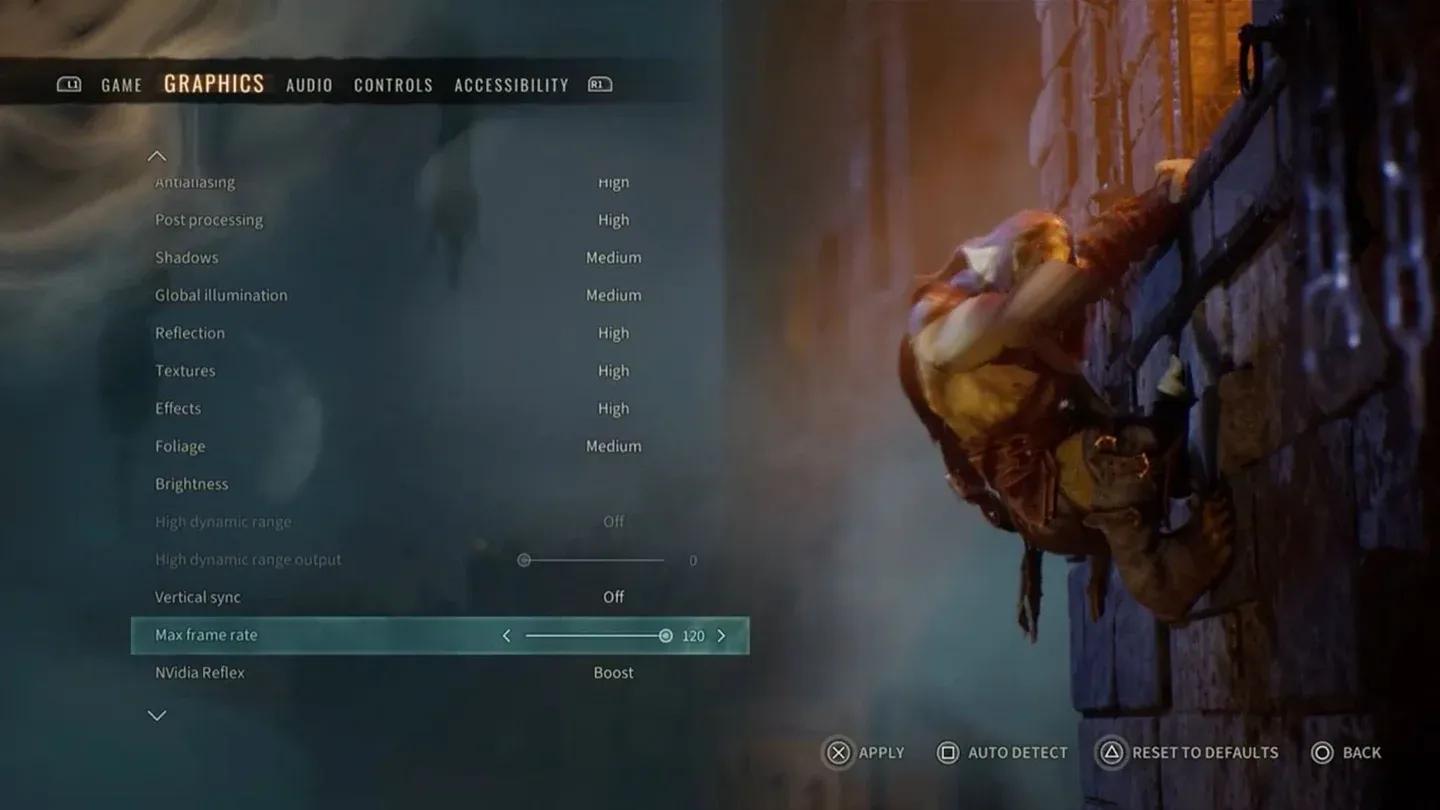
Post Processing settings menu
How to Find the Engine.ini File
Iske liye aapko kisi bhi third-party tool ki zaroorat nahi hai. Windows sab kuch natively handle karta hai.
- Styx: Blades of Greed launch karein, apne graphics settings ko apni pasand ke mutabik configure karein, save karein, aur game ko band kar dein.
- File Explorer kholein aur sabse upar address bar mein click karein.
- Is path ko seedhe paste karein: %LOCALAPPDATA%\Styx3\Saved\Config\WindowsClient
- Wahan navigate karne ke liye Enter dabayein.
- Engine.ini naam ki file dhoondein aur use Notepad se kholein.
File ke sabse neeche tak scroll karein. Existing content ke baad ek saaf blank line chhodne ke liye do baar Enter dabayein, phir aap apne custom commands paste karne ke liye taiyar hain.
What Commands Should You Add?
Aapko neeche di gayi har line paste karne ki zaroorat nahi hai. Sirf un effects ko chunein jo aapko pareshan karte hain aur woh specific commands add karein. Har block [SystemSettings] header tag ke neeche hona chahiye, jise aap apne paste kiye gaye section ke upar ek baar type karte hain.
The Full Command Reference Table
| Visual Effect | Commands to Paste | What It Does |
|---|---|---|
| Image Sharpening | r.Tonemapper.Sharpen=1.0 / r.ScreenPercentage=100 | Overall image ko sharp karta hai. 1440p par 0.7-1.0 use karein, 1080p par 1.2 tak badha dein. |
| Motion Blur | r.MotionBlurQuality=0 / r.MotionBlur.Max=0 / r.DefaultFeature.MotionBlur=0 | Camera movement ke dauran smearing effect ko poori tarah se band kar deta hai. |
| Chromatic Aberration | r.SceneColorFringeQuality=0 / r.SceneColorFringe.Max=0 | Screen edges par color separation ko hatata hai, jo dodge rolls ke dauran heavily spike karta hai. |
| Film Grain | r.FilmGrain=0 | Camera par layered artificial gritty grain filter ko strip kar deta hai. |
| Vignette | r.SceneColorFringeQuality=0 | Aapke monitor edges ke aas-paas artificial corner darkening ko disable karta hai. |
Engine.ini custom settings block
Example: Disabling Everything at Once
Agar aap ek hi baar mein sabhi offending effects ko hatana chahte hain, toh Engine.ini ke sabse neeche aapka paste kiya gaya block aisa dikhna chahiye:
- [SystemSettings]
- r.MotionBlurQuality=0
- r.MotionBlur.Max=0
- r.DefaultFeature.MotionBlur=0
- r.SceneColorFringeQuality=0
- r.SceneColorFringe.Max=0
- r.FilmGrain=0
- r.Tonemapper.Sharpen=1.0
- r.ScreenPercentage=100
Paste karne ke baad file ko save karein. Abhi Notepad band na karein.
How to Lock the File So the Game Can't Reset It
Unreal Engine 5 games manual config edits ko launch par overwrite karne ke liye badnaam hain. Agar aap yeh step skip karte hain, toh game launch karne par aapke changes shayad gayab ho jayenge.
- Engine.ini save karne ke baad, Notepad band kar dein.
- File Explorer mein Engine.ini par right-click karein.
- Properties select karein.
- Read-only naam ka box check karein.
- Apply dabayein, phir OK dabayein.
Bas ho gaya. Game ab file ko touch nahi kar sakta, aur aapke settings har session mein barkarar rahenge.
Setting Engine.ini to Read-only
What to Expect After the Fix
Naye config ke saath Styx: Blades of Greed relaunch karne ke baad, fark turant nazar aata hai. Textures focus mein aa jaati hain, dodging karne par screen par colors smear nahi hote, aur andhere kone mein chhupi hui collectibles ko dhundhna kaafi aasan ho jaata hai. Goblin environments asal mein aise lagte hain jaise unhe kisi intention se design kiya gaya ho, na ki forced post-processing ke dhundh mein chhupaya gaya ho.
Agar aap sharpening commands apply karne ke baad koi weird visual artifacts ya unexpected performance dips dekhte hain, toh bas r.Tonemapper.Sharpen aur r.ScreenPercentage lines hata dein. Sirf blur-hatane wale commands ka performance cost lagbhag zero hota hai.
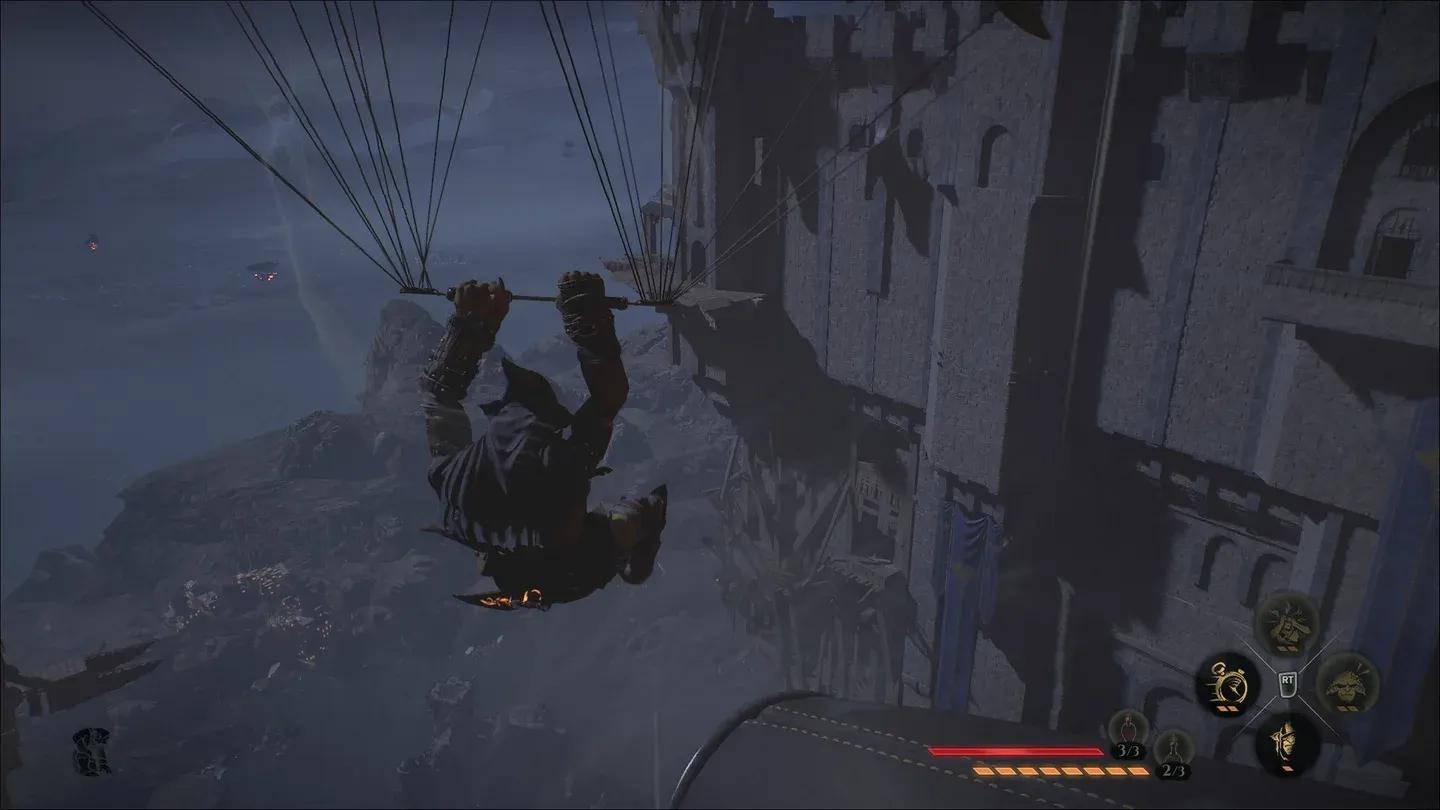
Visual clarity before and after fix
Frequently Asked Questions
Will This Get Me Banned or Flagged?
Nahi. Styx: Blades of Greed ek single-player stealth game hai jismein koi anti-cheat system config files ko monitor nahi karta. Yeh standard Unreal Engine rendering overrides hain jo PC gaming community mein widely use hote hain.
What If the Config Path Doesn't Exist?
Agar WindowsClient folder missing hai, toh game ko kam se kam ek baar launch karein taaki woh apne save aur config directories generate kar sake. Pehle session ke baad folder dikhna chahiye.
Does This Work With Future Updates?
Ho sakta hai. Agar Cyanide Studios future update mein post-processing system ko patch karta hai, toh kuch commands kaam karna band kar sakte hain ya redundant ho sakte hain. Bade patches ke baad hamesha check karein aur verify karein ki aapka Engine.ini abhi bhi Read-only par set hai.