


MECCHA CHAMELEON is a hide-and-seek party game where teams of Hiders and Seekers compete across colorful stages. Hiders paint their white chameleon bodies to blend into the environment, while Seekers try to catch anyone who looks even slightly suspicious. The game launched on Steam on June 10, 2026, and it is at its absolute best with a full group of friends who can react live to each other's terrible disguises.
Getting everyone into the same lobby takes a few extra steps compared to a standard invite-and-play system, so here is everything you need to know about rooms, player counts, crossplay, and making sessions run smoothly.
How do you play Meccha Chameleon with friends?
The fastest way to get a group together is for one person to host a room and then share the details with everyone else. There is a Steam friends invite option available through the in-game friends list, which you can open by pressing Esc during the lobby phase. That menu displays your Steam friends and lets you send direct invitations without requiring anyone to search manually.
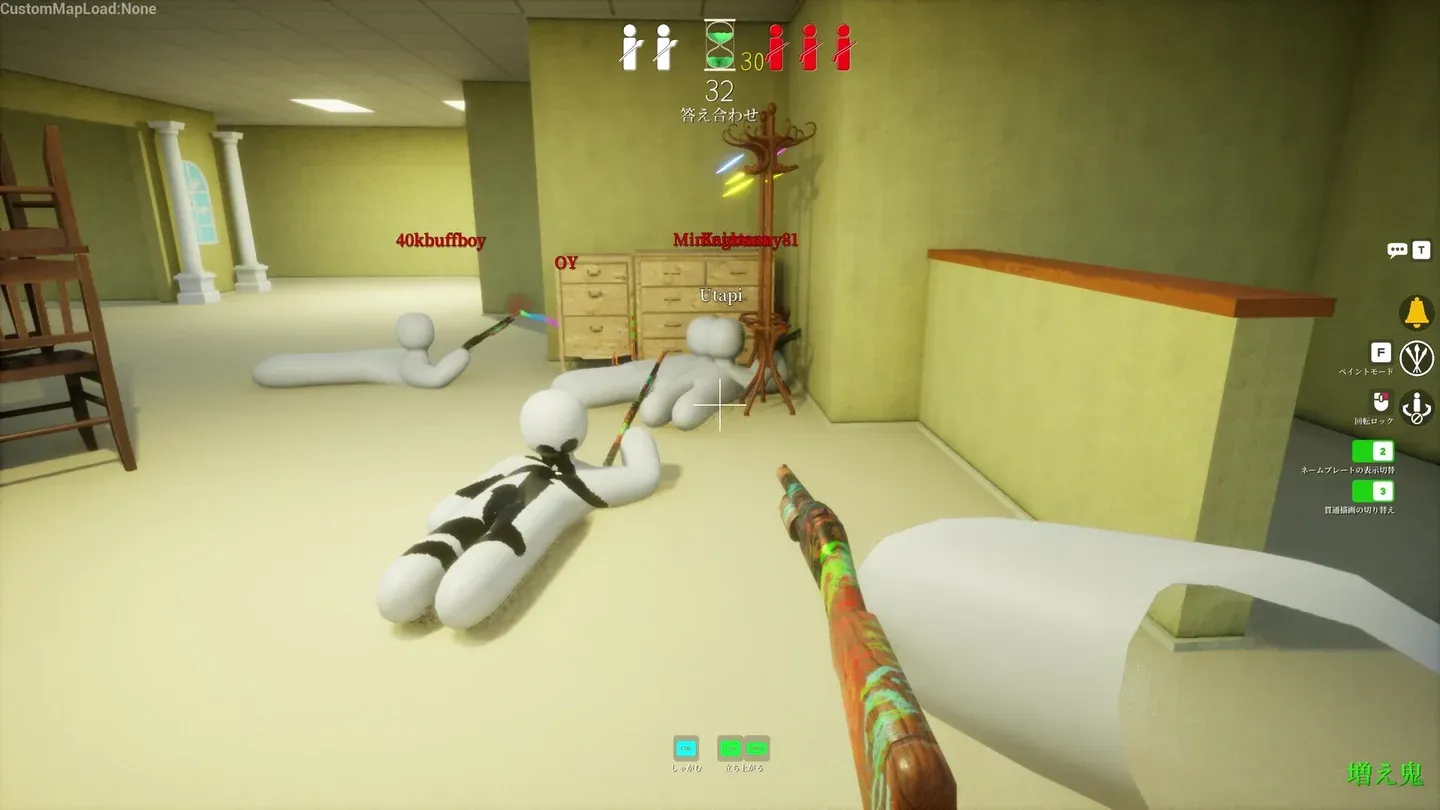
Server browser lobby list
If the direct invite does not work reliably for your group, the manual room search method is the more dependable fallback. Here is the full hosting flow:
- Launch the game and open the multiplayer menu.
- Select the option to create a new room.
- Enter a recognizable server name your friends will identify easily.
- Set a password if you want to keep the session private.
- Choose your region and make sure it matches where your friends will be searching.
- Add relevant tags to help your room stand out in the server list.
- Share the server name, password, and region with your group.
Friends who want to join should select Find Server, make sure Search Public Servers is active, and then search for the room by name. Once it appears, they enter the password and join.
How to set up a private room
A private room is the right call if you want to avoid random players joining mid-round or if your group is still learning the mechanics. The setup follows the same steps as creating any room, but the password field is what keeps it locked down.
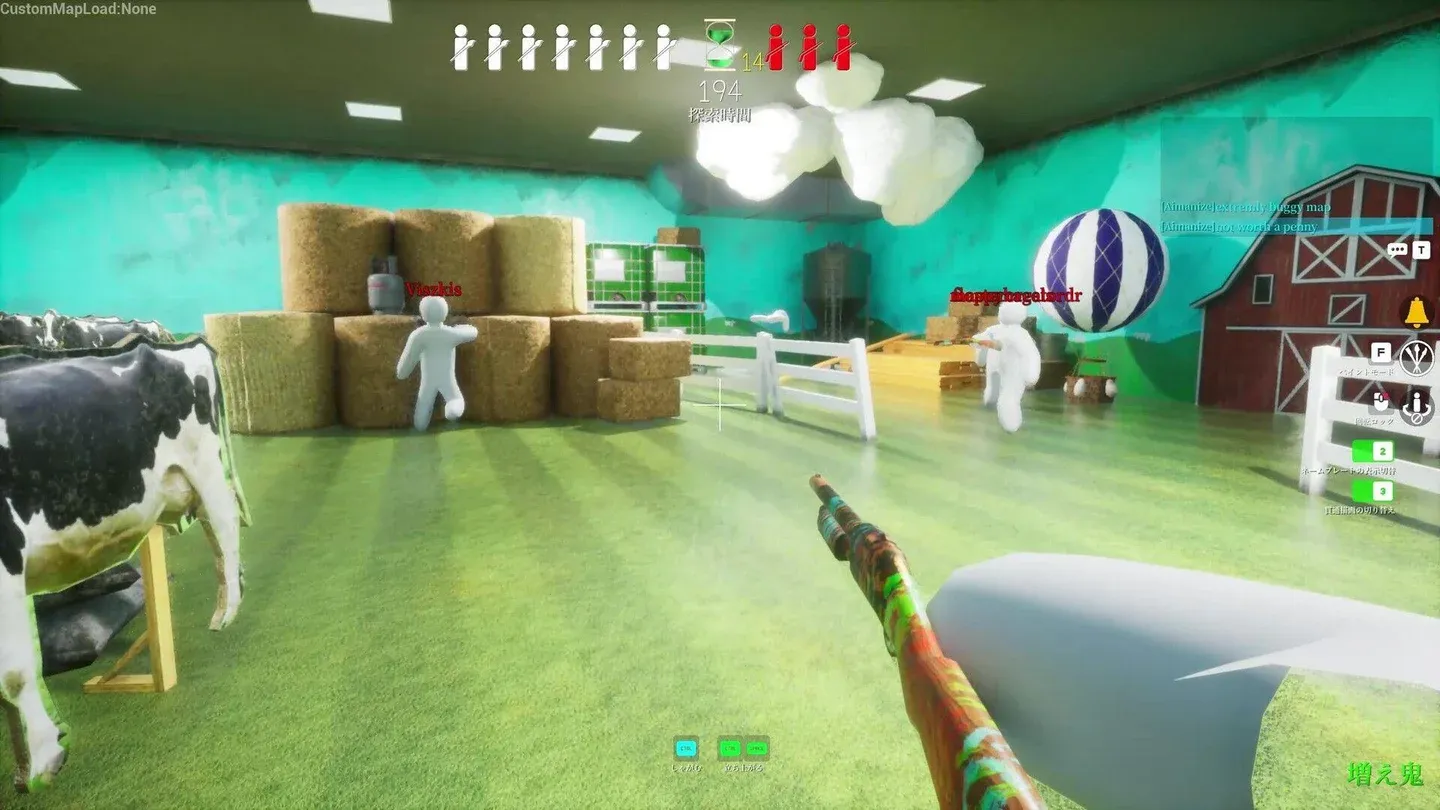
Room creation and password setup
A few things worth double-checking before you send out the details:
- Server name: Make it specific. A group nickname or a shared reference works better than anything generic.
- Password: Keep it short and easy to type. A typo in the password is the most common reason friends cannot join.
- Region: Everyone must search in the same region as the host. A mismatch here makes the room invisible to friends searching from a different region.
- Tags: These help with visibility inside the server browser and give friends an extra filter to narrow down the search.
If a friend still cannot find the room after all of that, the fix is almost always one of four things: the game needs an update, Steam needs a restart, the region is off, or the password was copied incorrectly.
For a deeper look at lobby setup and player count details, the Meccha Chameleon player count guide covers exactly how many people can join a single room and what affects that limit.
How many players can join a Meccha Chameleon room?
The game technically supports up to 24 players in a single server, but the developers recommend keeping sessions at 13 or fewer for the best experience. The Steam page lists an official recommendation of 2-10 players, which reflects the sweet spot for a hide-and-seek format where rounds stay readable and every player has a real role.
For most groups, staying in the 5-10 range gives you the best mix of competition and comedy. Larger rooms are possible but depend heavily on the host's connection quality.
Is Meccha Chameleon cross-platform?
No. Meccha Chameleon is a Steam PC exclusive right now. There are no PlayStation, Xbox, Nintendo Switch, or mobile versions, which means there is no crossplay to configure or worry about. Everyone in your group needs the Steam version to play together.
Steam Deck users running the Steam version of the game may be able to join standard PC lobbies, but that is still the same platform rather than true cross-platform multiplayer. Until a console release happens, treat this as a PC-only game.
If you want a full breakdown of what to do once everyone is in the lobby, the full MECCHA CHAMELEON guide collection covers hiding spots, pose techniques, and role-specific strategies across every map.