


Mina the Hollower keeps its save system deliberately understated, which fits the game's tone perfectly but can leave you second-guessing whether your progress is actually safe. There's no glowing save icon on your HUD, no obvious checkpoint marker, and no menu option labeled "Save Game." Here's exactly how the system works so you can stop worrying and start exploring.
How do you manually save in Mina the Hollower?
The manual save method in Mina the Hollower runs through burrow holes scattered across Tenebrous Isle. Walking over one of these specific holes triggers a brief audio cue, which is your confirmation that the game has saved.
Visually, burrow holes are hard to miss once you know what you're looking for. They appear as beige squares with a diagonal star pattern, and they have a faint glow with what looks like fire rising from the top. Step on one and you'll hear the save cue play immediately.
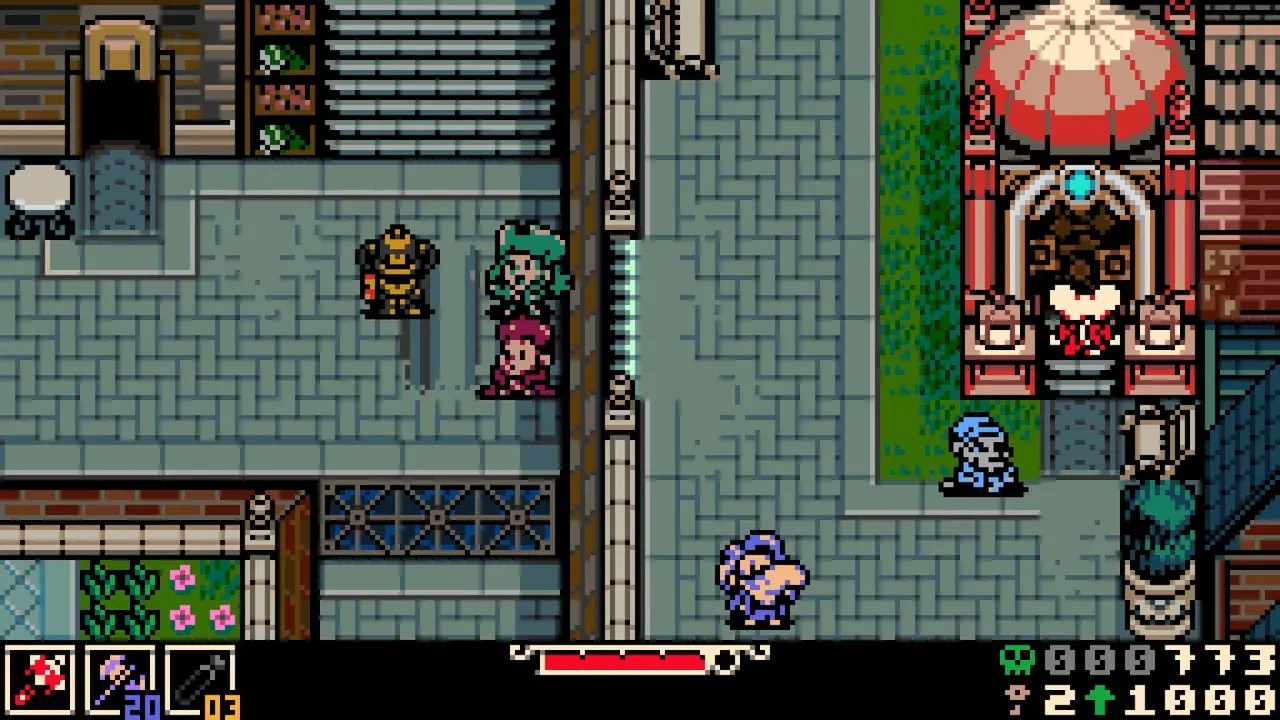
Burrow hole save point
These holes also serve as the entrance to Mina's home, her base of operations beneath the island. So every time you drop into your home base, you're also locking in your progress. Think of them as the game's version of a campfire or bonfire: functional, atmospheric, and placed at deliberate intervals throughout each area.
Does Mina the Hollower have autosave?
Yes. The game autosaves at meaningful moments, including when you advance the story and when you complete areas. You won't lose significant progress even if you haven't stepped on a burrow hole recently.
The design mirrors how games like Elden Ring handle saves: a persistent autosave that runs in the background means the game is constantly tracking your state. You're not going to load back in and find an hour of exploration erased. The manual burrow hole saves exist as a complement to this system, not a replacement for it.
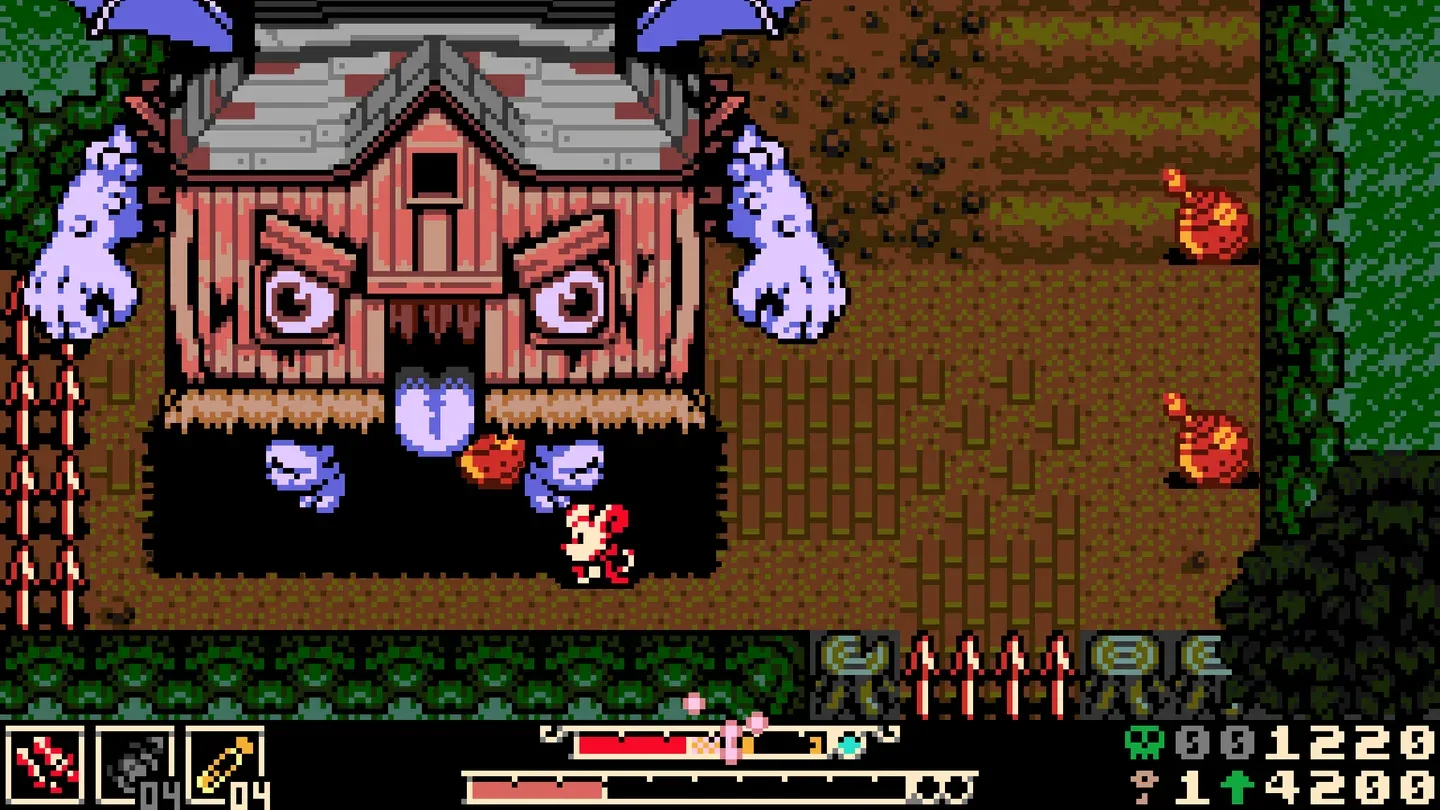
Mina's underground home base
Where to find burrow holes on Tenebrous Isle
Burrow holes appear throughout the world at regular intervals, typically placed before and after significant encounters. You'll find them near the entrances to major areas, close to boss rooms, and scattered through exploration zones. The game doesn't mark them on your HUD, so you're looking for that distinctive beige tile with the star pattern and the faint glow.
If navigation is giving you trouble, picking up the map early is worth prioritizing. Check out the guide to getting the map in Mina the Hollower to track down Rhene and unlock the Hollower's Guild so you can buy it from Drillhardt.
The save system in Mina the Hollower is intentionally minimal, which suits the game's old-school adventure feel. Once you've internalized the burrow hole audio cue and know that autosaves cover story beats, the system stops feeling mysterious and starts feeling natural. For more tips on navigating Tenebrous Isle, the Mina the Hollower beginner's guide covers weapons, bones, and survival strategies that pair well with knowing when to save. The full Mina the Hollower guide collection has everything else you need as you push deeper into the island.