
Minecraft has always rewarded players who go beyond the basics, and Note Blocks sit in a corner of the game that most people walk past without a second glance. That's a mistake. With 25 pitch settings, 17 distinct instrument sounds, and deep Redstone compatibility, Note Blocks are one of the most expressive tools in the game. This guide covers everything from the crafting recipe to full song automation.
What do you need to craft a Note Block?
The recipe is cheap enough that you can build a stack of these before your first night ends. You need exactly 2 ingredients:
- 8 Wooden Planks (any wood type works, mix and match freely)
- 1 Redstone Dust (mined from Redstone Ore found underground in caves)
Open a Crafting Table, place the Redstone Dust in the center slot, and fill every surrounding slot with wooden planks. The Note Block appears in the output slot. Drag it into your inventory.
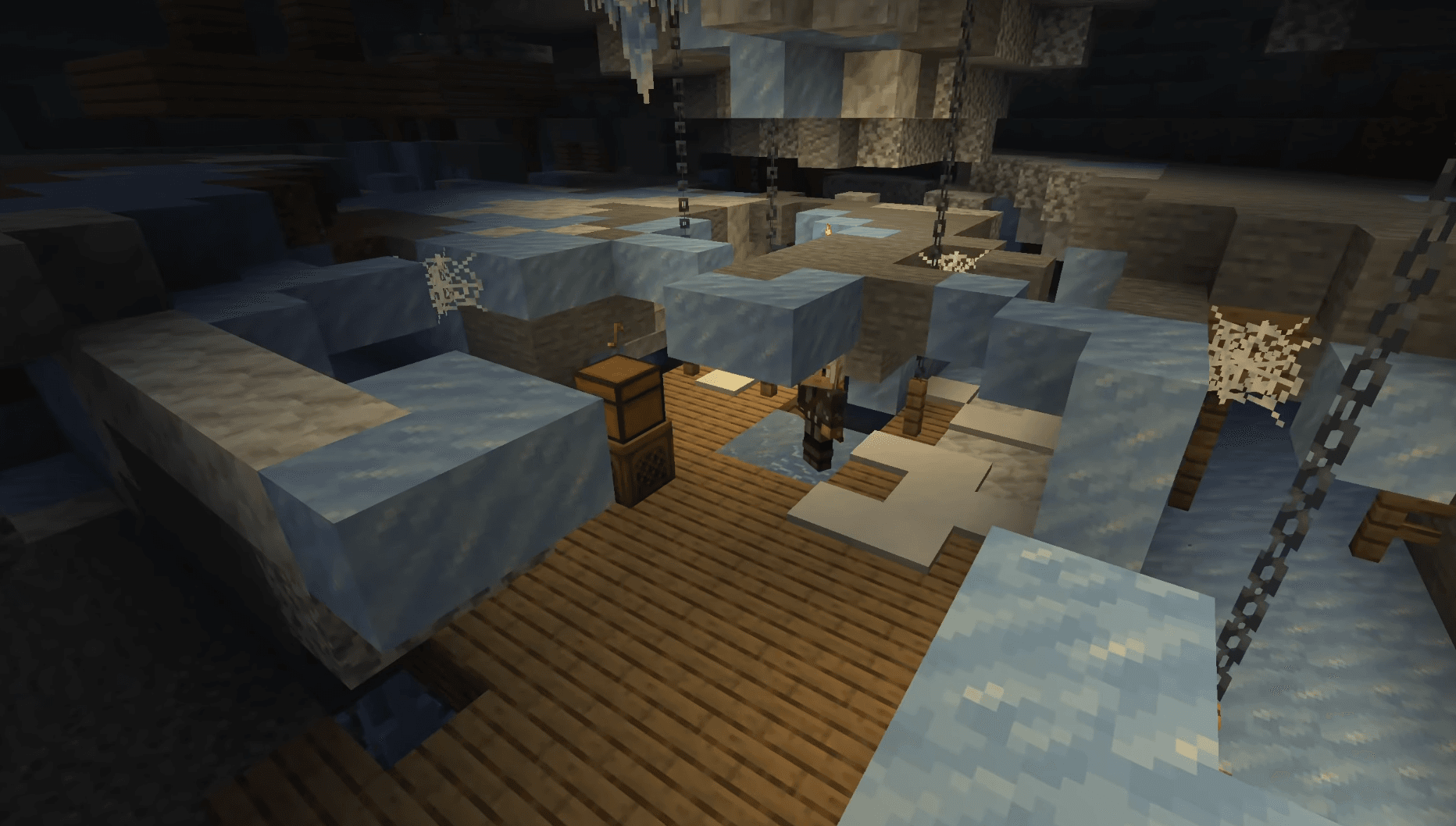
If you'd rather skip the crafting entirely, Note Blocks also spawn naturally inside Ancient Cities, specifically in the secret room hidden beneath the Ancient City Portal structure. Seed-hunting for an Ancient City is faster than it sounds if you know what biome to target.
Note Block crafting recipe


How do you tune a Note Block?
This is where most players get confused. There are two separate interactions:
- Right-click raises the pitch by one semitone and plays the new note immediately
- Left-click plays the current note without changing the pitch
Use right-click to tune, left-click to test. Each right-click cycles through 25 pitch settings across 2 full octaves. The range runs from the lowest F# to the highest F#, and after the 25th setting the next click wraps back to the bottom.
Colored musical note particles float up from the block as you tune it, giving you a visual read on where you are in the scale without needing to count clicks.
| Pitch Setting | Note | Clicks from Start |
|---|---|---|
| 1 | F# (lowest) | 0 |
| 7 | C# | 6 |
| 13 | F# (middle) | 12 |
| 19 | C# (upper) | 18 |
| 25 | F# (highest) | 24 |
What instruments can a Note Block play?
The default sound is a piano-style harp, but placing a specific block directly underneath the Note Block changes the instrument entirely. This is the mechanic that separates a basic melody from a full arrangement.
| Block Underneath | Instrument |
|---|---|
| Air or most blocks | Piano / Harp |
| Wood | Bass |
| Stone | Bass Drum |
| Sand | Snare Drum |
| Glass | Click |
| Wool | Guitar |
| Clay | Flute |
| Gold Block | Bell |
| Packed Ice | Chime |
| Bone Block | Xylophone |
| Iron Block | Vibraphone |
| Soul Sand | Cowbell |
| Pumpkin | Didgeridoo |
| Emerald Block | Bit Sound |
| Hay Bale | Banjo |
| Glowstone | Electric Piano |
| Copper Block | Trumpet |
Beyond standard instrument blocks, you can place mob heads on top of a Note Block to produce the actual sound that mob makes in-game. The mob heads that work include:
- Zombie Head
- Creeper Head
- Skeleton Skull
- Wither Skeleton Skull
- Piglin Head
- Dragon Head
This opens up some genuinely weird and creative sound design options for players building adventure maps or horror builds.
How do you automate Note Blocks with Redstone?
Manual clicking gets you a melody. Redstone gets you a song that plays itself.
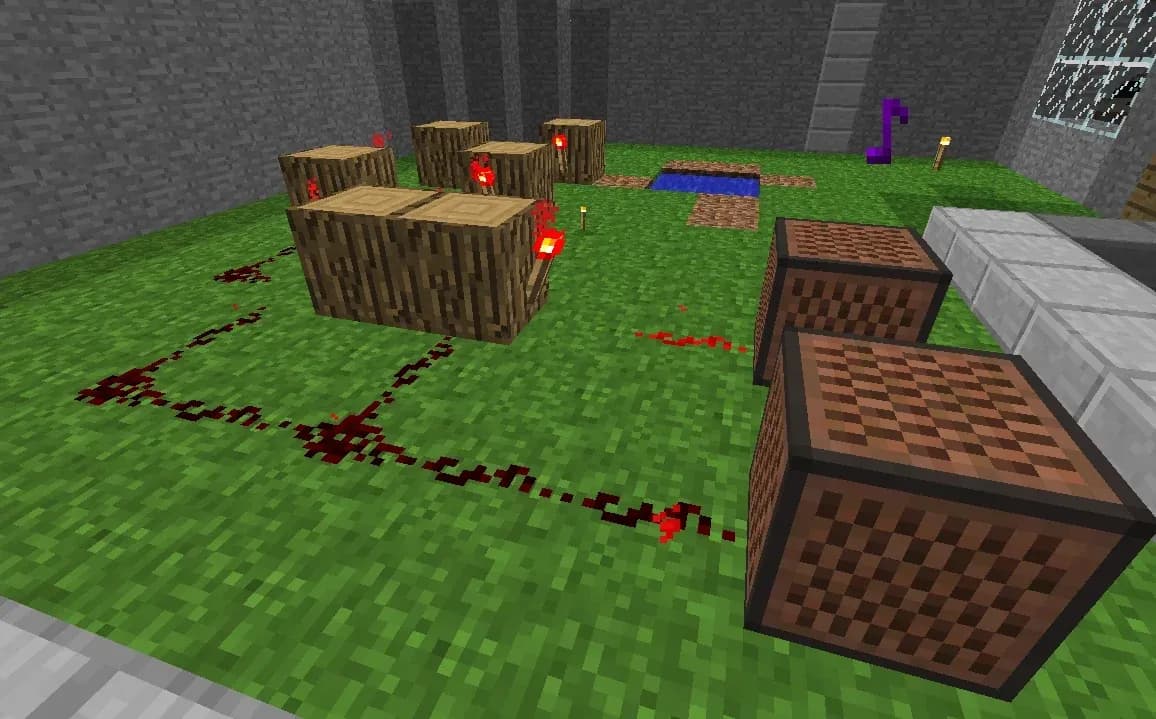
Note Blocks accept any standard Redstone signal, so buttons, levers, and pressure plates all trigger them. For sequential playback across multiple blocks, connect them with Redstone dust and use Repeaters to control timing between each note. Adjusting the delay on each Repeater sets the rhythm, turning a chain of blocks into a working sequencer.
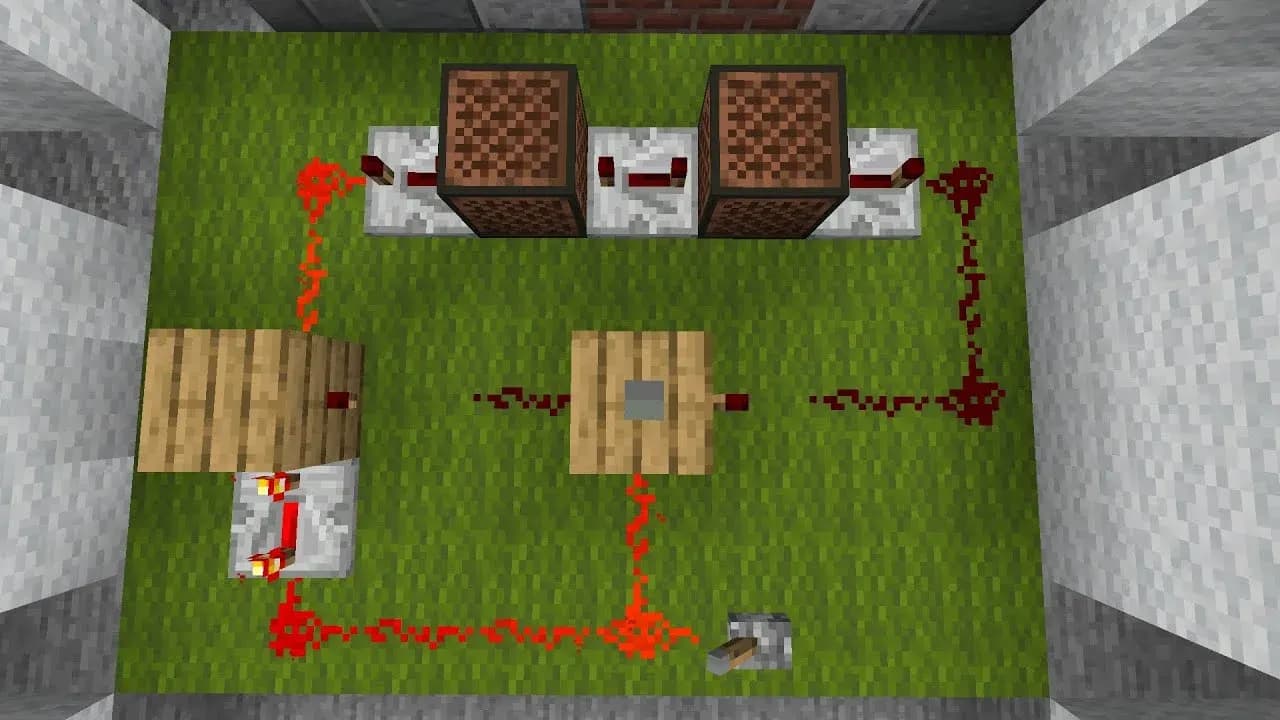
Redstone sequencer setup
The key steps for a working Note Block circuit:
- Place all Note Blocks in position
- Tune each block individually before wiring
- Connect blocks using Redstone dust
- Insert Repeaters between blocks to set note duration
- Attach a trigger (button, lever, or pressure plate) to the start of the circuit
- Test the full sequence and adjust Repeater delays as needed
For players getting into the deeper mechanics of the Chaos Cubed update, check out the Minecraft Sulfur Caves guide for new biome content that pairs well with underground build projects.
How do Allays interact with Note Blocks?
Allays have a specific behavior tied to Note Blocks that makes them genuinely useful for automation builds. When an Allay hears a Note Block playing within its hearing range, it flies toward that block and uses it as a temporary item drop-off point instead of returning items to the player.
After the Allay drops its first item at the Note Block, it continues dropping matching items at the same location for the next 30 seconds. This makes Note Block plus Allay combinations a solid foundation for automatic item-sorting farms.
The practical setup: place a Note Block near your collection point, keep an Allay nearby with the item you want sorted, and trigger the Note Block whenever you want the Allay to deposit. The 30-second window gives you enough time to manage multiple drops per trigger.
Other uses: decoration and fuel
Note Blocks have a mesh-like wooden texture that reads visually as a speaker or amplifier, making them a natural fit for studio rooms, concert stages, or any build that needs audio equipment as a set piece.
They also function as furnace fuel, though the efficiency is low. Each Note Block smelts 1.5 items, which puts it roughly on par with a single wooden plank in terms of fuel value. Burning a Note Block for fuel is rarely the right call unless you have a surplus.
For more guides covering new blocks, items, and mechanics, the full Minecraft guides collection has everything organized by topic.