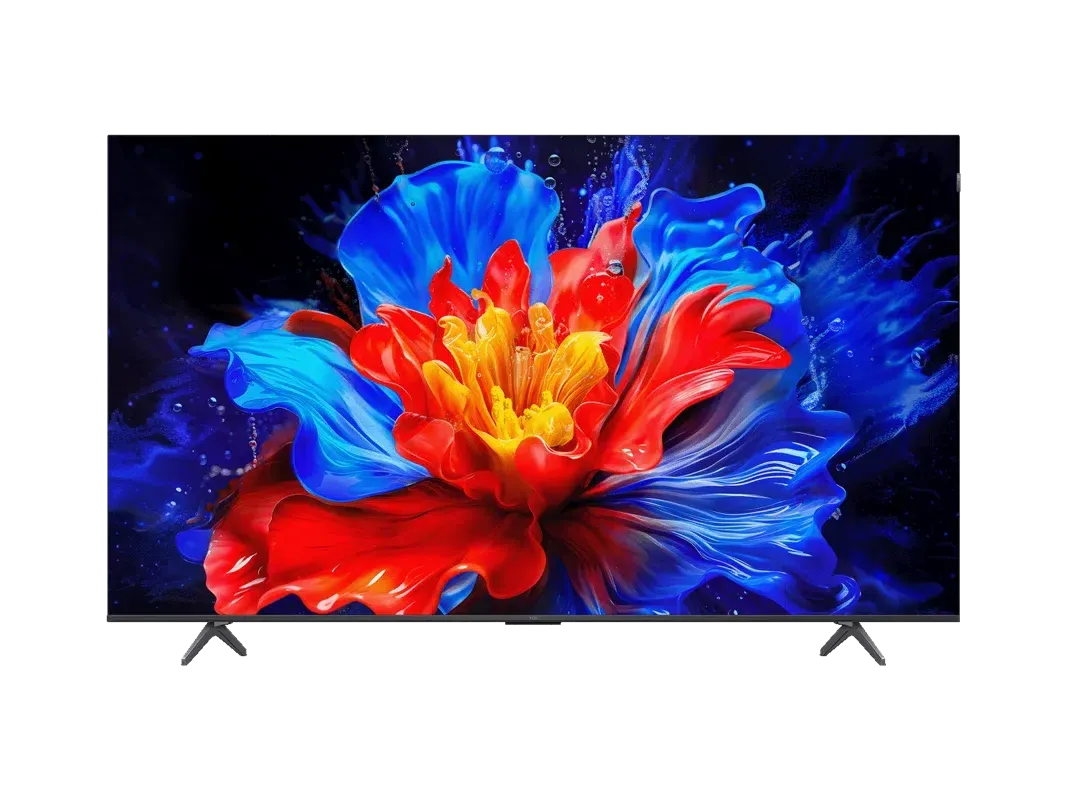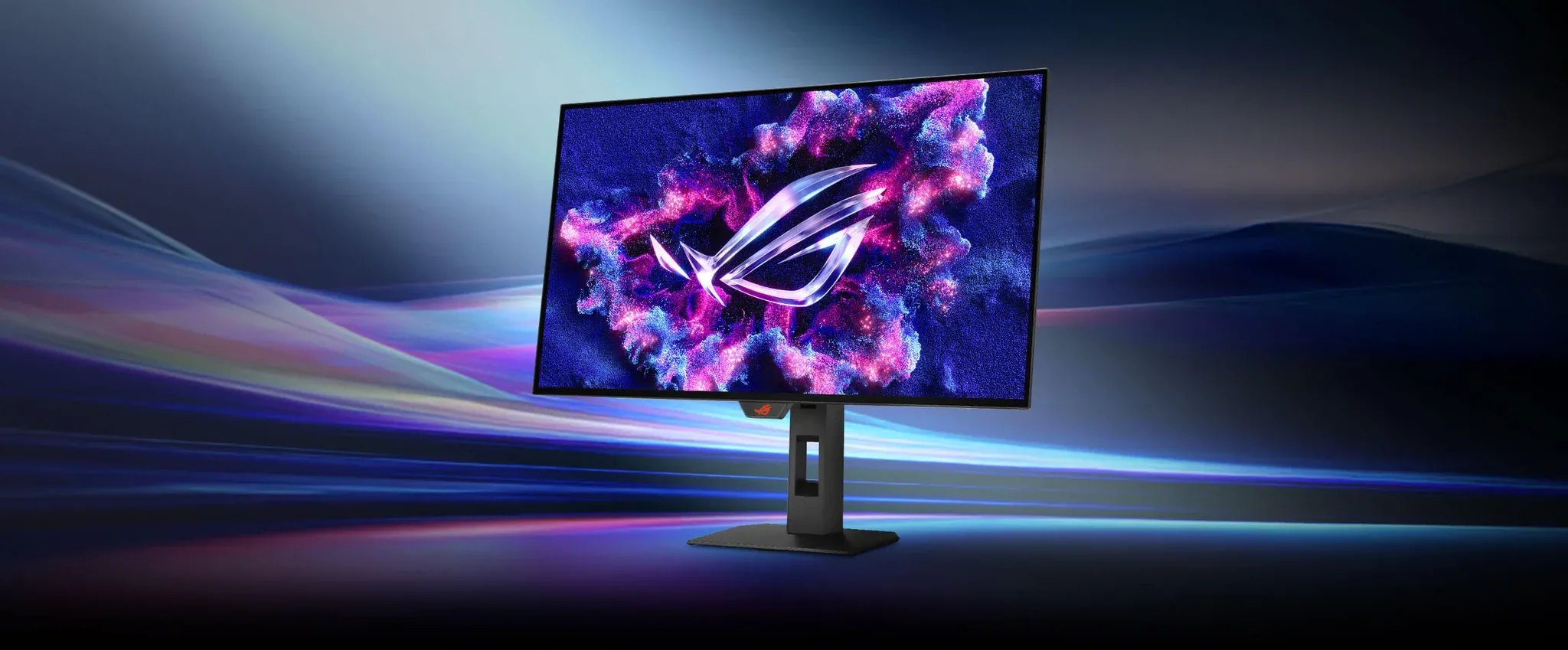


Spend enough time hunting for a high-end gaming monitor and you quickly learn that most options force a compromise. You get the resolution or the refresh rate, the picture quality or the response time, the features or the price. The Asus ROG Strix XG32UQWMS is the kind of panel that tries to sidestep that entirely, stacking a 32-inch IPS display, 4K resolution, a 160Hz refresh rate, and Mini LED backlighting into one package aimed squarely at PC gamers who want everything at once.
The question is whether it actually delivers, or whether it is another monitor that looks impressive on a spec sheet and then reveals its cracks in real use.

Use code TRYHARD33 at checkout to redeem this offer before code expires again.
Get 33% Off GAMES+ Subscription
Where the XG32UQWMS earns its price tag
The headline spec is the Mini LED backlight, and here it genuinely matters. Mini LED allows the panel to produce much higher peak brightness than a standard IPS monitor, with local dimming zones that can target specific areas of the screen independently. The result is HDR content that actually looks like HDR, with highlights that pop and dark areas that hold detail instead of washing out into gray.
At 4K and 32 inches, pixel density sits at around 138 pixels per inch. Text is sharp, fine detail in games reads clearly, and there is no sense that you are sitting too close to the panel. For anyone moving from a 27-inch 1440p monitor, the step up in screen real estate is immediately noticeable without the image feeling soft.
The 160Hz refresh rate is the real differentiator from a pure gaming standpoint. Paired with a mid-to-high tier GPU, 4K at 160Hz is achievable in lighter titles and competitive games, and the monitor supports both FreeSync Premium Pro and G-Sync compatibility to keep things smooth when frame rates fluctuate. Response time on IPS panels at this tier is competitive, with ghosting kept in check at the higher refresh rate settings.
The features that make it more than just a display
The XG32UQWMS carries the full ROG Strix feature set. The built-in KVM switch is genuinely useful for anyone running a dual-PC or PC-plus-console setup, letting you swap keyboard and mouse input between two sources without reaching for a separate switch. The USB hub adds practical value to what is otherwise a desk-heavy setup.
Asus has included its ROG GameVisual picture modes, which offer preset tuning for different game genres. The Racing and FPS modes adjust contrast and color saturation in ways that can give a competitive edge in specific titles, though the default sRGB mode holds up well for general use and content creation.
The stand is fully adjustable, covering height, tilt, swivel, and pivot. For a monitor at this size and weight, that level of ergonomic flexibility matters. Getting the panel to eye level without a separate arm is a small thing that adds up over a long session.
What most players miss about Mini LED at this tier
Here is the thing with Mini LED on IPS: the local dimming is better than traditional full-array local dimming, but it still trails OLED for absolute black levels. In a dark room, you will see some blooming around bright objects against dark backgrounds, particularly in cinematic cutscenes or space environments in games. The XG32UQWMS handles this better than entry-level Mini LED panels, but it is worth knowing the limitation before comparing it to OLED alternatives.
The trade-off is brightness. OLED panels at this size top out significantly lower in peak nits. For gaming in a bright room or watching HDR content with strong highlights, the Mini LED advantage is real and visible.
Who this monitor actually makes sense for
The XG32UQWMS is built for the gamer who has a capable GPU and wants a single display that handles competitive play, single-player games, and content creation without switching monitors. The 4K resolution at 32 inches hits a sweet spot for desk distances in the 60 to 80 centimeter range, the 160Hz ceiling is high enough to stay relevant as GPU performance continues to improve, and the Mini LED HDR implementation is the best reason to pick this over a cheaper IPS panel.
If raw motion clarity and perfect blacks are the priority, an OLED panel is still the stronger choice. But for longevity, brightness, and zero burn-in concern, the XG32UQWMS makes a compelling case.
For players who want to squeeze the most out of their hardware on a setup like this, checking out performance-focused gaming guides is a smart next step before locking in display and graphics settings. Those running an ROG handheld alongside a desktop setup can also reference tested settings like the Invincible VS settings guide for ROG Ally to make sure every screen in the setup is running optimally. And if you want a broader look at how this panel stacks up against the competition, the latest reviews cover the current field in detail.